

Civilization V — Mac download
Ticked

Russian language added, now labelled multilingual
Two things changed in this build. Russian language support is now included. The build is labelled as multilingual without Russian — a minor oddity in the packaging.
Settler and warrior on an unexplored hex grid
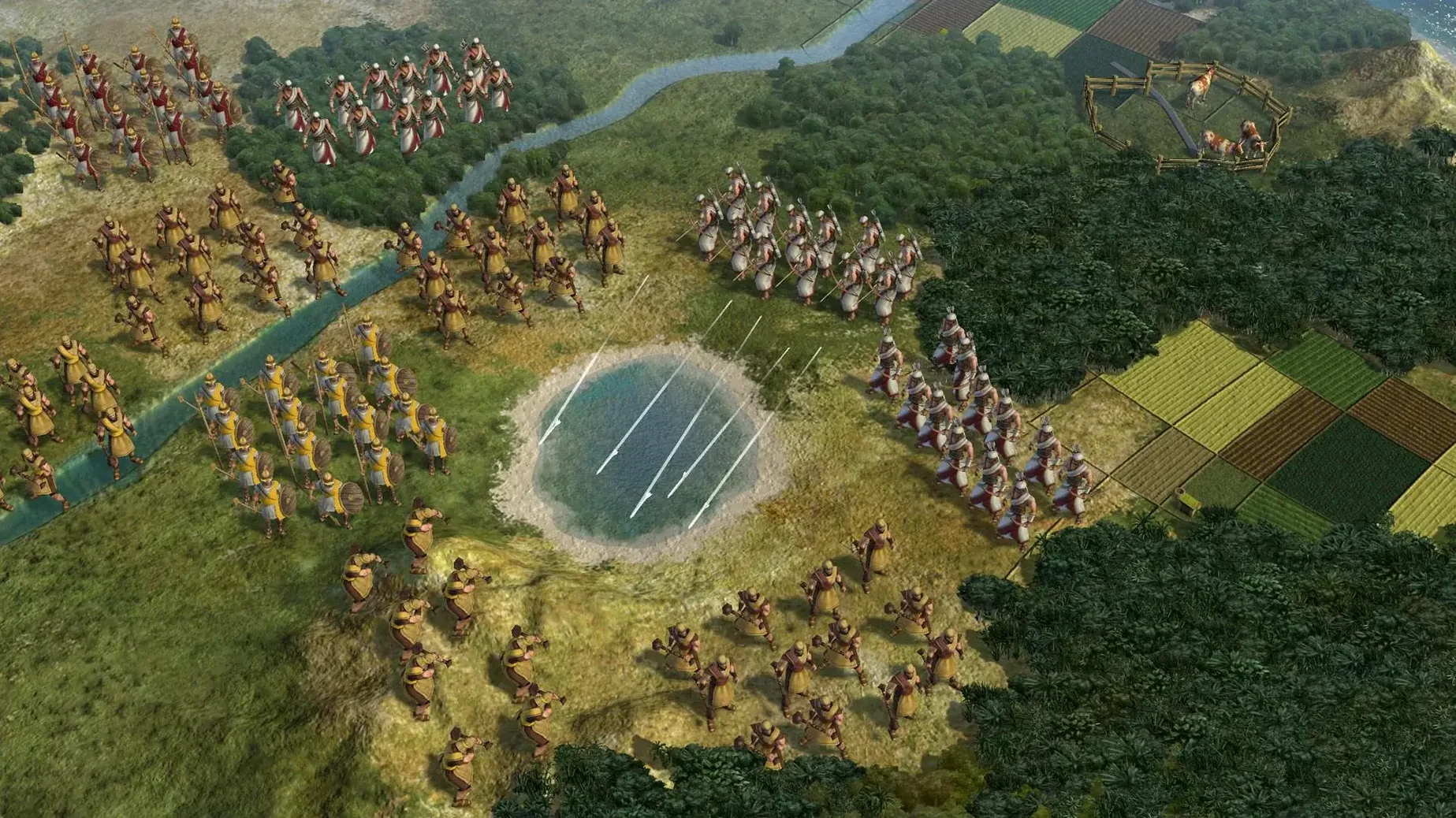
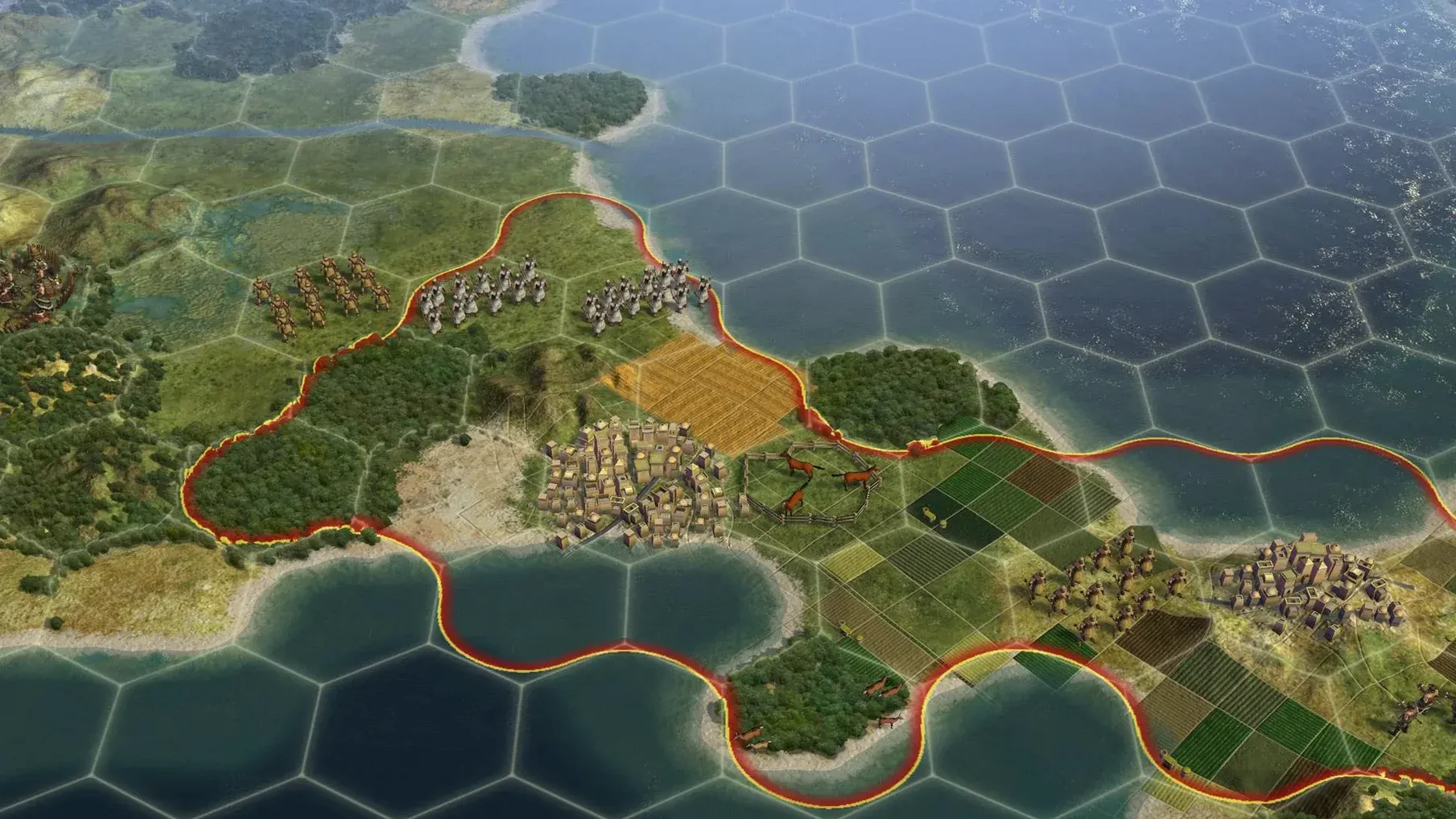
You start with a settler and a warrior on an unexplored hex grid. Most of your time goes into a tight loop: scout the map, pick a city location, assign production, and wait turns for a unit or building to finish. Turns tick by in years — fast at first, then slower as the eras advance from ancient to near-future.
Cities are your engine. Each one works tiles up to three hexes away, pulling in food, production, gold, science and culture. You choose what to build next: a granary, a library, a spearman, a worker. When a city grows, you lock down new tiles. When an enemy approaches, the city fires on them at range — one of the quiet satisfactions of defence.
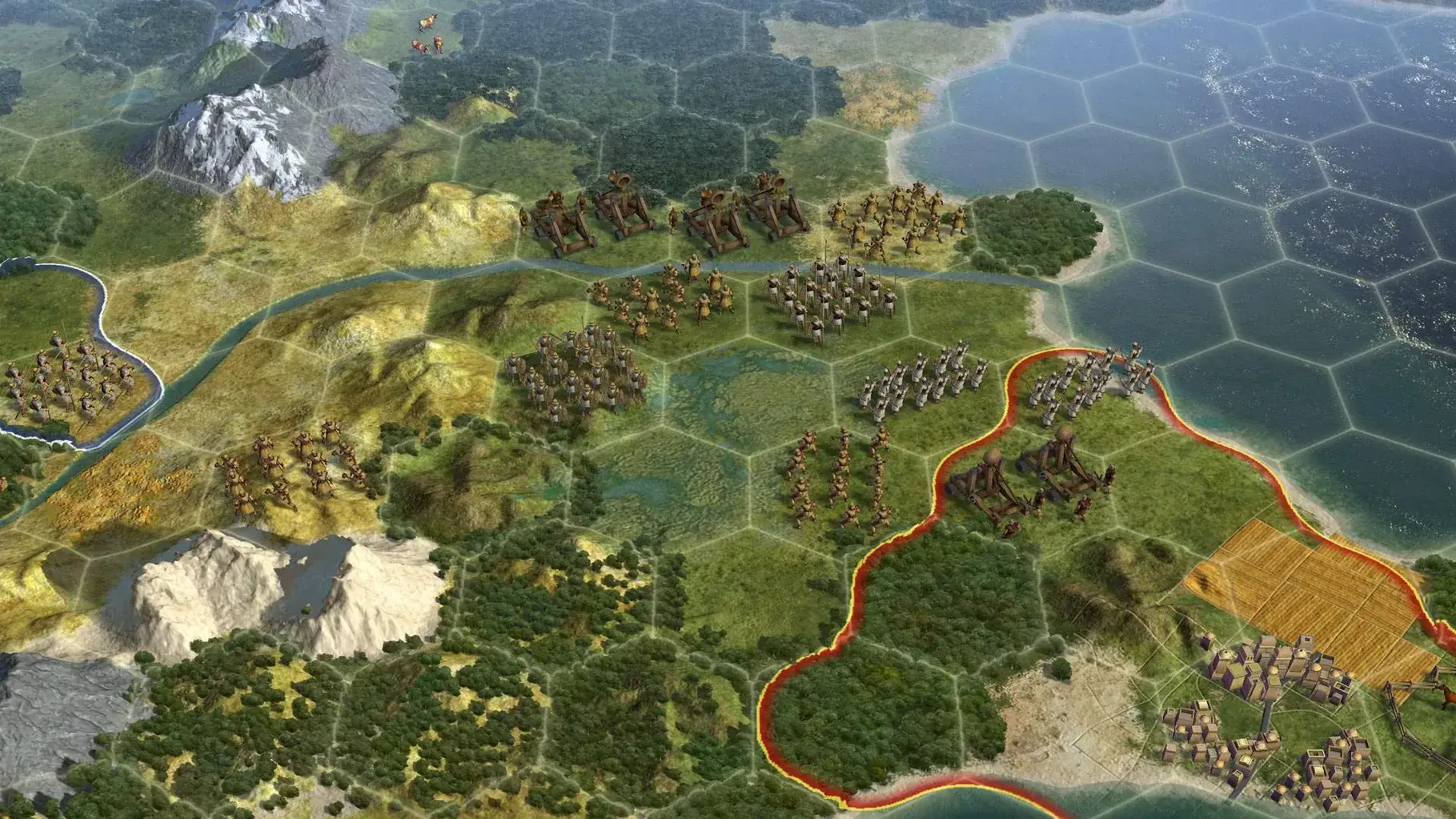
Combat units move one tile per turn. One military unit, one non-combat unit, one ship, and later up to ten air units can stack in a single city. Captured cities give you four choices: annex them outright, turn them into a puppet state that pays taxes and hands over territory and resources without adding to your policy cost, raze them (though original capitals and holy cities are immune), or liberate them. Liberating a dead civilization brings it back with its old tech level, which can shift the late game.
| Quick facts | |
|---|---|
| Developer | Firaxis Games, Aspyr (Mac) |
| Version | 1.4.2 |
| Play | Single-player, multiplayer |
| Architecture | 64-bit, Intel |
Shortcuts you'll wish you'd known earlier
Right-click a unit portrait on the left edge to jump the camera straight to it. Saves you dragging the map across oceans every turn.
Press F10 to switch to the strategic view. Hexes turn into flat tiles, units become simple icons. The map runs faster on older Intel Macs and you spot resource placements quicker.
Hold Shift while clicking a tile to queue a multi-turn move path. The unit follows waypoints instead of stopping each turn to ask you again.
City screens have a small "focus" dropdown hidden in the top right corner. Set it to Production focus and the governor automatically assigns new citizens to hammer tiles. Switch it back to Default when you need food for growth. Most people miss this for the first two eras.
Right-click, Get Info, tick Open in Low Resolution
Game won't launch on a newer Mac running Sonoma. The Aspyr port is 64-bit Intel only. Right-click the app, choose Get Info, and tick Open in Low Resolution. Sometimes the initial window scaling trips the launcher.
Multiplayer desync between Mac and Windows hosts. Stick to LAN or Hot Seat when mixing platforms. Internet games between the Aspyr port and the Windows build can drift out of sync after the Renaissance era.
Puppet cities building the wrong thing. You can't control their production queue directly. The workaround: send a trade route for production, station a worker nearby to chop forests inside their borders, or settle a general's citadel to steal the tile you actually wanted them to work.
City won't raze. Check if it was an original capital, a city-state, or a holy city. None of those can be burned. If the city was yours earlier and you recaptured it, razing is also blocked — annex it instead or trade it to a weak neighbour.
Swipe between full‑screen game and a browser tab
Mission Control handles the full‑screen mode cleanly. Swipe left to a browser with a civ 5 torrent or civilization v mac free download page, swipe right back to the game — no flicker on the Intel build.
If you grab a Civilization VI Mac torrent or a Civilization Mac torrent for another title, keep a separate Steam library folder for each. Civ V and Civ VI save‑game folders sit in different ~/Documents/Aspyr/ paths, so they don't clash.
Automator can watch the Saves folder. Set up a folder action to copy the last three autosaves into a dated archive on an external drive. Useful before you commit to a liberation war you might regret.
Dictation (press the Fn key twice) works inside the diplomacy screens for typing trade‑deal notes into the chat box. Not life‑changing, but quicker than hunting for the bracket keys when you want to signal a joint war to an AI ally.
- Russian language included
- Build labelled as multilingual without Russian
- macOS Sonoma
- Intel processor, 64-bit
- Tested on MacBook Air (M1, 2020)
Questions the team asks
No. Original capitals and holy cities cannot be razed. They must be annexed, puppeted, or liberated.
Puppet cities grant access to their territory and resources. They pay taxes to your capital without increasing the culture cost of adopting new policies.
A city can hold one combat unit, one non-combat unit, one ship, and up to ten air units at the same time.









Comments 0
Sign in or create an account to add a comment.
No comments yet. They go up after moderation.