

Stellaris — Mac download
Download (21 GB) Earlier builds
Ticked
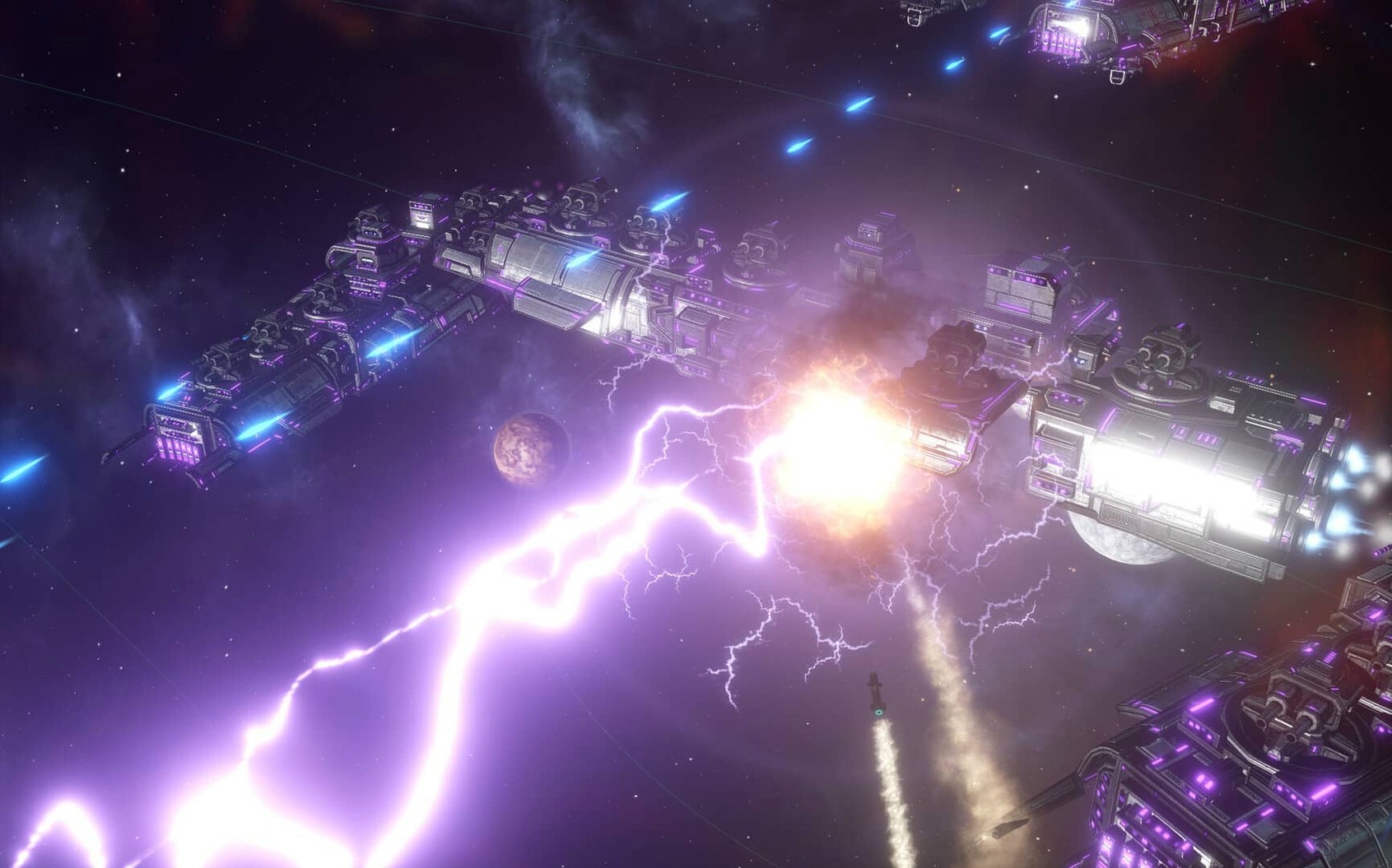
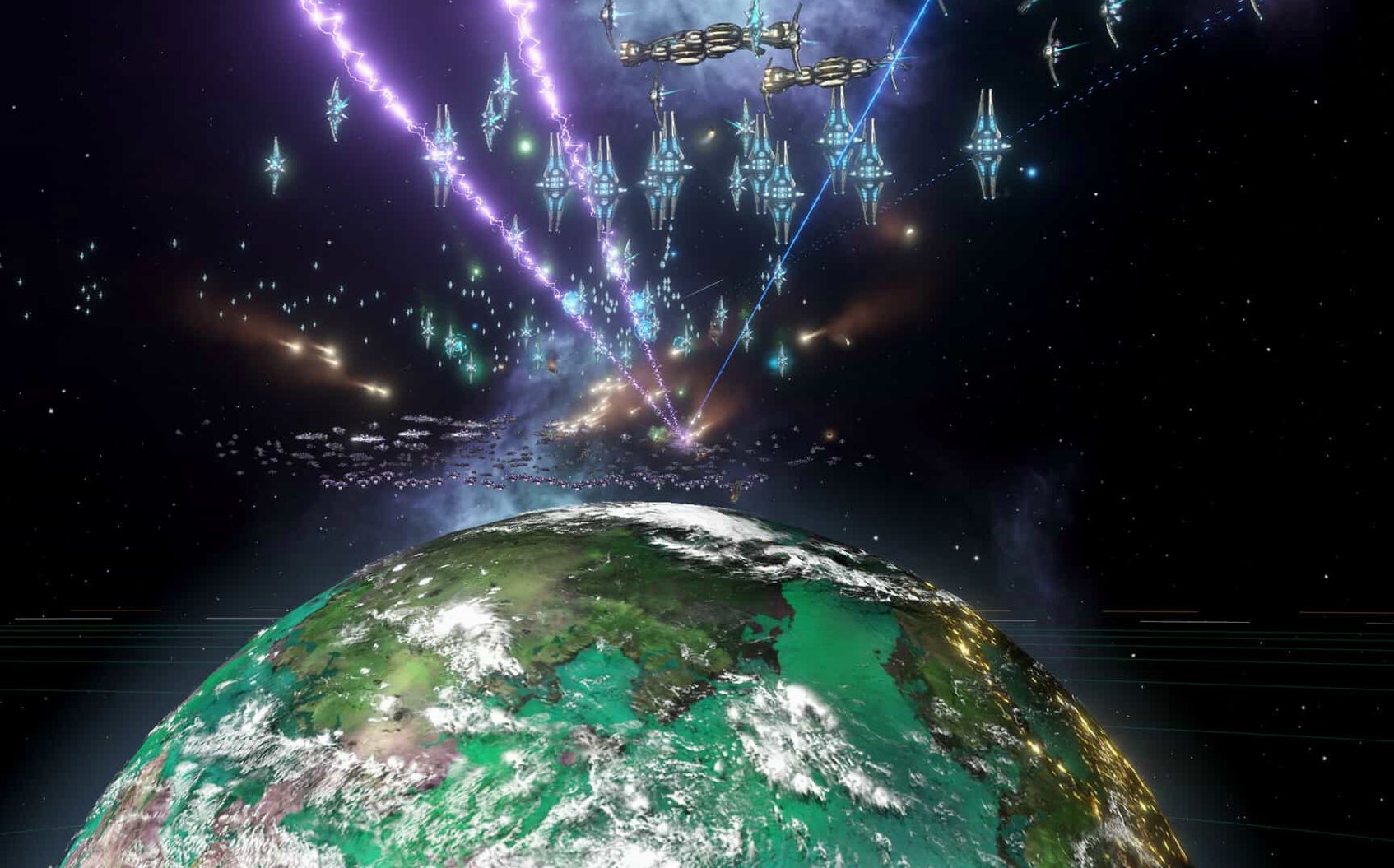
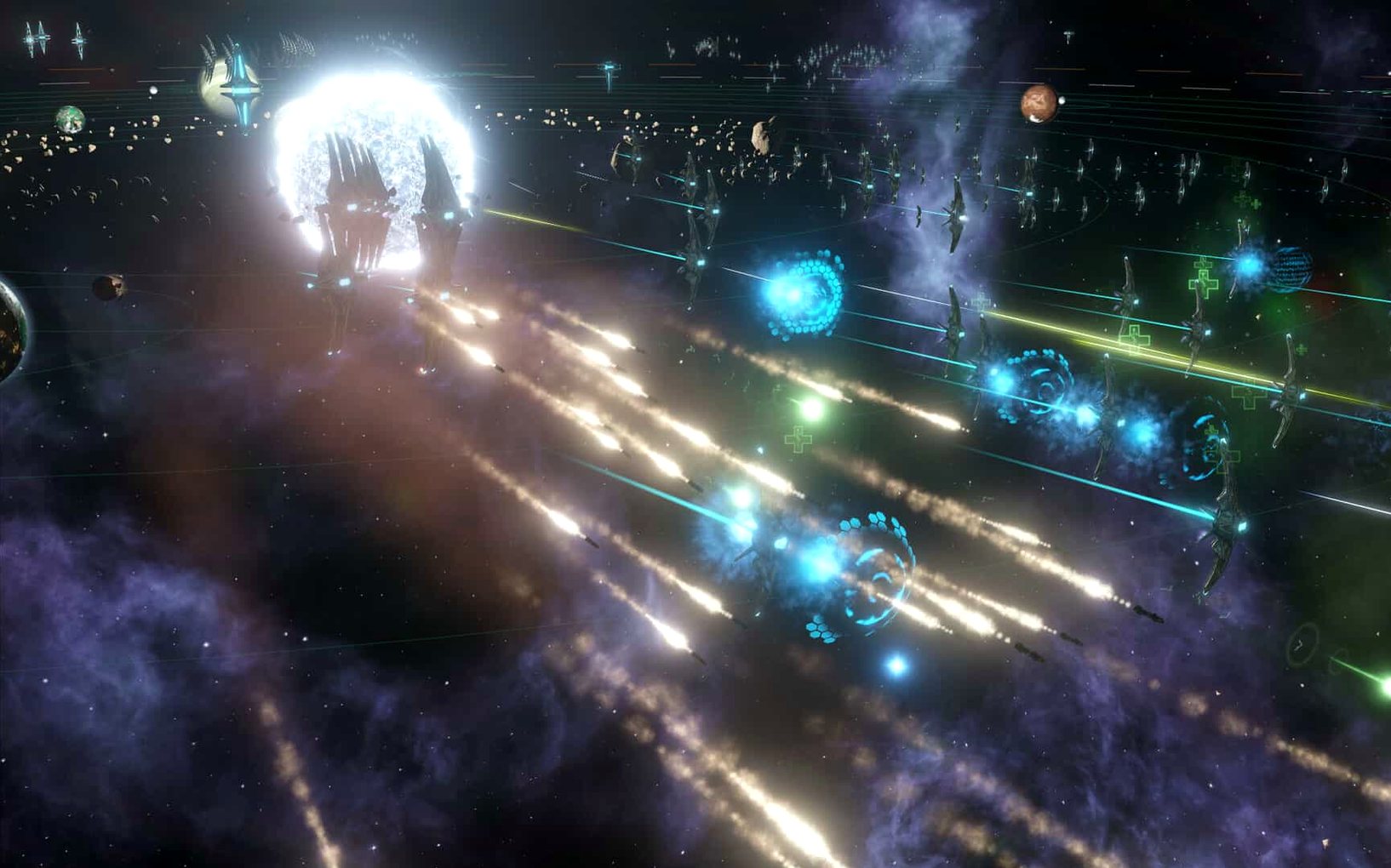
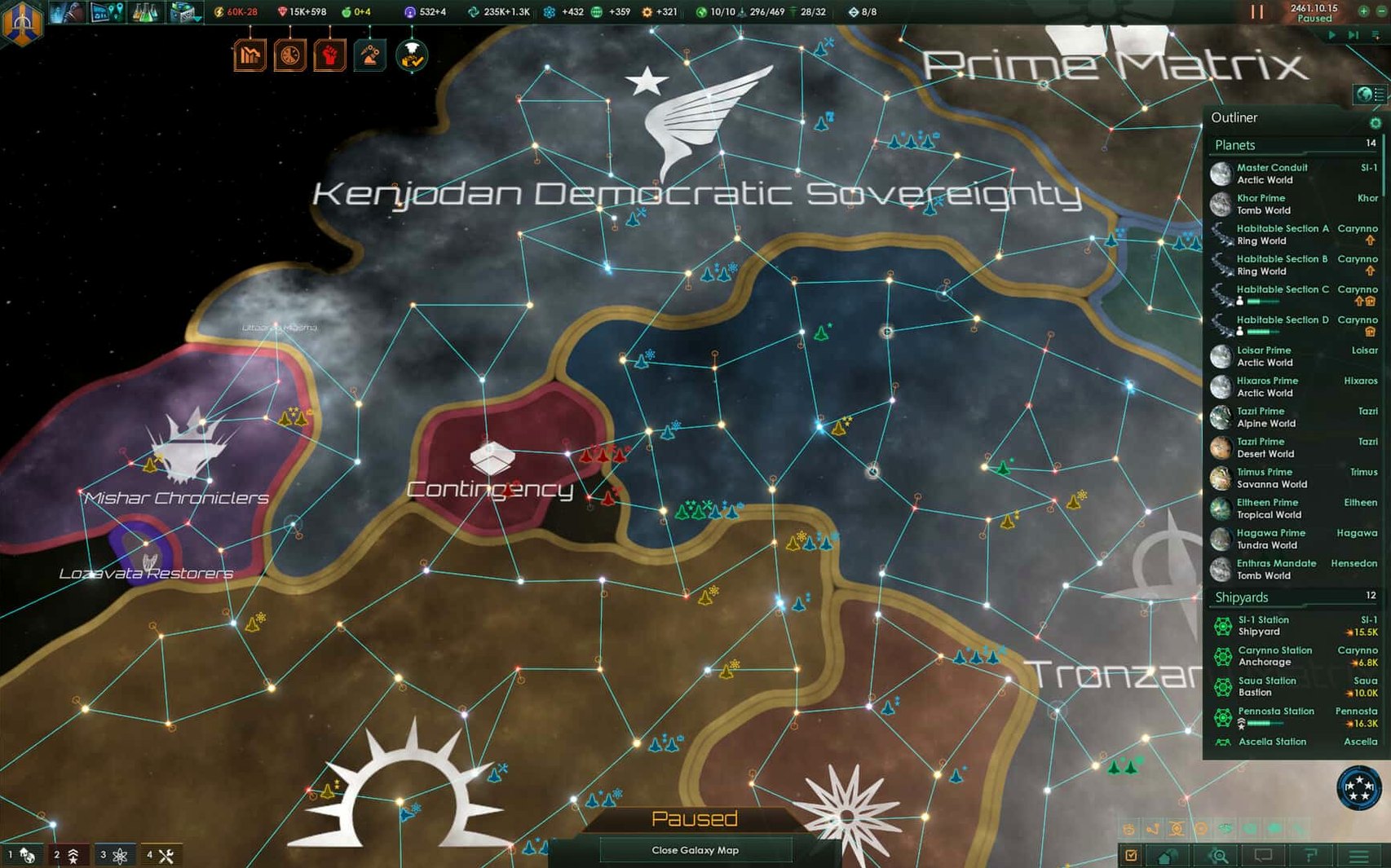
The Synaptic Lathe ownership fix is in, so that's one less thing to break a long campaign. Stellaris asks for patience first. The clock in the upper corner matters more than your reflexes. You explore each planet, research technologies, and decide whether to fight or talk to the aliens you meet. Colonies grow into bases and industrial hubs, while budgets and diplomatic relations need constant attention.
| Detail | Info |
|---|---|
| Developer | Paradox Development Studio |
| Version | 4.5.1 |
| Release date | 2016-05-09 |
| Interface languages | English, Russian, German, Spanish, Simplified Chinese, Polish, Portuguese, French |
This game suits players who enjoy long planning loops and spreadsheet-adjacent management. Not for those who want quick matches or constant action. The satisfaction comes from watching a plan come together over dozens of hours, not from a single battle.
Galaxy size tweaks in settings.txt
Before you start a new campaign, open the game and let the main menu load. Close it. Now find settings.txt inside Documents/Paradox Interactive/Stellaris. A few lines make a real difference to everyday play.
- Galaxy size. Default is fine for learning, but medium or large galaxies suit the 4X loop better. More space means more planets to explore and more alien races to meet before borders collide.
- Hyperlane density. Drop it to 0.75x. Fewer lanes create natural choke points. Defensive stations become useful, and wars feel less like a game of whack-a-mole.
- Empire placement. Switch from random to clusters. Neighbours appear closer, so early diplomacy and first-contact events fire sooner. It compresses the slow opening without breaking the pacing.
- Autosave interval. Set it to quarterly instead of half-yearly. The hotfix in version 4.5.1 patched several crash cases — galaxy generation, alliance formation, federation law votes — but a tighter autosave still protects you from the ones nobody has found yet.
Fleet automation stops overriding you
Version 4.5.1 is a hotfix, so the changes are surgical. But they touch systems you hit every session.
Fleet automation got smarter. The patch notes say it now follows selected actions and options. In practice, automated fleets stop doing things you never asked for. The old Harvesting Agreements Automation sub-menu setting is gone entirely. One less checkbox to second-guess.
Auto-disengagement after 15 days of combat inactivity is also disabled. Before, a fleet guarding a choke point could drift away because nothing had shot at it for a quarter of a month. Now it stays put. That one change saves more defensive lines than any tech upgrade.
The Synaptic Lathe ownership bug is fixed. If you ran into it, you know: a critical structure would suddenly belong to nobody, or to the wrong empire, mid-campaign. Multiplayer sessions also gained stability — custom AI empires no longer trigger out-of-sync errors. Less time reloading, more time managing budgets.
Don't play it like a real-time strategy game
New players tend to treat Stellaris like a real-time strategy game. It is not. The clock in the upper corner does not mean you need to be busy every second.
- Over-colonising early. Every planet looks like a prize, but settlements grow harder to manage as population rises. Internal conflicts spike. A small, stable core of three or four planets with solid industrial facilities outperforms a sprawled mess of unhappy colonies.
- Ignoring autonomous regions. The game lets you hand sectors to AI governors. Beginners often micro-manage everything until the mid-game collapses under its own weight. Use the autonomy tools before you need them.
- Skipping diplomacy. Fighting every alien race you meet burns resources. Budget allocation suffers. A single defensive pact can buy decades of quiet research time while your neighbours fight each other instead of you.
- Pausing too little. The game runs in real time, but the spacebar is free. Pause when a colony finishes, when a tech completes, when a first-contact event fires. Queue actions, then unpause. It is a planning loop, not a click-speed test.
- Intel 64-bit Mac
Questions the team asks
Yes, Stellaris requires a 64-bit processor and supports Intel Macs.
The interface supports Russian, English, German, Spanish, Simplified Chinese, Polish, Portuguese, and French.









Comments 0
Sign in or create an account to add a comment.
No comments yet. They go up after moderation.