

Voices of the Void — Mac download
Download (2.9 GB) Earlier builds
Ticked
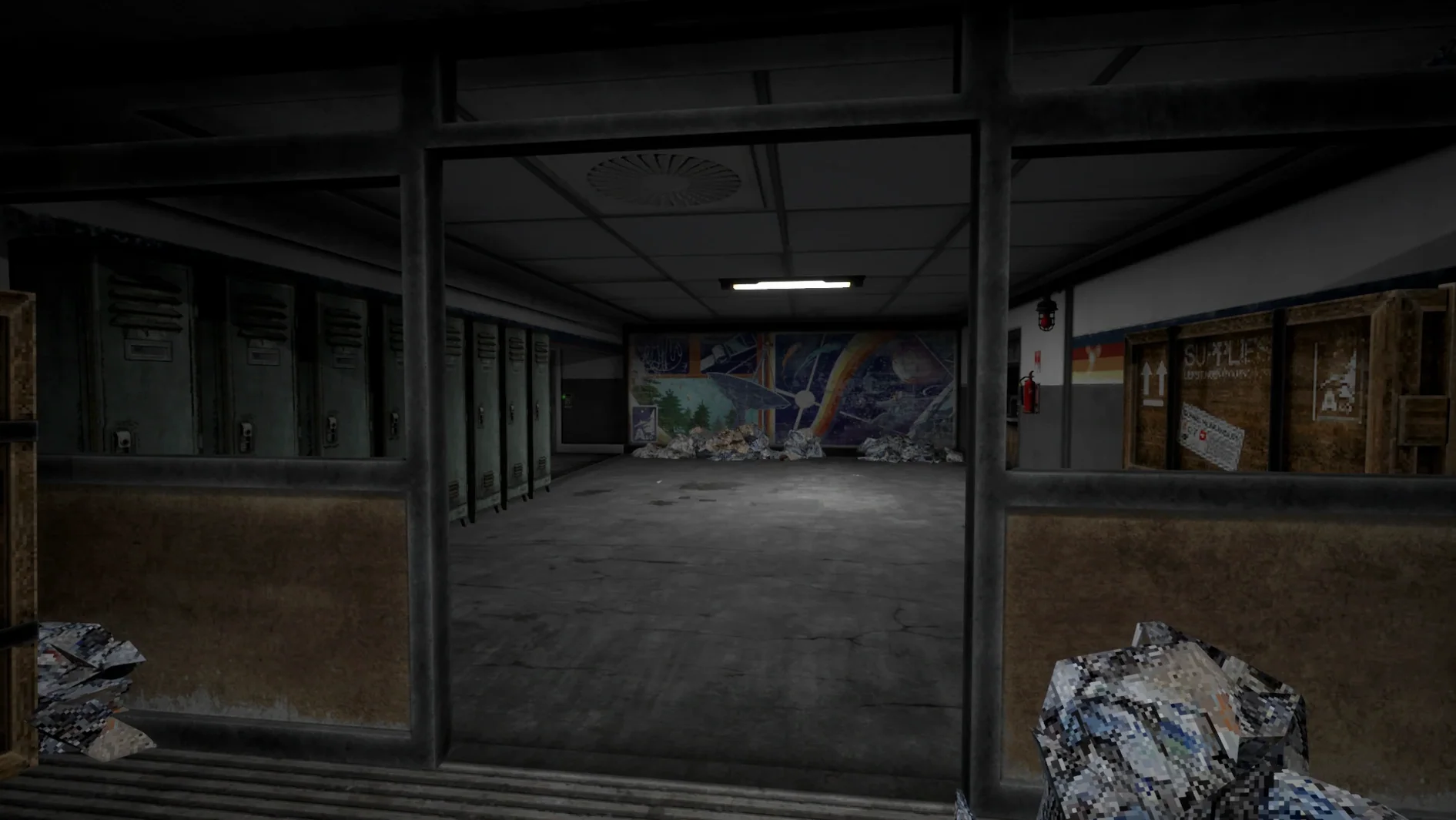
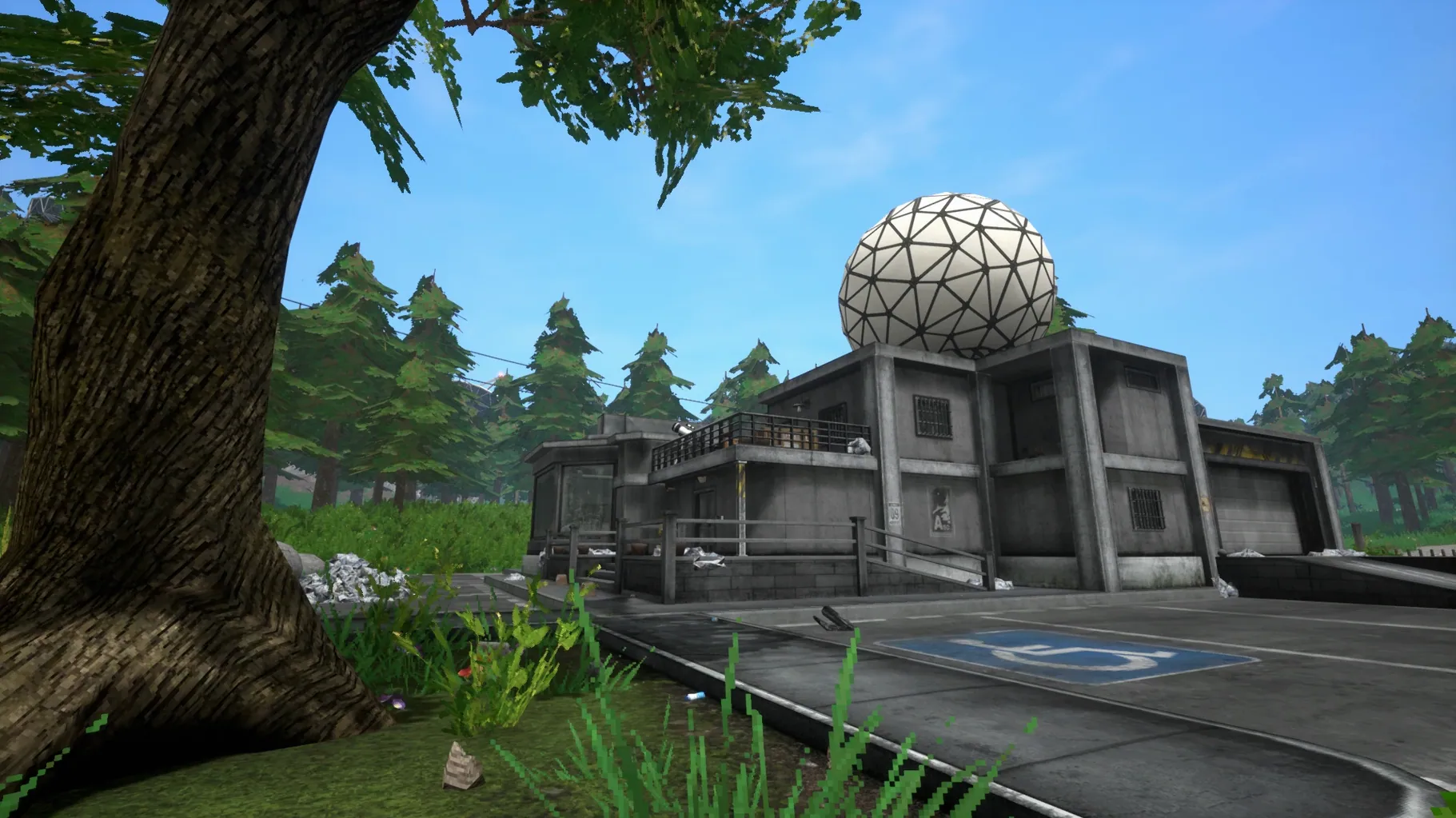
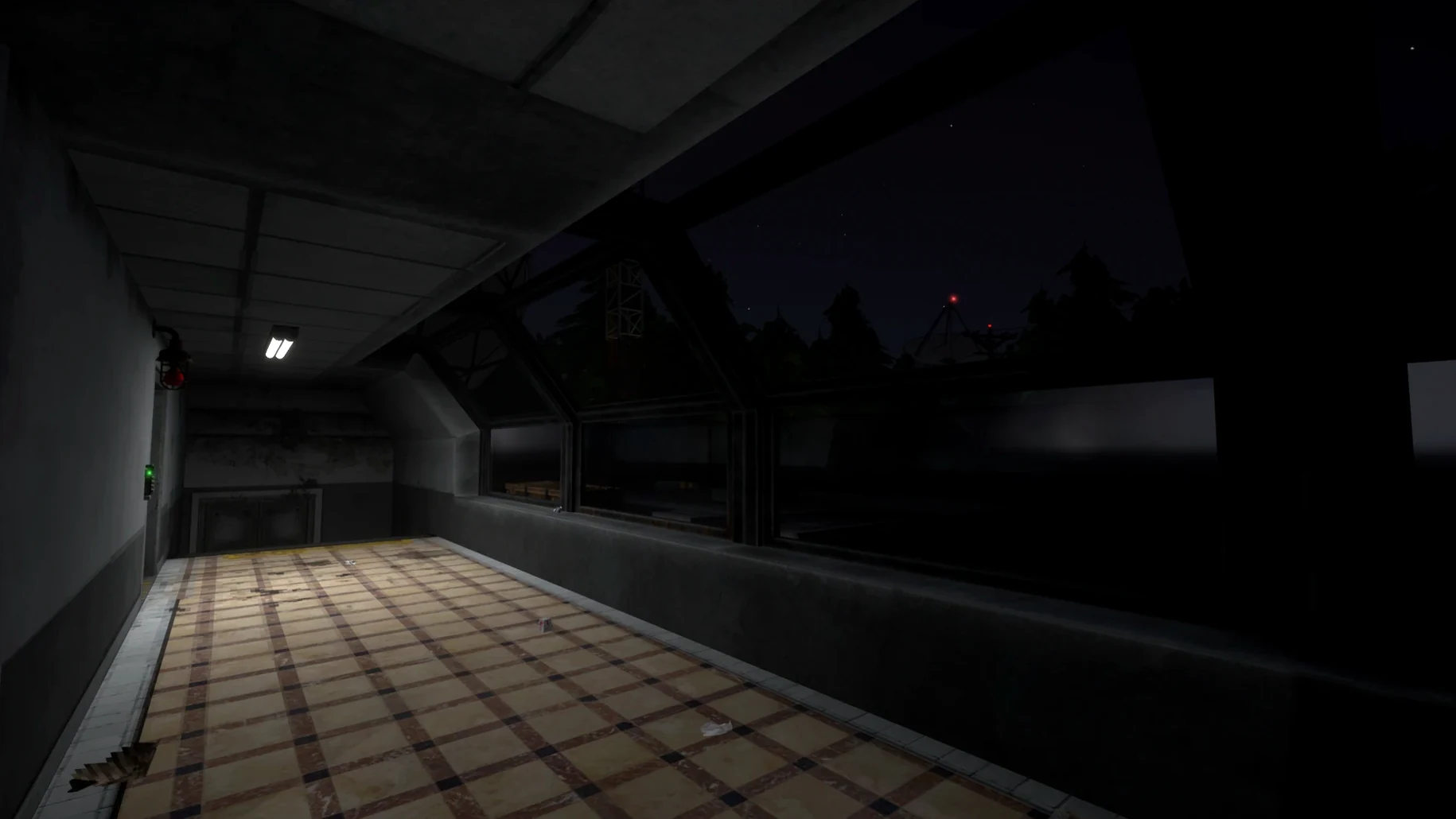
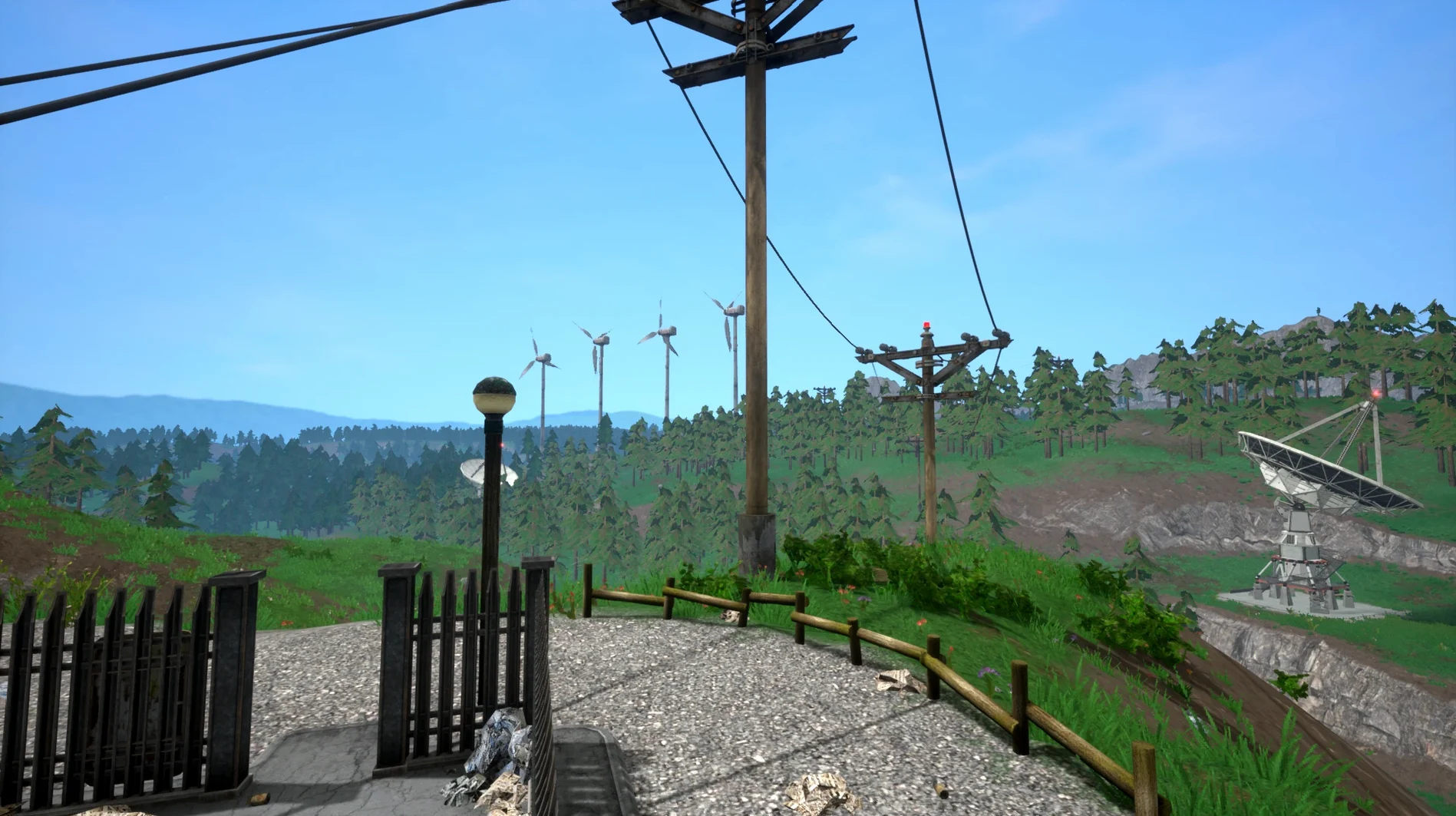
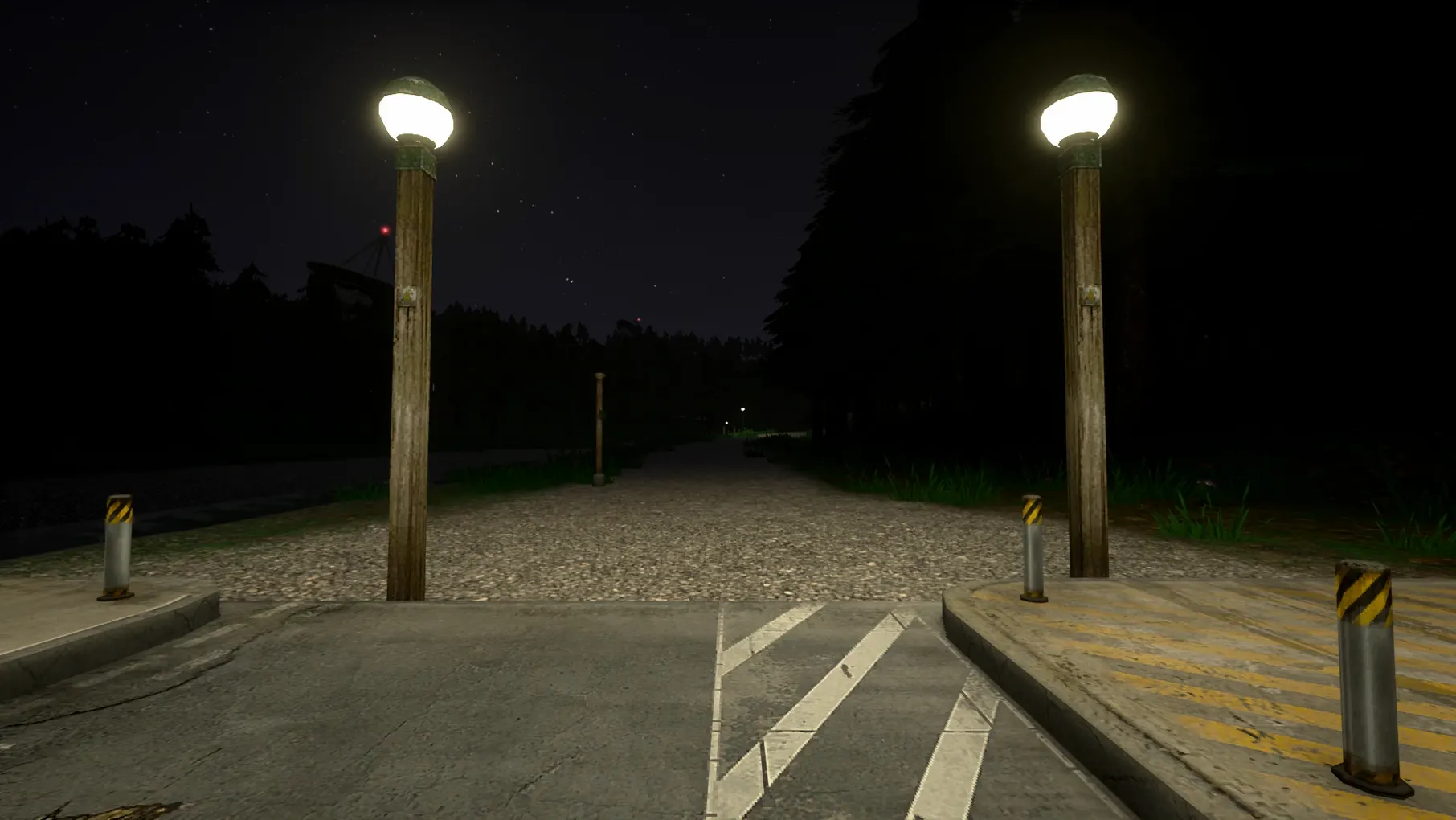

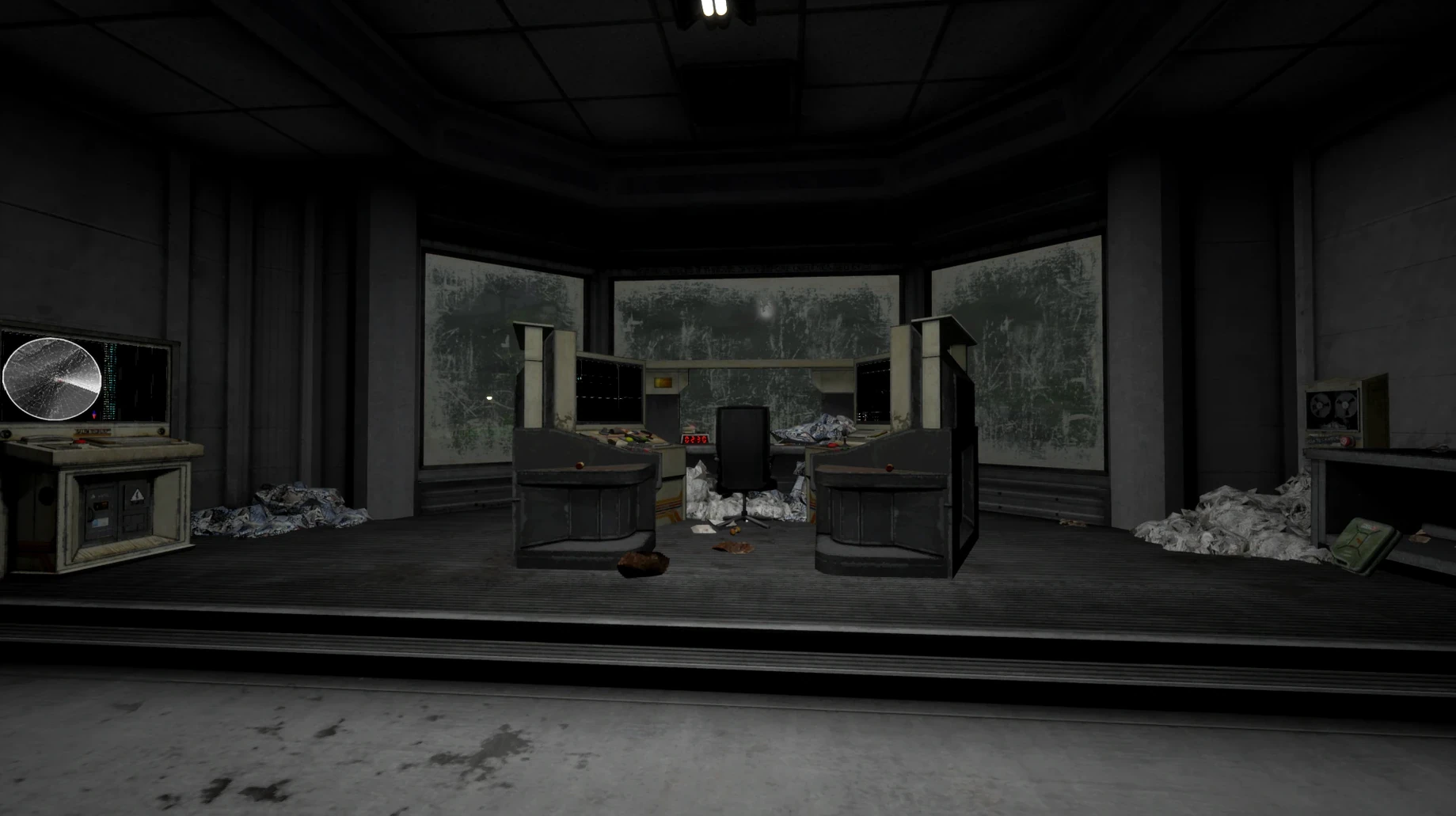
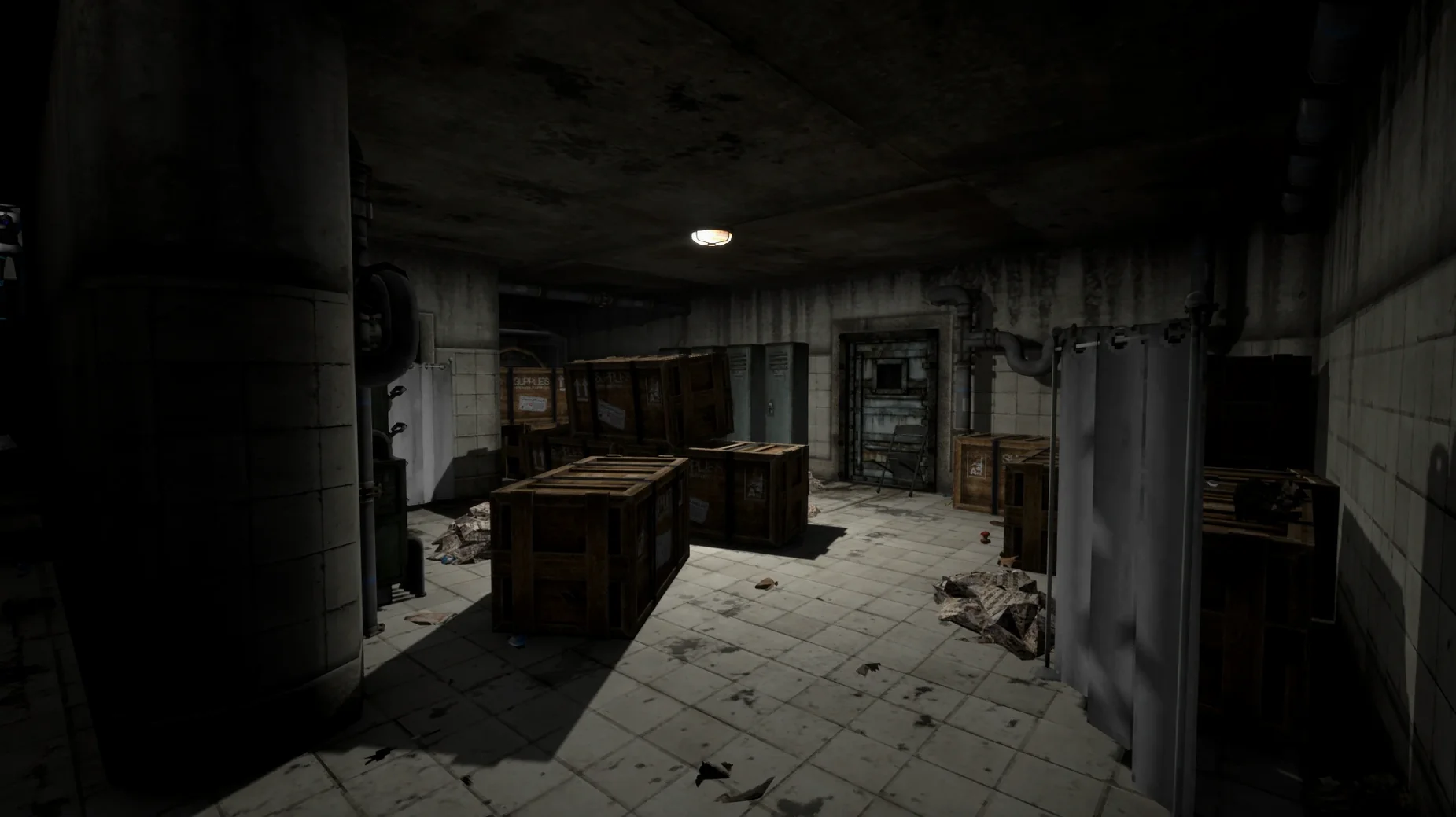
Voices of the Void puts you inside a remote signal station with one task: receive, clean, and decode transmissions from space.
| Quick facts | |
|---|---|
| Developer | EternityDev Games |
| Version | Alpha 0.9.0l Stable [Wineskin] |
| Mac packaging | Wineskin wrapper |
| Release date | 2022-08-05 |
This is a slow-build tension machine wrapped in a simulation. Your day-to-day covers servicing equipment, tuning antennas, scanning frequencies, and stripping noise from faint signals. Information extraction is the goal. The horror creeps in around the edges — never rushed, always earned. A developer console sits behind F10 for those who want to peek under the hood. Language is switchable in settings from a list that includes Russian, German, French, and Polish among others.
F10 console and quick-save habits
- F10 console toggle. Opens the developer console without menu hunting. Type
helponce inside to list available commands — some let you spawn equipment or skip weather cycles during late-night signal binges. - Quick-save muscle memory. The save location sits deep inside the app bundle at
SharedSupport/prefix/drive_c/users/Sikarugir/AppData/Local/VotV/Saved/SaveGames. Back up that folder before a risky antenna trek. Restoring it takes seconds. - Frequency bookmarks. The tuner remembers your last scanned band when you power it off and on. Use this to lock a faint spike, then walk away to handle base alerts — the dial stays where you left it.
- Keyboard-only equipment swaps. Number keys 1–4 map to your four hotbar slots by default. Refill them from inventory between signal sessions so you never open a menu while a dish alignment timer runs down.
- Silent launch fix. If the app throws an error on first open, the disk image includes a Fix file. Run it once, then launch from the Applications folder.
Workflow: decoding a weak signal from scratch
A new blip appears on the wideband scan around 0200 hours. The process from detection to readable data takes about fifteen minutes once you know the steps.
- Stabilise the station. Check power draw on the status panel. A dish alignment eats more energy than the decoder. Switch off non-critical lighting before tuning.
- Lock the frequency. Scroll the tuner knob slowly — the weak signal drifts between 1420.3 and 1420.6 MHz. Narrow the band to 0.1 MHz range and engage the lock toggle.
- Clean the feed. Apply the low-pass filter first, then notch filter at 50 Hz to kill mains hum. Crank the gain until the waveform stops clipping — red peaks mean distortion.
- Record a sample. Sixty seconds of clean audio gives the decoder enough to work with. Hit record, monitor the waveform, stop when the signal drops below the noise floor.
- Run the decoder. Feed the sample into the signal processor and select "Auto-detect encoding." The decoder cycles through modulation types — watch the confidence meter, not the progress bar.
- Log the output. Save the decoded text or image to the archive terminal. Tag it with the timestamp, frequency, and dish orientation. Inconsistent logging costs you hours later when cross-referencing patterns.
This same sequence scales up for stronger signals — skip the notch filter and shorten the sample to thirty seconds. The game never explains the order, but the tools lock together cleanly once you treat it as a checklist.
- macOS 11.0 or later
- Apple Silicon Mac
Questions the team asks
You maintain station equipment, tune antennas to receive signals, clean the audio, and extract usable data from the transmissions.
It comes wrapped in Wineskin and has been tested on macOS Tahoe with an M4 Mac mini.
Run the Fix file included on the disk image to resolve the startup error.









Comments 0
Sign in or create an account to add a comment.
No comments yet. They go up after moderation.