

macOS Mojave — Mac download
Ticked
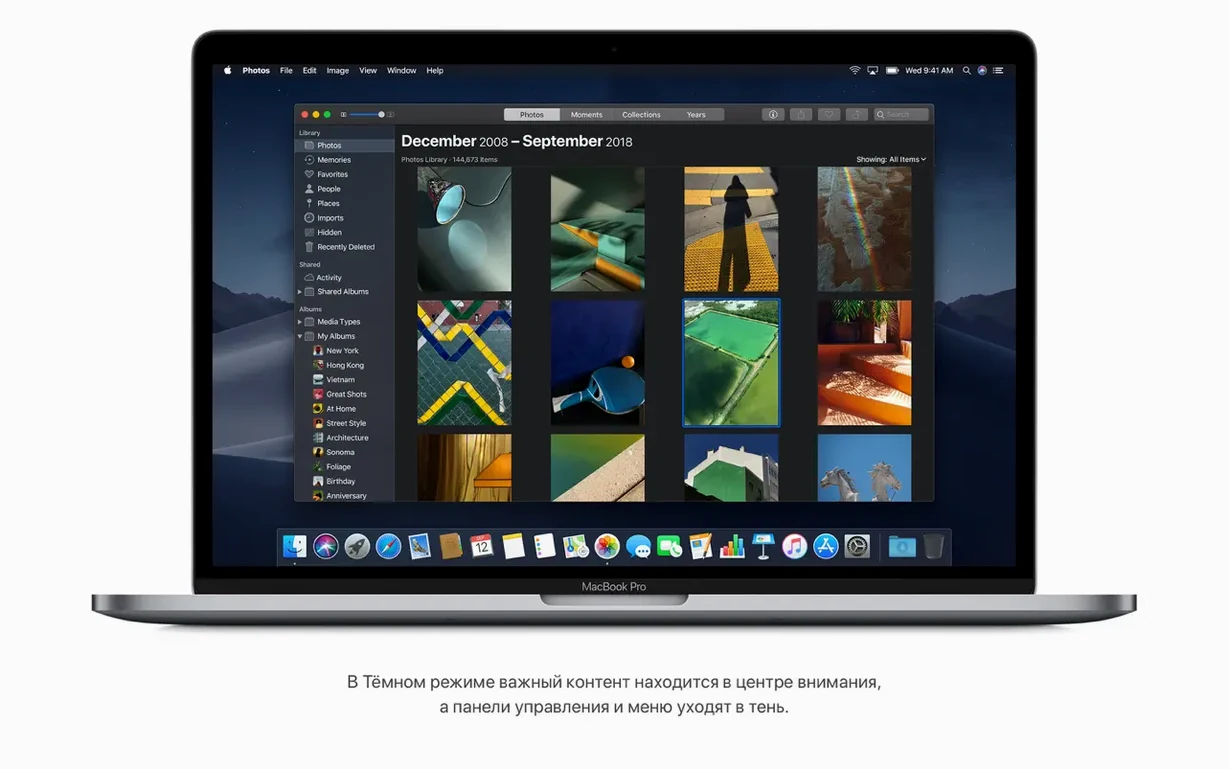
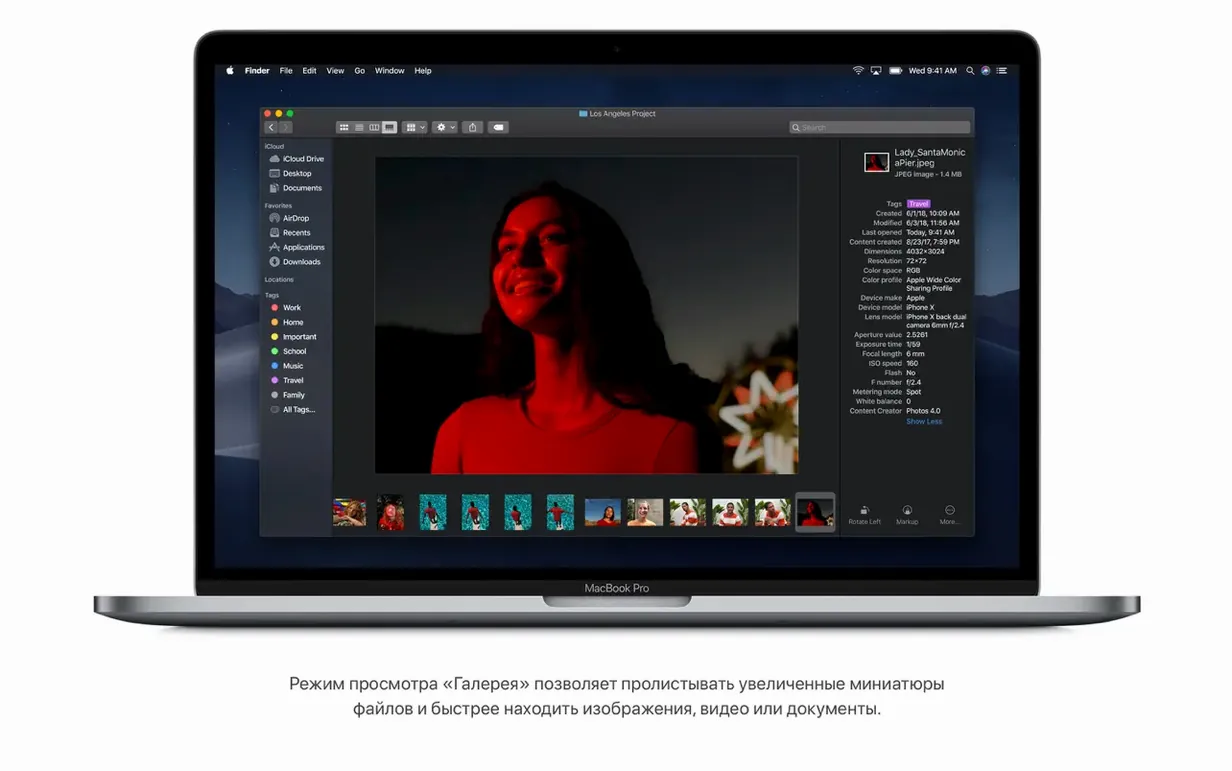
If your current Mac still runs High Sierra, Finder in macOS Mojave 10.14.6 is the first upgrade you notice. Quick Actions sit right in the preview pane and let you rotate an image or trim a video without opening a dedicated editor. It turns the built-in file manager into a light production tool.
Macs that need a mid‑2012 or newer Intel processor
It supports 64-bit Intel Macs. The list covers MacBook Pro from mid 2012 onward, iMac Pro (2017), MacBook Air from mid 2012, and Mac mini from late 2012. Apple specifies at least 2 GB of memory and 12.5 GB of available storage.
What does Continuity bring to the desktop?
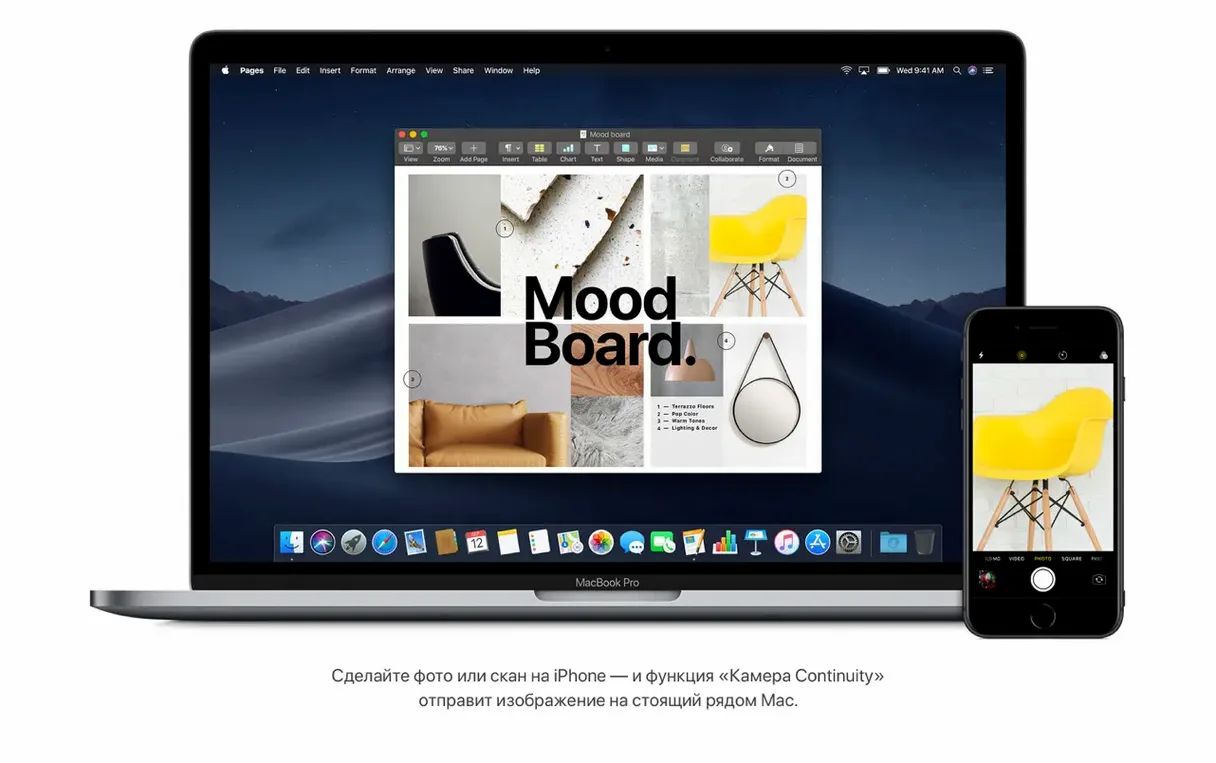
Continuity surfaces photos, screenshots, and document scans directly from a nearby iPhone or iPad. A shot you take on the phone appears in a Finder window or Mail draft on the Mac without manual transfer.
What is new in Safari?
Safari strengthens Intelligent Tracking Prevention. It makes fingerprinting harder for sites that try to follow you across the web, and it keeps the controls out of sight so browsing stays clean.
What media apps are built in?
Beyond Finder's trim and rotate tools, the News app arrives on the Mac for the first time. It syncs saved stories and topics from an iPhone or iPad signed into the same iCloud account.
Expired certificate triggers "damaged" installer warning
Three issues come up most when installing macOS Mojave 10.14.6.
- Installer says "This copy of the Install macOS application is damaged." This happens when Apple's signing certificate has expired. The fix: disconnect from the internet, set your system date back to 2019 via Terminal (
date 071512002019), then run the installer. Reset the date after the first reboot. - macOS Mojave won't boot after the install. Hold Option during startup and select the Mojave installer again. Open Disk Utility from the Utilities menu and run First Aid on your startup volume. If the volume checks out, re-run the installer over the existing Mojave installation — it preserves your files.
- Dark Mode makes some third-party app text unreadable. Not every app shipped with Dark Mode support in 2018. Switch affected apps individually: go to System Preferences > General and toggle back to Light, then hunt for an app-specific dark setting. Several older utilities need a manual theme override in their own preferences.
First settings to adjust after the upgrade
Dock and desktop
Turn on Stacks straight away. Right-click the desktop and pick Use Stacks. It groups screenshots, PDFs and images into neat piles by kind. The desktop goes from chaos to a single row of clickable clusters.
Finder tweaks
Switch the default new Finder window to Gallery View. In Finder > Preferences > General, set "New Finder windows show" to a folder you visit daily, then press ⌘4 to lock in Gallery View. The preview pane now shows metadata like image dimensions and video length without opening a file.
Security and privacy
Open System Preferences > Security & Privacy > General. Tick the box that requires a password immediately after sleep or screen saver begins. Mojave defaults to a short delay — closing that gap stops someone walking past your desk from seeing anything.
- macOS 10.8 or later
- Intel 64-bit processor
- 2 GB of memory
- 12.5 GB of available storage
- MacBook Early 2015 or newer, MacBook Air Mid 2012 or newer, MacBook Pro Mid 2012 or newer, Mac mini Late 2012 or newer, iMac Late 2012 or newer, iMac Pro 2017, Mac Pro Late 2013 or mid 2010/mid 2012 with recommended Metal-capable graphics cards


Comments 0
Sign in or create an account to add a comment.
No comments yet. They go up after moderation.