
Age of Empires II: Definitive Edition — Mac download
Ticked
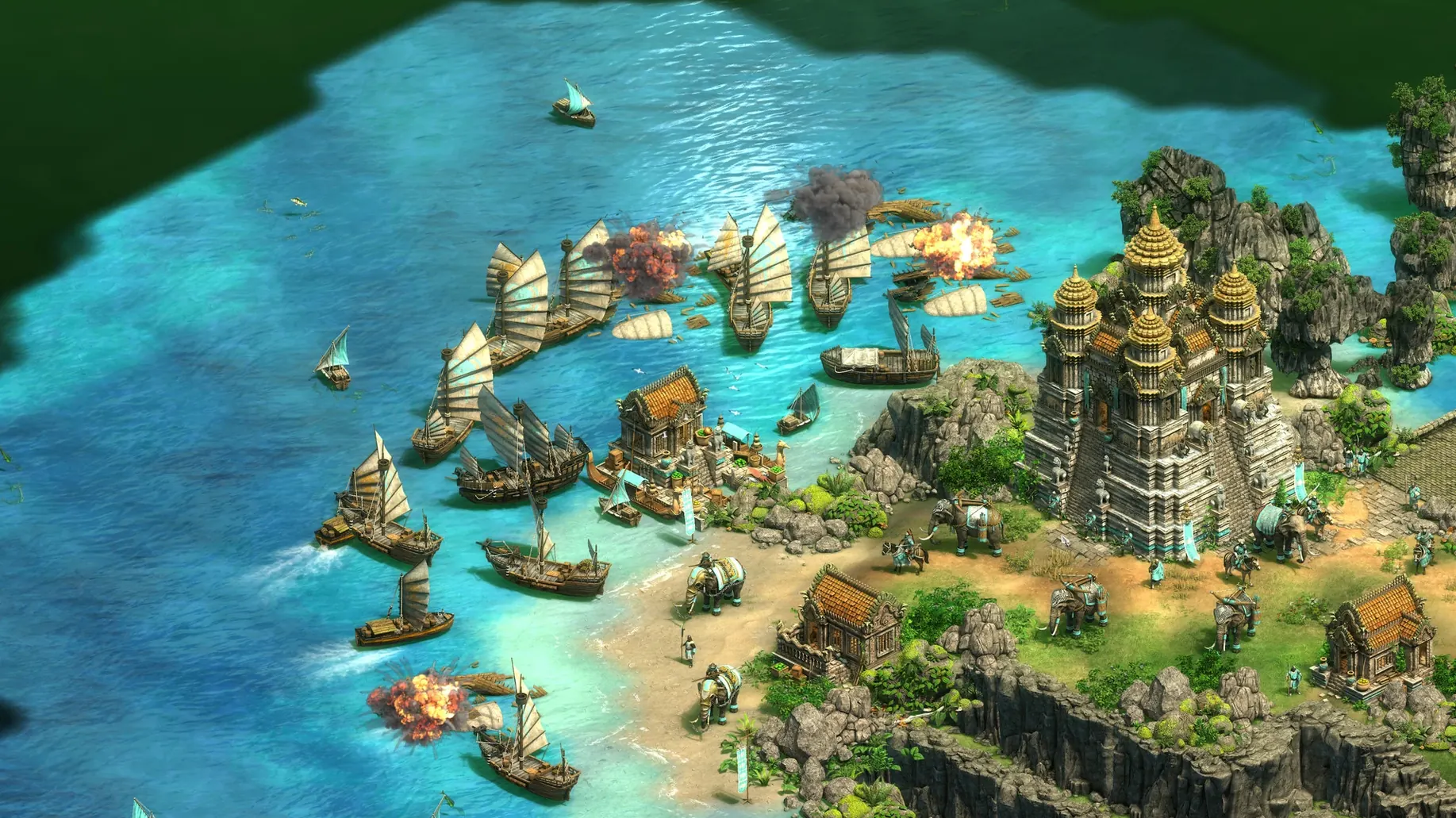
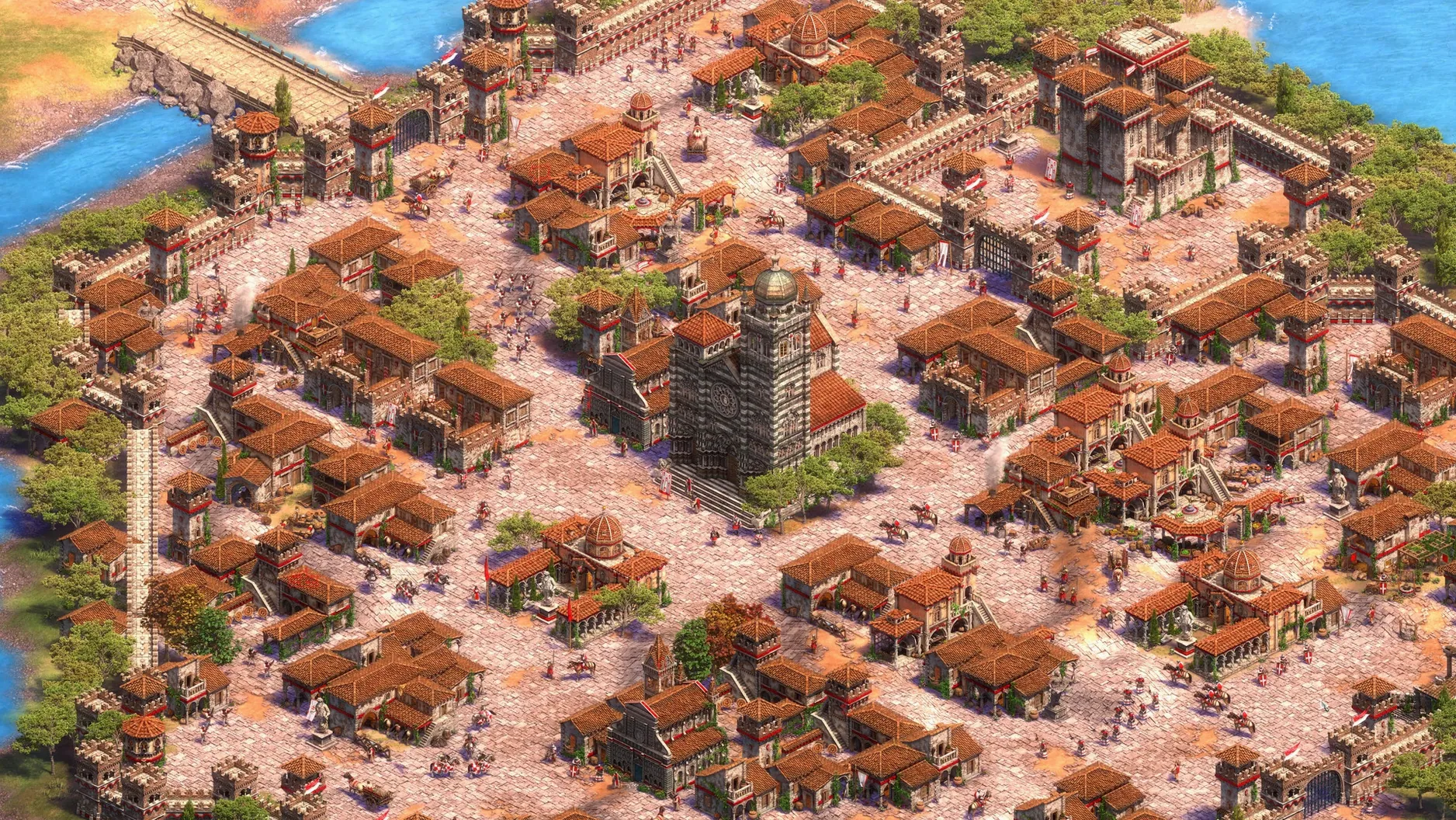
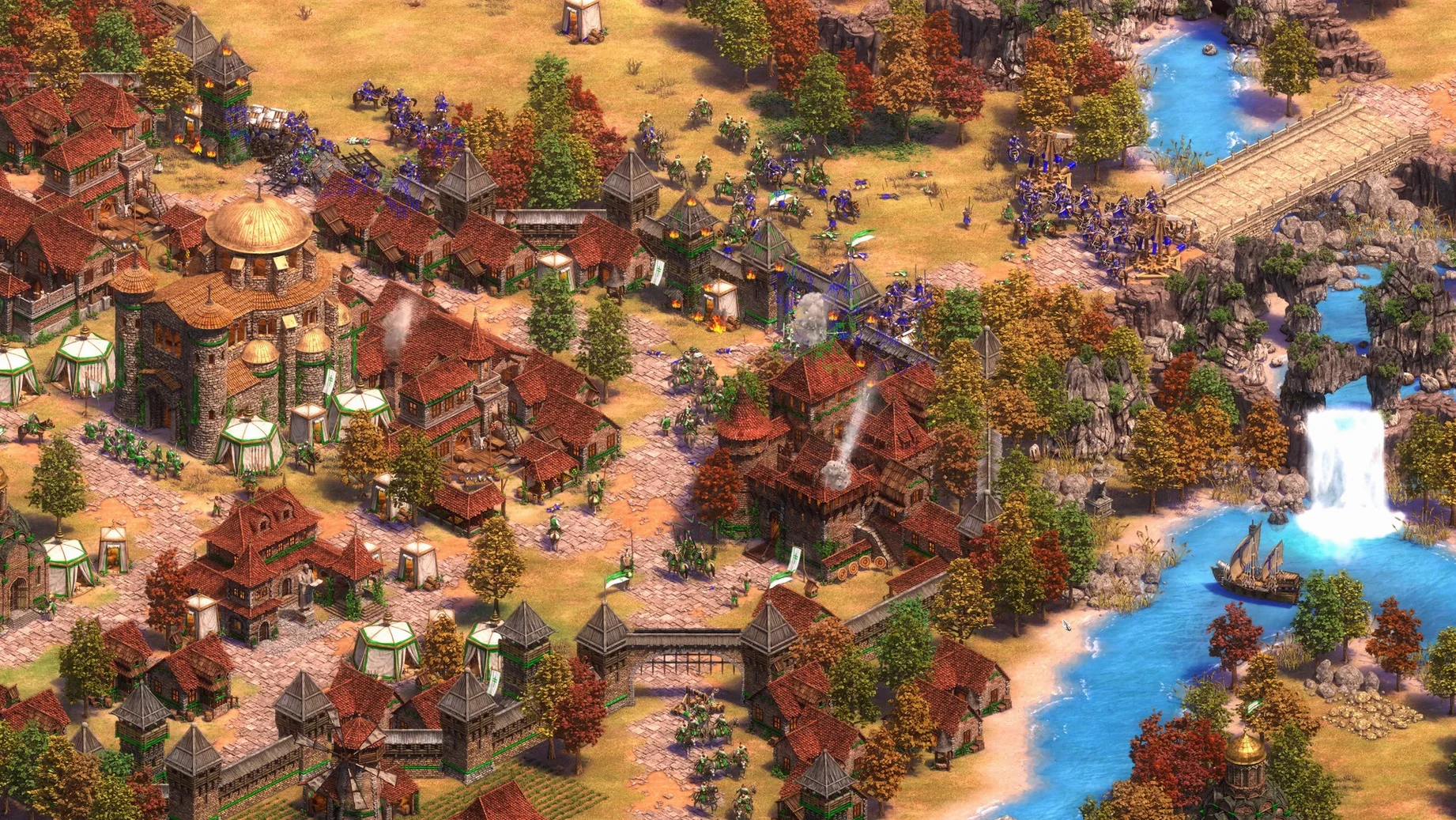
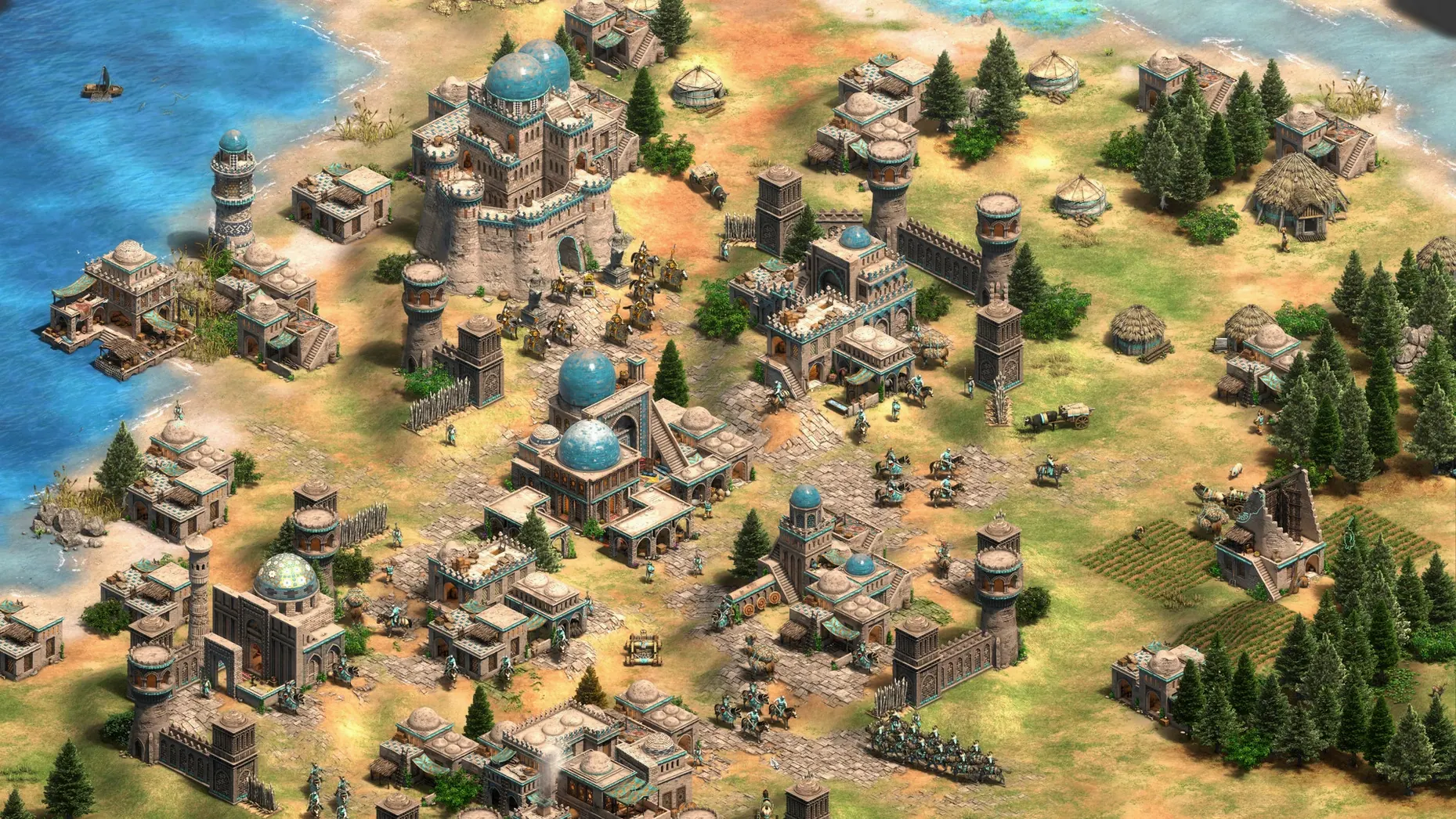
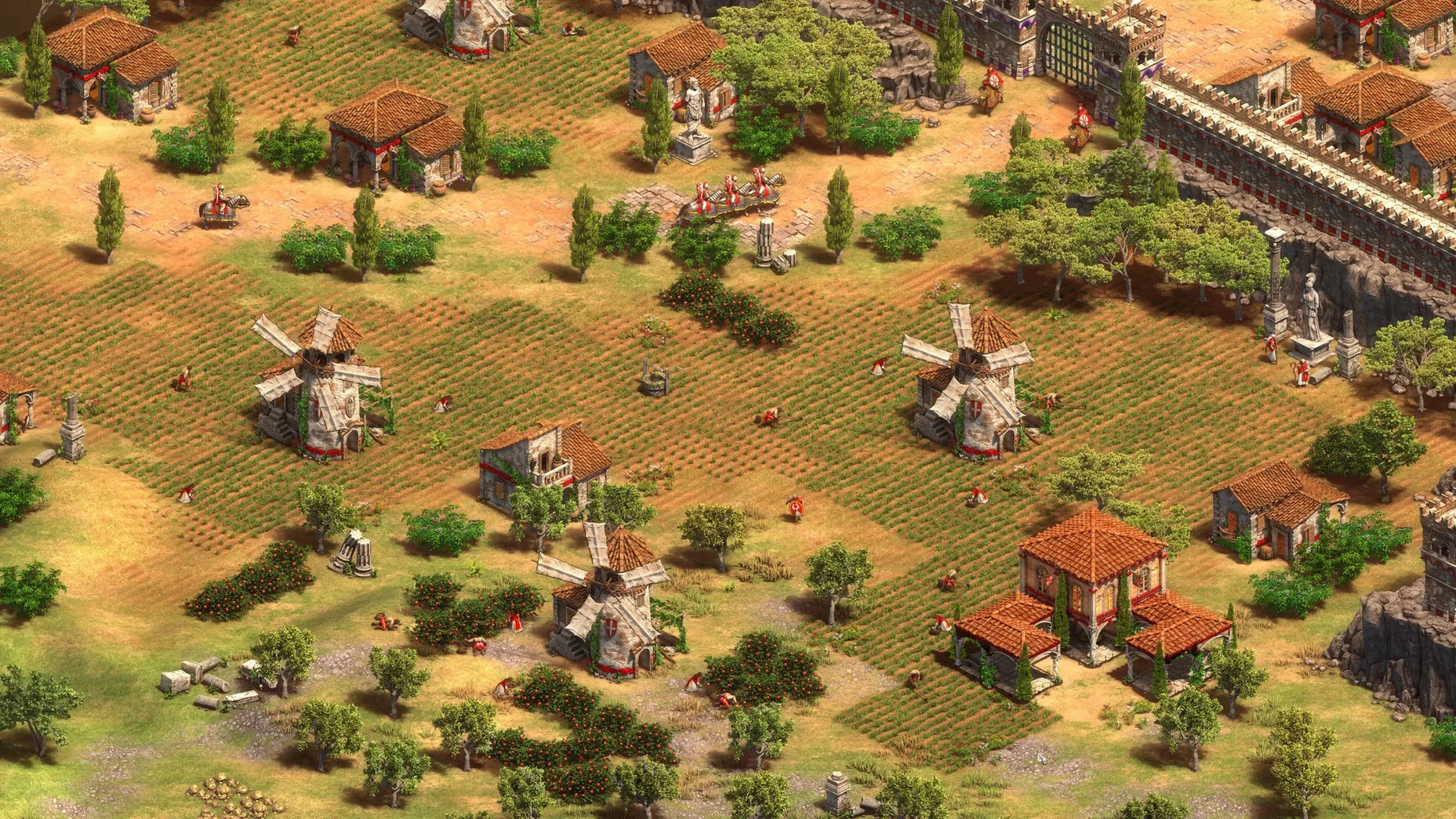
Age of Empires II: Definitive Edition runs natively on modern Macs. It supports both Apple Silicon and 64-bit Intel architectures. The tested configuration was macOS Tahoe on a Mac mini 2024 M4, and performance holds steady through large battles.
| Quick facts | |
|---|---|
| Version | 1.2 |
| Developer | World's Edge, Forgotten Empires, CaptureAge, Tantalus Media, Wicked Witch, Feral Interactive |
| Architecture | ARM, 64-bit x86 |
| Voice languages | English, German, Spanish, Italian, Traditional Chinese, Simplified Chinese, Korean, Portuguese, French |
A typical session starts with a single-player campaign. Pick a civilisation, check the tech tree, and queue your first villagers. The Mac version includes the full set of historical campaigns, skirmish mode against the AI, and online multiplayer locked to other macOS players. Everything is here: The Last Khans expansion, the 4K remastered visuals, and the remastered soundtrack. The interface gives you more than 200 hours of content to track across 16 interface languages. Recent updates added the scenario editor, a battle royale mode, and a quick play option — useful when you want a match without the lobby wait.
Swap the default hotkeys for instant unit control
Out of the box, the default hotkeys lean on Windows conventions. Swap them immediately.
- Rebind 'go to town centre' — the default
Hworks, butTabor a thumb mouse button cuts idle time. - Set 'select all military buildings' — no default binding exists. Assign it to
Ctrl+Shift+Aor similar for fast rally-point updates. - Enable 'legacy grid' in interface options — the new UI scales well at 4K, but the compact grid wastes less screen space on a MacBook.
- Turn off 'smooth scrolling' — the Magic Mouse already accelerates; doubling up makes map edge scrolling unpredictable.
- Cap the frame rate to 60 fps — it stops the Mac's fans from spinning up during a quiet Dark Age. The game looks identical.
Audio mixes default to music-heavy. Drop music volume to 30% and raise unit speech; voice lines carry important alerts that you miss otherwise.
Three play styles that click on Mac
The game rewards three kinds of Mac users.
Campaign completionists. If you keep a list of games to finish, the historical campaigns give you a structured path. Each one tracks progress per scenario. You can pick up a campaign after weeks away and know exactly which mission is next.
Competitive ladder players. Quick play mode removed the lobby-browsing step. Matchmaking now queues with two clicks. If you care about build orders and efficiency benchmarks, the native ARM version delivers consistent frame timing — no Rosetta stutter to blame a lost scout rush on.
Scenario creators. The scenario editor, added in a recent update, works with the full trigger system. Mac users who grew up on custom maps finally get the same toolset as Windows players. Export your maps and share them with other macOS players directly.
Casual skirmish players benefit too, but the game leans deep. If you only want a quick match against the AI every few months, the interface density may feel heavy. For anyone willing to learn hotkeys and build orders, it pays back the time.
Keep a build-order cheat sheet open on your other screen
The game runs fullscreen by default, but windowed mode plays well with Stage Manager. Keep a browser open for build-order references or the tech tree wiki on a second display.
Notes app sits usefully alongside. Open a checklist for your civilisation's age-up requirements: houses needed, resource counts, blacksmith upgrades. The game doesn't show those in one pane, so an external note keeps your timings straight.
Voice chat runs through Discord. The macOS multiplayer pool is smaller than the Windows one, so coordinating a game often starts in a server. No cross-play means your opponents all share the same platform constraints — fair match conditions.
For anyone searching an age of empires 2 mac download, the native build eliminates the need to wrestle with wrappers or Parallels. It sits in the Applications folder like any other Mac app, launches from Launchpad, and respects Mission Control gestures. Exposé works during saved-game pause screens, which is handy when you need to check a reference image or a message mid-match.
- Ultra HD 4K visuals and a digitally remastered soundtrack
- The Last Khans expansion included
- Battle royale mode added
- Scenario editor support
- Quick play mode for faster matchmaking
- Tested on macOS Tahoe
- Apple Silicon or 64-bit Intel processor
Questions the team asks
No. Online multiplayer is supported only with other macOS players.
The macOS release includes the base game and The Last Khans expansion.
There are 16 interface languages, including Russian, Vietnamese, Malay, Hindi, and Japanese.









Comments 0
Sign in or create an account to add a comment.
No comments yet. They go up after moderation.