

Half-Life Opposing Force — Mac download
Download (307 MB) Earlier builds
Ticked
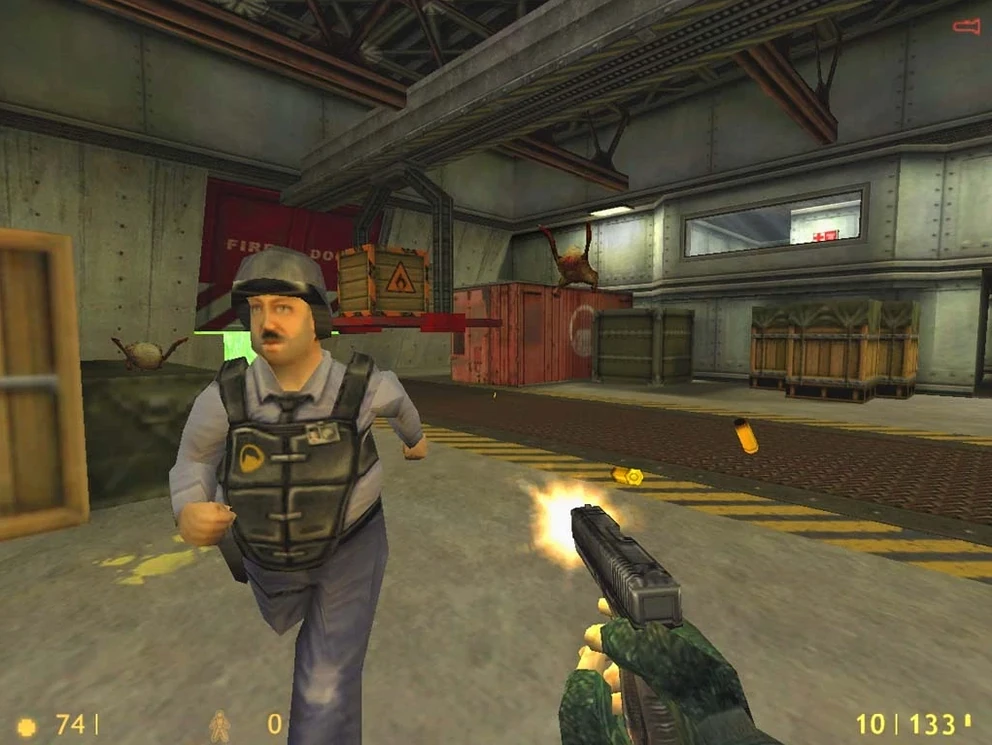
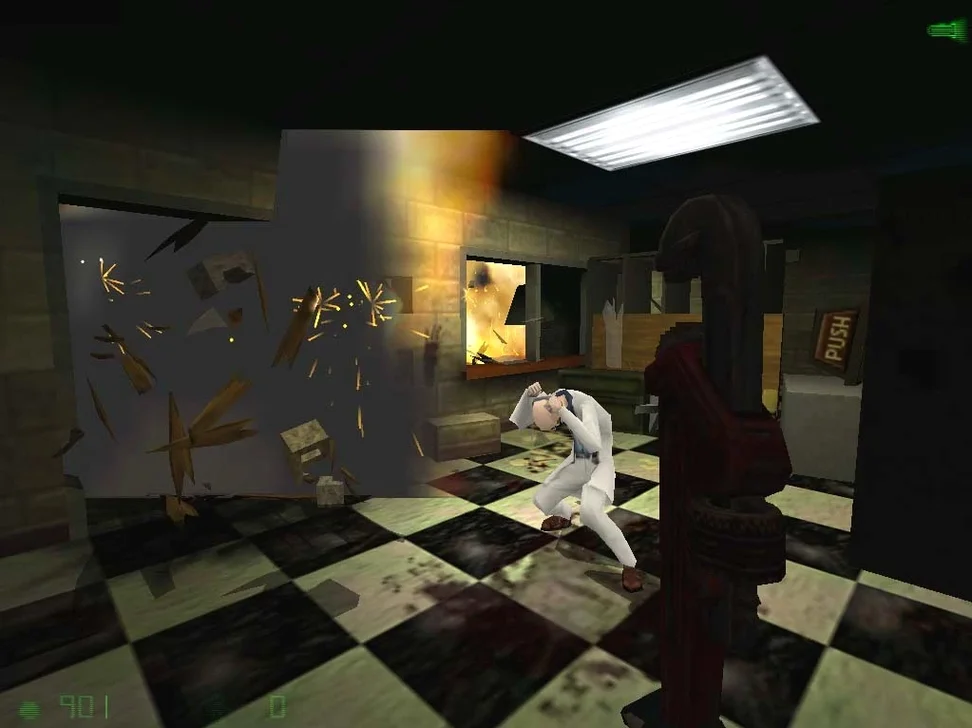
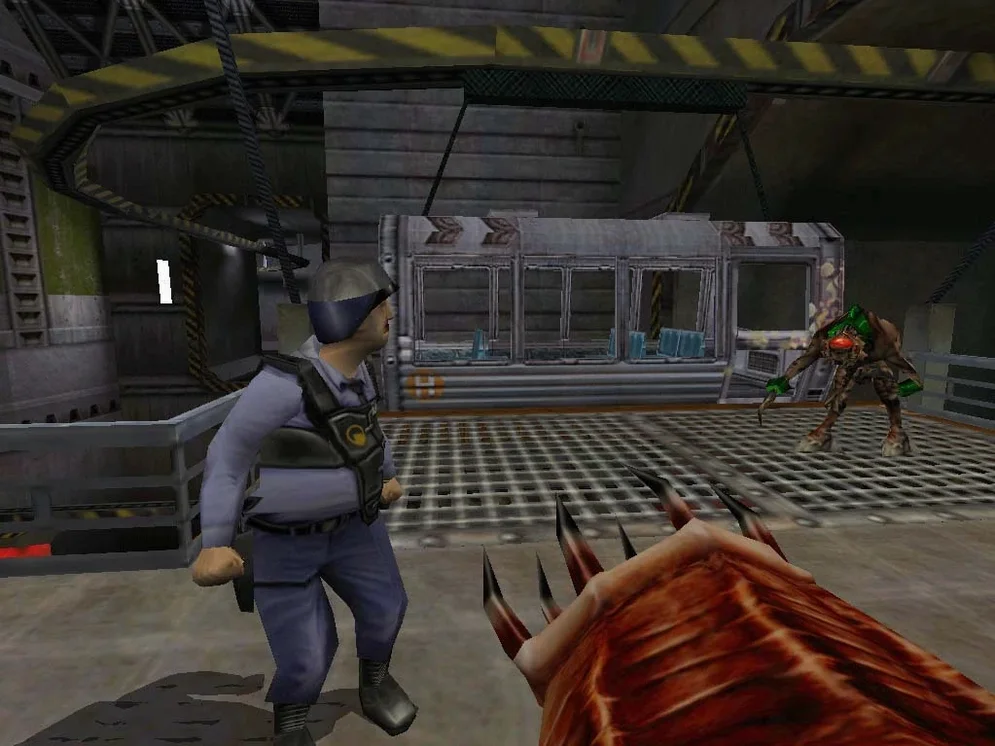
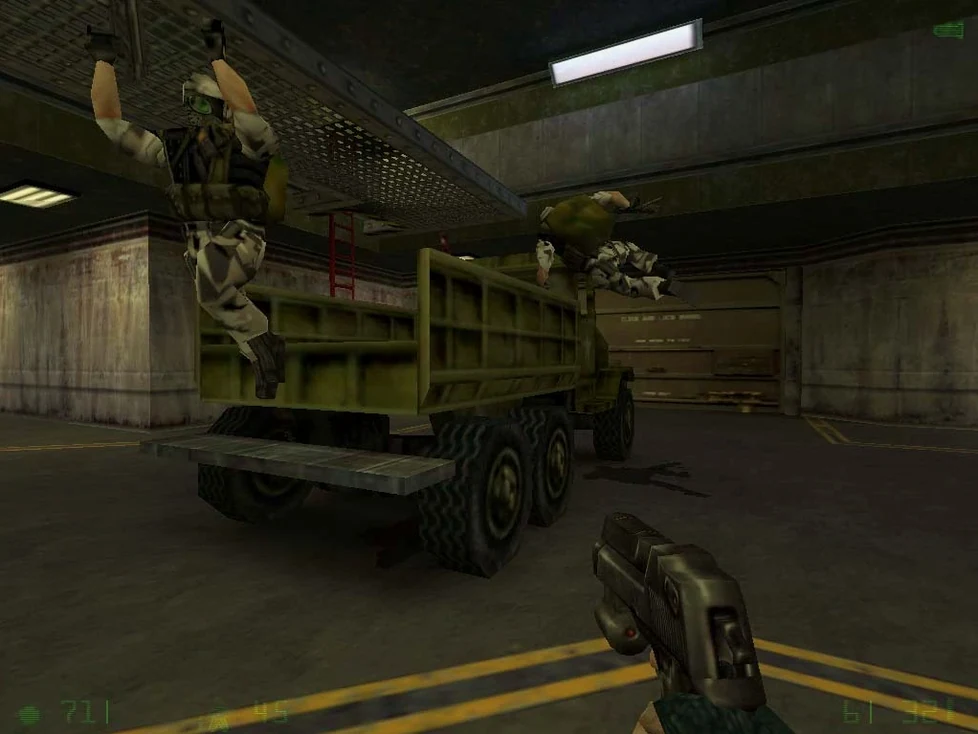
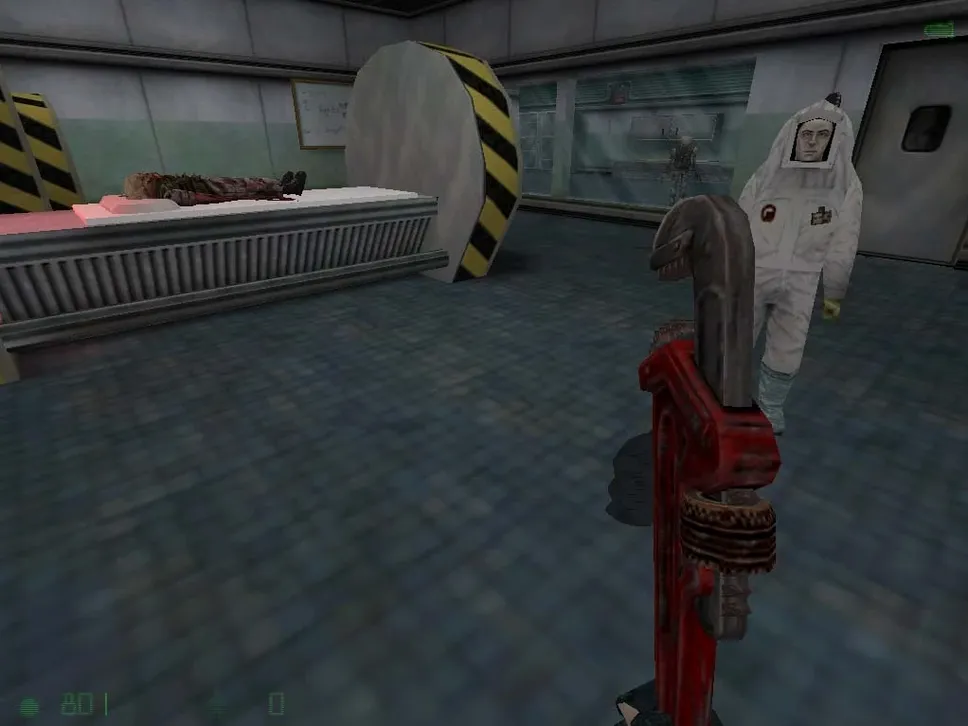
You step out of a crashed Osprey, Corporal Adrian Shephard, cut off from your HECU squad. The Black Mesa transit system is in ruins. A scientist runs past, screaming. You grab your standard-issue pistol and move into the drainage tunnels. This is Opposing Force.
- Clear the initial landing zone. Work through hangars and office blocks. The first alien slaves and headcrabs test your aim. Collect the wrench — silent, but deadly to Vortigaunts at close range.
- Push into the transit system. Navigate pitch-black tunnels. Use the night vision goggles to spot Race X shock troopers. The submachine gun becomes your mainstay here.
- Secure the Lambda Complex. Alien grunts and human black ops fight each other. Let them thin each other out, then clean up with the combat shotgun. Conserve the sniper rifle ammo for sentry guns.
- Descend to Sector E. Face Pit Drones and the massive Shock Trooper. The SAW light machine gun offers suppressing fire. The barnacle grapple opens new vertical routes, pulling you to hidden supply caches.
- Confront the Gene Worm. Use the mounted laser and your full arsenal. Target the glowing weak points. Keep moving — its portal attacks strip health fast.
A typical minute means switching between alien and military threats, managing a unique arsenal that includes a teleport-breeding barnacle, and navigating a facility falling apart around you.
New players overlook the wrench’s free stun-lock
- Ignoring the wrench early on. It blocks headcrab pounces and stun-locks Vortigaunts without using ammo. You will need that pistol ammo later in the tunnels.
- Treating black ops and aliens as separate problems. Let them fight. Duck behind a crate, listen for the gunfire to thin out, then finish the survivors.
- Forgetting to run the Fix file. An error on first launch is common. Mount the disk image, locate
Fix, and run it before you assume the build is broken.
Raise the FOV to scan more of a room
- Field of view. The default feels tight on a modern display. Open the console (~) and set
fov 90or higher. It changes how much of a room you can scan without turning. - Mouse smoothing. Turn it off in the input options. Raw input makes snap-turns against shock troopers far more predictable.
- Save file location. Know it before you start a long session. Path is
/Users/your_user/Library/Application Support/Xash3D FWGS/gearbox/SAVE. Press Command-Shift-Period in Finder to reveal the hidden Library folder, or use Command-Shift-G and paste the path after swapping in your account name.
- macOS support for both Intel and Apple Silicon
- Requires original Half-Life installation
Questions the team asks
This is an expansion pack that requires the original Half-Life to run.
The build includes both Russian and English voice and text.









Comments 0
Sign in or create an account to add a comment.
No comments yet. They go up after moderation.