

Geometry Dash — Mac download
Download (268 MB) Earlier builds
Ticked
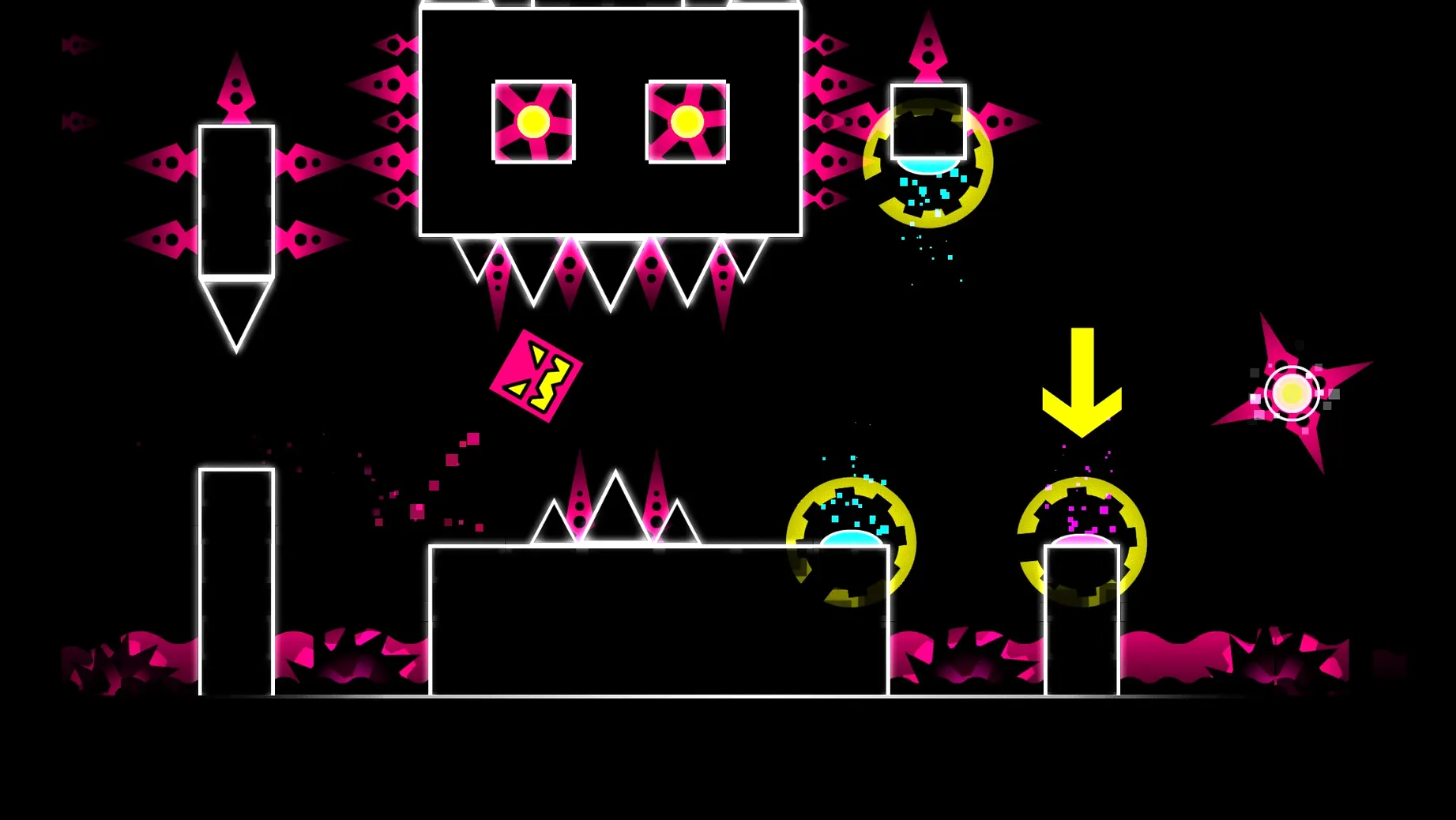
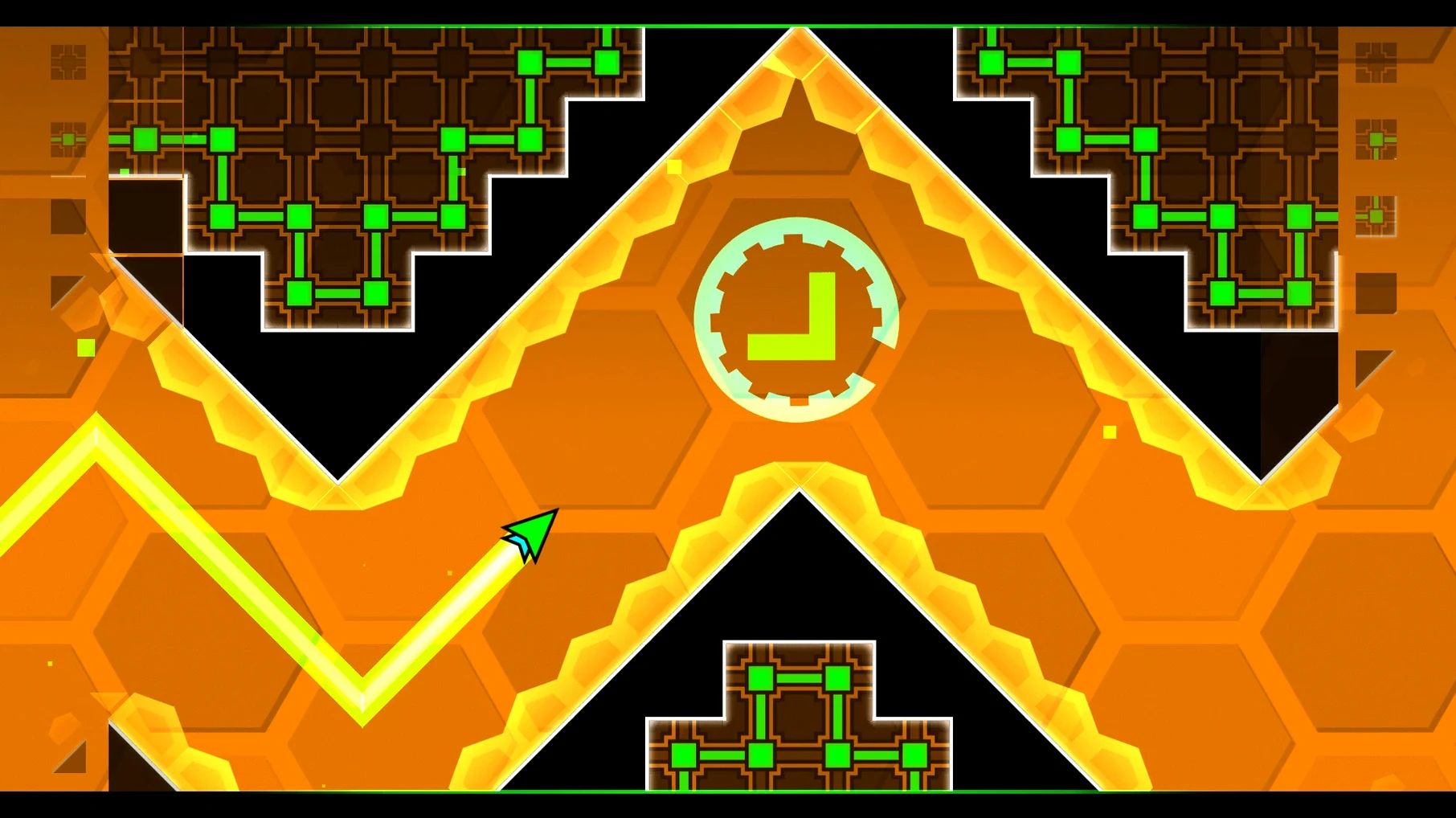
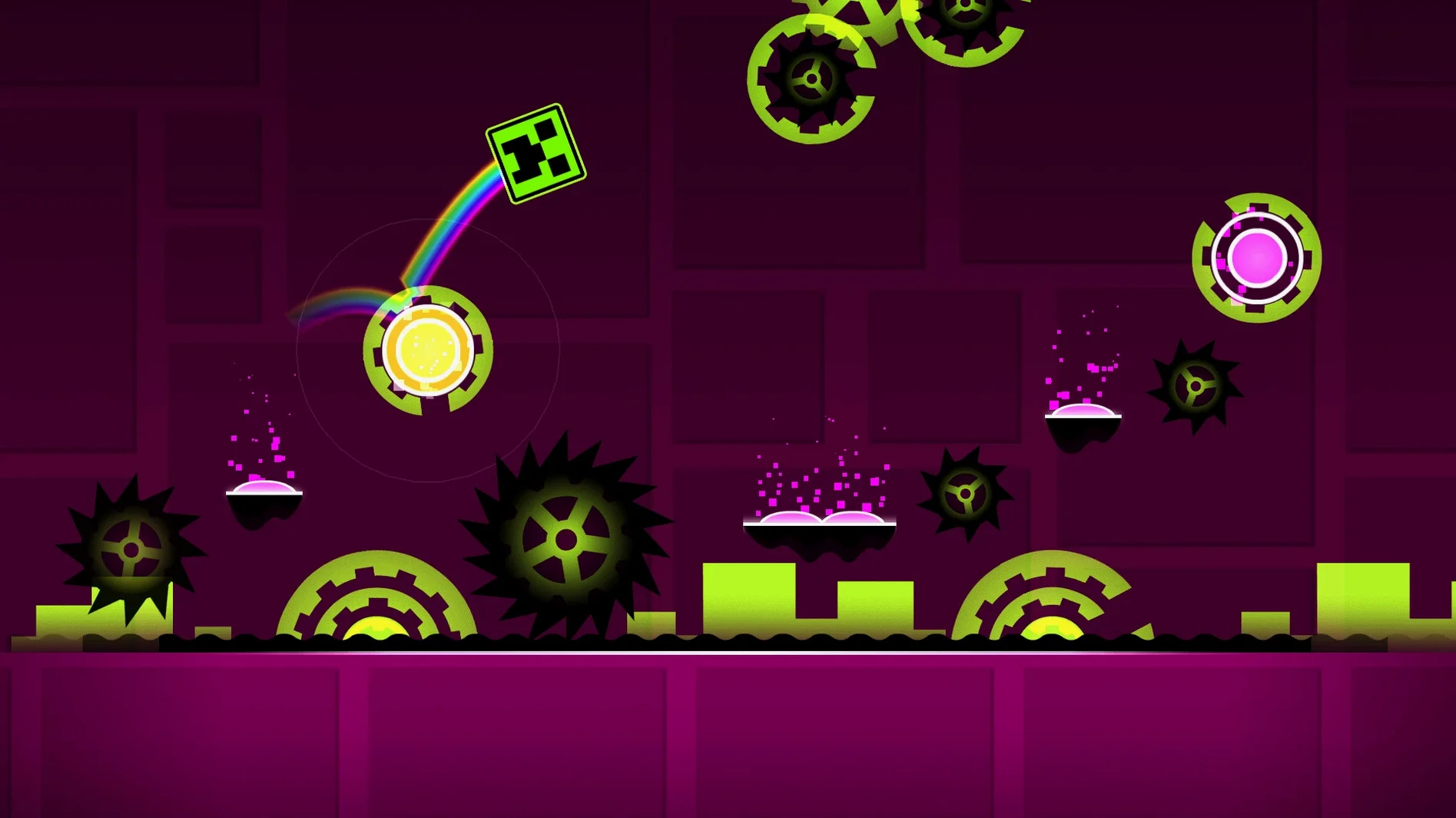
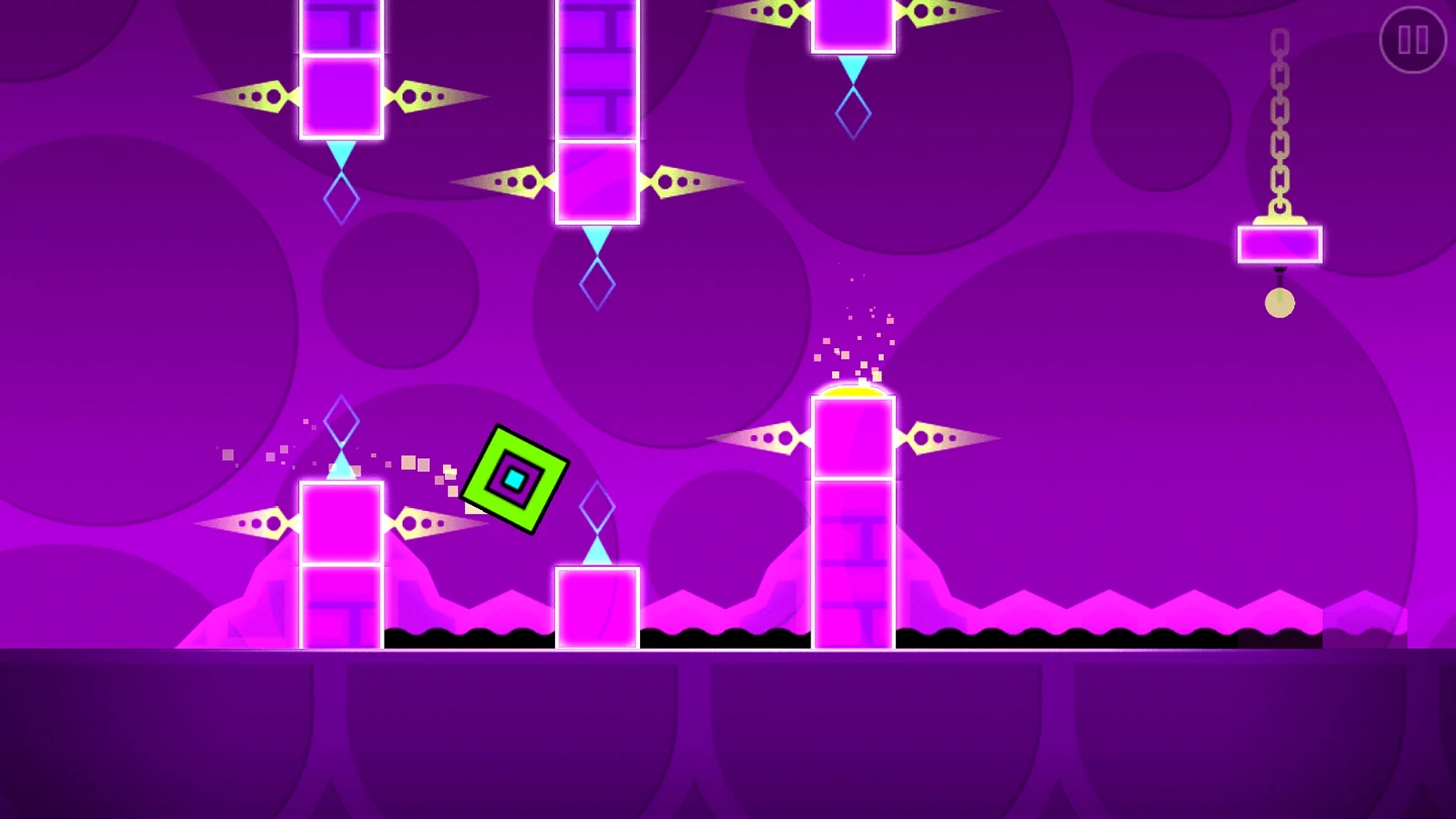
Think of it as the musical precision of Guitar Hero applied to a side-scrolling platformer. Each tap needs to land exactly on the beat to clear spikes, gaps and moving walls. The 2.2081 build runs natively on Apple Silicon.
- Tap in time with the track to jump over sawblades and spike pits
- Hold to fly through narrow tunnels with gravity-flipping portals
- Practice segments in isolation to nail the trickiest syncopated sections
- Flip direction mid-air when the level geometry inverts
- Chain together jumps, flight and flips across many levels
The menu track kicks in before you touch a setting
Open the app from Launchpad. The icon bounces once and the menu track kicks in — loud, immediate. No splash screen. No settings to tweak.
- Pick a main level from the list. Stereo Madness is the first, so start there.
- Tap the spacebar on the first beat. The cube jumps a spike. Easy.
- A triple-spike sequence arrives at bar eight. You miss the third tap. Dead.
- Restart. The level resets in under a second. No loading bar, no countdown.
- Reach the ship section. Hold the spacebar to climb, release to drop. The gravity flip at 40% catches you out. Dead again.
- Drop into practice mode. Place a checkpoint just before the ship section. Drill the flight pattern five times in a row.
- Switch back to normal mode. Clear the ship section. The drop hits and the tempo doubles.
Twenty minutes pass. You close the app having beaten one level and dented the next. That ratio — twenty minutes for two minutes of progress — is the core loop.
Frame pacing stays locked through colour-pulse floods
Frame pacing is tight. On an M-series Mac the game holds a locked refresh rate with no screen tearing, even during sections that flood the screen with moving objects and colour pulses. Input latency is low enough that timing errors feel like your fault, not the machine's.
Memory use sits around 200 MB during play. CPU load is negligible. The fan rarely spins up. Crashes are uncommon in normal level play; the level editor, if you dabble in it, can occasionally hang when loading very large user-created maps, but force-quitting and reopening takes seconds.
One quirk: the app sometimes flags itself as damaged after the drag-install. The Terminal command in the install notes clears this in one line.
Audio cues are the control scheme, not decoration
Rhythm-game players who already read music as a second language. The audio cues are not decoration — they are the control scheme. If you can land a kick-drum tap in osu! or hit a strum in Clone Hero, the timing model here makes immediate sense.
Speedrunners and completionists chasing demon-rated user levels. The difficulty ceiling is absurd, and the community keeps raising it. These players live in practice mode, checkpointing single jumps for hours.
Casual Mac gamers who want something that opens in three seconds and closes without a launcher, a login, or a cloud-sync prompt. Geometry Dash fits a fifteen-minute gap between tasks without demanding a controller or a settings deep-dive.
It is less suited to players who want narrative, exploration or gradual difficulty curves. There is no story, no save points in normal mode, and the jump from level three to level four is steep enough to filter out anyone not committed to the repetition.
One missed beat sends you back to the start. That repetition is the loop — memorising each obstacle until the run becomes muscle memory.
- Apple Silicon or Intel 64-bit Mac









Comments 0
Sign in or create an account to add a comment.
No comments yet. They go up after moderation.