

Firmament — Mac download
Ticked
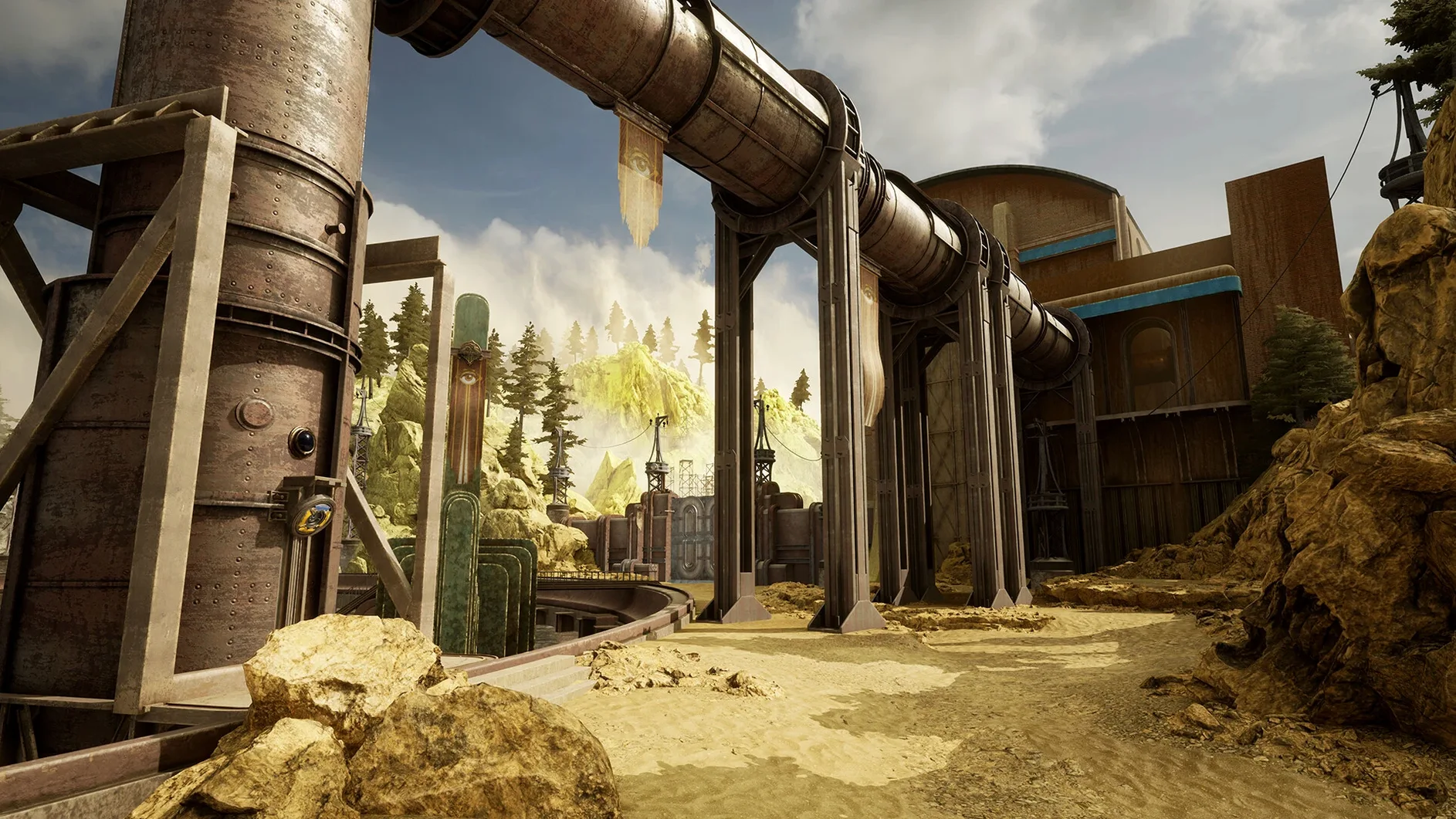
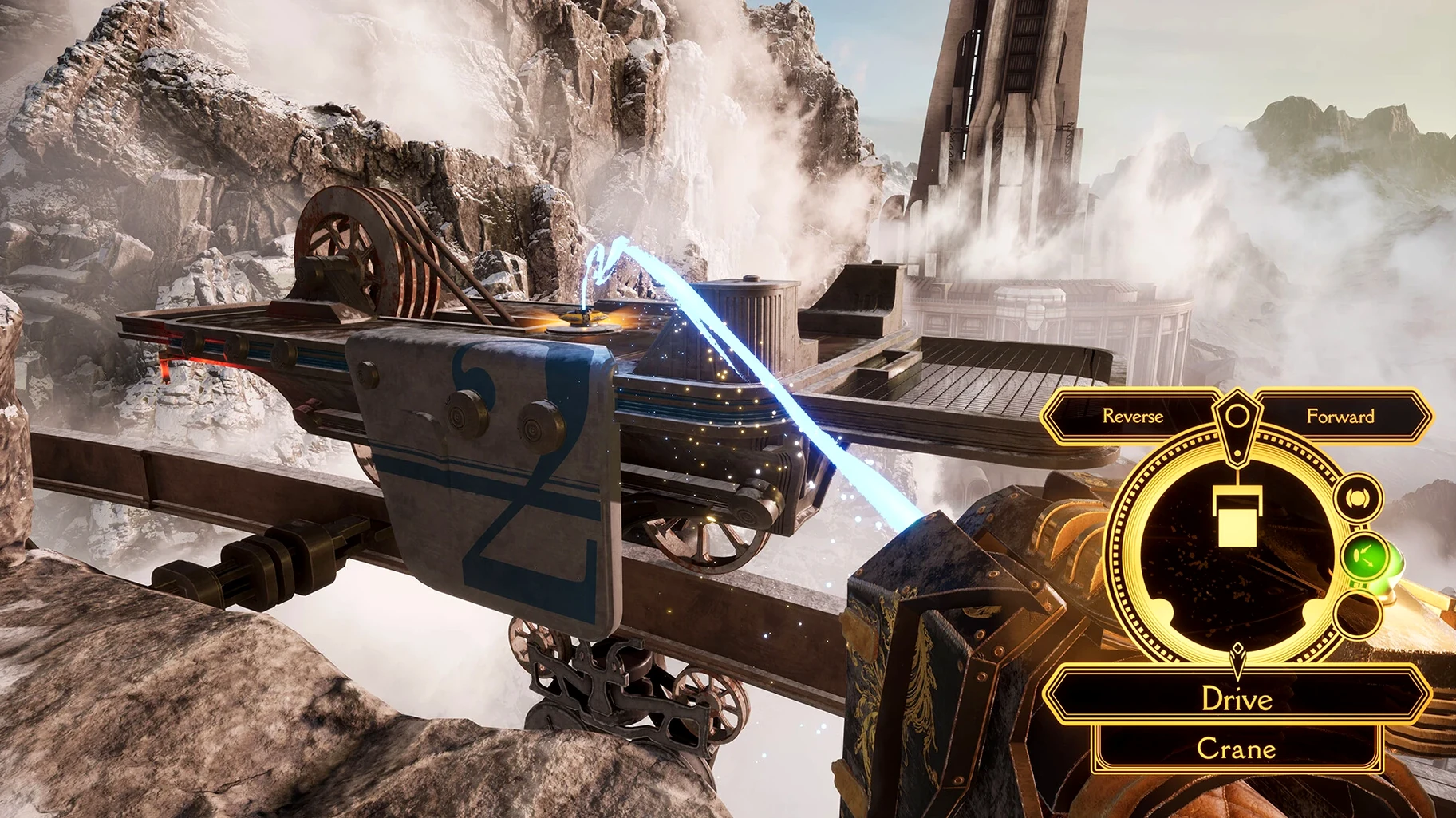
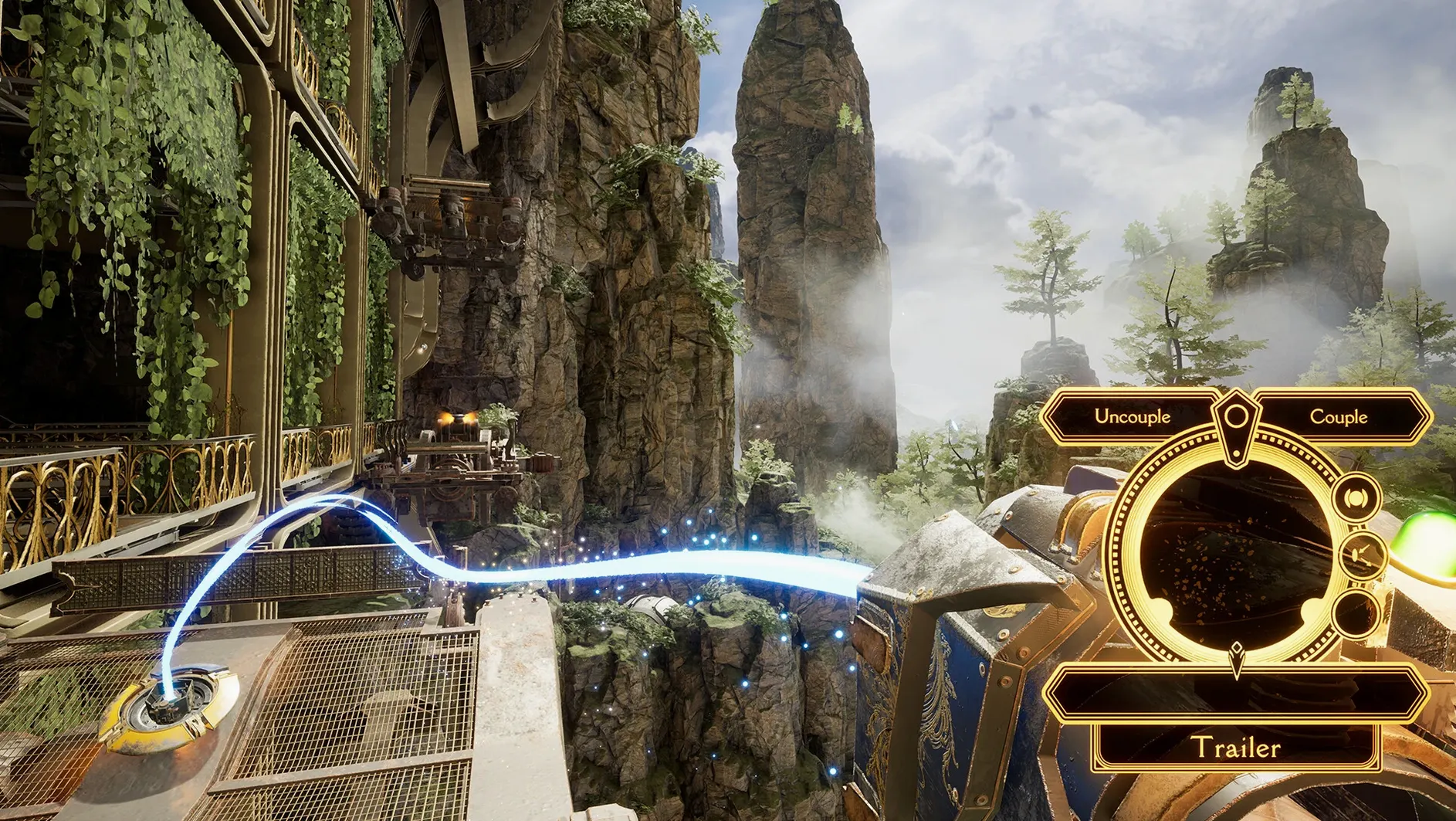
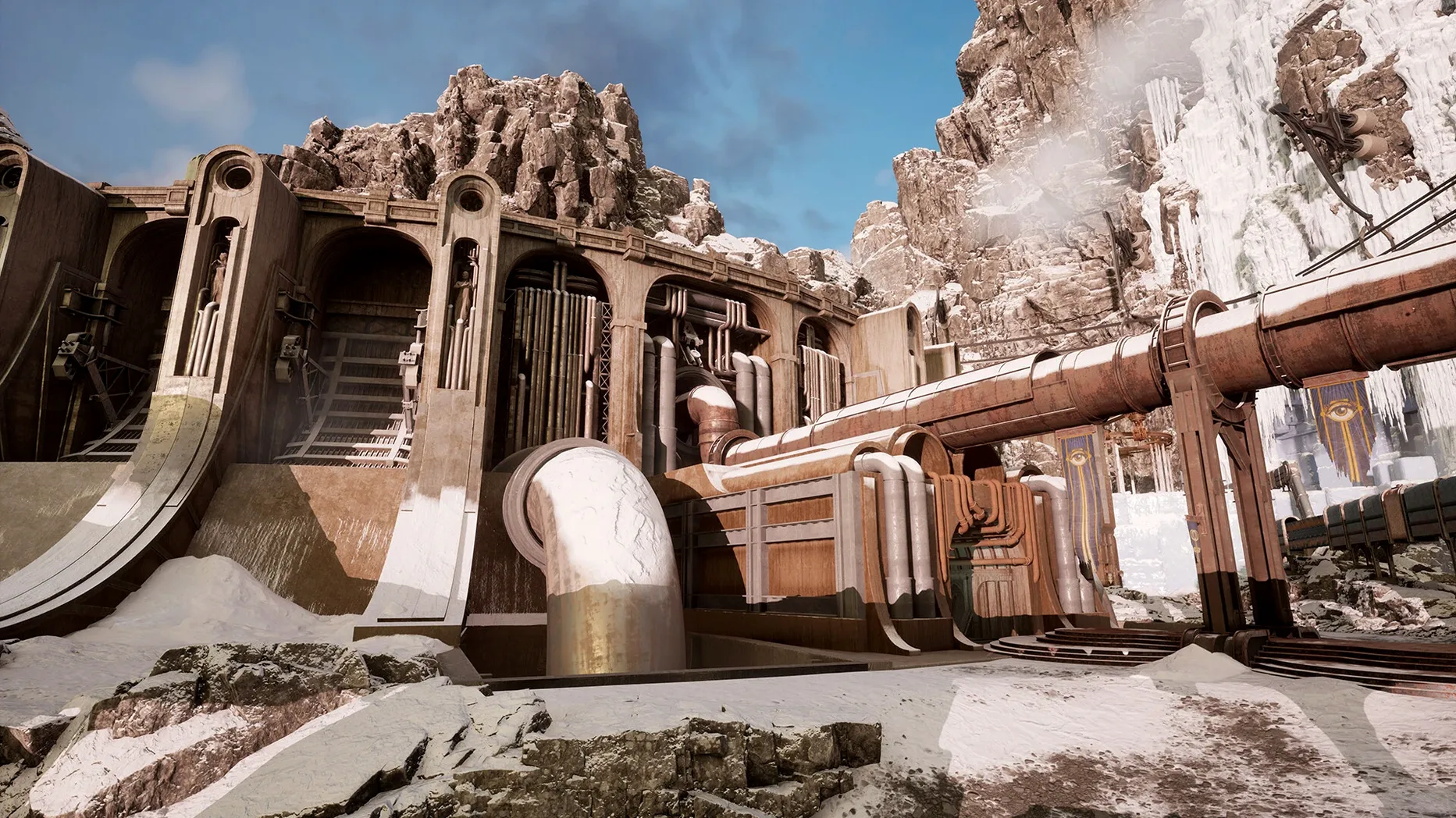
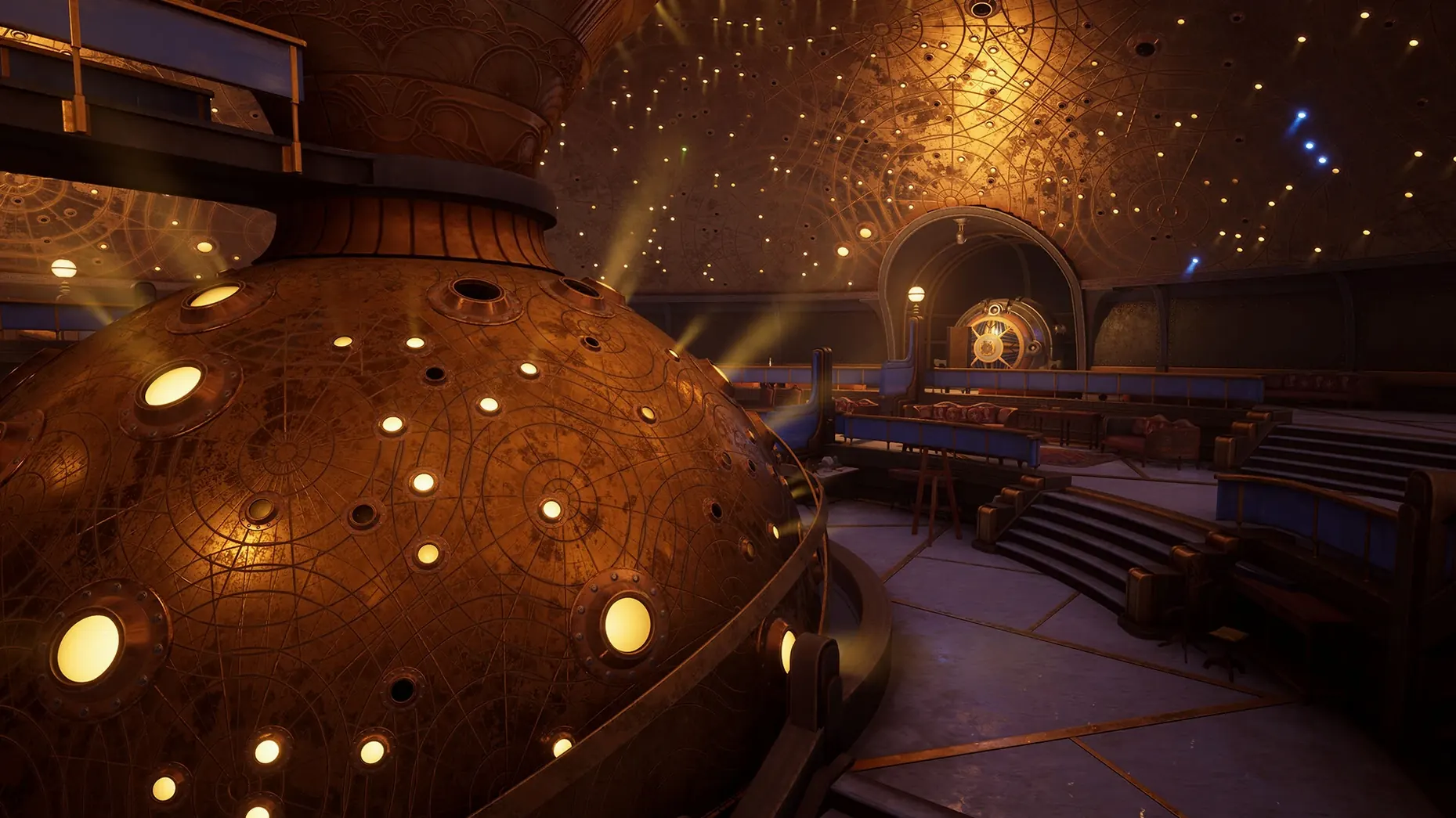
You want a puzzle game with more than just test chambers. Firmament 2.1.3 delivers a connected journey across three distinct realms, each with its own logic and secrets. The world-building goes deep, and you are never quite alone: a mysterious ghost accompanies you throughout.
| Quick facts | |
|---|---|
| Developer | Cyan Worlds, Inc. |
| Version | 2.1.3 |
| Interface languages | 11 including German, Japanese, Russian, Simplified Chinese |
What is in the box is a proper first-person puzzler with a steampunk aesthetic and a device called the Adjunct at the core of its interactions. The storyline is not a thin layer on top; it is woven into the architecture of the three worlds. Tested working on macOS Tahoe and an M4 Mac mini, the app supports both Intel and Apple Silicon Macs. The full list of interface languages—from Polish to Korean—means the scripted narrative and clue text stay clear for a wide audience.
First days with Firmament — a quick checklist
Every puzzle game has a rhythm. Finding it early saves you from walking in circles.
- Map the Adjunct first. Spend ten minutes in the opening area just trying the Adjunct on every surface that glows. Learn which icons appear and what each one controls. The interface does not repeat the tutorial, so build muscle memory now.
- Keep a paper notebook. Screenshots help, but writing down sequences and symbols by hand makes patterns click faster. The three worlds share a design language; your notes will cross-reference themselves.
- Let the ghost talk. The Mentor drops hints in passing dialogue, not in pop-ups. If it speaks, stop moving and listen. Replay the line if you missed it — the game logs recent voice lines in the menu.
- Do not rush the second world. The middle realm introduces layered Adjunct mechanics. Solve every optional node before moving on. Skipping a small puzzle can leave a gap in your understanding later.
- Check macOS focus settings. Notifications break immersion. Set a Focus mode that silences everything except maybe Messages. The game pauses cleanly, but the mood does not survive a ping about software updates.
How Firmament fits your Mac ecosystem
Firmament is not a service game. No cloud sync, no companion app. But it plays well with a few macOS features and nearby software you likely already use.
- Continuity Sketch with iPad. Stuck on a symbol grid? Open Continuity Sketch from the Finder, draw the layout on your iPad, and it appears on the Mac as a reference image. Faster than a phone photo.
- QuickTime Player screen recording. A short clip of a moving mechanism beats six screenshots. Trim it in QuickTime and pin the window beside the game window if you run Firmament in a slightly reduced resolution.
- Voice Memos on the side. If you prefer speaking your deductions aloud, Voice Memos sits in the menu bar. Talk through a puzzle chain during a session, then review the recording before you quit. The Mac mini M4 handles both apps without a stutter.
- Terminal for graphics tweaks. The game exposes a handful of config files in
~/Library/Application Support/Firmament. You can lower shadow resolution or disable motion blur with a text edit. Not needed on an M4, but helpful on older Intel machines. - Mission Control workspace. Assign Firmament to its own desktop space. Swipe left to the game, swipe right to your notes. The spatial separation helps you mentally switch between thinking mode and playing mode.
- macOS 14.5 or later
- Apple Silicon or Intel Mac
Questions the team asks
The Adjunct is the main device the player uses to manipulate the environment and solve puzzles across the three connected worlds.
The interface supports eleven languages including English, French, German, Italian, Japanese, Korean, Portuguese, Russian, Simplified Chinese, Spanish, and Polish.








Comments 0
Sign in or create an account to add a comment.
No comments yet. They go up after moderation.