

Hytale — Mac download
Download (1.4 GB) Earlier builds
Ticked
M4 Mac mini tested, Intel left behind
Hytale runs on Apple Silicon Macs. The current build was tested on a Mac mini 2024 M4 with macOS Tahoe. Intel Macs are not supported.
Good for builders who want more purpose
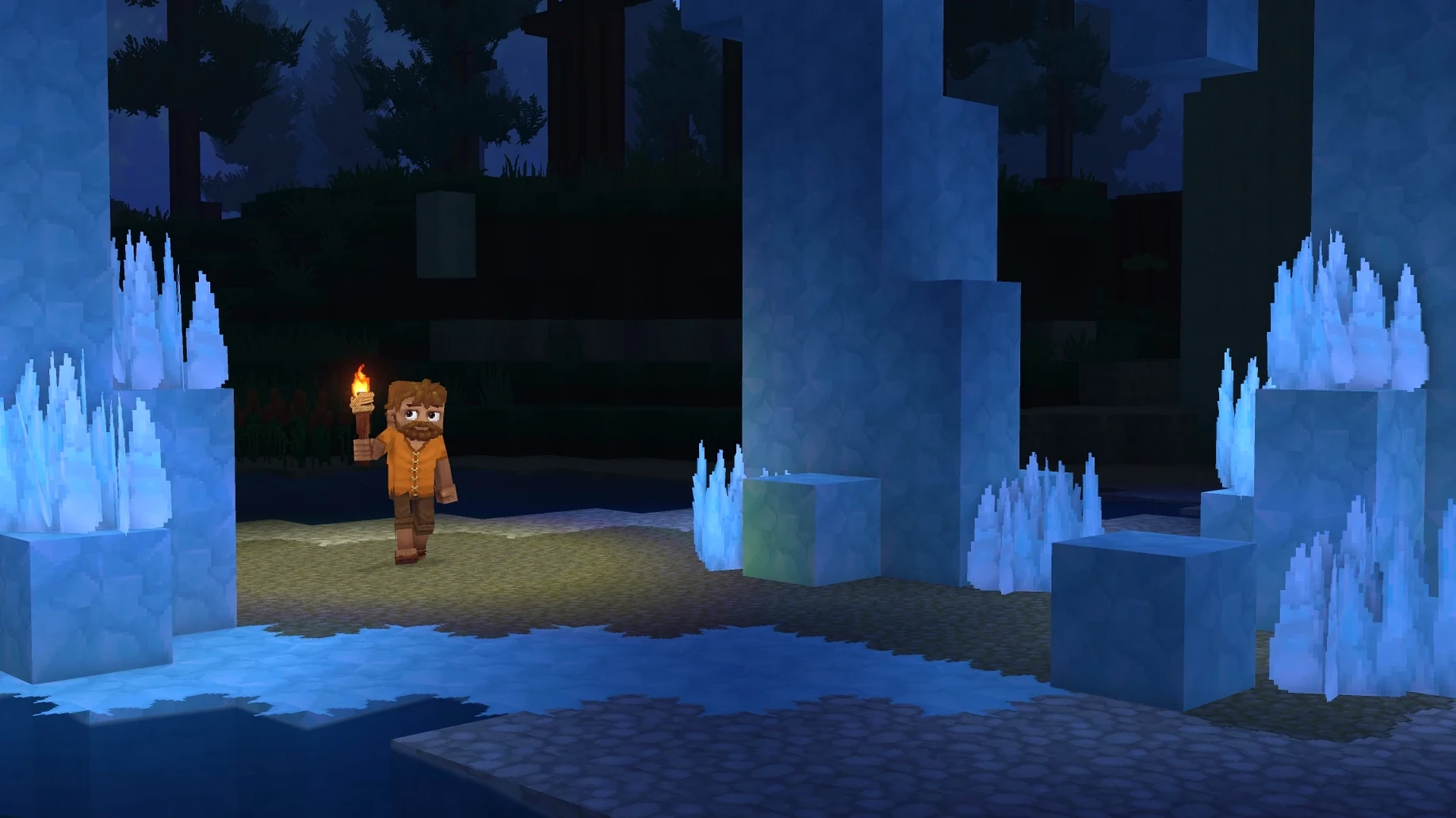
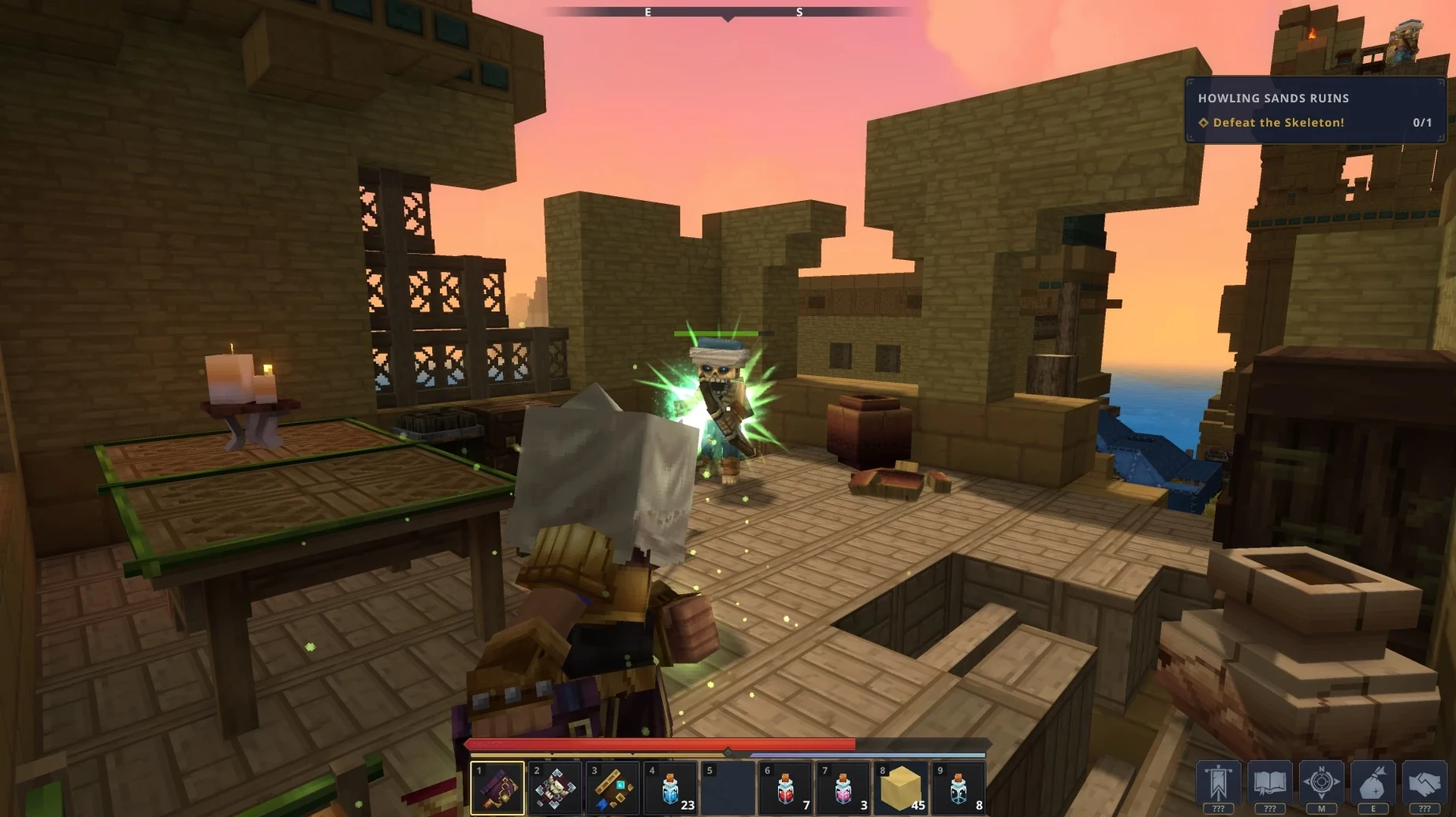
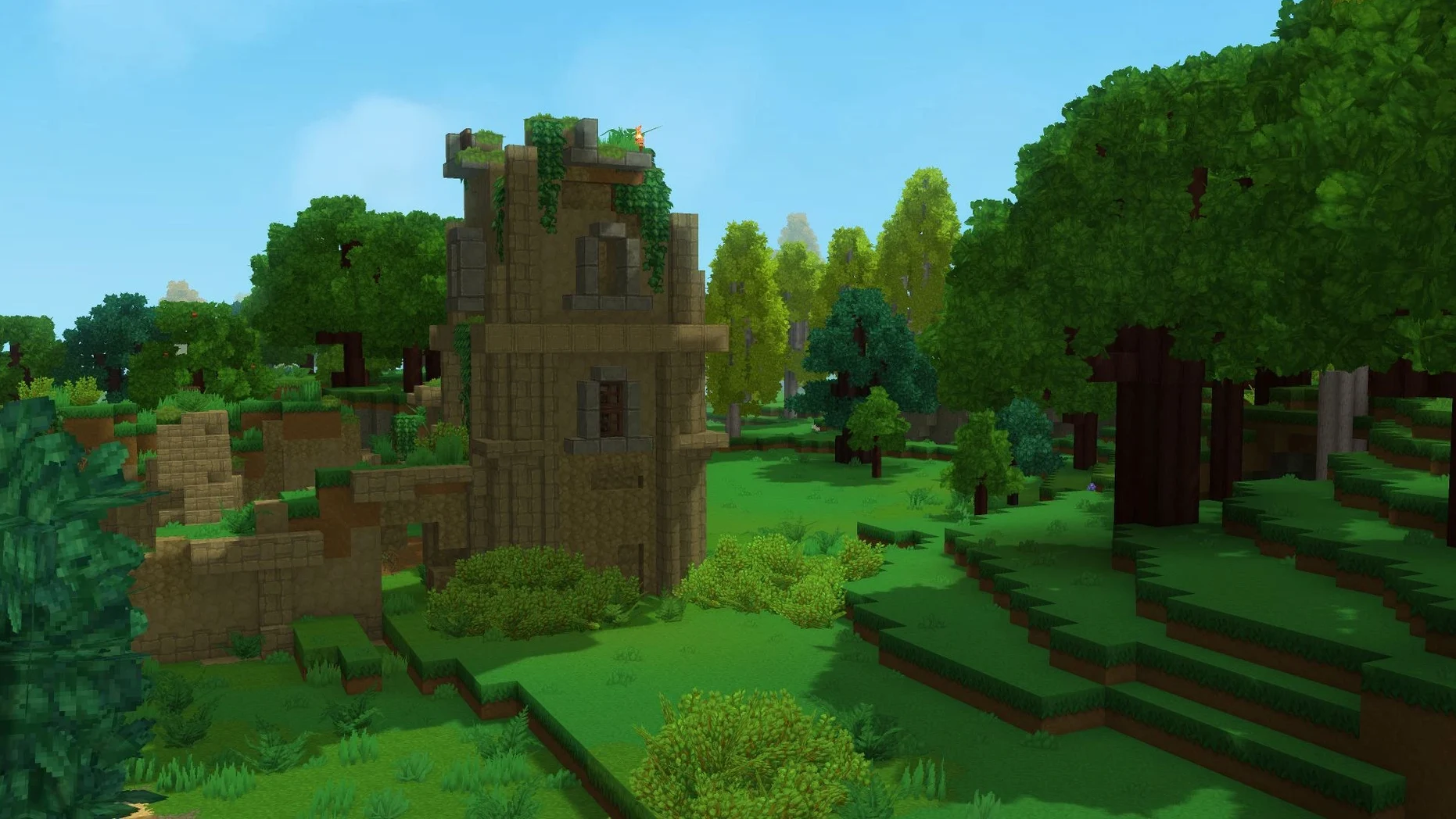
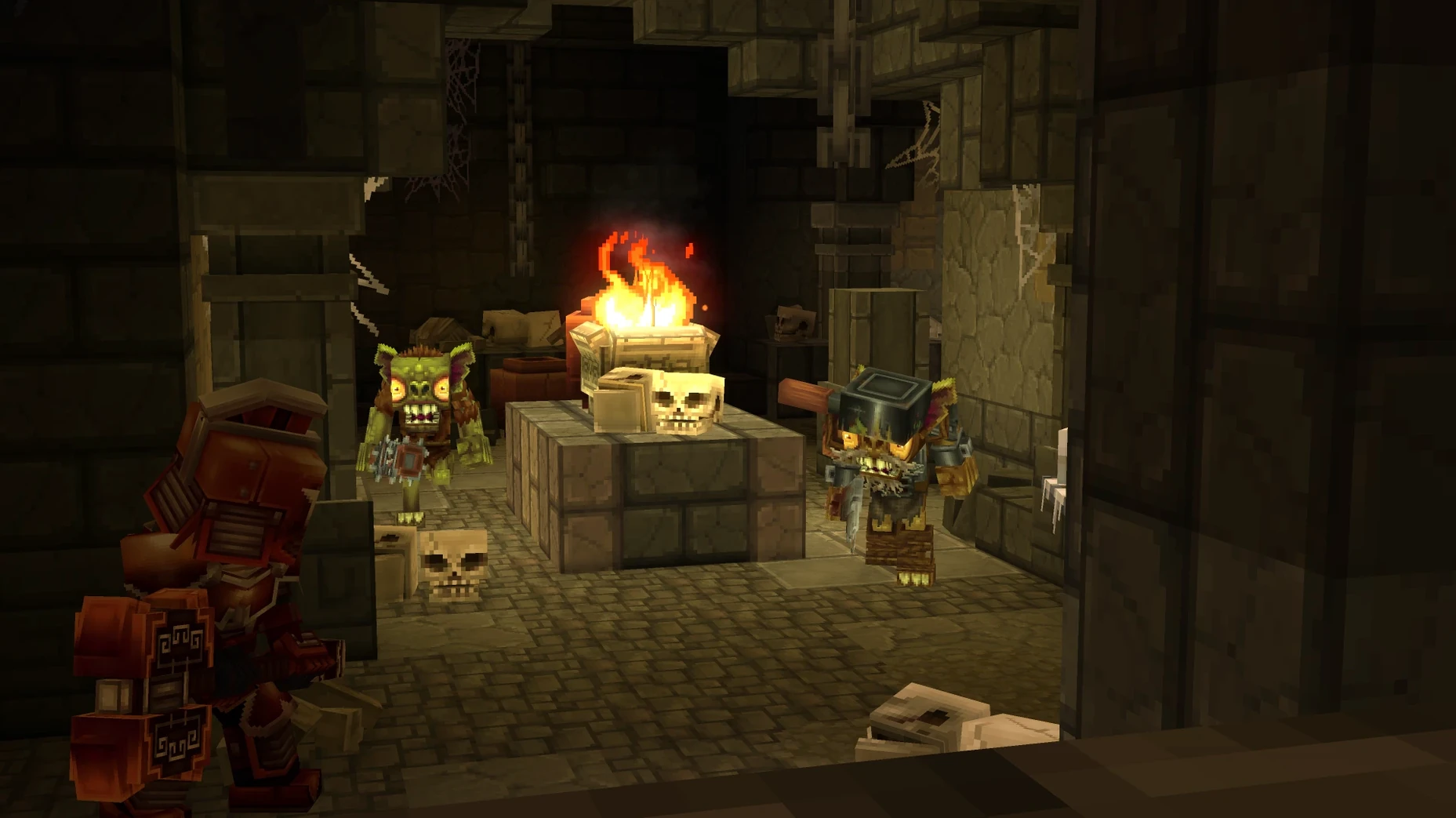
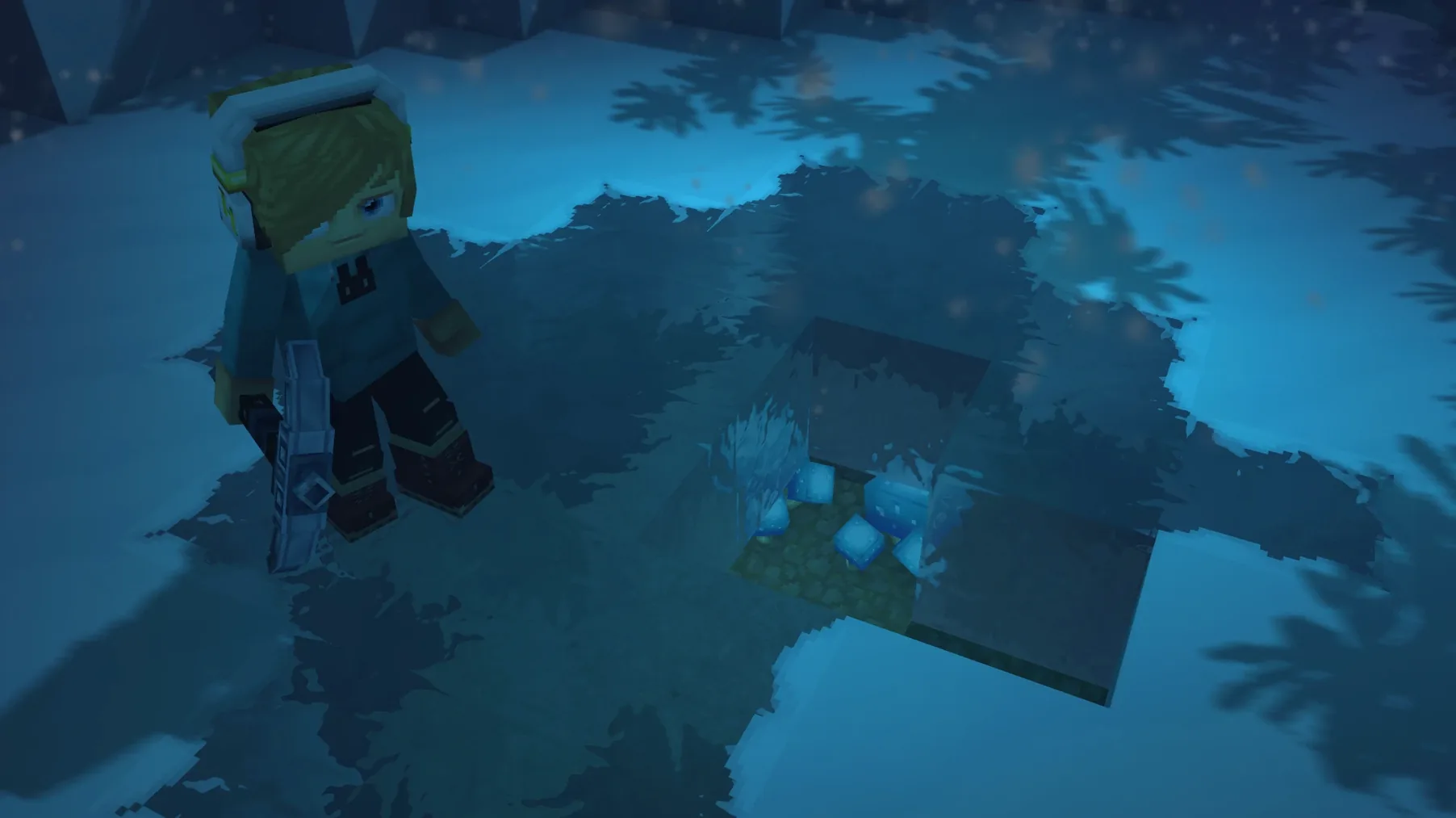
You get block-by-block construction paired with RPG-style progression. The world generates distinct biomes to explore. It suits players who enjoy creative tools but also want responsive combat and a reason to wander.
Good for modders and tinkerers
Modding support is included from Early Access. The architecture is built for players to reshape the game. If you like tweaking systems, crafting custom servers, or changing how the world behaves, it fits.
Not for players who want a finished story
Early Access focuses on exploration, building, and combat systems. A structured narrative is not the priority yet. If you need a complete campaign, this stage may feel thin.
Apple Silicon servers for private communities
Server hosts with an Apple Silicon Mac get a dedicated sandbox to build a community around. Multiplayer runs across all modes from day one, so you can run a private server for friends or a public one for strangers.
Modders who already script for block-based games will find familiar territory. The creator tools let you rewire mechanics, add minigames, or reshape combat. If you spend more time in a code editor than in the game itself, the Early Access toolset rewards that.
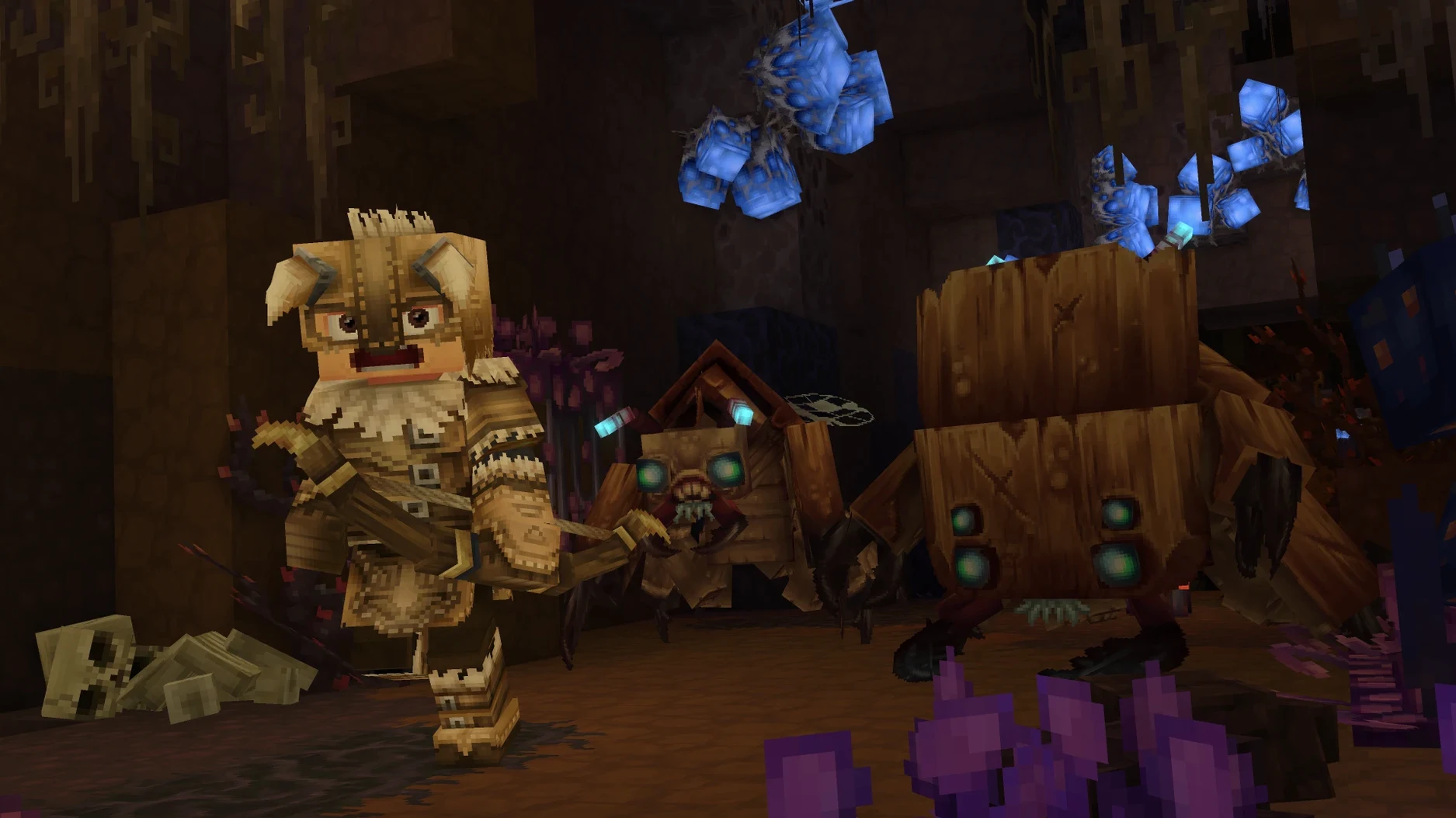
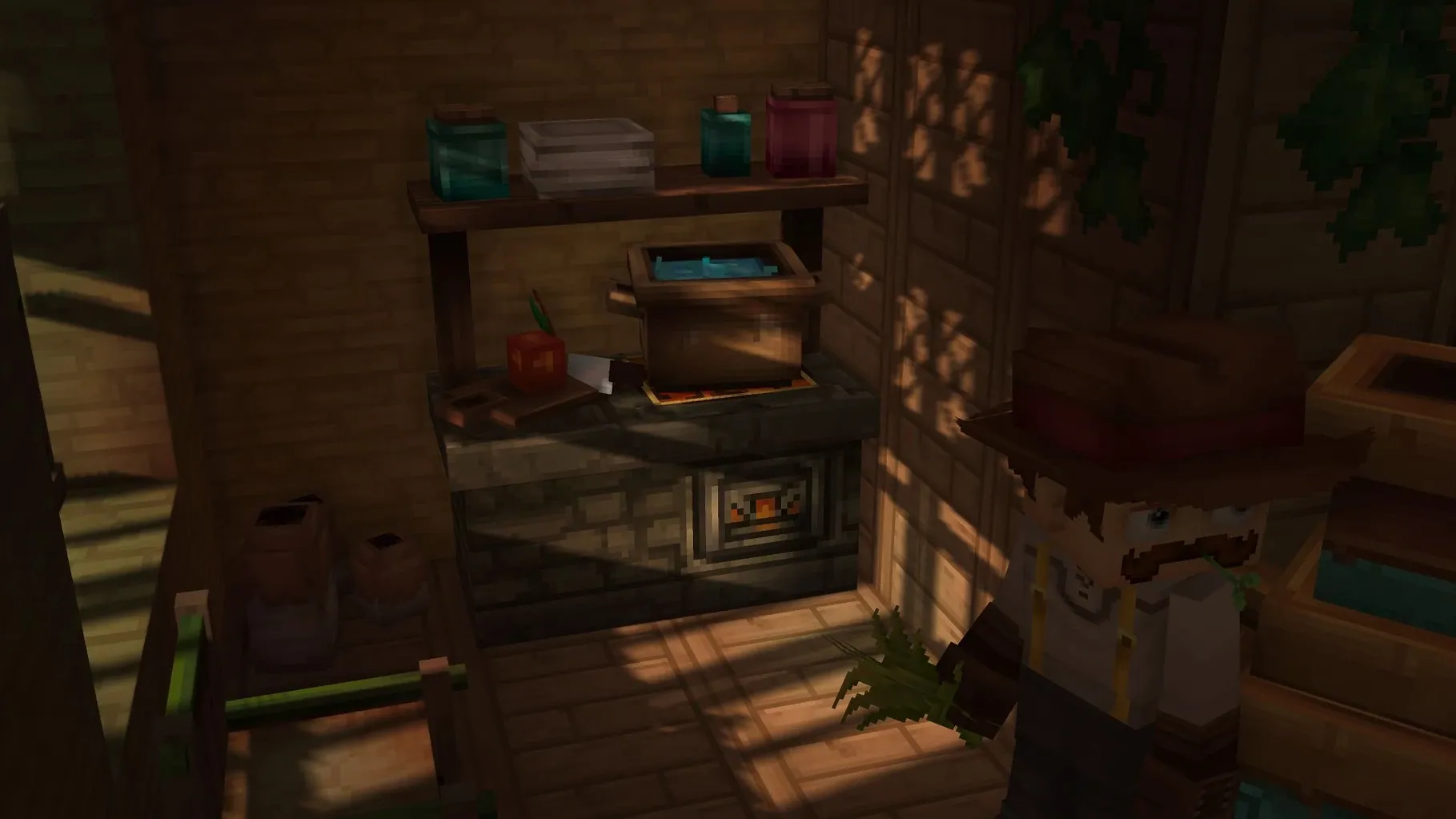
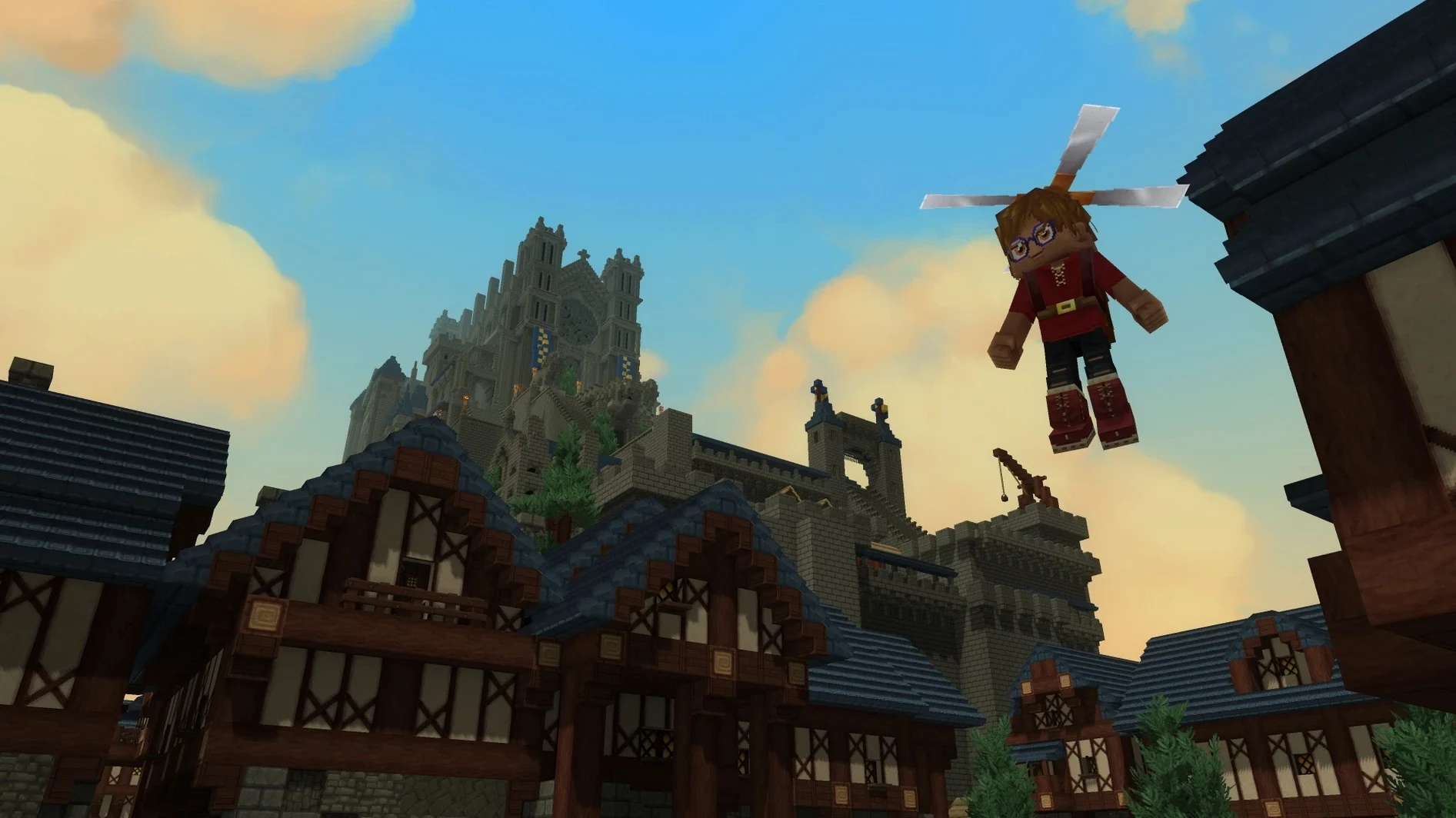
Builders who treat construction as a long-term project benefit from the RPG layer. You are not just erecting a monument. You are placing it inside a living world with creatures and dungeons. That context makes a large build feel less like a diorama.
Casual explorers who dip into a new biome for an hour after work get a low-pressure loop. No fixed questline pushes you forward. You set the pace, gather materials, and poke at ruins when you feel like it.
Block coordinates meet your clipboard manager
Hytale plays well alongside lightweight creative tools. Keep a note-taking app open for build plans or modding notes. A clipboard manager helps when you are pasting block coordinates between the game and a text editor.
The game taps into macOS’s Metal rendering. On a 2024 M4 Mac mini, frame pacing stays smooth during combat and exploration. If you stream or record sessions, OBS picks up the window without extra capture plugins.
Server hosts pair Hytale with a terminal-based SFTP client. You can push mod files and world saves to a remote Apple Silicon Mac without leaving the desktop. Spotlight indexing stays out of the way if you exclude the server folder from searches.
If you grabbed hytale for mac free download to test before committing to a server project, the client runs cleanly from the Applications folder. Keep the disk image handy for the bundled Fix utility, just in case.
- Early Access launch with Exploration Mode and Creative Mode
- Modding support added
- Multiplayer support added
- Core systems fixed: camera, movement, combat, crafting, building, audio, rendering
- macOS Tahoe
- Apple Silicon
- Tested on Mac mini 2024 M4








Comments 0
Sign in or create an account to add a comment.
No comments yet. They go up after moderation.