
LEGO® Bricktales — Mac download
Ticked
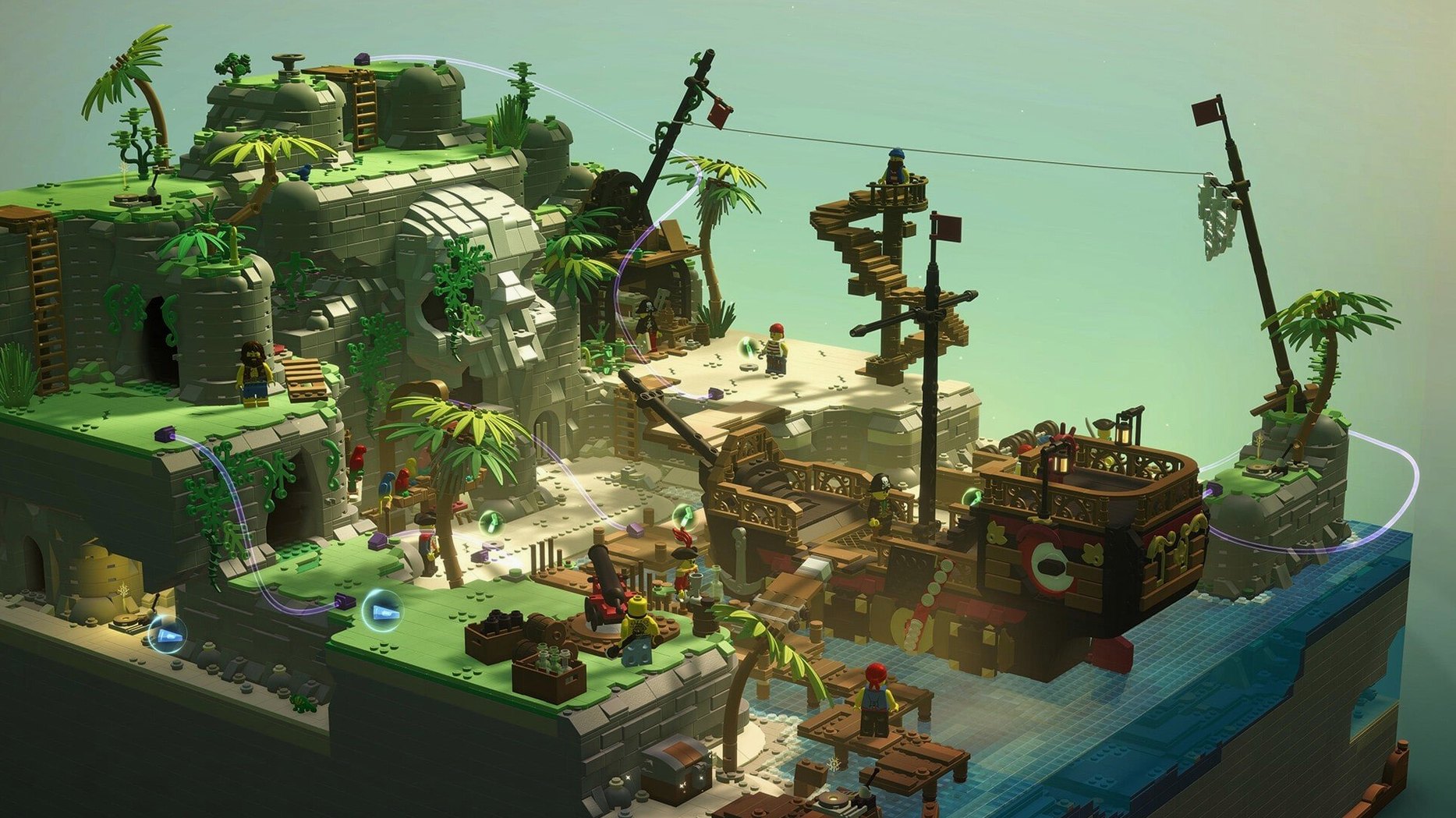
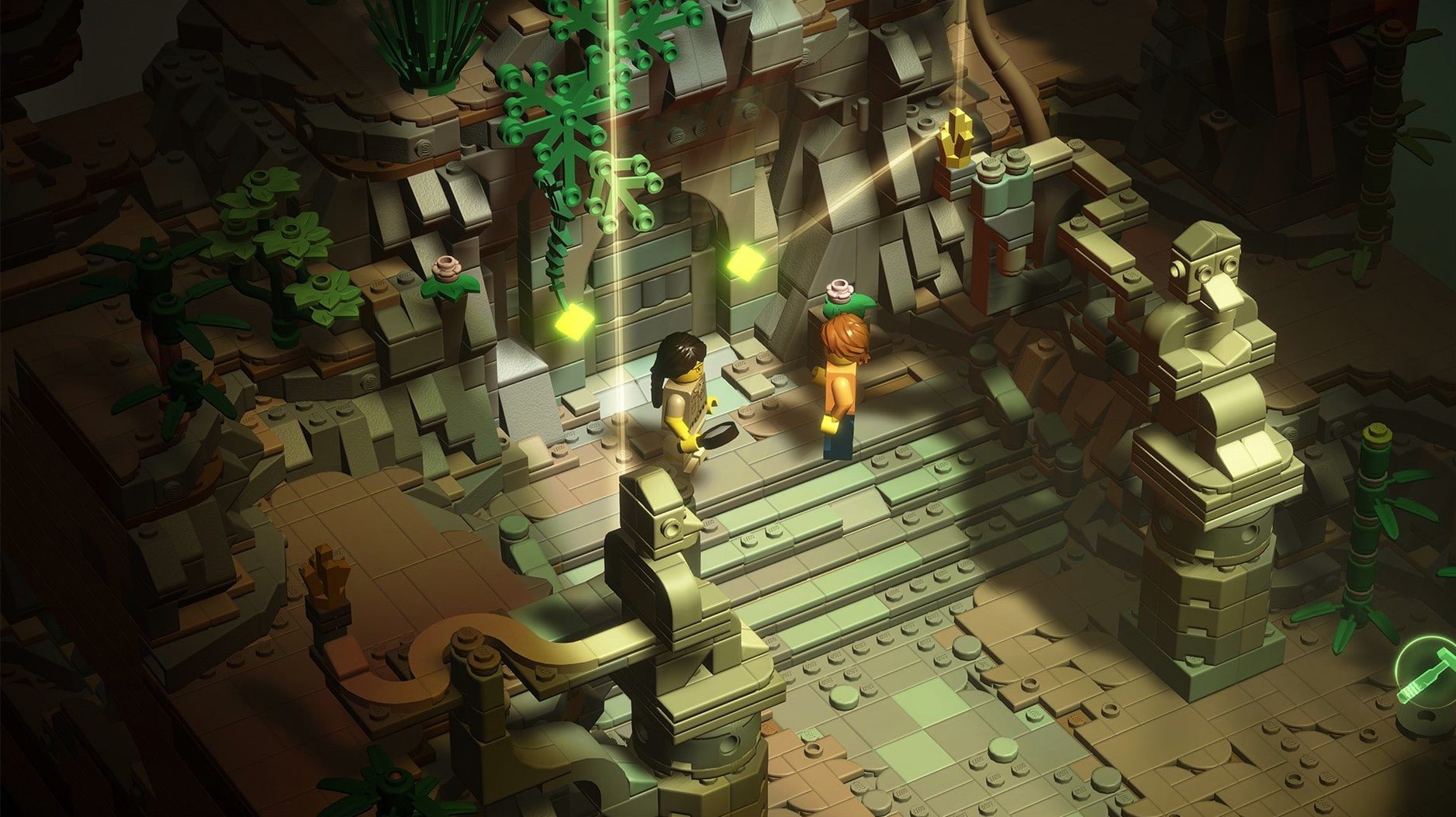
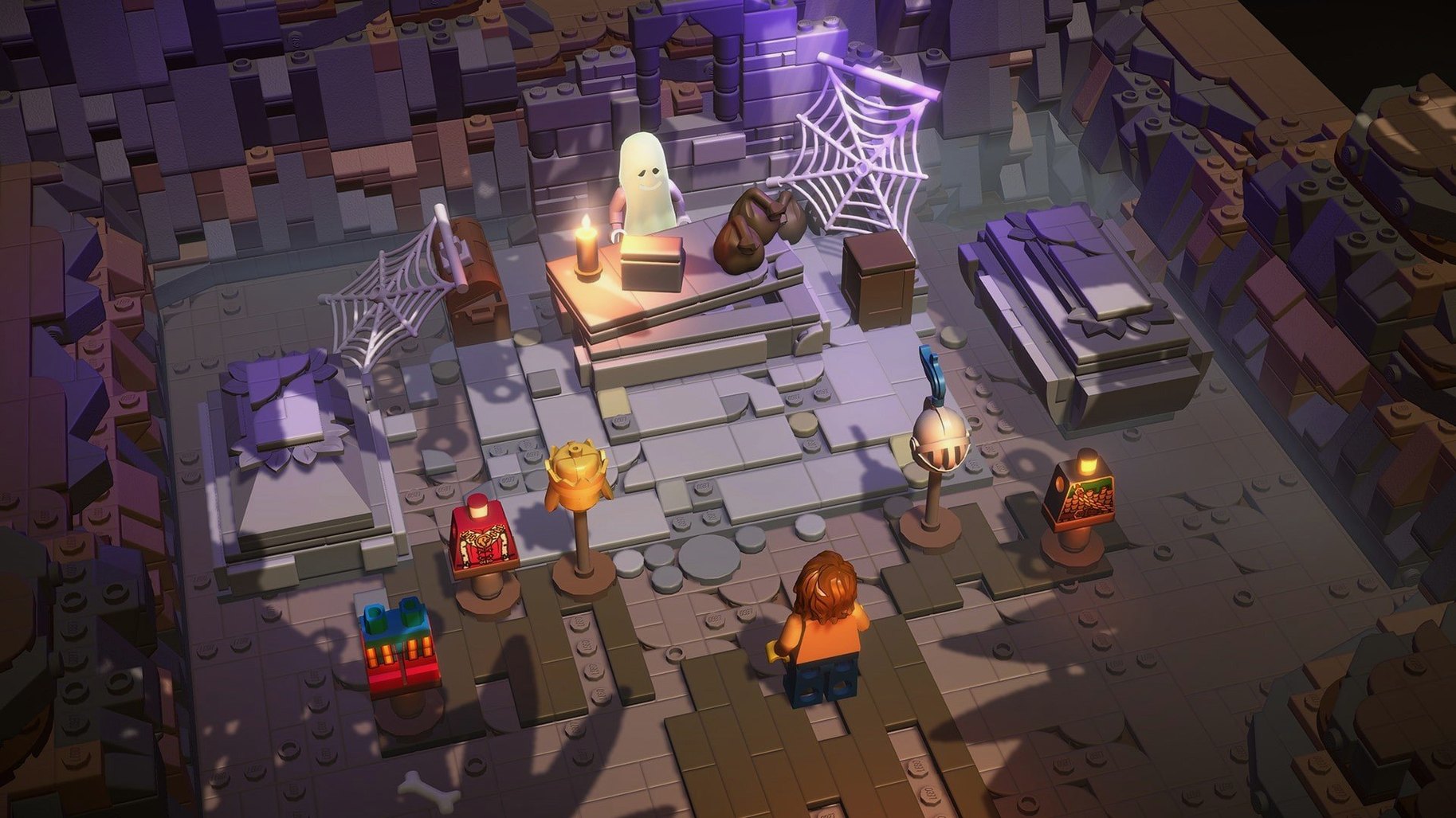
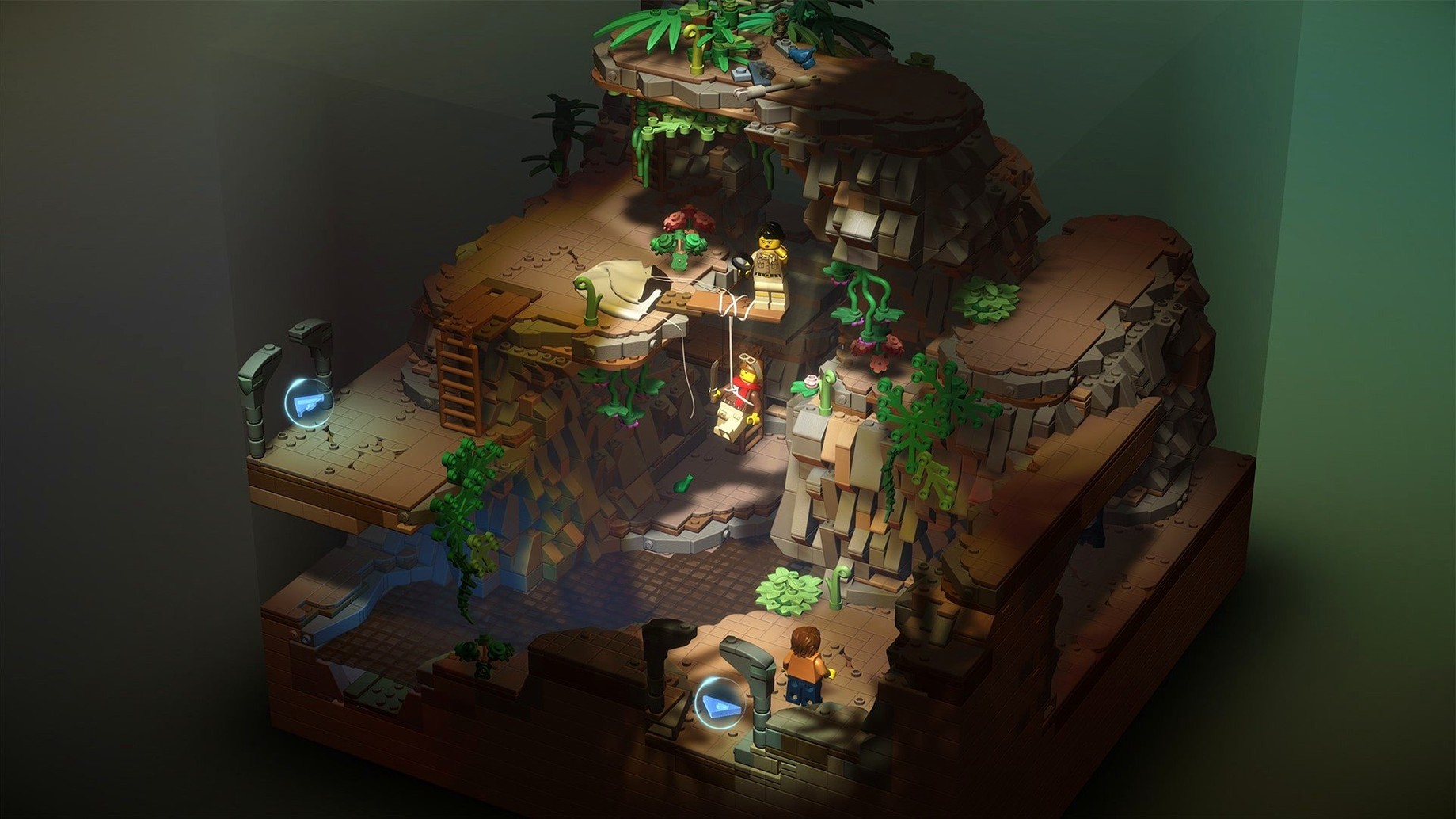
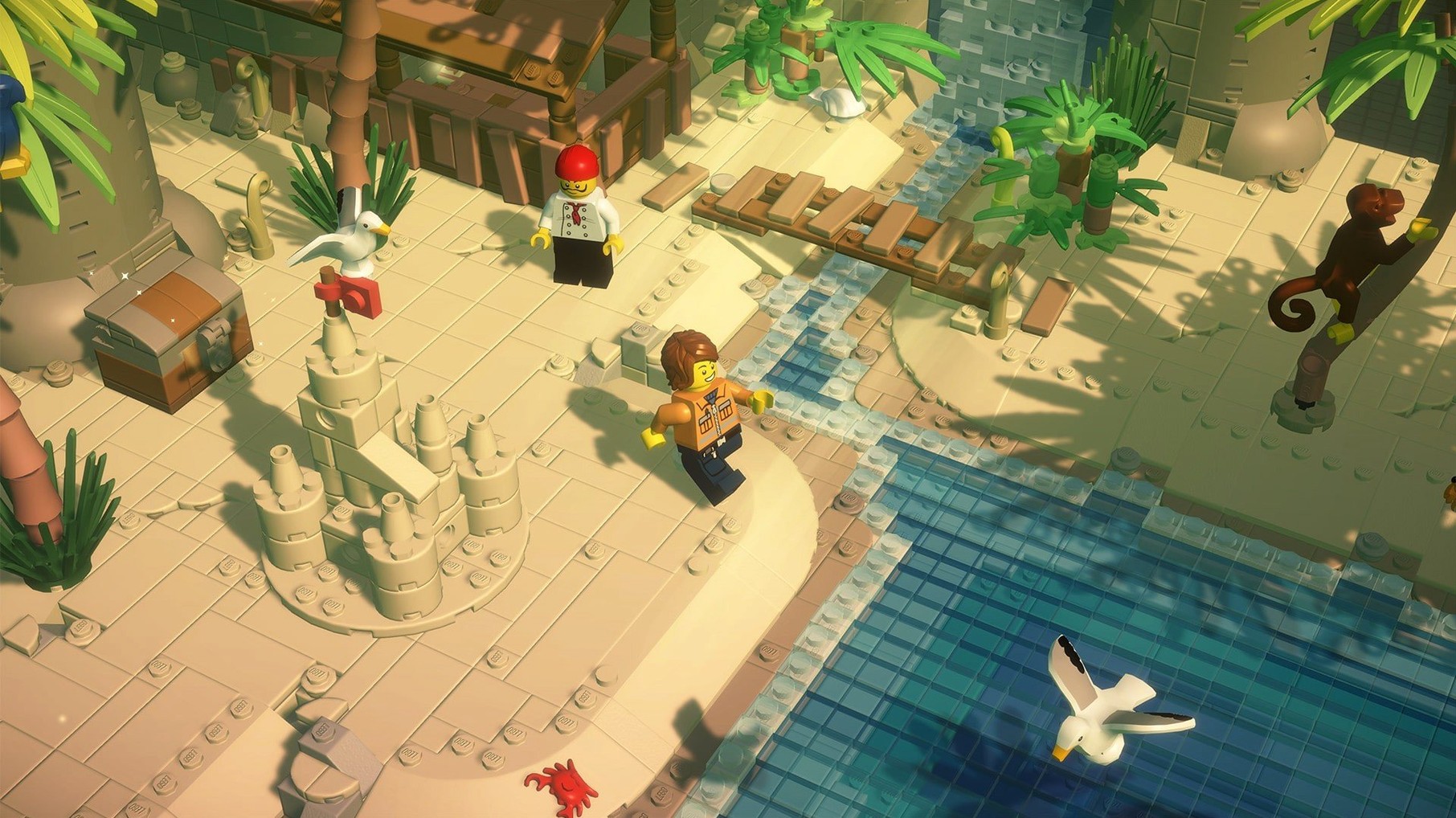
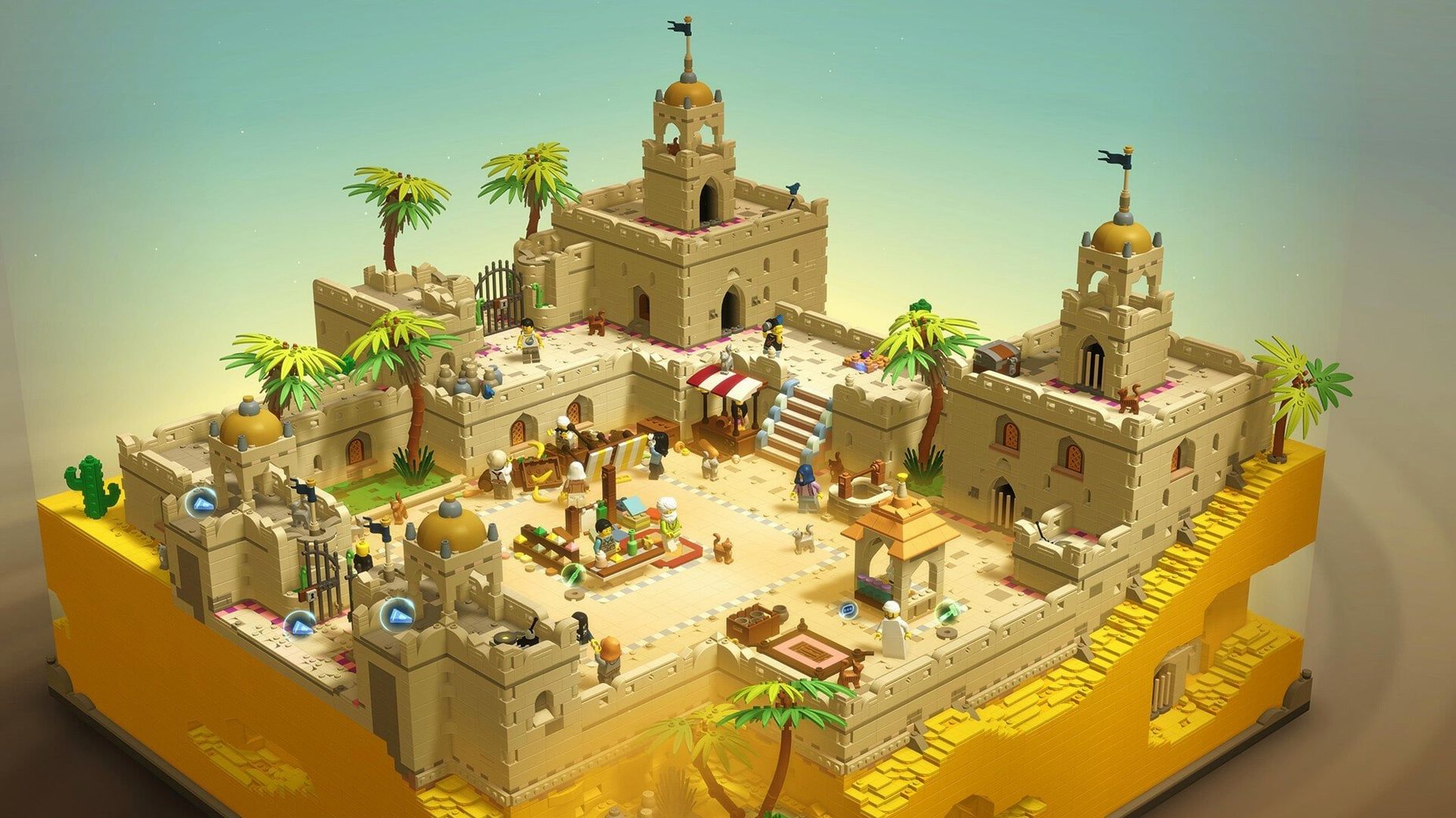
Project managers who unwind with a slow, structural puzzle will find LEGO Bricktales fits the slot between work apps and sleep. It is a puzzle-adventure game from ClockStone, built around a brick-by-brick mechanic for solving physics puzzles.
- Developer — ClockStone
- Current version — 2.1.02
- Mac support — ARM and x86 64-bit
- Minimum macOS — 10.13
- Interface languages — English, German, French, Spanish, Italian, Portuguese, Russian, Danish, Japanese, Korean, Simplified Chinese
You travel through jungles, deserts, a city, a medieval castle, and Caribbean islands. A small robot helper tags along. Each puzzle asks you to build a functional structure, brick by brick. The physics model is the real constraint: bad supports collapse, good ones hold.
Performance on a Mac is modest. The listed floor is a 3 GHz processor, 4 GB RAM, and 1 GB of storage. Apple Silicon runs it through Rosetta. Don't expect a lightweight idle game; it does push the graphics side, so a DirectX 11 compatible card matters on Intel hardware.
What to do in the first few days
Learn the snap rules in the tutorial jungle
- Run through the tutorial jungle biome slowly. The first hour locks down the brick-snapping rules that later puzzles assume you know.
- Turn off camera auto-follow in settings if the swooping motion bothers you. The fixed-angle option makes lining up bricks on diagonals much easier.
- Collect every ladybird you spot. They unlock colour sets in sandbox mode, and several hide behind diorama scenery you will not revisit unless you hunt them early.
- Test whether your Mac prefers windowed or fullscreen mode. On multi-monitor setups, windowed keeps the cursor from drifting onto the other display during delicate brick placements.
- Save a throwaway sandbox slot after the first construction site. Use it purely to practise bridging a gap with the fewest bricks. The habit pays off in later desert and castle puzzles where brick counts tighten.
Check the bottom row when a stable build fails
Physics puzzles sometimes reject a build that looks stable. Nine times out of ten, a single brick sits a fraction off-grid. Zoom in fully, rotate the camera to a side-on view, and check the bottom row first. Bricks that float by a pixel will collapse under the simulation pass.
On Apple Silicon Macs running Rosetta, occasional stutter during the physics calculation step is normal. Dropping shadow quality to medium and switching ambient occlusion off in the graphics menu buys back ten to fifteen frames without changing how the bricks read.
Sandbox mode unlock timing trips people up. You must complete a construction site puzzle once, then return to it via the diorama map to find the sandbox icon. It does not appear on the first clear.
A rope bridge in the desert after 8 p.m.
You open the game around 20:00 after a day of sprint reviews. The main menu lands on the desert diorama, where three construction sites show as incomplete. You pick the rope bridge.
The robot drops a pile of bricks and marks two anchor points on a sandstone ledge. You snap a base beam across the gap, test the physics — it holds. A second layer wobbles. You pull the wobbling brick, rotate it ninety degrees, and reseat it. The simulation passes. Three more rows, a final arch piece, and the robot scurries across. Completion chime.
You leave the site, open the sandbox version of it, and spend ten minutes rebuilding the bridge in a deep blue colour set you bought with collected ladybirds. The session ends with a wander around the medieval castle hub, scouting the next puzzle for tomorrow. Total time: thirty-five minutes. Mental state: reset.
- macOS 10.13 or later
- 3 GHz processor
- 4 GB RAM
- 1 GB available storage
- ARM or x86 64-bit Mac
Questions the team asks
Yes. The interface build supports ARM and x86 64-bit Macs, and Apple Silicon M1 and later machines use Rosetta.









Comments 0
Sign in or create an account to add a comment.
No comments yet. They go up after moderation.