
Minecraft — Mac download
Download (164 MB) Earlier builds
Ticked
If you've spent time in slices configs or tweaked Java arguments for better chunk rendering, you already know the launcher is just the start. Here are the deeper pieces in the current release.
Resource pack version 64 — the internal format bump that changes how the game reads textures, models, and sounds. Pack makers need to update their pack.mcmeta or the pack won't load.
Data pack version 81 — controls recipes, loot tables, and world generation rules. A version jump means new commands or changed behaviour in existing functions.
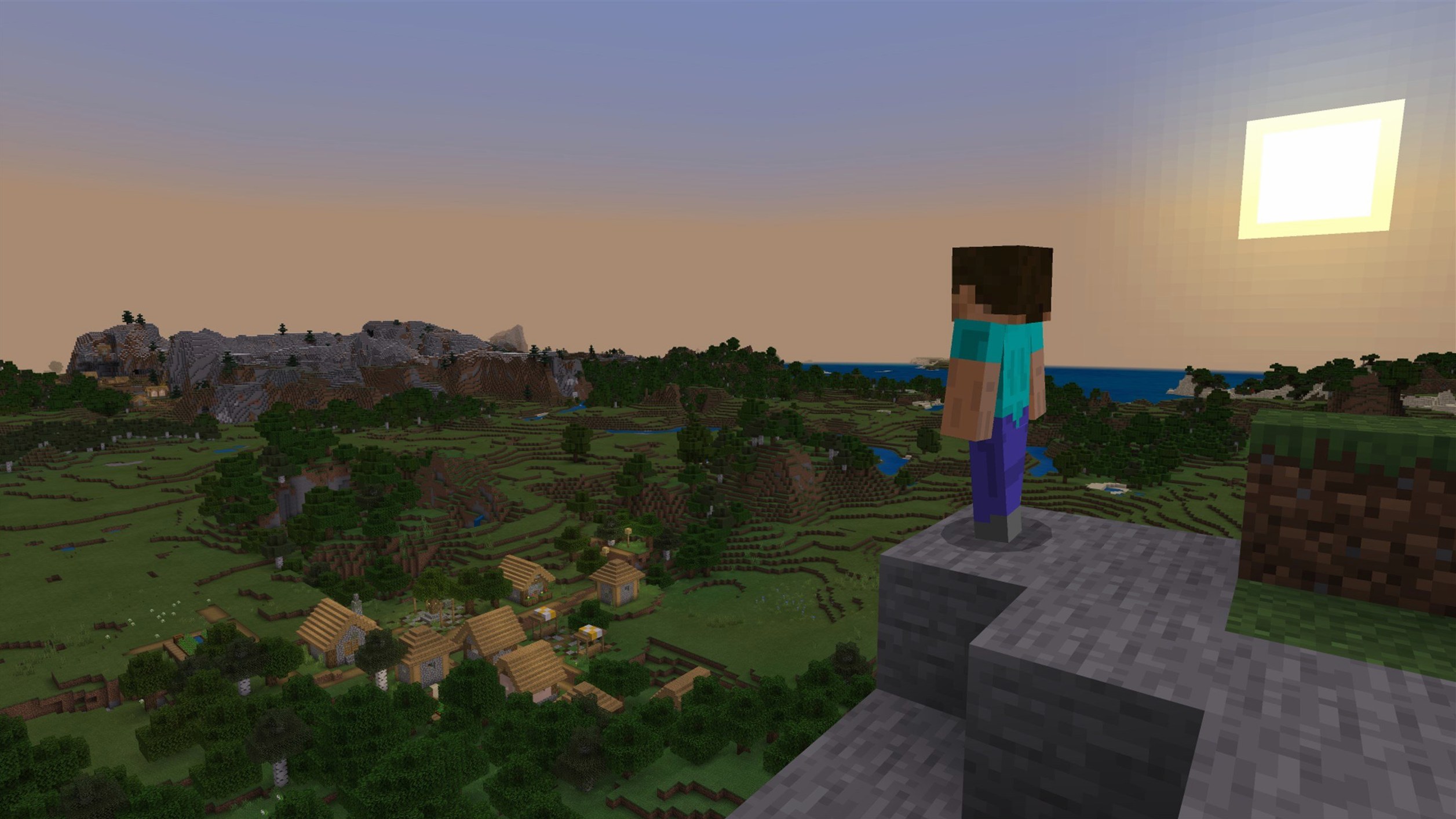
Procedural generation seed — the world builds itself from a seed value. Same seed, same terrain. Useful for testing farms or sharing a known layout with a build team.
Apple Silicon native — the launcher runs without Rosetta on M-series chips. Less overhead, smoother chunk loading on large redstone projects.
Workflow: testing a new seed for a survival build
Before committing days to a base, I vet the seed in a fresh Creative world. Here's the checklist.
- Launch the game and select Singleplayer → Create New World.
- Switch to the More World Options tab.
- Paste the seed value, set game mode to Creative, and toggle Generate Structures on.
- Enter the world and fly straight up — I check biome spread within the first 500 blocks.
- Run
/locate biomeand/locate structurefor the three resources I need most. - Note coordinates in a plain text file. I keep a running list per seed.
- Quit, delete the test world, and repeat for the next candidate.
This takes under four minutes per seed. The procedurally generated terrain is consistent across Mac, Windows and Linux, so a seed confirmed on my M4 mini works identically for a friend on an Intel Mac or a server running Linux. Data pack version 81 means /locate syntax hasn't changed — commands carry over from 1.21.x worlds without edits.
Two apps always open next to Minecraft
I keep three things open alongside the launcher:
- Notes — plain text or a checklist app. Coordinates, build ideas, and villager trade notes go here.
- Finder — the
~/Library/Application Support/minecraftfolder holds resource packs, screenshots, and world backups. Dragging a world folder to an external drive is my manual backup routine before a version update. - Preview — F2 screenshots open straight into Preview for quick markup. I circle build sites before sharing with the server.
macOS Spaces keeps this clean: launcher and game on Desktop 1, reference tools on Desktop 2. Three-finger swipe between them, no window hunting.
For server play, I use the Terminal to ping the server IP before launching — catches lag issues before they ruin a mining session. The native Apple Silicon build means I can keep Terminal and a lightweight browser open on a second display without chunk loading stuttering.
Building a nether hub: one evening's session
A friend grabbed the latest minecraft java edition torrent download to join our realm after a clean macOS install. He needed to match our server version exactly — 1.21.7 — or the connection would refuse. Once in, we spent the evening linking four nether portals.
The task: dig a tunnel at y=15 in the nether, 300 blocks east, place a portal, and confirm it surfaced near a woodland mansion in the overworld. I ran ahead placing packed ice for boat travel. He followed with glass and glowstone, marking the ceiling every 16 blocks so we didn't lose orientation. The Lava Chicken disc played in the background — new in this build, and oddly fitting for a nether session.
Halfway through, a texture glitch from a reload earlier in the week resurfaced — lava animation stuttered. We quit, removed the resource pack from resourcepacks folder, relaunched. Fixed. The bug-fix list for 1.21.7 specifically addresses texture leaks after resource reloads, and it held up.
We finished in two hours. Coordinates logged. Portal pairs tested. A minecraft java torrent from the same source kept us version-matched without fuss, and the Mac launcher handled the ARM-native build without a single framerate dip, even with both of us loading fresh chunks.
- New painting — a 3×3 block canvas added to the painting roster.
- Lava Chicken music disc — a new disc to collect and play in a jukebox.
- Data pack version 81 — updated internal version for function and loot table changes.
- Resource pack version 64 — pack format bumped; custom packs need a manifest update.
- macOS (64-bit)
- Intel or Apple Silicon Mac
Questions the team asks
Yes. The full soundtrack by C418 and other composers comes bundled with the game.
Yes. Java Edition worlds are cross-platform. Move the save folder between Mac, Windows, and Linux and it loads identically.
Any 64-bit Mac with an Intel or Apple Silicon chip. It was tested on macOS Tahoe with an M4 Mac mini.







Comments 0
Sign in or create an account to add a comment.
No comments yet. They go up after moderation.