
Northgard — Mac download
Ticked
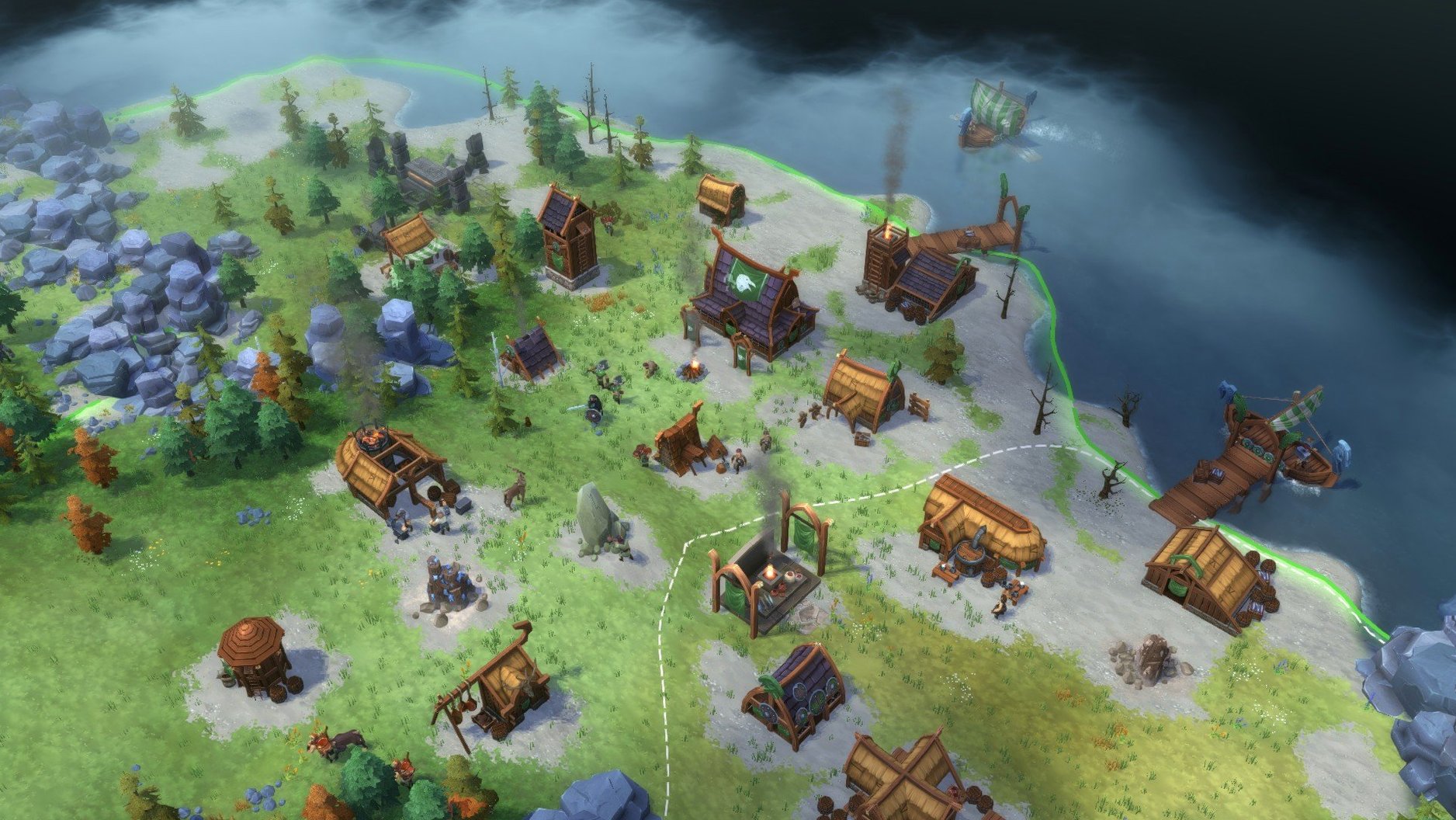
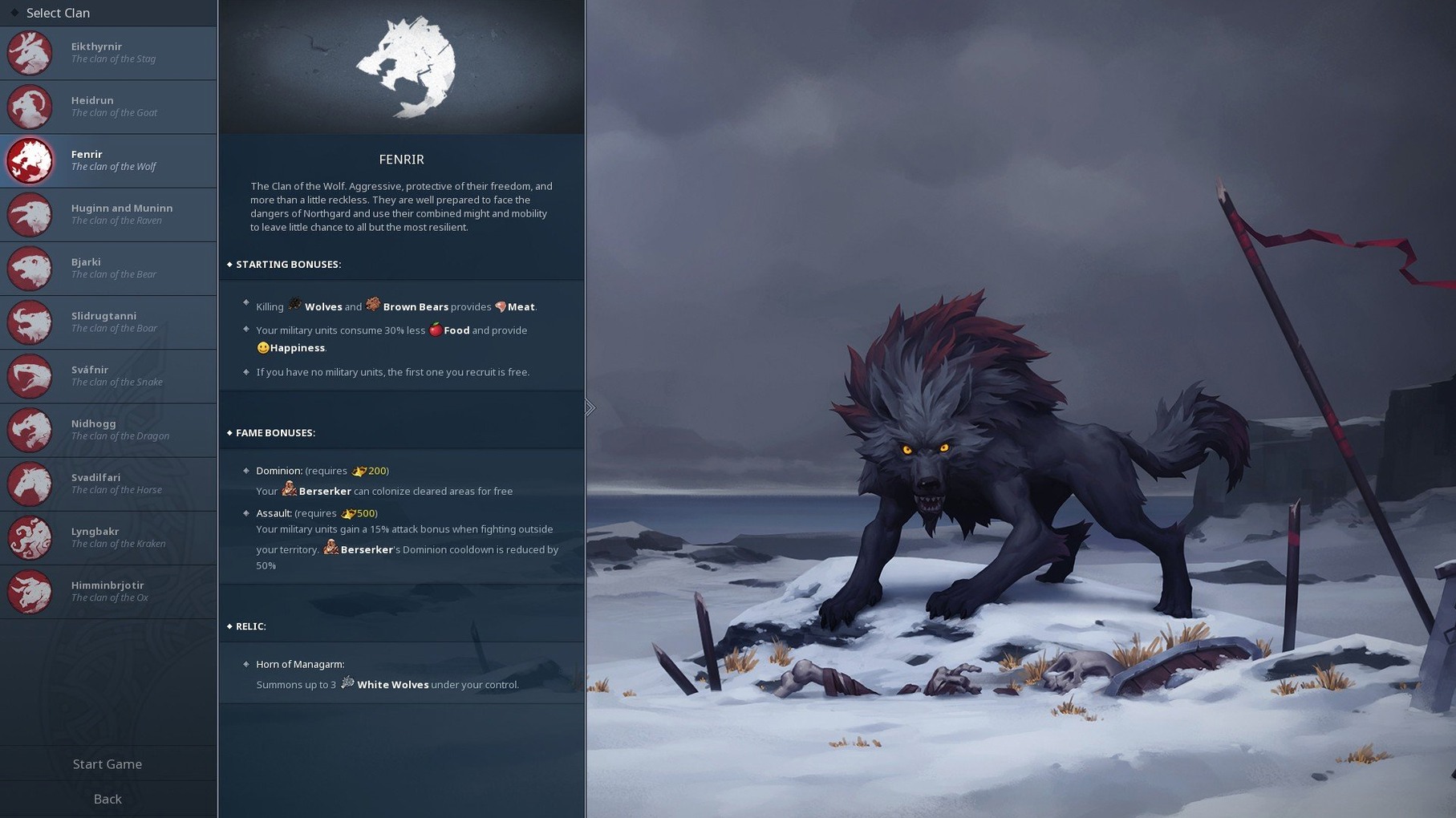
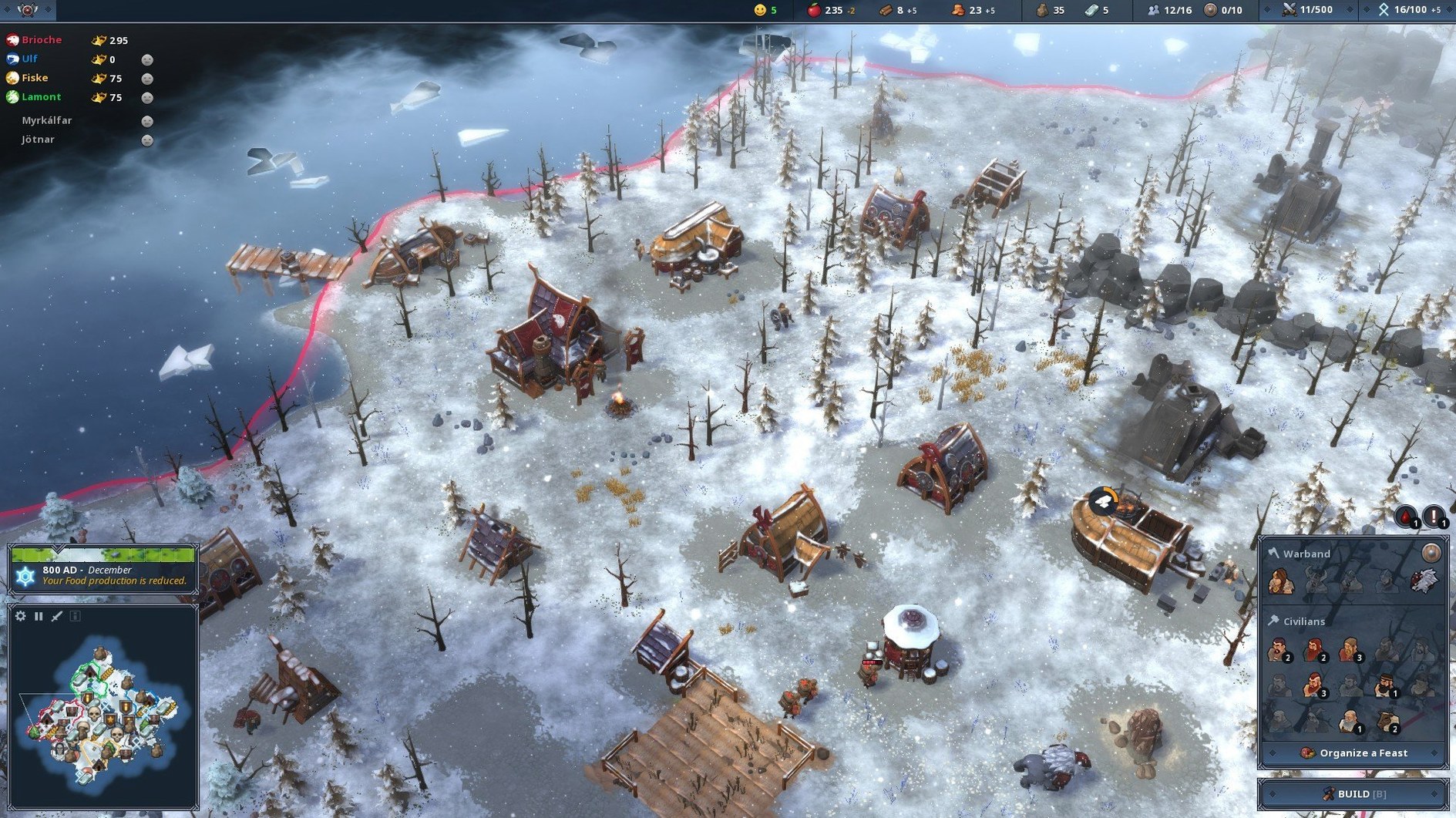
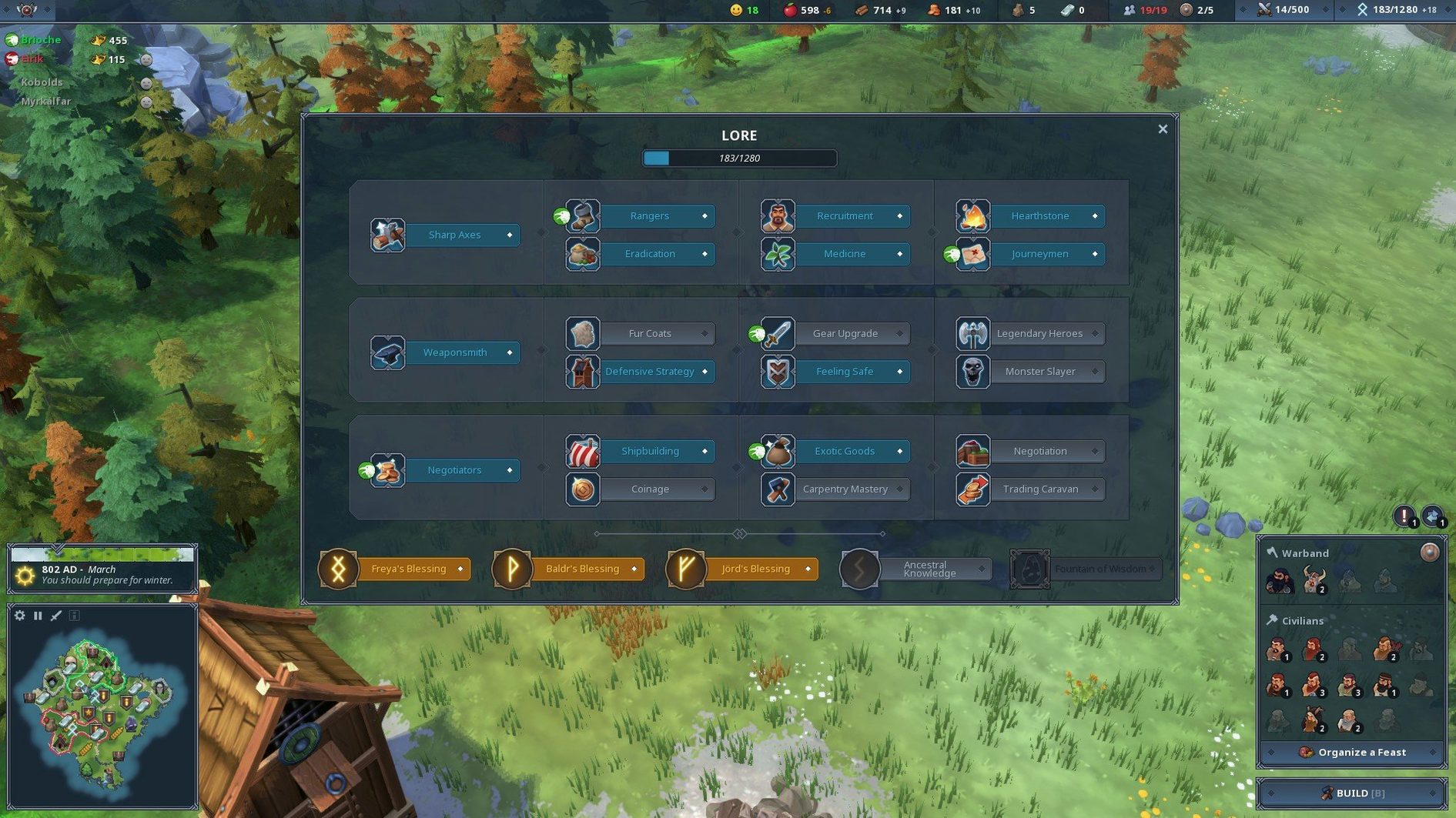
Running a demanding real-time strategy game on a Mac often means wrestling with compatibility. Northgard sidesteps that — it is a native Intel build that settles neatly onto macOS.
Runs natively on Intel, localized in 11 languages
| What | Detail |
|---|---|
| Version | 4.3.29.43348 |
| Developer | Shiro Games |
| Architecture | 64-bit Intel |
| Languages | English, German, French, Spanish, Italian, Russian, Polish, Turkish, Portuguese, Korean, Simplified Chinese |
Slow-burn resource chains with Norse undead and dragons
- Intel Mac owners who want a native build, not a wrapper.
- Players who enjoy slow-burn expansion and resource chains.
- Norse mythology settings with undead and dragon threats.
Rosetta 2 only on Apple Silicon, no fast skirmish mode
- Apple Silicon owners expecting a native ARM binary — it runs via Rosetta 2.
- Anyone wanting fast, skirmish-only RTS matches.
You land as Jarl Rigo, chasing the stolen Horn of Konung across an open world. The workflow is methodical: explore the tile-based map for resources, build a municipality to unlock construction, then expand your settlement through winter and raids. Undead enemies and a fire-breathing dragon keep the mid-game tense. A separate Map Editor is available, so the loop extends well past the campaign.
Swipes neatly between Mission Control spaces and Discord streams
Northgard plays well alongside apps you already use. The game window respects Mission Control, so swiping between it and a checklist app or browser is straightforward on a single screen.
- Discord screen sharing. Stream your settlement to a clan mate over Discord while they run a separate northgard mac os instance on their own machine. Voice stays clear even during blizzard effects.
- Notes or a task manager. Keep a build-order checklist open in a floating window. Useful when you are teaching a friend the food-wood-krown sequence.
- Activity Monitor. The game is a 64-bit Intel process. On Apple Silicon it shows as "Intel" under the Kind column. If fans spin up during late-game dragon fights, closing browser tabs usually settles it.
- Map Editor integration. Maps you create or download sit in the same Northgard folder. No import step needed — the game picks them up on next launch.
Snags and fixes
Game won't launch after install
The most common trip-up is double-clicking the app bundle instead of the launcher. Northgard on macOS starts from /Applications/Northgard/Start_game.command. Right-click it, choose Open, and confirm the Gatekeeper prompt once.
Black screen on newer Macs
Some players doing a northgard mac download find a black screen at boot. Switch to windowed mode by pressing Cmd+F or editing the config file to set fullscreen to 0. This is a known quirk with certain Intel builds on recent macOS versions.
Performance stutters during weather events
Blizzards and heat waves demand more from the CPU. Drop shadow quality one notch in the graphics settings before accepting a mission that mentions weather. No restart required — the change applies instantly.
Save file location
Saves live in ~/Library/Application Support/Northgard. If you reinstall after a Northgard torrent, copy that folder back to keep your campaign progress.
- macOS (64-bit Intel build)
- Runs on Apple Silicon via Rosetta 2
Questions the team asks
Yes — it is a 64-bit Intel build that runs through Rosetta 2 on M-series Macs.
You follow Jarl Rigo, whose clan's relic, the Horn of Konung, was stolen, driving exploration across an open world of Norse mythology.



Comments 0
Sign in or create an account to add a comment.
No comments yet. They go up after moderation.