
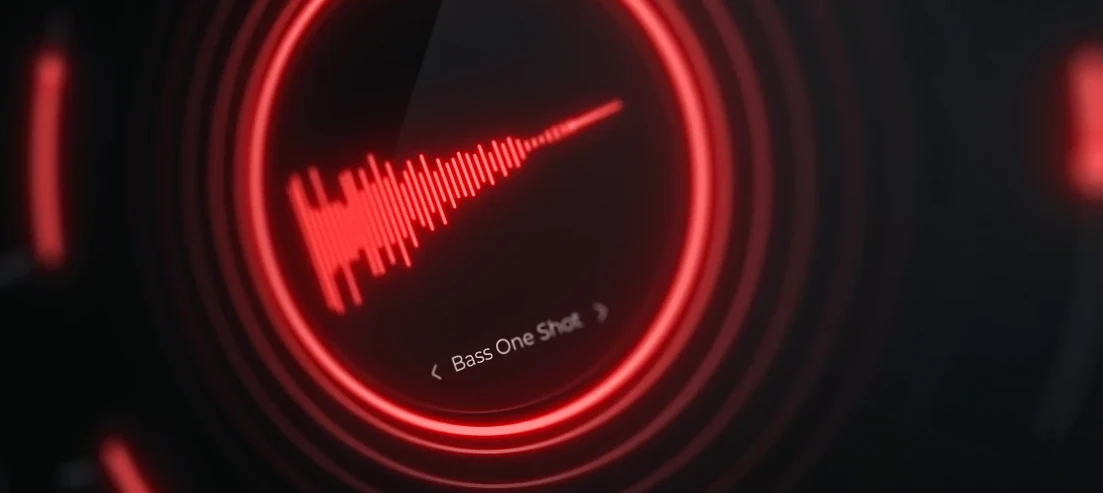
Cymatics QUAKE — Mac download
Ticked
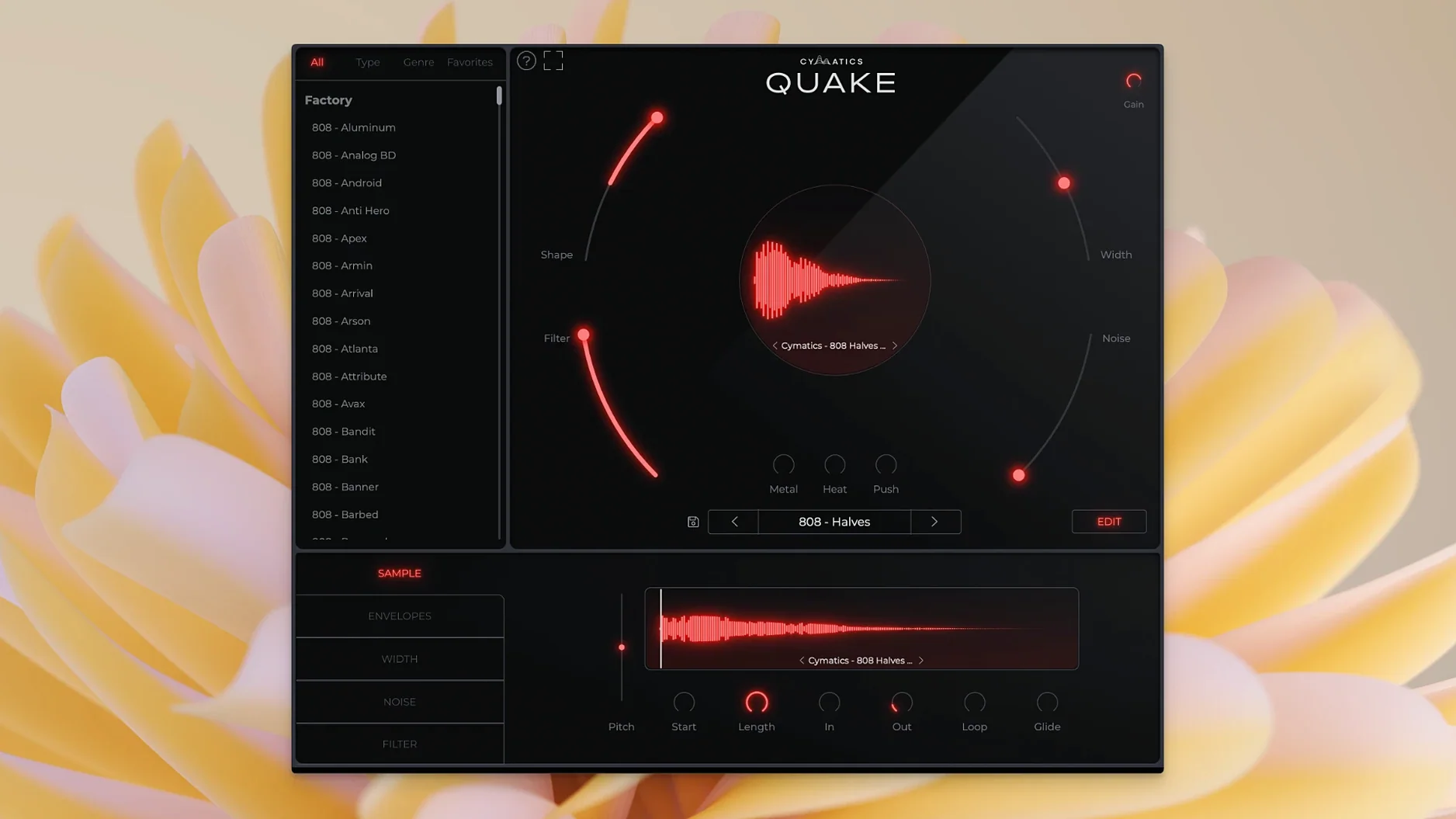
QUAKE runs on macOS 10.14 and above, natively on both Intel and Apple Silicon Macs. No separate installers to chase down—one download covers both architectures.
Main controls and what they do
- Width — sets the stereo spread of the bass signal
- Shape — adjusts the core tonal character
- Filter — cuts away unwanted frequencies to clean up the low end
- Noise — introduces analog-style noise and texture
- Metal, Heat, Push — three distinct saturation and distortion stages for adding grit, warmth or aggression
Preset library
The plugin ships with a library of bass sounds, all fully customisable. You can load a preset and tweak every parameter to fit your track rather than being locked into a static sample.
Daily use impressions
QUAKE loads fast. On an M1 Mac mini with 16 GB RAM, the plugin opens in under two seconds in Ableton Live 11. CPU hit stays low with a single instance—typically under 3% when idle and rarely spiking above 8% during playback on a modest buffer size. Stacking four or five instances in a busy project pushes things a bit, but no more than any other synth plugin with multiple saturation stages running.
Stability holds up well. Across Logic Pro, FL Studio and Ableton Live, no crashes tied to QUAKE during patch browsing or automation recording. One thing worth noting: switching presets rapidly while transport is running can cause a brief audio dropout. Pause playback before flipping through sounds and the issue disappears.
Memory footprint is modest. An instance sits around 120–150 MB, which stays flat even with heavy use of the Metal and Heat stages. On older Intel machines running macOS 10.14, the plugin stays responsive—preset changes feel snappy, knobs track mouse movement without lag.
Shift-drag any knob for fine control
- Shift-drag on any knob — fine-tune the parameter value for precise adjustments. Helpful when dialling in just a touch of Noise or nudging the Filter cutoff.
- Double-click a control — reset it to the default position. No hunting through menus or recalling what the original value was.
- Preset name display — always visible at the top of the interface. You never lose track of which sound you started from, even after heavy tweaking.
- Click the preset name — opens the full browser with genre folders already sorted. Trap, Drill, House, R&B and more each get their own folder. Browsing is quick, no nested submenus to dig through.
- All controls on one screen — no tab switching, no hidden panels. The seven main parameters sit right there. A small thing that saves clicks across a long session.
The single-window layout that replaced plugin chains
As the first release, version 1.0.0 established the single-window layout that keeps sound design self-contained. Before QUAKE, building a bass patch from scratch often meant chaining three or four separate plugins—a synth, an EQ for cleaning up the low end, a saturator for warmth, a stereo widener for presence. QUAKE puts those stages in one place.
The preset library was a launch feature, not an afterthought. Having genre-sorted bass sounds ready to go means you can audition a Trap 808, switch to a Drill bass, then land on a House patch—all without leaving the plugin window. Each preset loads with the full control set active, so the starting point is never a dead end. A cymatics quake preset never locks you in.
The Push stage, in particular, changed how some producers approach bass aggression. It adds a mid-forward saturation that cuts through on small speakers without muddying the sub frequencies—a common struggle when layering distortion on 808s. Combined with the Filter stage to roll off highs, you get a sound that hits hard on both club systems and phone speakers.
- macOS 10.14 or later
- Intel and Apple Silicon supported
Questions the team asks
It is a standalone instrument plugin for designing bass and 808 sounds, not a collection of audio samples.




Comments 0
Sign in or create an account to add a comment.
No comments yet. They go up after moderation.