

Teardown — Mac download
Download (7.9 GB) Earlier builds
Ticked
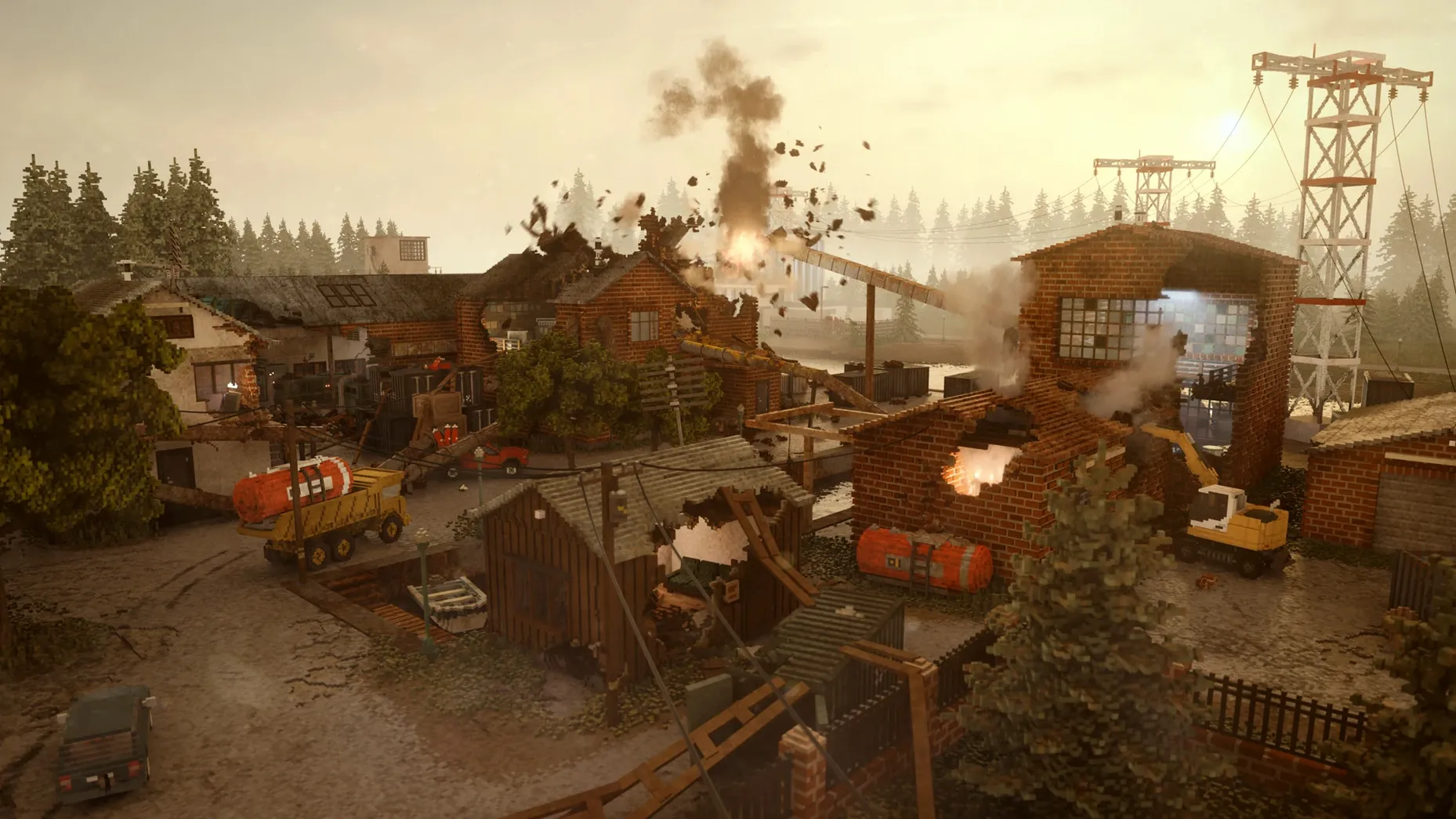
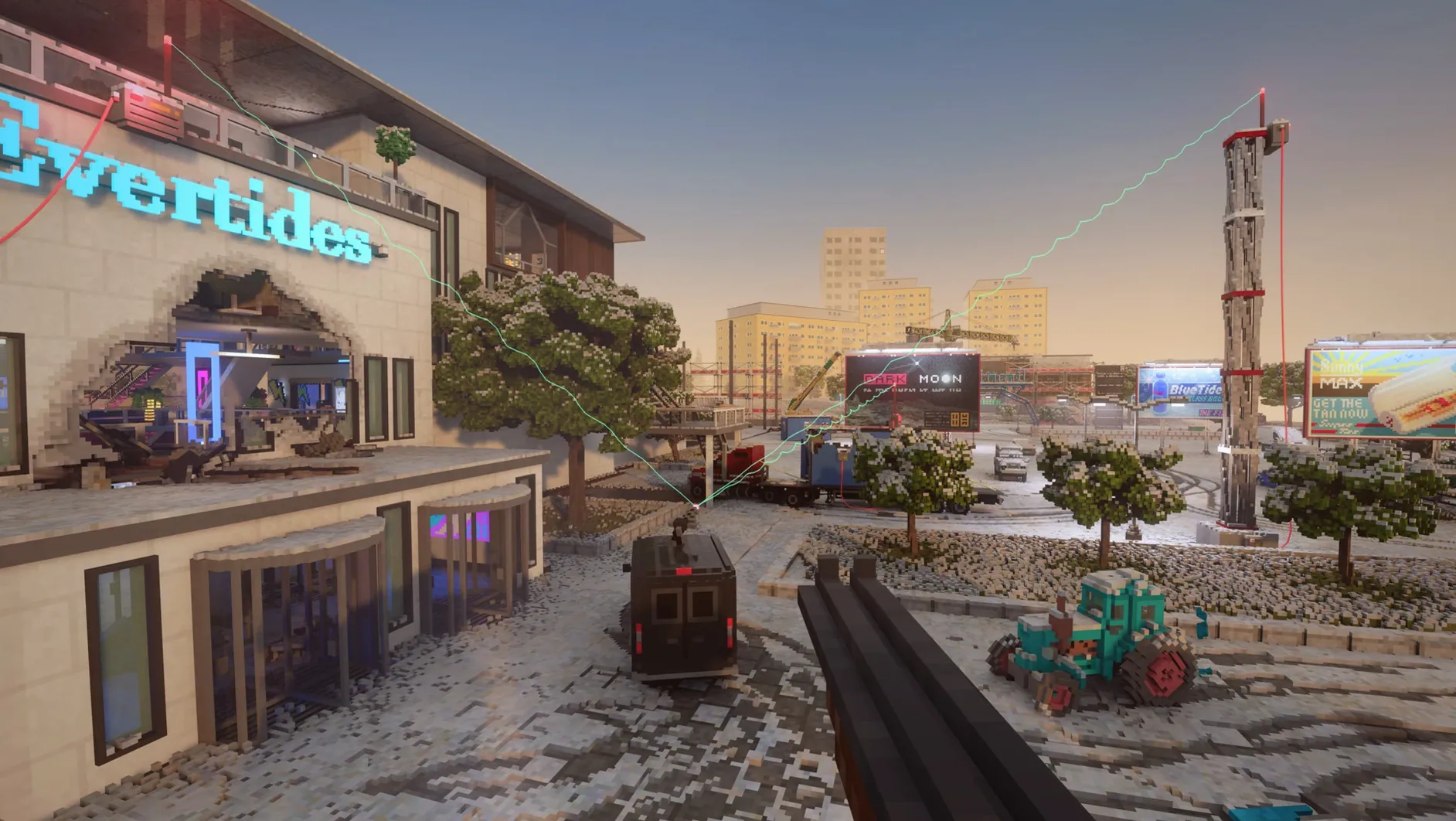
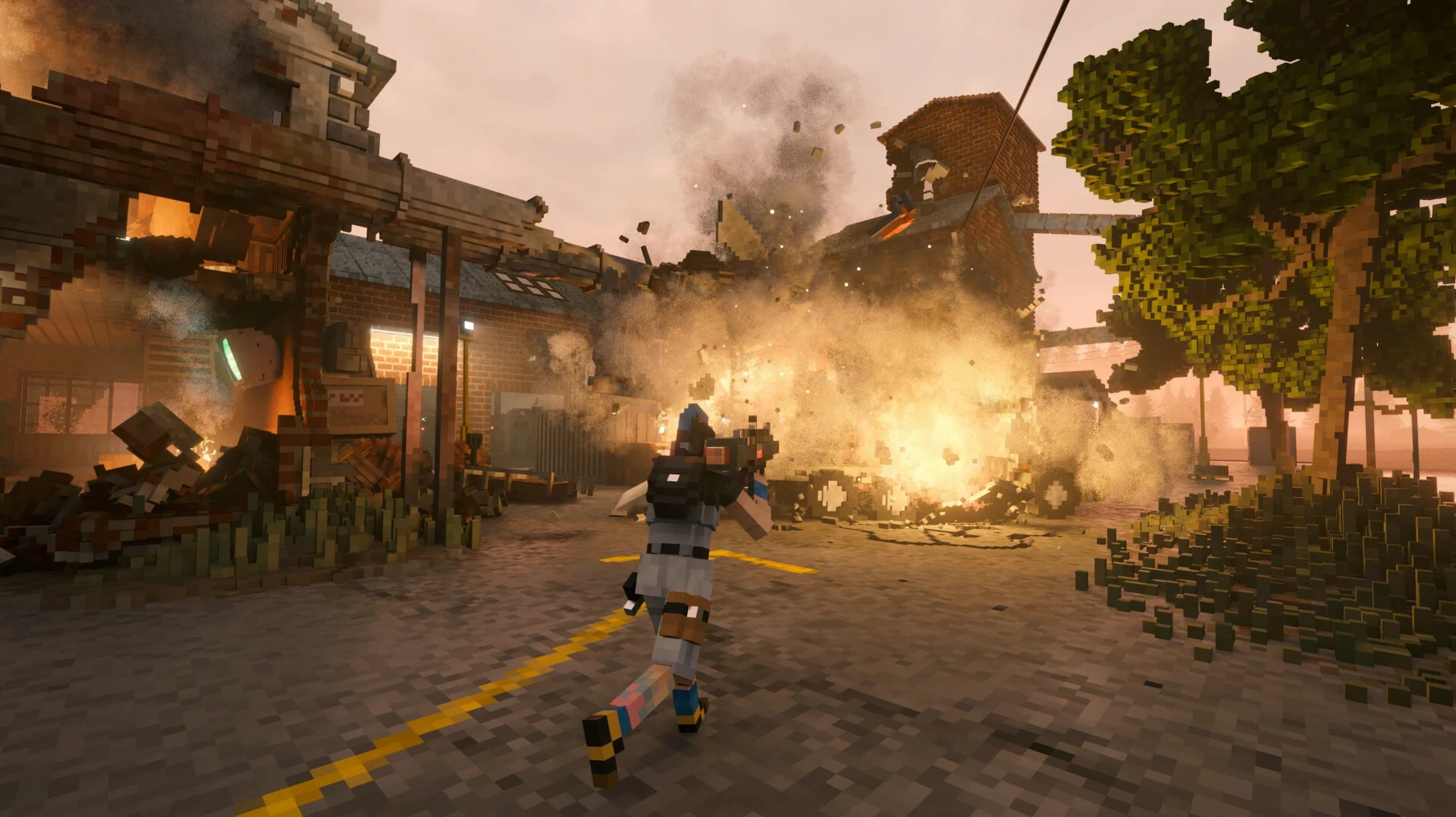

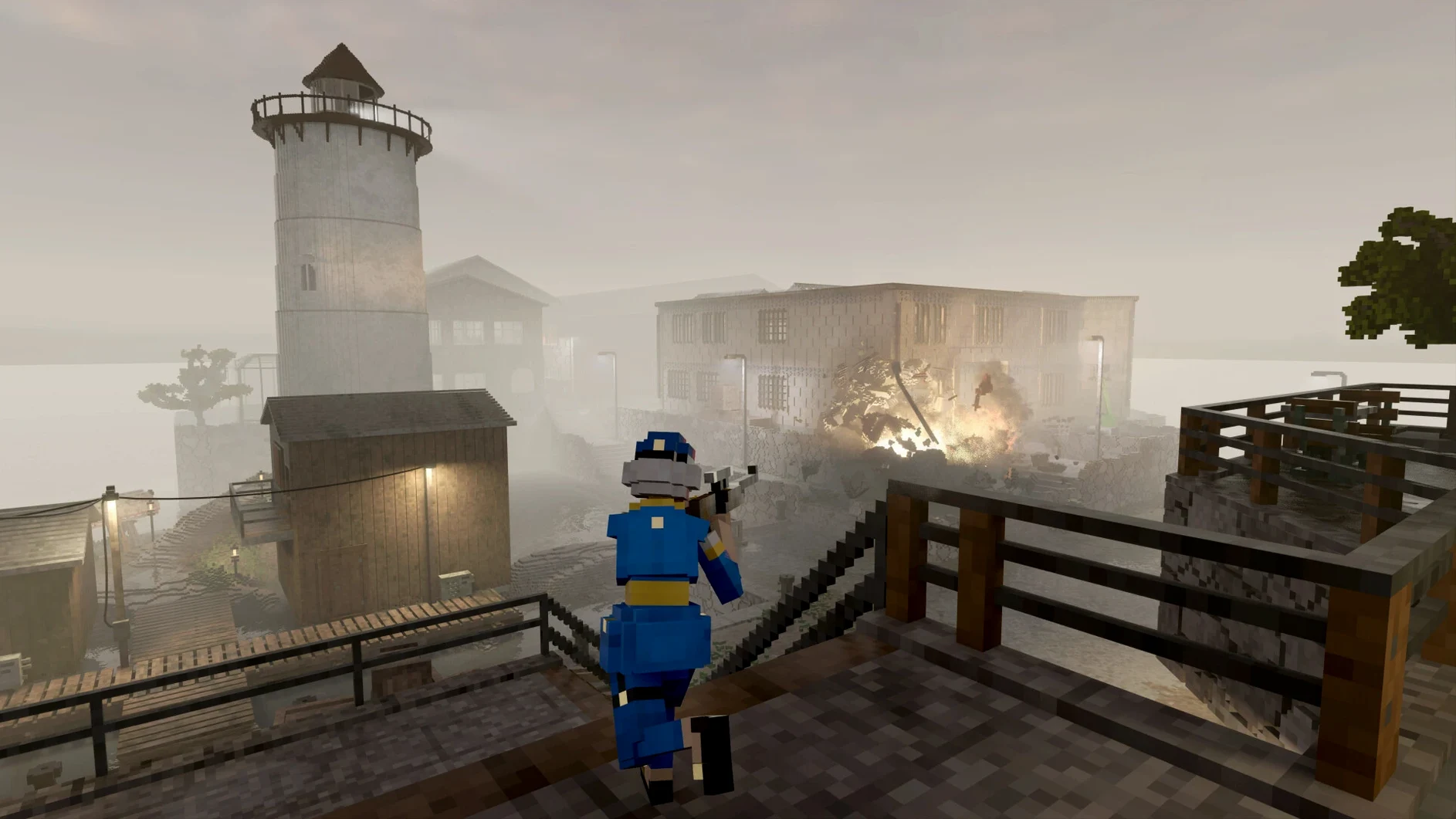

Teardown lands on Mac through a Wineskin wrapper. It's tested on macOS Sequoia and an M3 Pro MacBook Pro, so you need Apple Silicon. Expect to run, jump, drive and smash through fully destructible walls without native ports getting in the way.
Getting the performance dialled in
Launch the game and head straight into a sandbox or campaign job. Steal cars, demolish buildings or blow up safes while floating objects give you a tactical edge. Ram walls to carve shortcuts and stack items to build makeshift structures. If the frame rate refuses to climb above 20 fps, open the graphics settings and disable Barrel Distortion. That one toggle does the heavy lifting.
Controls and challenge modes
Controls cover the basics: accelerate vehicles, sprint across collapsing floors and jump through windows. Challenge modes unlock as you push through the campaign, adding rule-based constraints the SDK enforces without needing a new build. Mod support sits inside the app bundle, so you can extend the chaos once everything runs smoothly.
First-day setup checklist
- Run the Fix file. If the game throws a startup error, don't re-download. Open the disk image again and run the included Fix file — it sorts the Wineskin permissions in seconds.
- Pick your language. Head to
Options → Game → Languagebefore diving in. Eight languages sit in the menu, and switching early avoids confusion during the first campaign briefing. - Drop a save file shortcut. Save files live deep inside the app bundle at
Contents/SharedSupport/prefix/drive_c/users/Sikarugir/AppData/Local/Teardown. Drag that folder into Finder's sidebar so backups take two clicks, not a treasure hunt. - Test destruction early. Open sandbox mode first. It gives you unlimited resources and a full vehicle roster — perfect for getting a feel for the physics before the campaign debt clock starts ticking.
How Teardown fits with other tools
The Creative mode exports voxel objects you can screenshot and use as concept references in art apps. I keep Preview open on a second desktop to grab quick before-and-after shots of collapsed structures. If you record gameplay clips with QuickTime Player and want to trim them, the resulting files drop straight into iMovie without conversion — the Wineskin layer doesn't alter the video output format.
Mods sit beside your save files in the Teardown/mods folder. Since that path sits inside the app bundle, a Spotlight search won't find it. I pin a Finder alias to the desktop and drop downloaded mods there. Works the same as managing plug-ins for any Mac creative tool — just a deeper folder tree. When you need to find a specific download teardown for mac, the alias makes the mods folder reachable in one click.
- Architecture: Apple Silicon
- Tested on: macOS Sequoia, MacBook Pro (M3 Pro, 2023)
Questions the team asks
It runs on Apple Silicon Macs and has been tested on a MacBook Pro with an M3 Pro chip under macOS Sequoia.
Run the Fix file included on the disk image. That resolves the startup error.
Mods go inside Teardown.app/Contents/SharedSupport/prefix/drive_c/users/Sikarugir/Documents/Teardown/mods.







Comments 0
Sign in or create an account to add a comment.
No comments yet. They go up after moderation.