

Terraria — Mac download
Download (624 MB) Earlier builds
Ticked
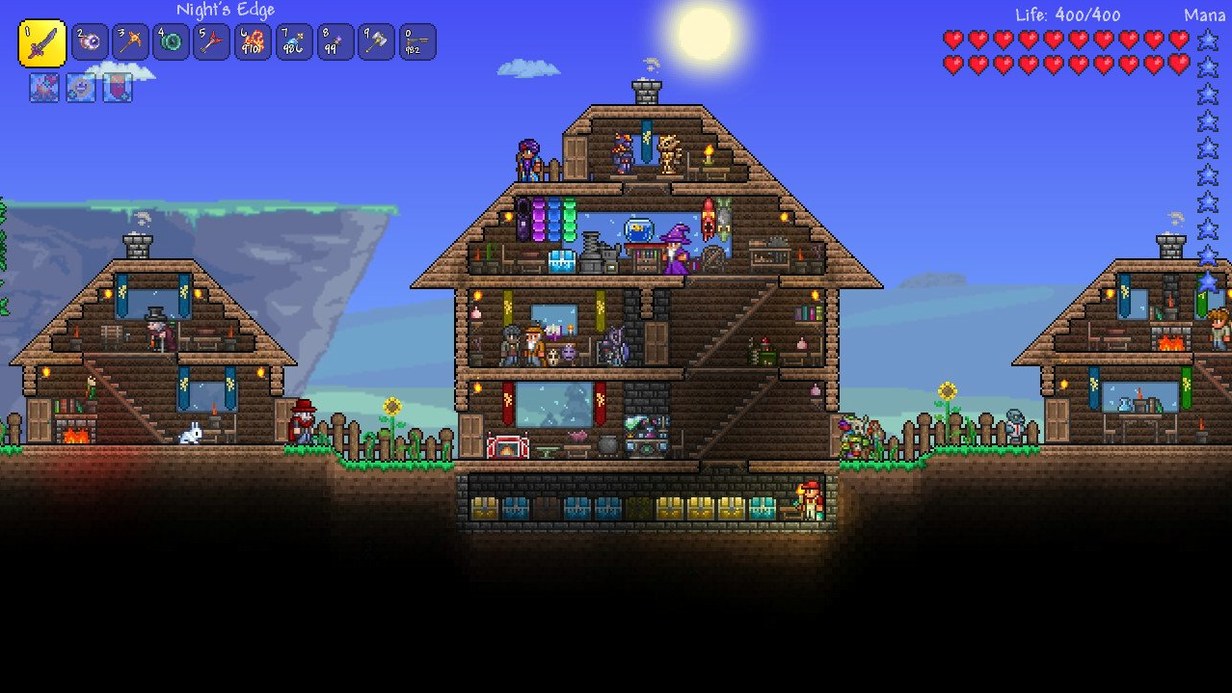
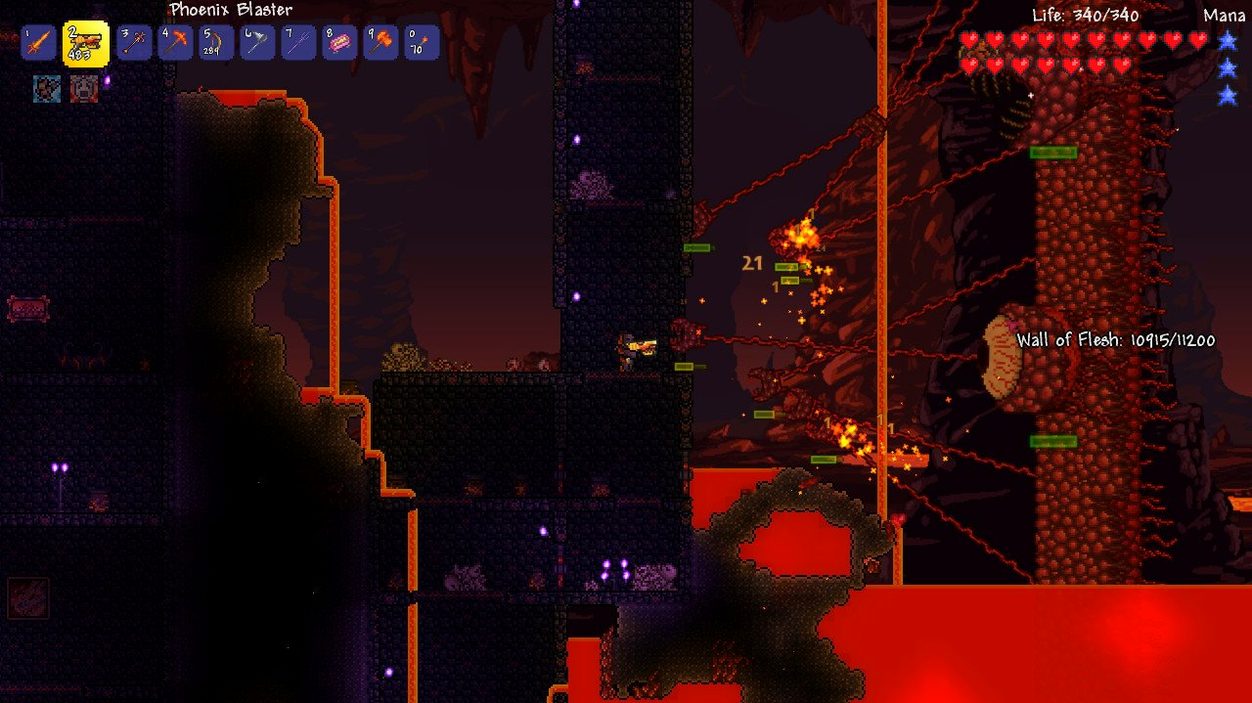
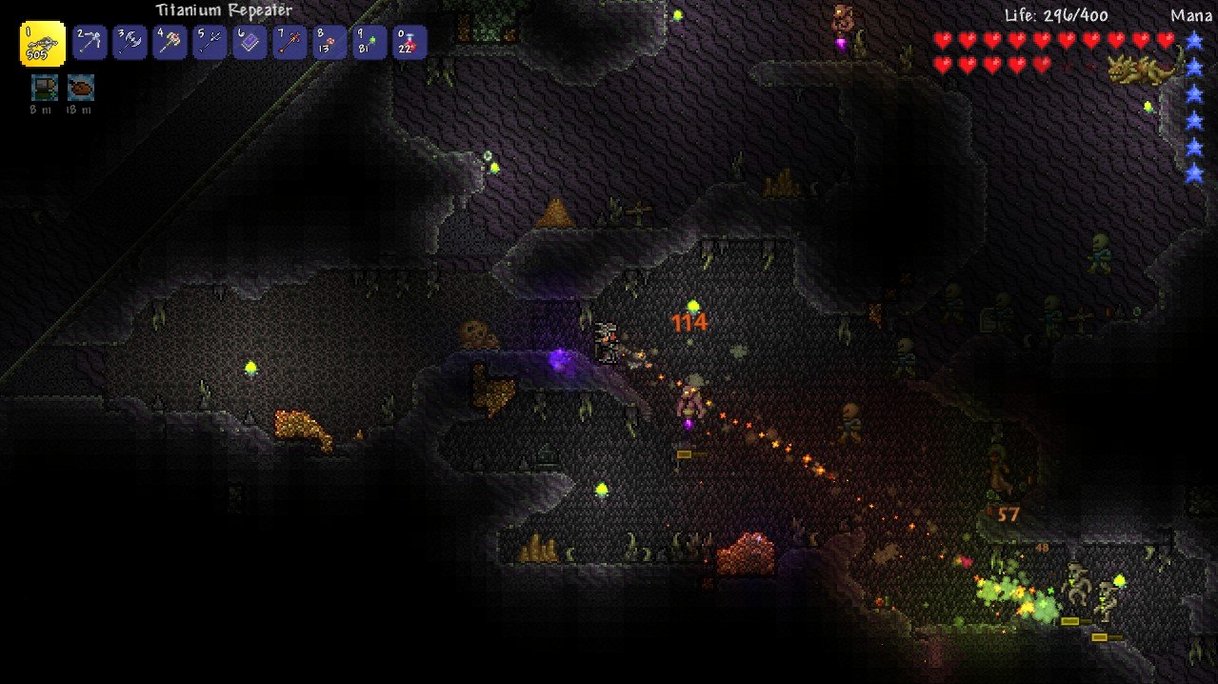

Builders who want a persistent world, collectors who dig for hours, and fighters who chase rare drops will all find something in Terraria. It hands you three tools—a pickaxe, an axe and a shortsword—and sets you loose on a procedural 2D map.
Check Mac requirements
Native Apple Silicon support means the game runs directly on M1, M2 and M3 Macs without Rosetta overhead. Old Intel Macs on 64-bit x86 are still covered, and the interface switches between nine languages including English, German, Spanish, French and Simplified Chinese.
Set up controls for keyboard and mouse
The default keys work, but most players remap grappling hook and quick-heal to side mouse buttons. A Magic Mouse will frustrate you—plug in a three-button USB mouse and check ‘Use smart cursor’ for easier mining.
Expect steady framerates on recent Macs
On an Apple Silicon MacBook Air, the sprite-based world stays locked at 60 fps even during boss fights with dozens of projectiles on screen. Lower the parallax background and lighting quality only if you are running a very old Intel integrated GPU.
Dead Cells flasks and a Palworld summon join the crossover lineup
- Dead Cells crossover — new weapons and a pet that reference the indie roguelike. The flask-throwing playstyle translates cleanly into Terraria's 2D combat.
- Palworld crossover — a creature-summoning item lets you call in a familiar Pal. Handy for crowd control during Goblin Army invasions.
- Fifteen furniture sets — building projects got a lot more variety. Mixing the new steampunk and greenhouse pieces with older wood sets opens up fresh housing layouts for NPCs.
- Five boulder types — bouncing, rolling and even exploding boulders now exist. Trap-heavy multiplayer servers became noticeably more chaotic.
- Four transformation mounts — each changes player movement. One grants a double-jump, another speeds up underwater travel, so biome traversal feels less samey after hundreds of hours.
- Whips and Summoner prefixes — Summoner class finally got damage modifiers on whips. Early-game summoners no longer feel like a support-only pick.
Fix floaty mouse input and recover vanished worlds on macOS
Mouse input feels floaty on macOS. Disable ‘Mouse acceleration’ in System Settings, then toggle V-Sync off in Terraria’s video options. Frame pacing tightens up.
Worlds or characters vanish after a reinstall. The save folder lives at ~/Library/Application Support/Terraria. Copy that folder before you remove anything. If you grabbed a terraria for mac free download from an archive, match the version to your old saves—1.4.5 worlds won't load on earlier builds.
Multiplayer host not showing up. macOS firewall blocks Terraria by default. Add the app to ‘Allow incoming connections’ in the Firewall pane. For Steam-free copies, use the ‘Host & Play’ option and share your IP directly.
Game stutters when zooming out. The parallax setting is the culprit. Set ‘Parallax’ to zero and drop ‘Lighting’ to Retro. Even a 2015 MacBook Air holds 60 fps that way.
- 1.4.5 crossover content: Dead Cells items and Palworld pals land in Terraria
- Fifteen new furniture sets for builders
- New whips and Summoner prefixes added
- macOS (native Apple Silicon and 64-bit Intel supported)
Questions the team asks
Yes, the 1.4.5.8 update adds crossover content drawn from Dead Cells alongside new whips, Summoner prefixes and fifteen extra furniture sets.







Comments 0
Sign in or create an account to add a comment.
No comments yet. They go up after moderation.