

The Invincible — Mac download
Ticked
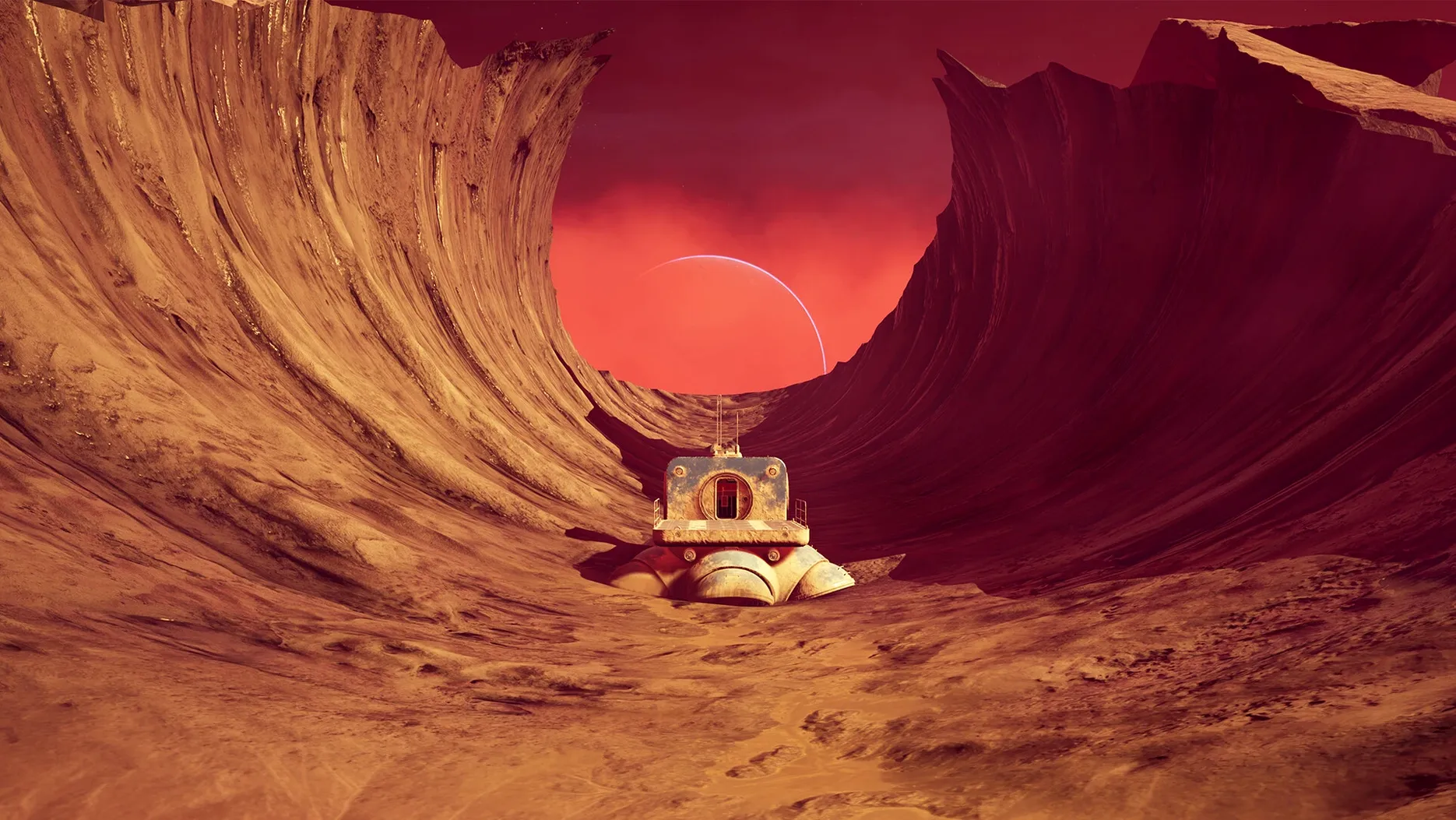
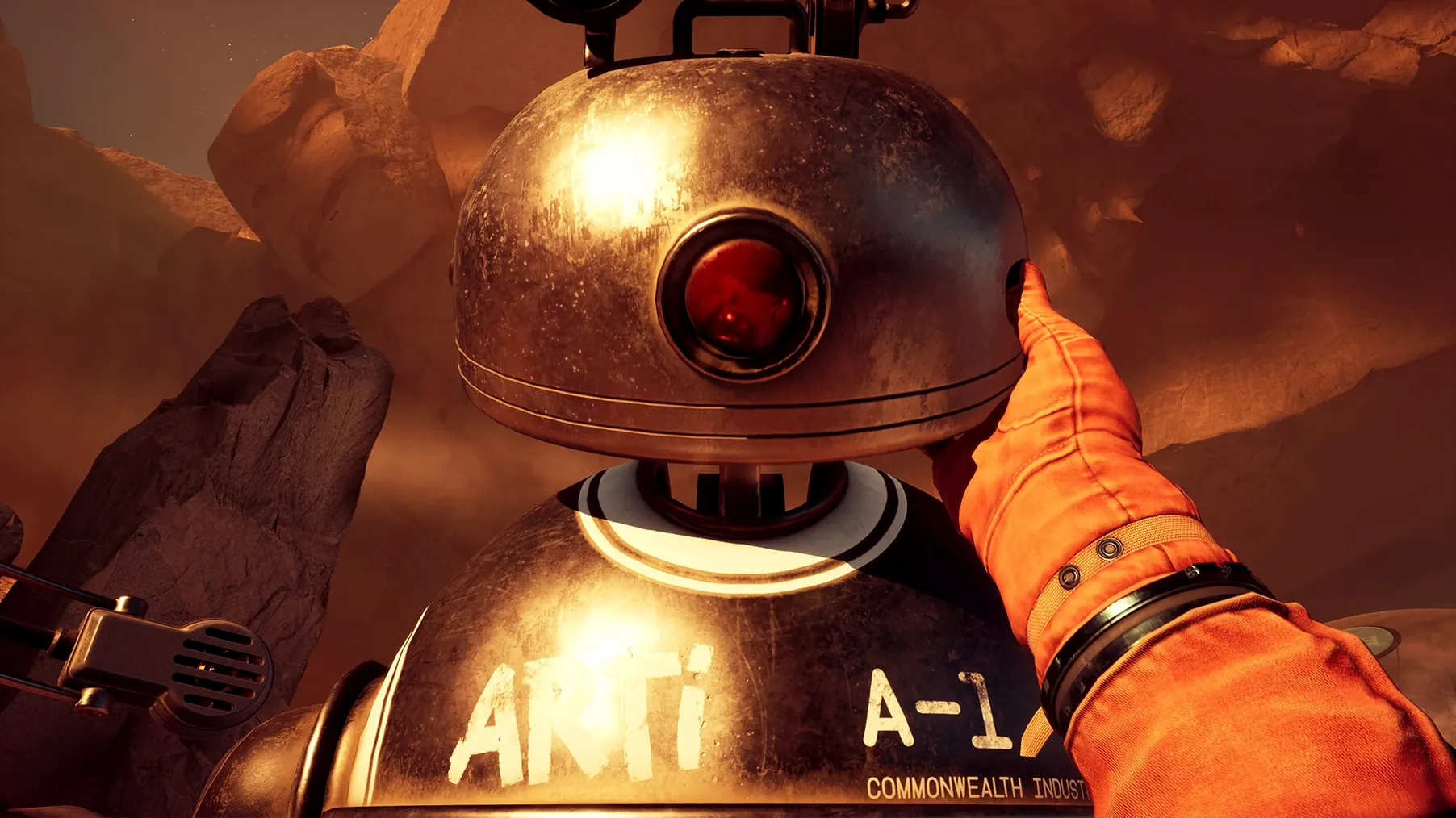
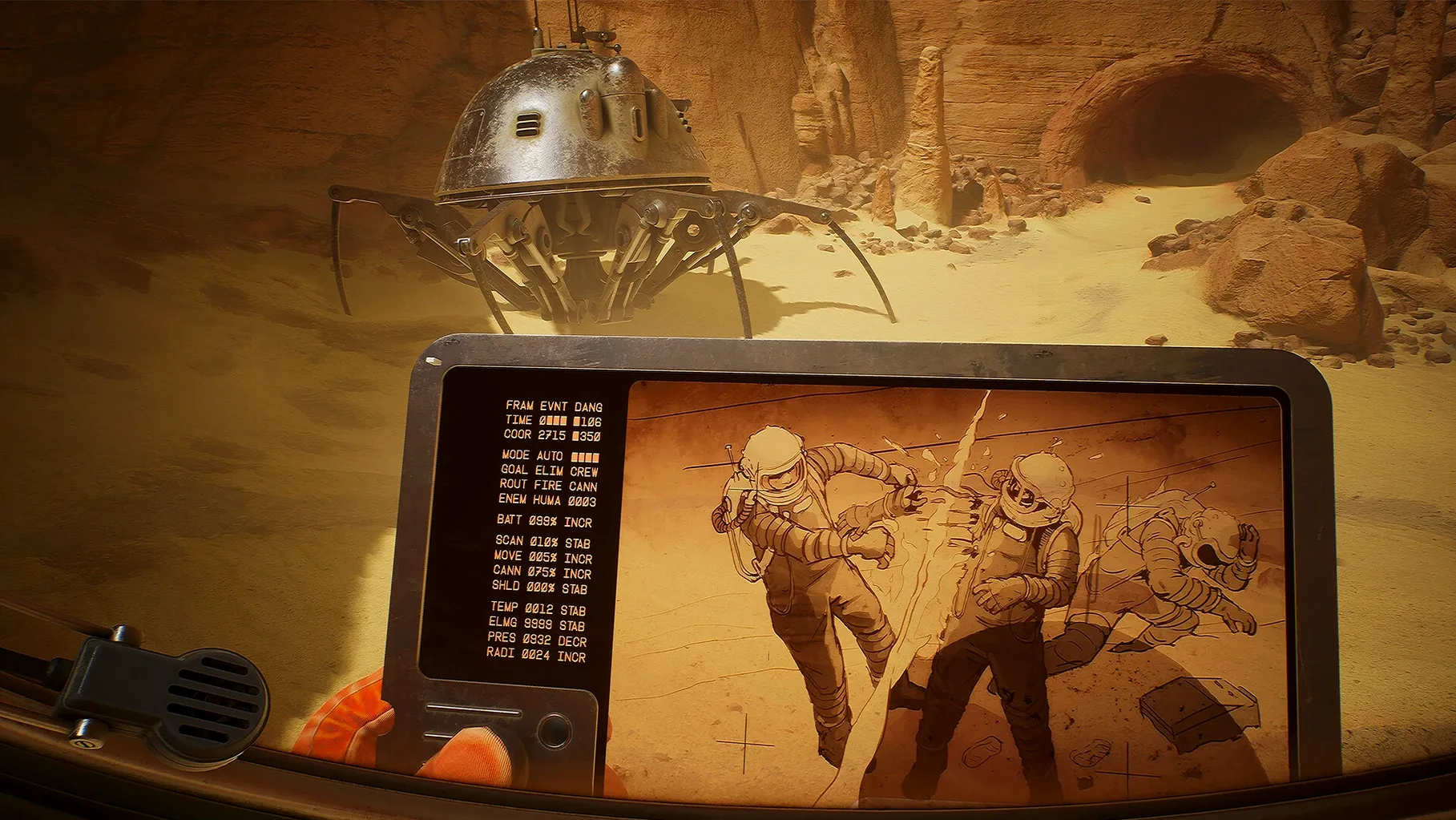
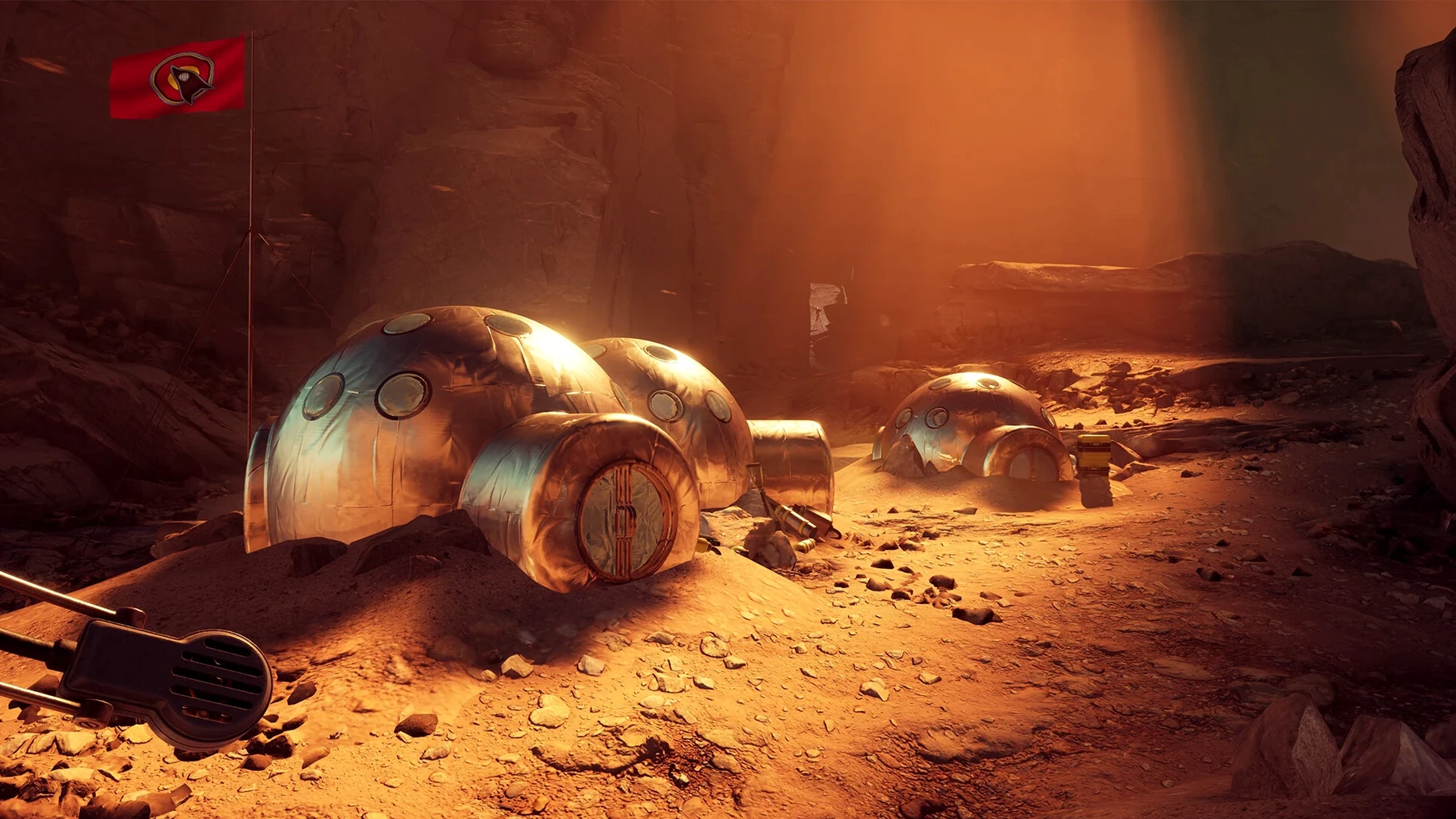
One planet. One missing crew. Your job is to find them, not fight them.
Scanning Regis III by rover, campsite, and radio
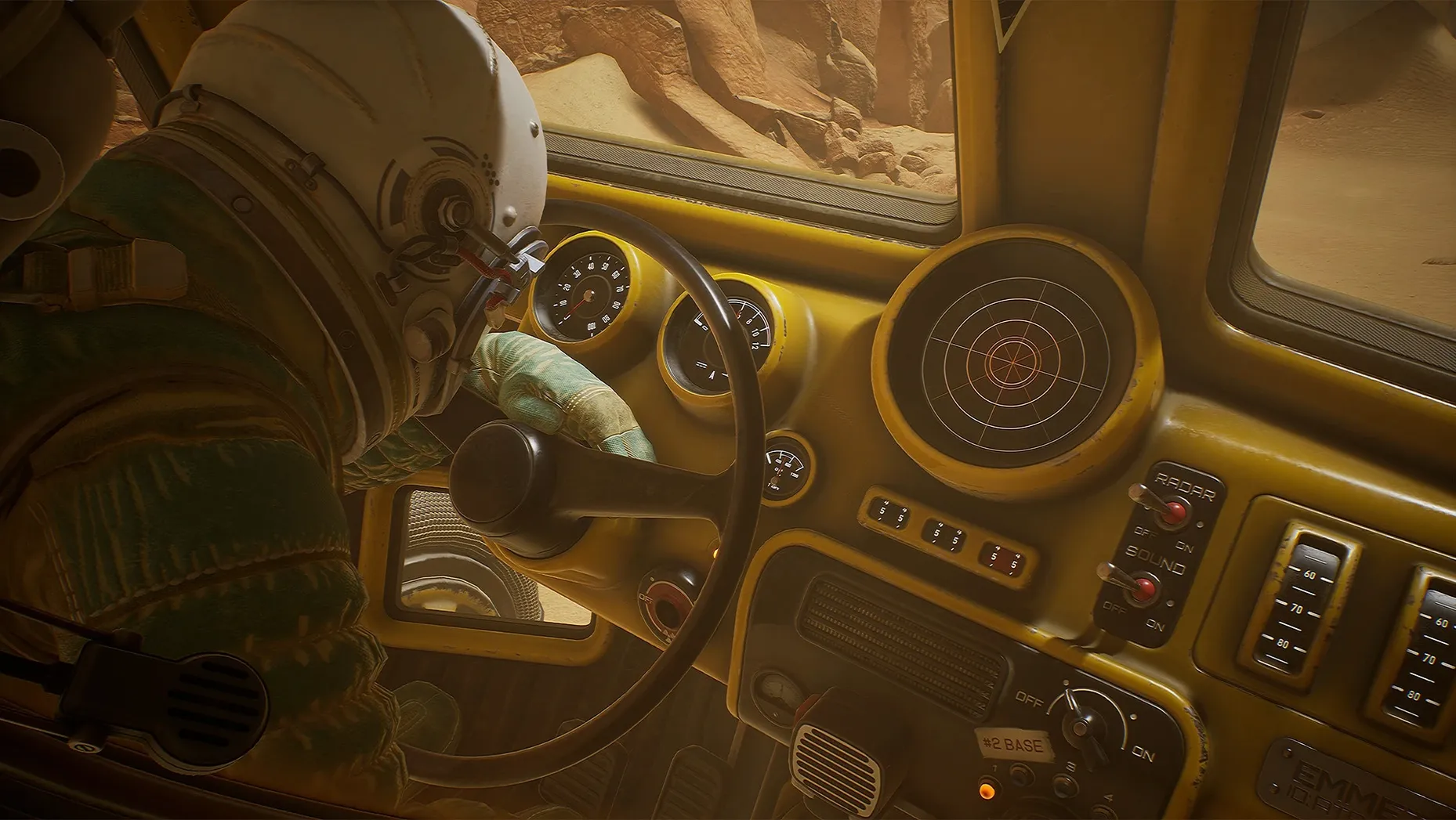
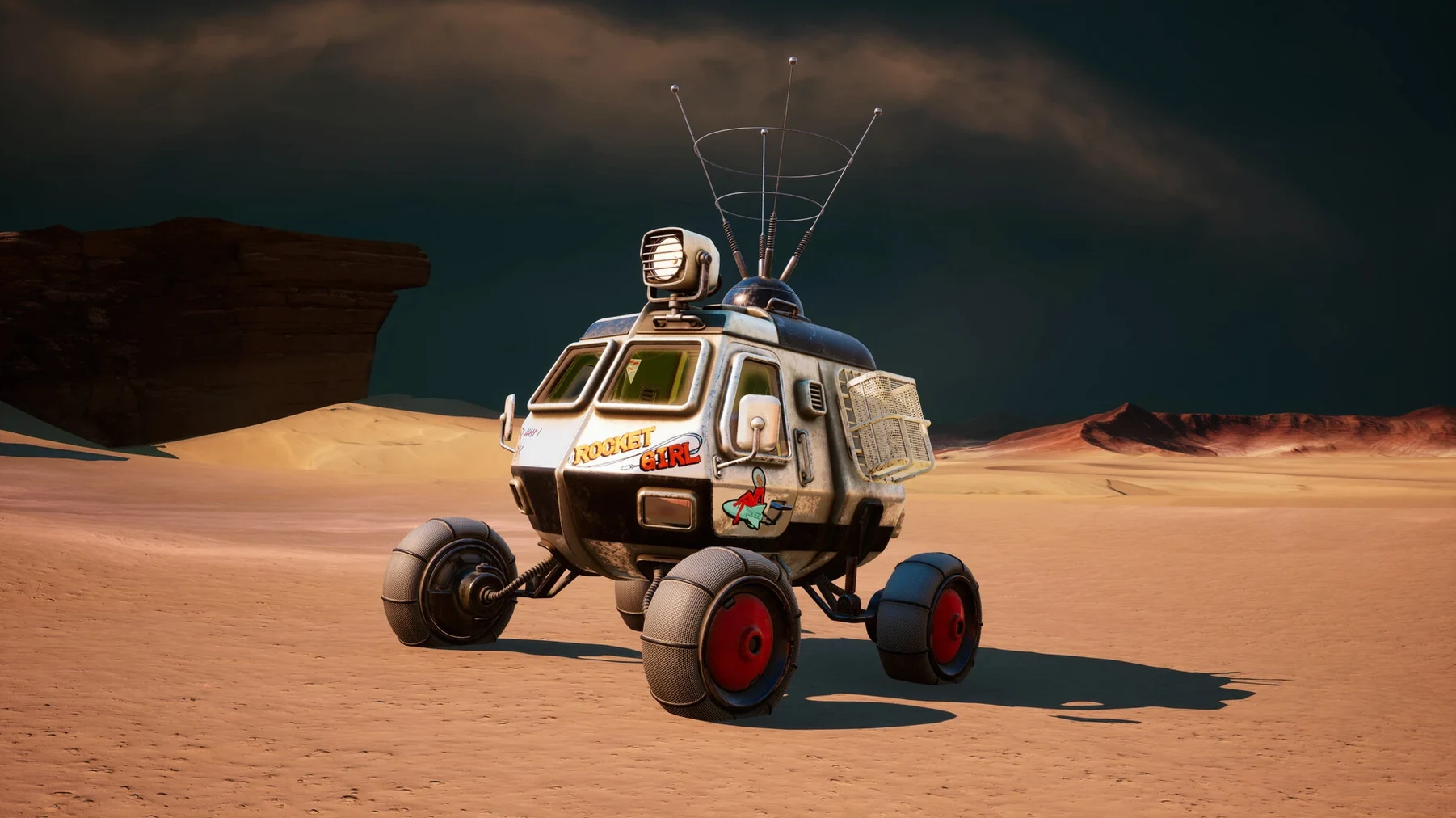
- Drive across the surface of Regis III in a rover, scanning the horizon for landmarks.
- Walk through abandoned camps. Read logs. Piece together what happened before you arrived.
- Talk to your Astrogator via radio. Every conversation can shift your next objective.
- Use analogue tools—a rangefinder, a map, a notebook—no futuristic HUD.
- Make a decision at key story beats. The outcome changes the final scenes.
No combat, just consequences
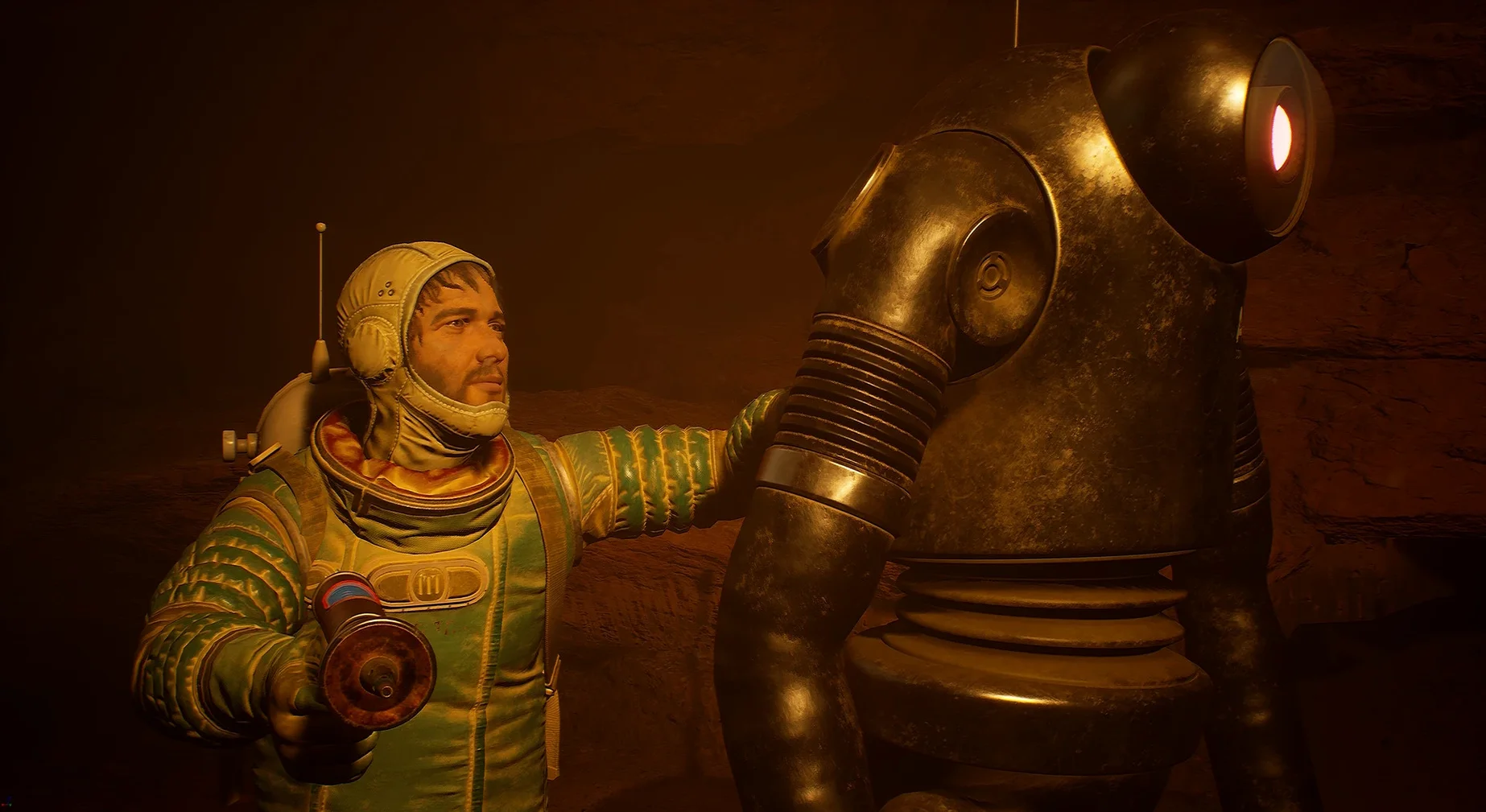
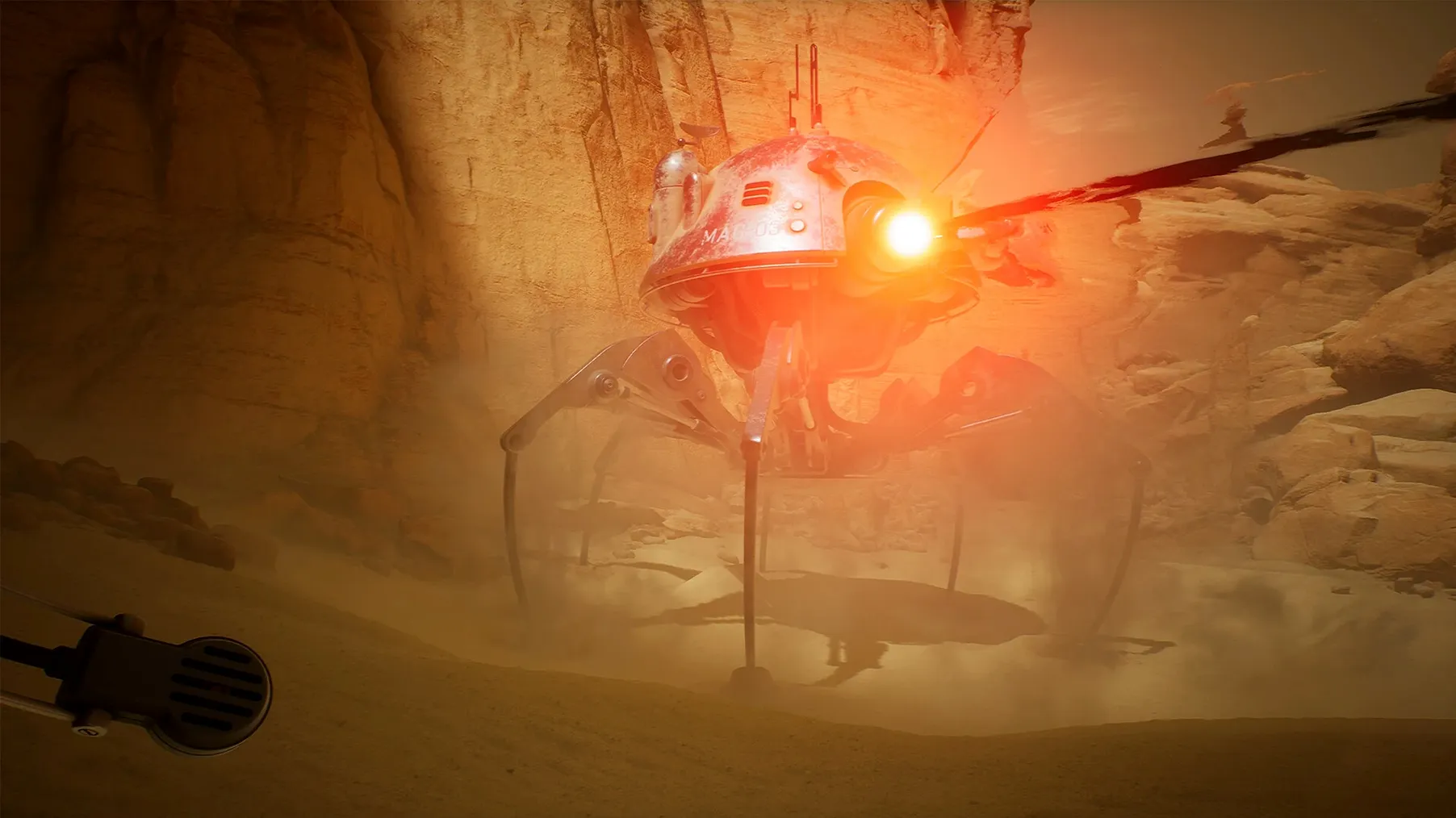
You play Yasna, an astrobiologist. The tech is retro-futuristic, all chunky dials and grainy photographs. The hard sci-fi setting means no aliens to shoot. Just a mystery to unravel, where the choices you make during conversations and exploration decide how the story ends.
Who clicks with The Invincible
This is not a game for twitch reflexes or loot loops. It rewards patience and an appetite for quiet tension.
Good for
- Fans of Stanisław Lem’s fiction who want to walk through his ideas rather than just read them.
- Players who liked Firewatch or Tacoma—small-team story games where the environment tells half the tale.
- Anyone who prefers a notebook and a rangefinder over a mini-map and objective markers.
- Mac users who want a thoughtful single-player experience that runs natively on Apple Silicon without fuss.
Not for
- Action-first players. There is no combat loop, no skill tree, no boss fight.
- Completionists who want to 100% a map in one run. The branching story locks off paths based on your calls.
- Impatient readers. Dialogue and logs carry the weight here, and skipping them guts the experience.
Widen the cockpit view and squash a few early frictions
Open the options menu from the title screen. A few quick changes make the first hour feel better.
- Field of view. Default is narrow for a first-person game on a desk screen. Bump it to 85–90. The rover cockpit and tight canyon walks read much better.
- Motion blur. Turn it off. The atompunk vistas are too crisp to smear. On Apple Silicon it costs you nothing in smoothness.
- Subtitle background. Turn it on. Radio chatter mixes with environmental hum, and the semi-transparent panel keeps dialogue legible against Regis III’s bright rock.
- Mouse smoothing. Disable it. Looking around feels snappier without the interpolation layer, especially when you line up a rangefinder reading.
- Run toggle. Set to hold rather than toggle. Several sequences reward quick stops, and hold gives you finer control without fumbling a key press.
If you grabbed The Invincible Mac torrent build labelled 45.002, these settings are already tuned for a Wineskin wrapper on Apple Silicon. Leave resolution at your panel’s native res and let vsync stay on—the wrapper handles frame pacing reliably.
- Architecture: Apple Silicon
Questions the team asks
You control Yasna, an astrobiologist searching for a missing crew on the planet Regis III.






Comments 0
Sign in or create an account to add a comment.
No comments yet. They go up after moderation.