

Timberborn — Mac download
Download (1.1 GB) Earlier builds
Ticked
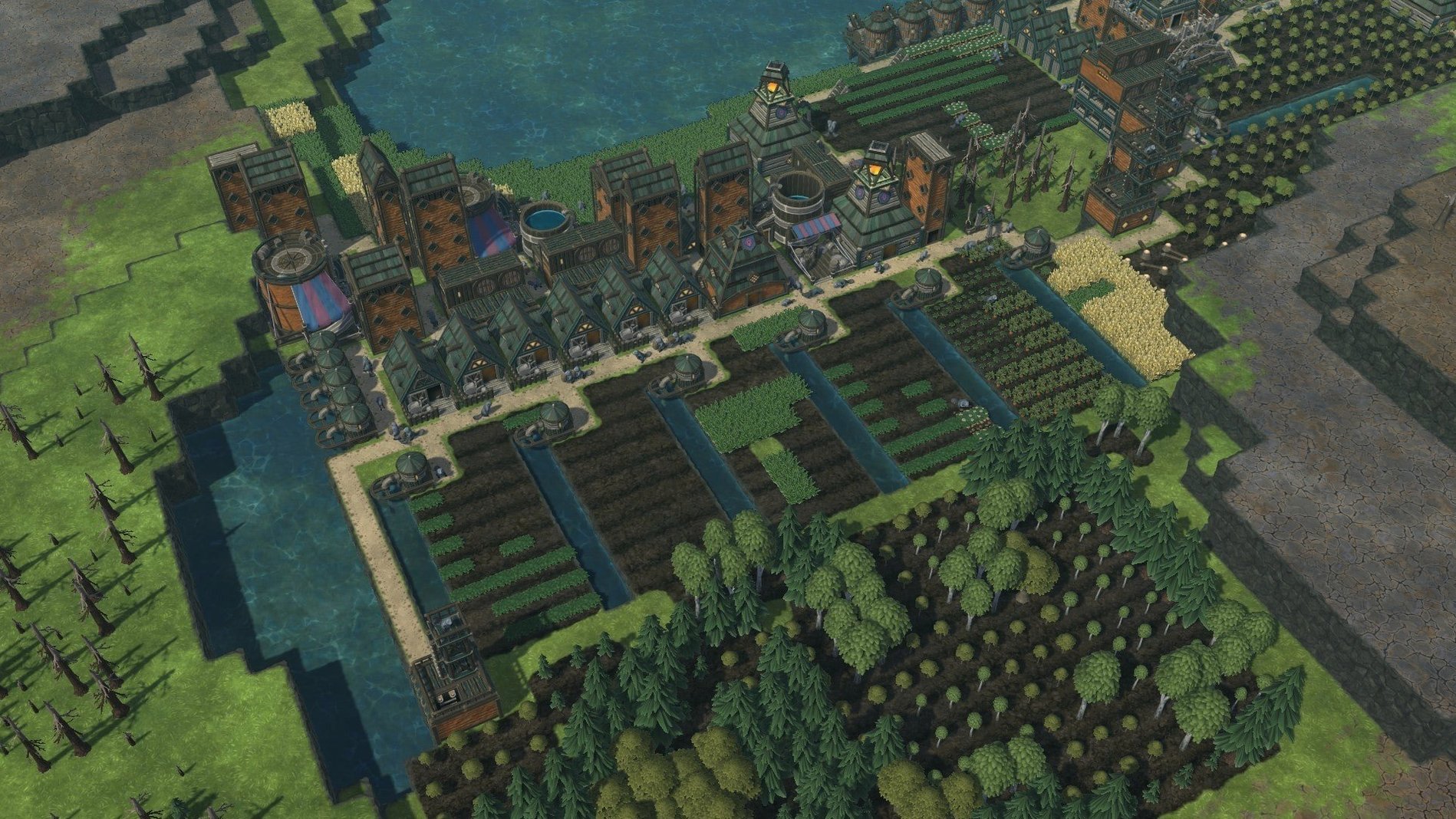
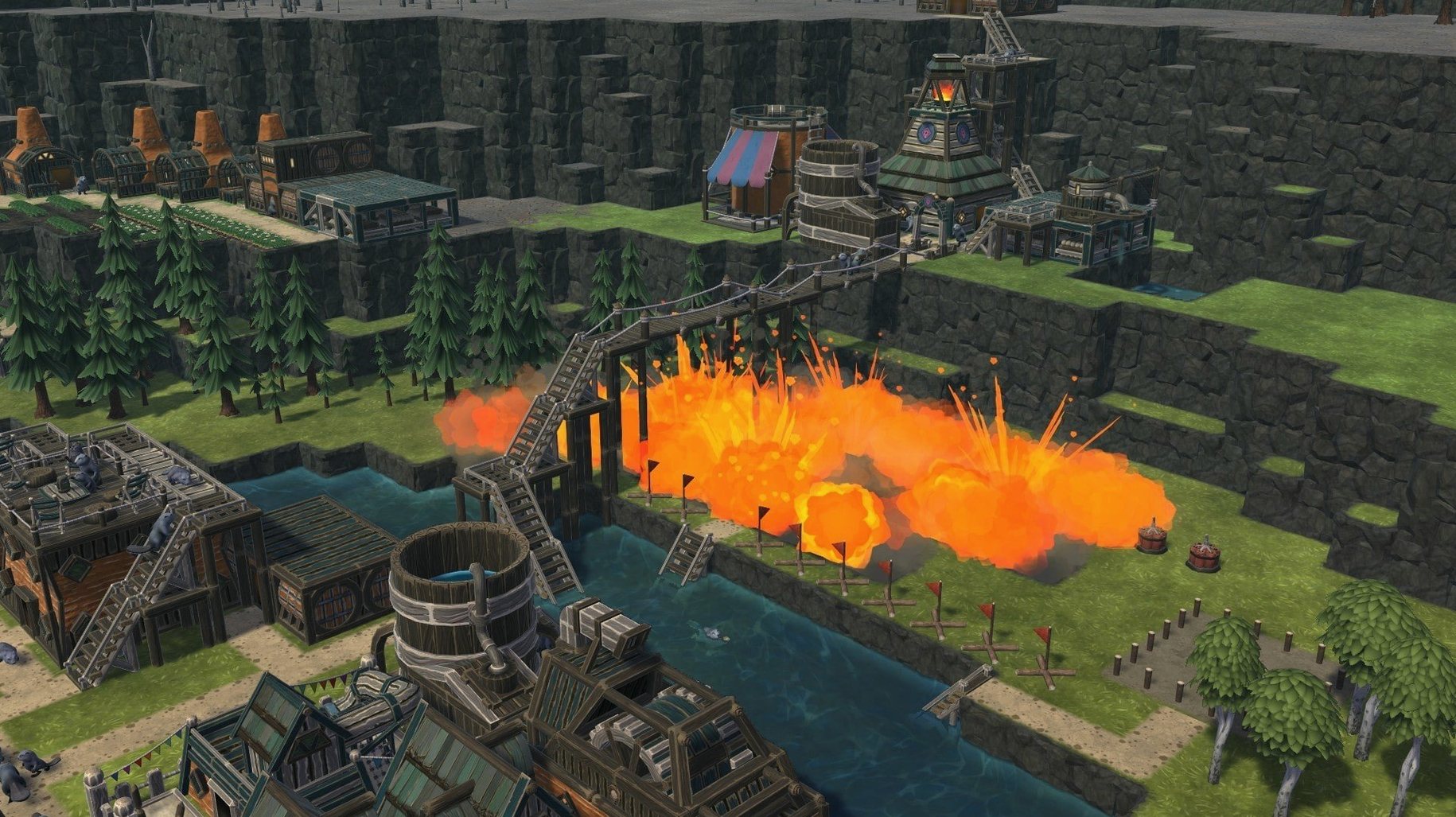
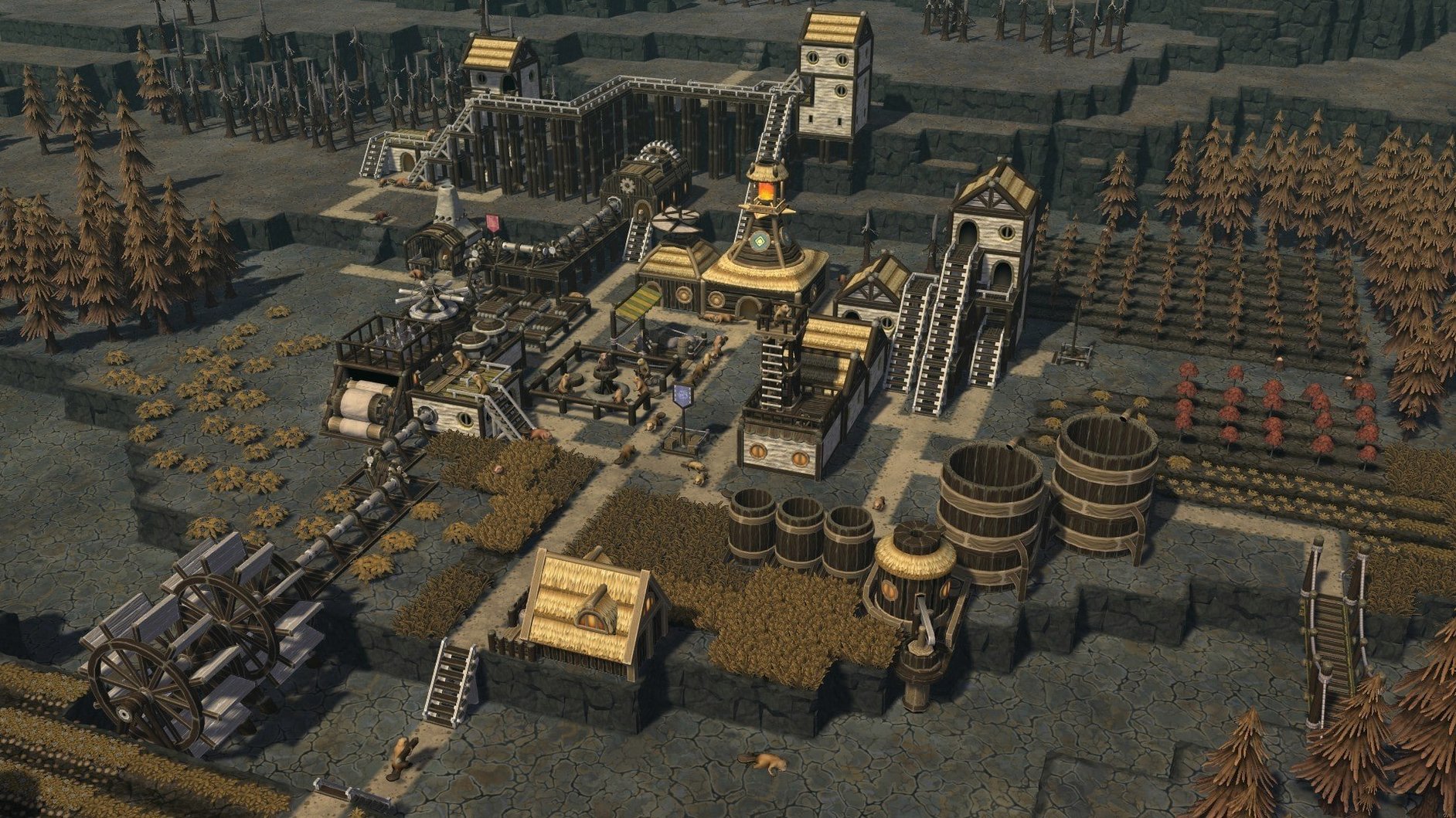
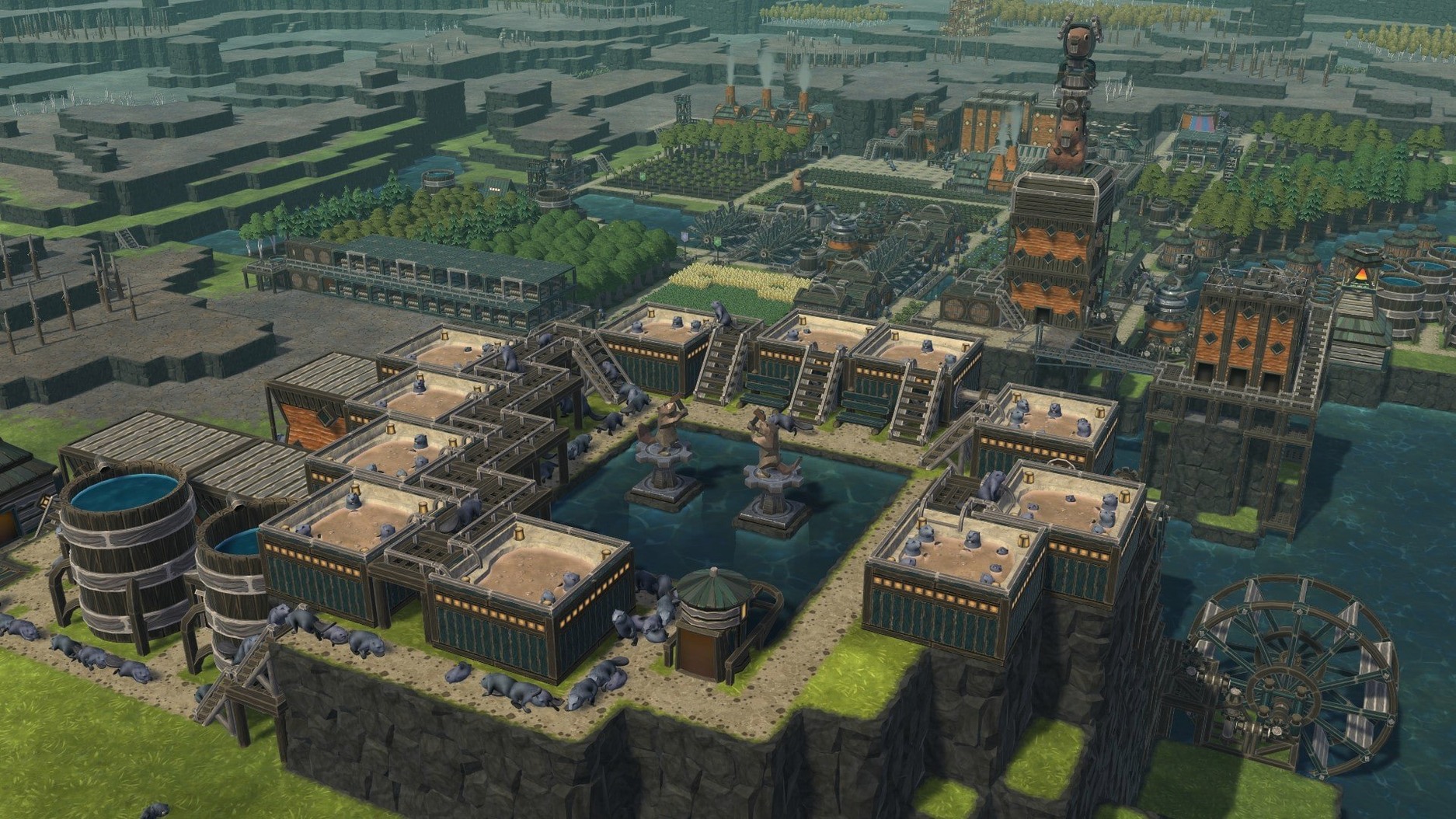
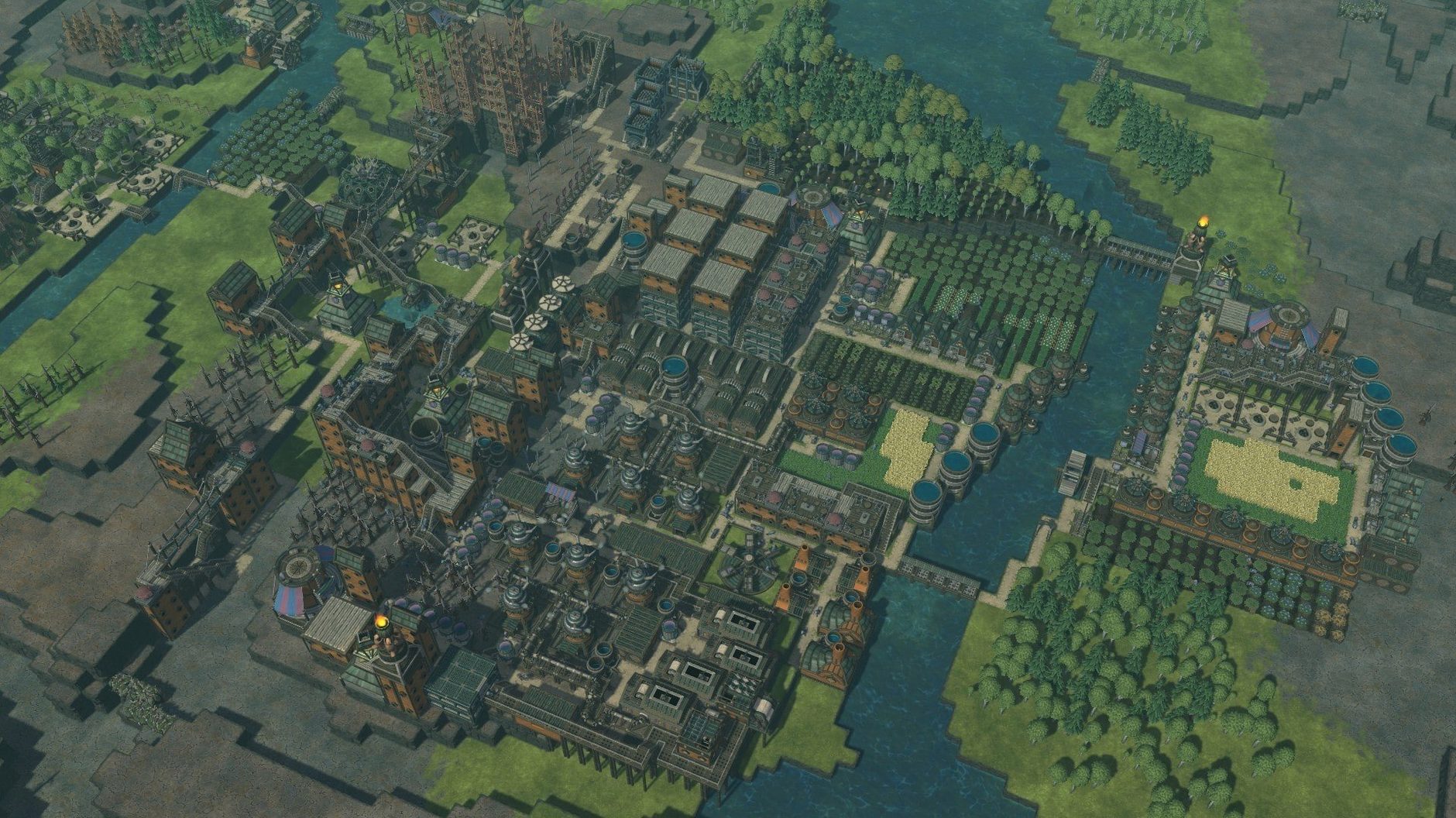
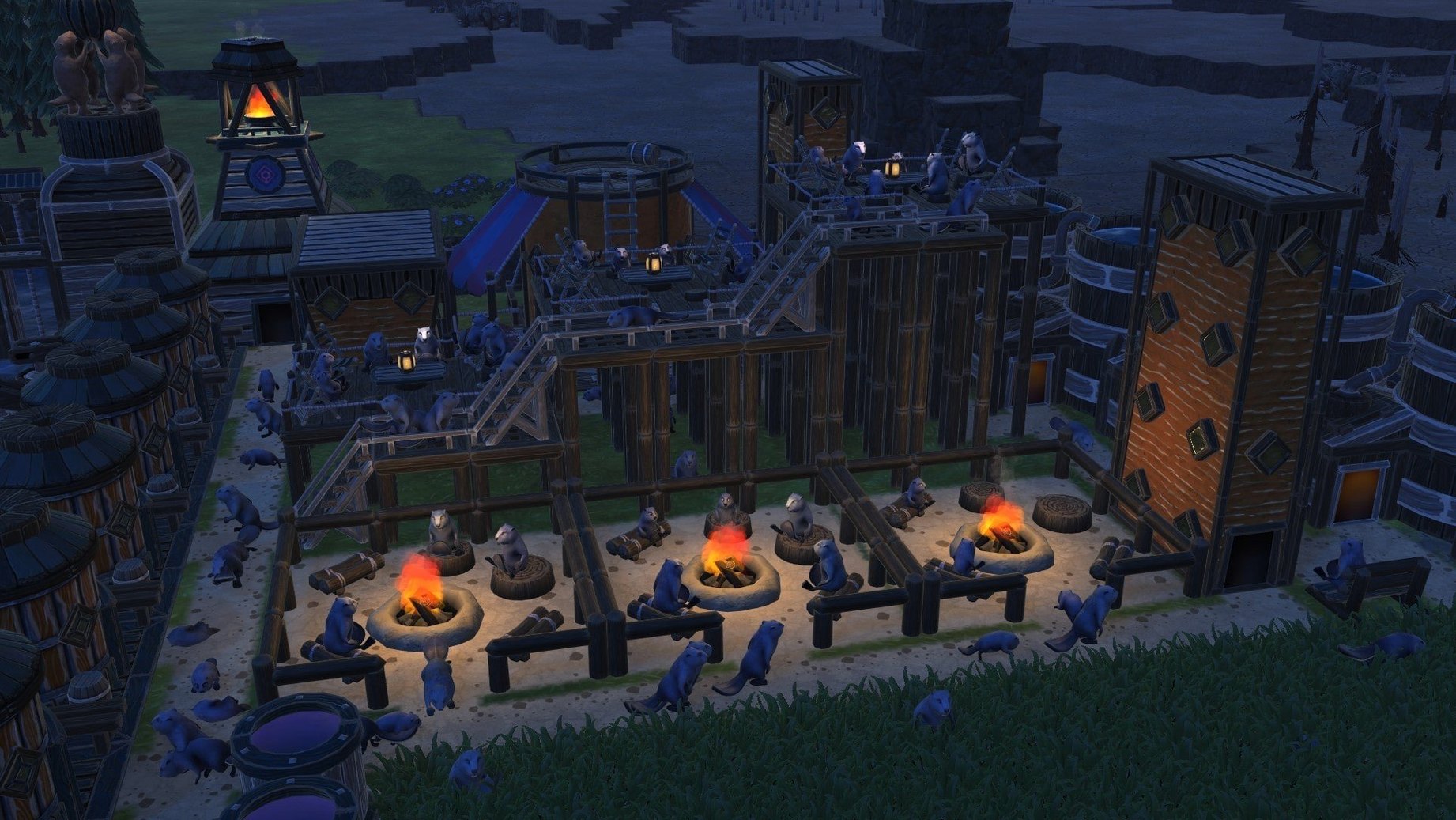
Project managers who like order will understand the appeal. You plan a settlement, assign tasks, and watch beavers execute the build. When it works, it works.
Does Timberborn run on Apple Silicon?
Yes. The tested system is macOS Tahoe on a 2024 Mac mini with M4. Both Intel and Apple Silicon builds are available.
Mouse-and-keyboard controls, from camera to districts
Standard mouse and keyboard. Camera movement, building placement, and district management all work without a gamepad. Expect a short adjustment period if you come from console builders.
What performance should I expect?
On the M4 Mac mini, large colonies with complex water systems stay playable. The map editor and stacked buildings add load, but the game handles both without noticeable drops during normal play.
Performance impressions after twenty hours
The M4 Mac mini runs Timberborn without complaint. Even a 200-beaver colony with three districts and a web of canals stays smooth. Frame pacing holds steady when you zoom across the map, and the only dips I noticed came during autosave – a brief stutter, then back to work.
Memory use sits around 3–4 GB on a large map. Not light, but reasonable for a simulation that tracks water physics, individual beaver needs, and crop growth simultaneously. The fan on the Mac mini stayed silent through a six-hour session.
Startup time from clicking the icon to the main menu is under ten seconds. Loading a late-game save takes about fifteen. Quick enough that you do not reach for your phone while you wait.
Shift-click priorities and middle-mouse camera rotation
- Shift-click the priority arrows – jumps straight to highest or lowest priority instead of stepping through five levels one click at a time.
- Middle mouse button drag rotates the camera. Most players learn the Q and E keys first; the mouse method is faster once you build the habit.
- Ctrl + number keys create camera bookmarks. Set Bookmark 1 on your dam project, Bookmark 2 on the farming district, and switch instantly.
- Right-click a building with the demolition tool active queues deconstruction without needing to select the tool again from the menu.
- Hold Shift while placing platforms keeps them at the same height level, avoiding accidental vertical misplacement when stacking.
How Timberborn compares with similar Mac builders
Put it next to Frostpunk and the difference is tone. Frostpunk weighs every decision with moral consequence; Timberborn asks you to worry about carrot yields and flood season. Both are colony sims, but Timberborn lets you pause, replan, and iterate without the same emotional drain. If you want a builder that respects your checklist mentality, Timberborn fits better.
Against Banished – still a solid Mac option – Timberborn adds the vertical layer. Banished spreads outward; Timberborn builds upward. Platforms, stacked lodges, and multi-level warehouses change how you read a map. Banished feels flat after a week with Timberborn's z-axis. The water mechanics also run deeper here: Banished has rivers, Timberborn has dams, floodgates, and evaporation to manage.
Against the Storm shares Timberborn's love of cycles – drought versus rainy season, instead of blightstorm cycles – but Against the Storm resets your settlement regularly. Timberborn lets a colony run for hundreds of cycles. If you prefer long-term engineering over roguelike restarts, Timberborn holds attention longer.
The timberborn mac download is straightforward for both architectures, which matters when some city-builders still ship Intel-only Mac versions. Mechanistry kept the Mac parity tight from early access onward.
- Apple Silicon or Intel 64-bit Mac
Questions the team asks
Iron Teeth and Folktails. Each has different building styles and priorities.
Yes. Timberborn includes a custom-map editor, and maps can be shared with the community.









Comments 0
Sign in or create an account to add a comment.
No comments yet. They go up after moderation.