

Adguard — Mac download
Ticked
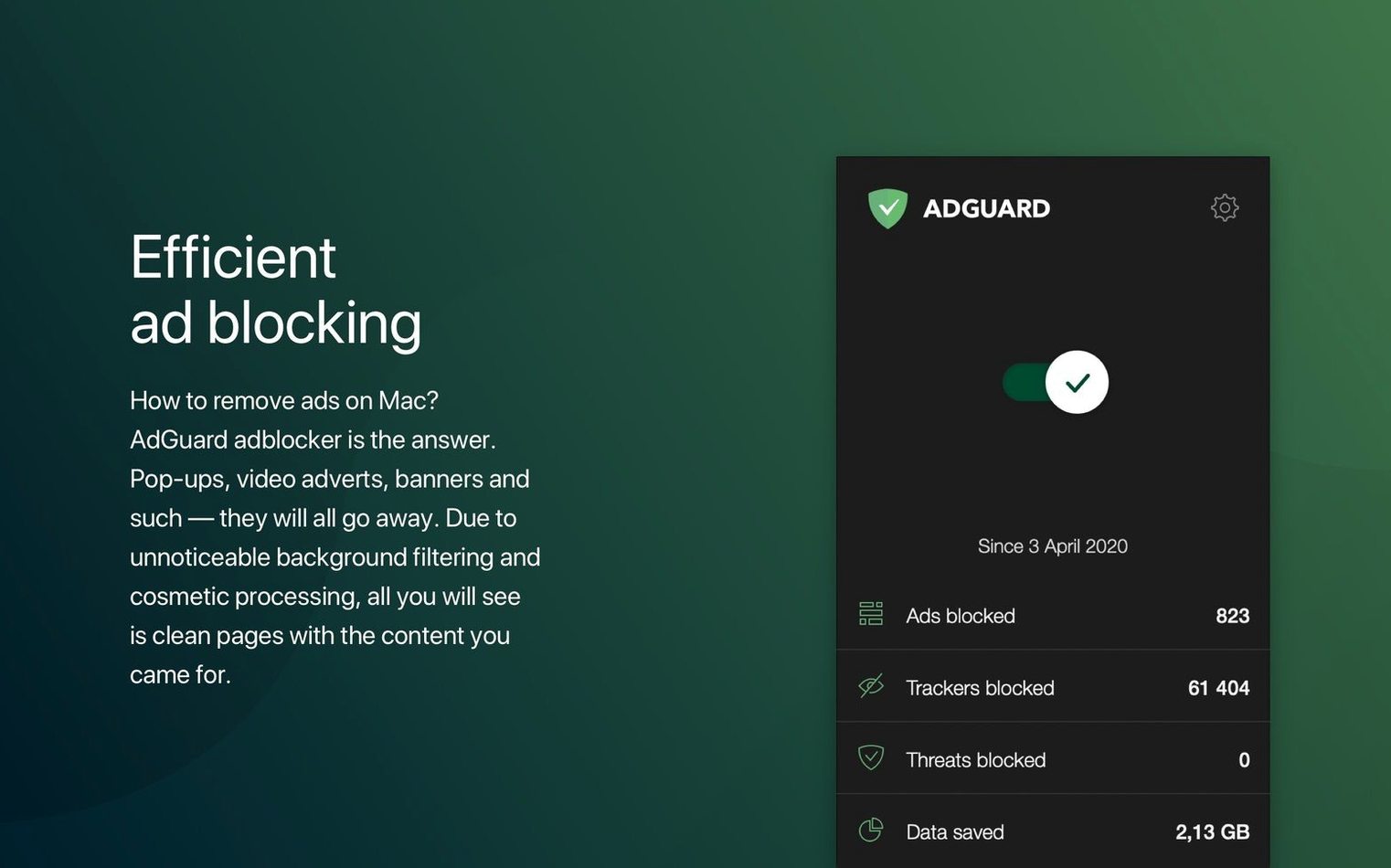
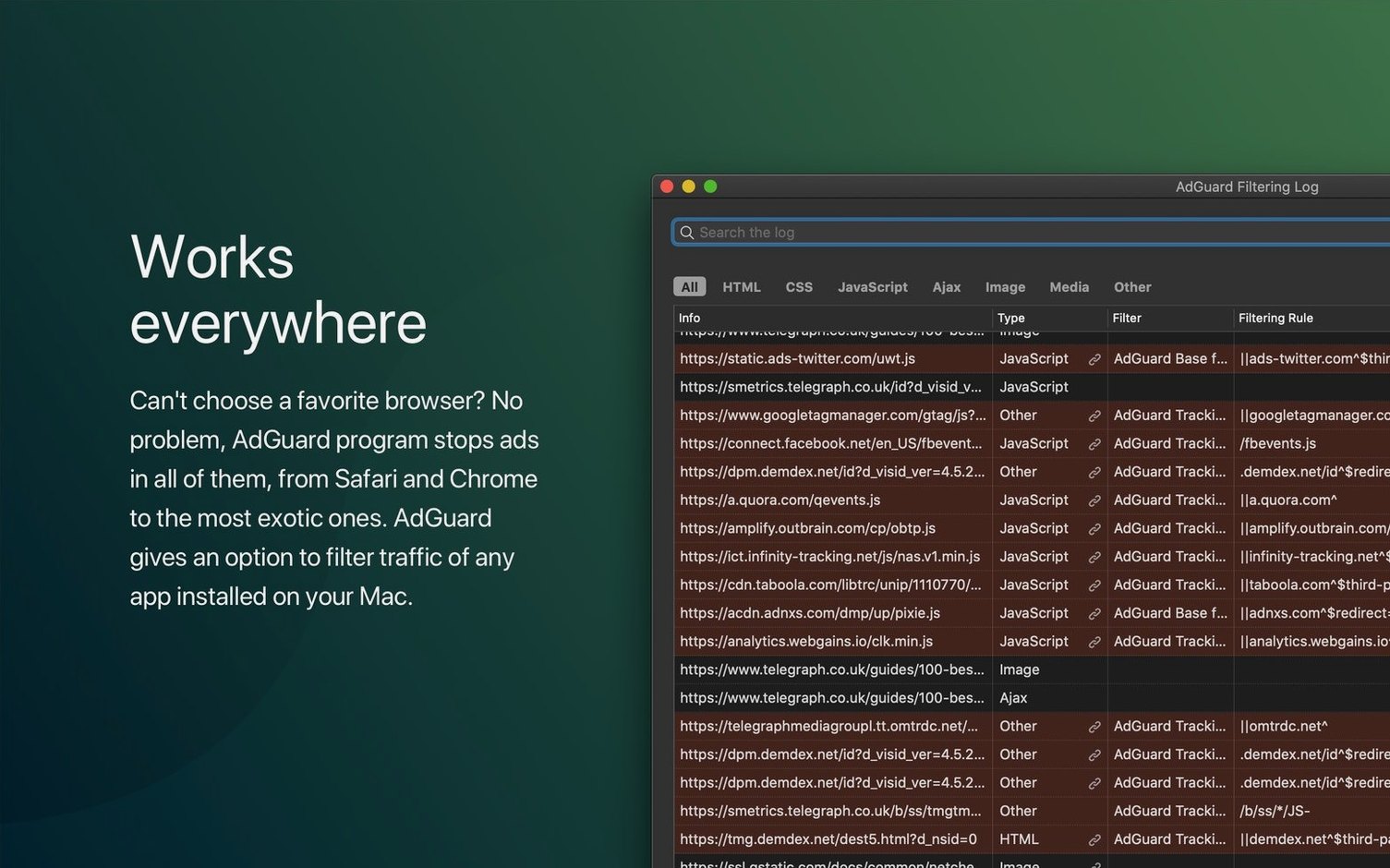
If you have used a browser extension like uBlock Origin, you know the relief of a clean page. Adguard works on the same principle but sits one level deeper. It filters traffic before it hits any browser, or any app that pulls in web content.
That means pop-ups, video pre-rolls, and tracking scripts get caught for Safari, Chrome, Firefox, and apps you might not think about — weather widgets, news readers, games. The interface keeps things simple. A single switch turns filtering on or off. A dark mode keeps it easy on the eyes late at night.
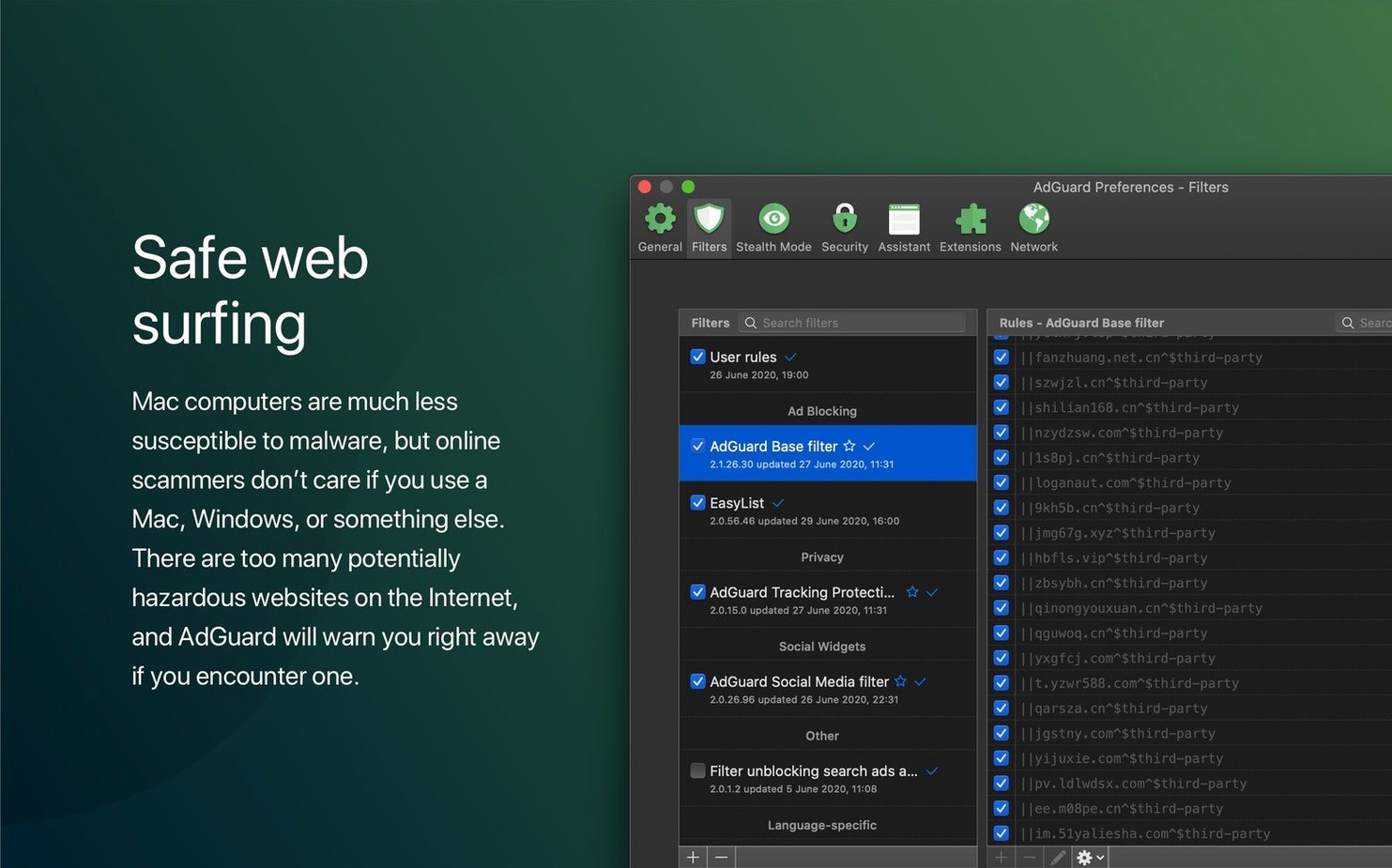
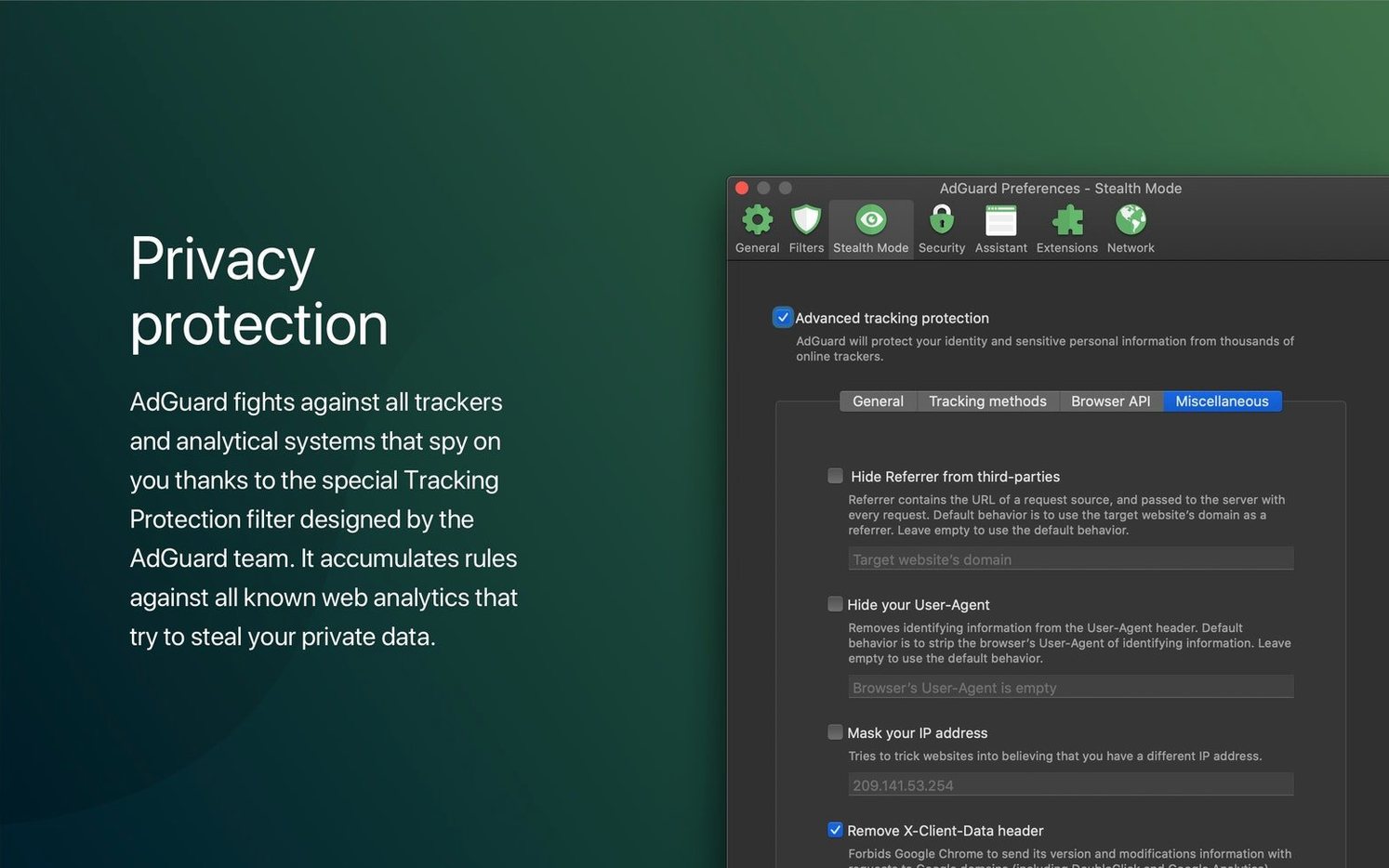
Beyond ad blocking, a spyware filter strips out known trackers. The software also scans websites for dangerous activity, adding a quiet safety net to everyday browsing. It runs on Apple Silicon and Intel 64-bit Macs, requiring macOS 10.15 or later.
People searching for an adguard crack often want to test that system-wide promise before committing. The filtering logic is the same regardless of how you arrive at it. Ads vanish. Pages load faster. The machine stays quieter because fewer background requests fire off.
One filter across four browsers
Not every Mac user needs system-wide filtering. Some will install it and barely notice the difference. Others will wonder how they ever browsed without it.
Good for
- People who juggle three or four browsers throughout the day. One filter covers all of them.
- Anyone running older Macs where every blocked script means a snappier machine.
- Users of ad-supported desktop apps — news aggregators, weather tools, free games. Ads inside those apps disappear too.
- Privacy-conscious types who want tracker blocking outside the browser.
- Families sharing a Mac. The phishing and fraud protection runs quietly in the background.
Not for
- Users who only browse in Safari and are happy with a lightweight content blocker. Adguard Mini would be the leaner choice.
- Anyone who needs per-site rule tweaking several times a day. The interface prioritises simplicity over fine-grained control.
Right-click any ad that slips through
A few features sit tucked away and earn their keep over time.
- Manual element blocking. Right-click any ad that slips through, pick "Block element," and draw a box around it. That rule stays active until you remove it. Useful for cookie banners and newsletter pop-ups.
- Dark mode. The toggle lives in the app menu. It follows your system setting by default, but you can force it on or off independently.
- Spyware filter. Turned off by default. Flip it on once and forget about it. It catches trackers that phone home from desktop apps, not just browser tabs.
- Filter log. Press
Cmd+Shift+Lin the main window. A live feed shows every request blocked or allowed. If a site breaks, you can spot the culprit filter in seconds and whitelist it. - Language-specific filters. The installer ships with a general list. Dig into settings to add regional filters for German, Japanese, Russian and others. They catch local ad networks that global lists miss.
Firefox research with zero pop‑ups
Marie writes for three tech blogs and manages a small newsletter on the side. Her morning starts in Firefox, researching chip fabrication. Two pop-ups and an autoplay video never load. She does not notice.
Midday, she switches to a desktop RSS reader to scan press releases. Three banner ads inside the app frame get stripped. The reader loads faster than it did on her old MacBook Air.
After lunch, a source sends her a link over Signal. She opens it in Safari. The page has a phishing redirect buried in a third-party script. The filter catches it before the page renders. A small notification slides in and disappears.
By evening, she is proofing her newsletter in a desktop email client. Tracking pixels embedded in the preview do not fire. The client never knows she opened it.
Marie never opened the Adguard interface after the first day. It just runs. For her, that is the point.
Release 2.20.2.2629 has landed. The developer has published the full list of changes on their official site.
- macOS 10.15 or later
- Apple Silicon or Intel 64-bit







Comments 0
Sign in or create an account to add a comment.
No comments yet. They go up after moderation.