

4K YouTube to MP3 — Mac download
Download (218 MB) Earlier builds
Ticked
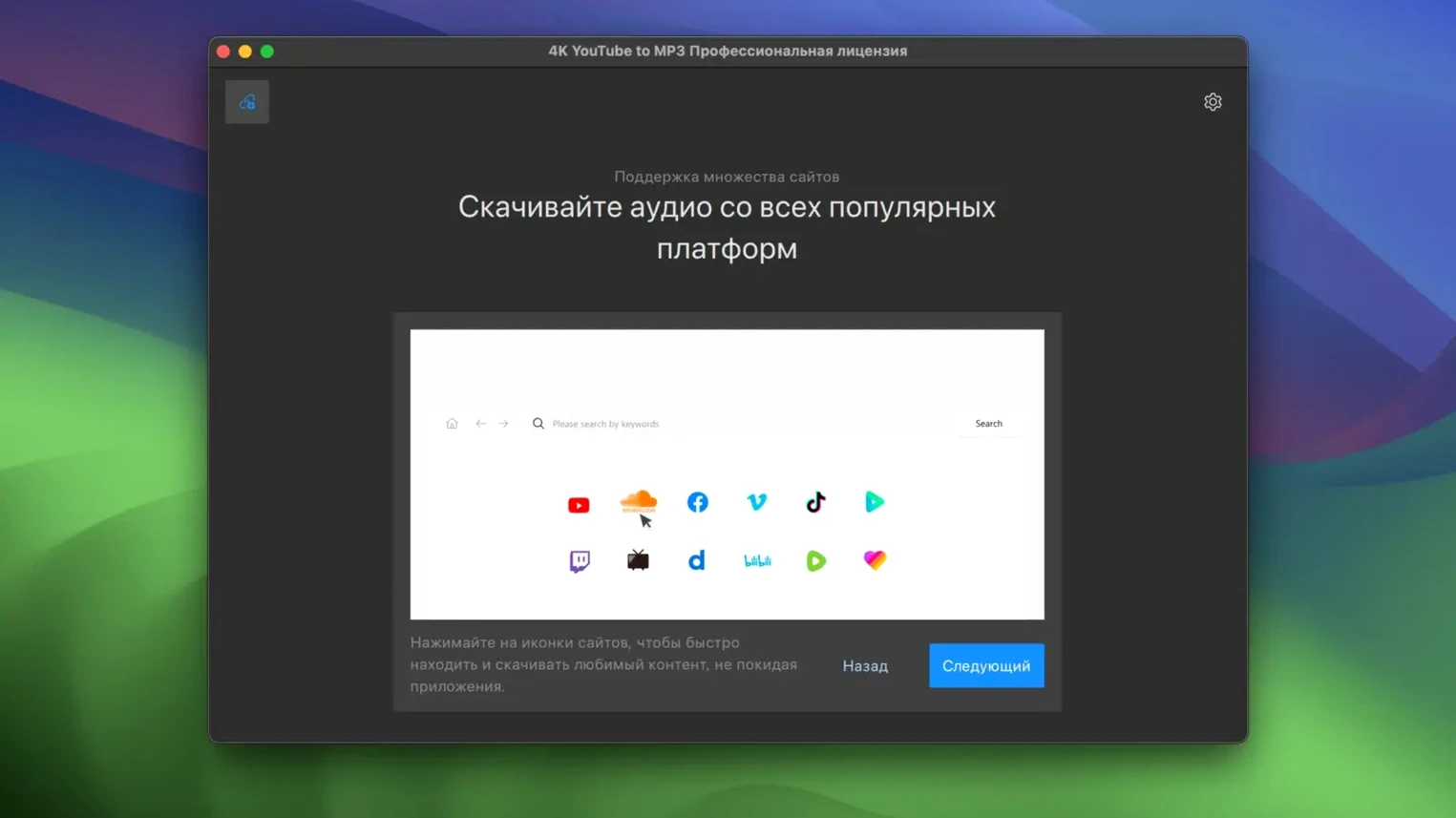
4K YouTube to MP3 runs on any Intel Mac with macOS 12 (Monterey) or newer. Apple Silicon Macs are not officially listed, so check compatibility before installing.
Grabs audio from playlists, not just single videos
- Pulls audio from online video sources
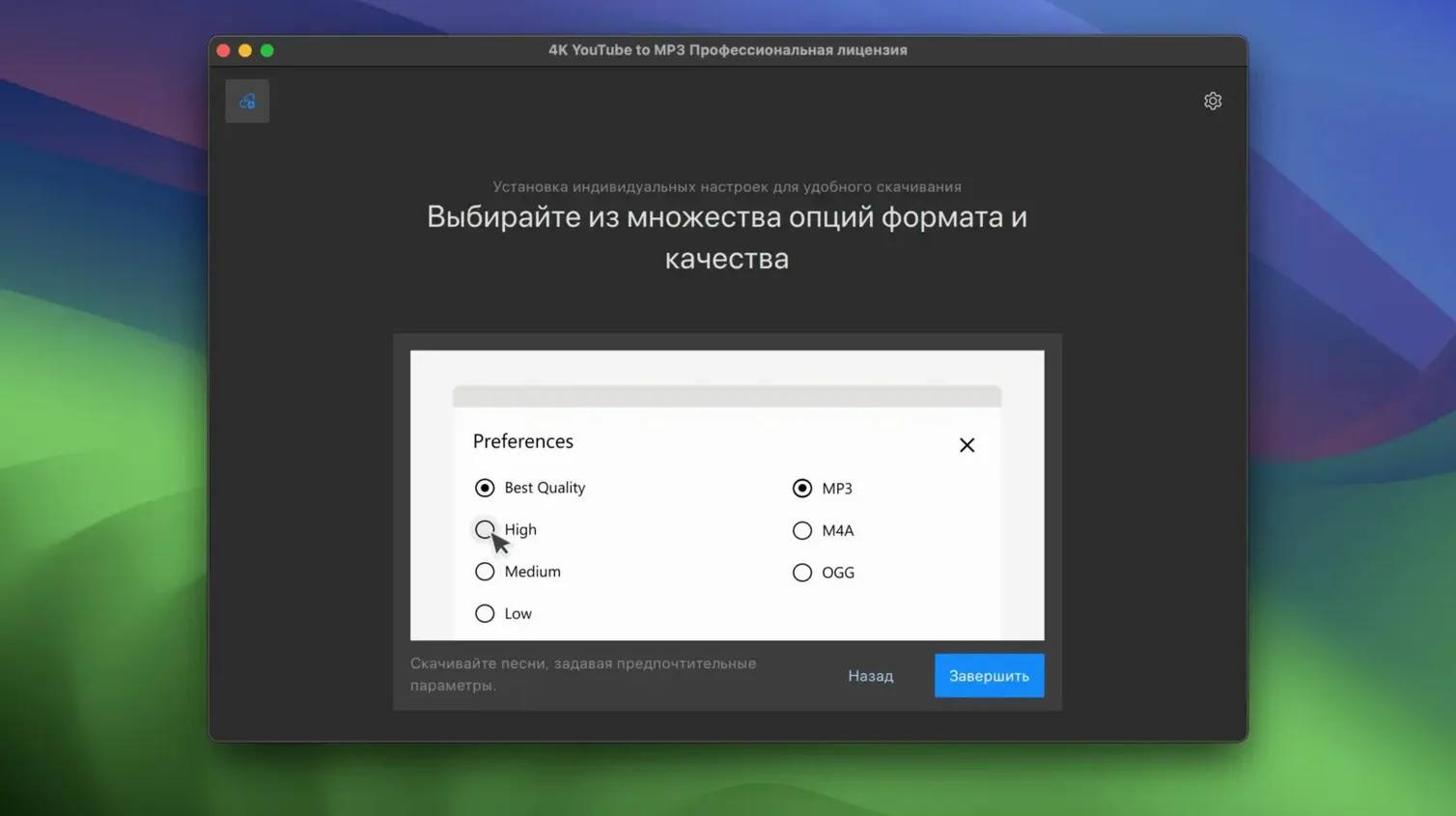
- Saves files as MP3, M4A or OGG
- Processes full playlists, not just single links
- Works as a standalone Mac downloader — no browser extension needed
Audio-only sibling to 4K Video Downloader
This is a separate tool from the 4K Video Downloader. It skips the video track entirely and gives you audio files straight away. The same app is also available for Windows and Linux if you work across platforms.
Workflow: grabbing a playlist in M4A
- Open 4K YouTube to MP3. Set the output format to M4A in Preferences — better metadata handling than MP3 for this job.
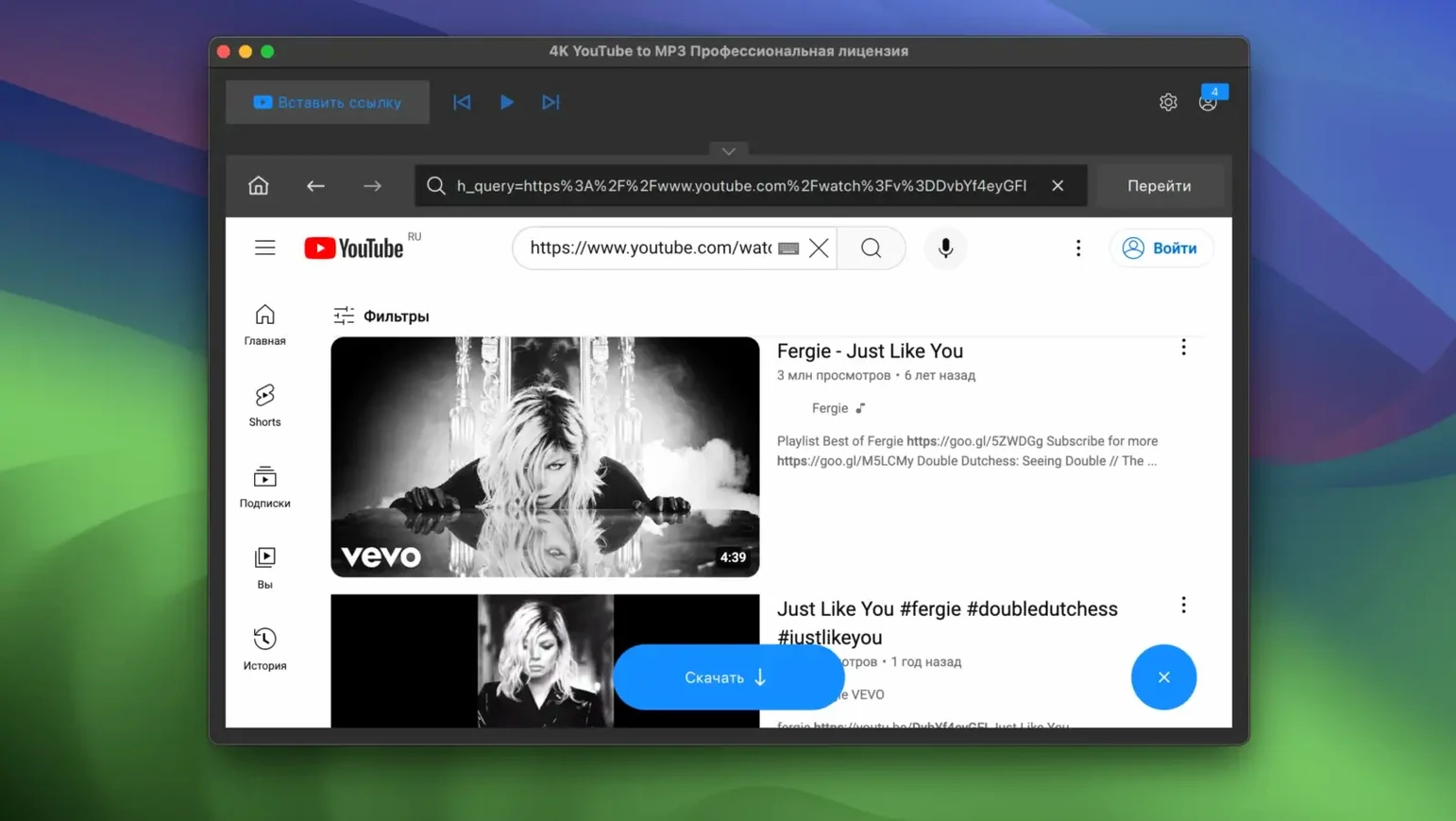
- Copy a full playlist URL from YouTube. The app detects it as a playlist automatically.
- A dialogue lists every track. Untick any you do not want. Hit Download.
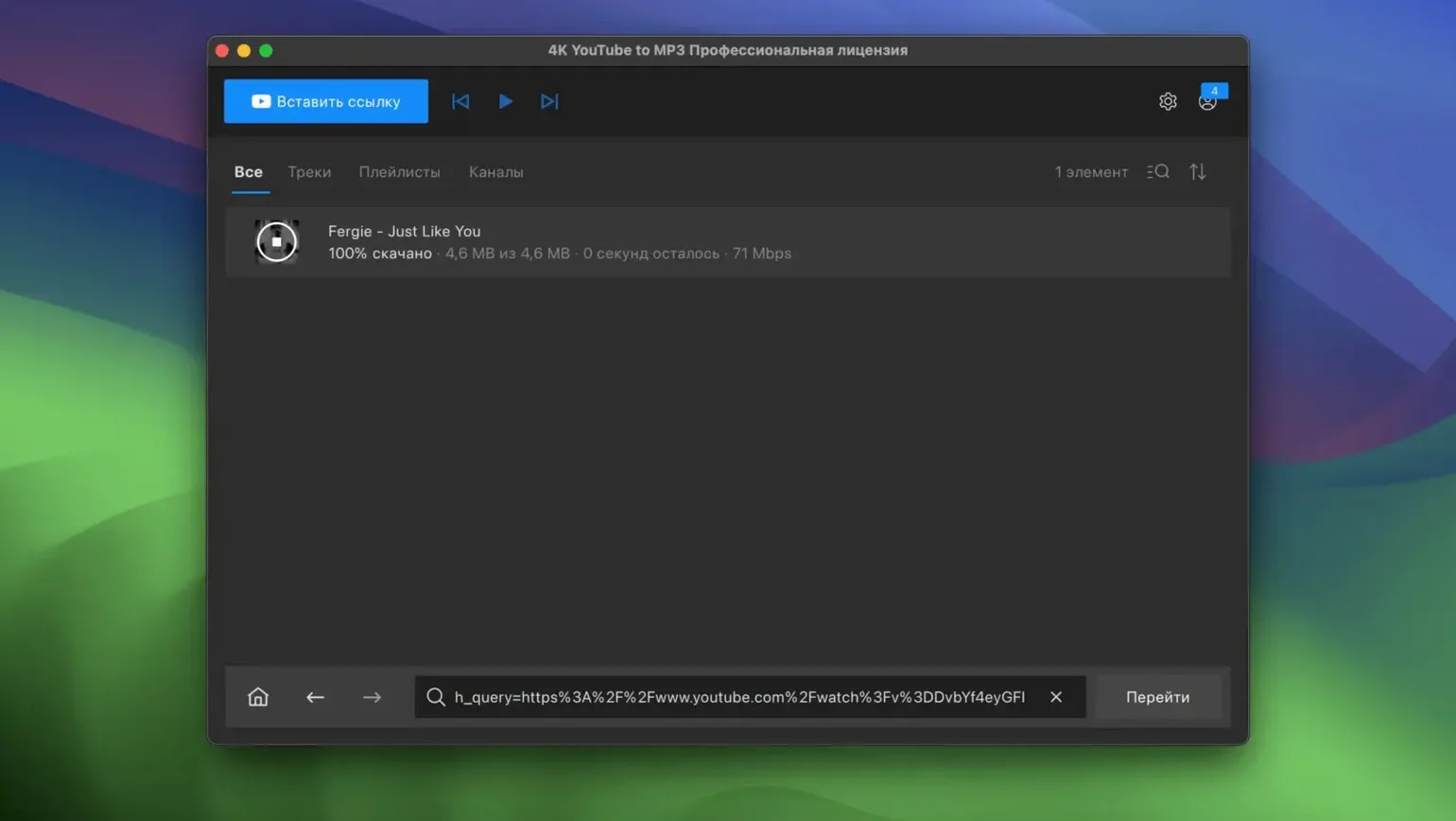
- While it processes, check the queue panel. You can pause individual items or reorder them by dragging.
- Once done, right-click any file in the finished list and choose Show in Finder. All tracks land in one folder, numbered and tagged.
For large playlists, set the simultaneous downloads slider to 3 or 4. Higher numbers sometimes trigger rate-limiting from the source. Let it run in the background — the app respects macOS energy settings and won't prevent sleep if you set it that way.
Three Mac audio extractors side by side
Three Mac apps sit in the same space. Here is how they stack up.
MediaHuman YouTube to MP3
Lighter interface, slightly faster single-track conversions. Lacks built-in playlist dialogue — it queues links one by one. Good for quick one-offs. The 4k youtube to mp3 macos tool pulls ahead when you need batch control and format choice in one window.
Downie
Downie handles video and audio but leans heavily toward video. Its audio extraction is a secondary feature, not the main event. If you want a dedicated 4k youtube mp3 downloader full experience without trimming video settings every time, 4K YouTube to MP3 is the more focused pick.
VLC with a stream export
Free, but manual. You paste a network stream, select an audio profile, wait. No queue, no playlist parsing, no format presets. Viable for one file. Not for a weekend playlist haul.
Trailing spaces break link recognition
- Pasting a video link and expecting instant audio. The app needs a moment to parse. If nothing appears, check the clipboard or paste again — sometimes a trailing space breaks recognition.
- Ignoring the output format setting. Default is MP3 at 320 kbps. If you need M4A for Apple Music compatibility or OGG for a specific player, set it before downloading, not after.
- Downloading an entire playlist without checking track lengths. Playlists sometimes include intros, outros or silent tracks. Untick the noise before you hit Download — saves cleanup time later.
- Running too many simultaneous downloads. Crank the slider to max and some sources throttle you. Stick to 3–4 for consistent speed.
- Assuming the 4k youtube to mp3 engine handles every site equally. It is optimised for YouTube, VEVO, SoundCloud and Facebook. Niche platforms may fail silently. Test one track before queuing fifty.
- macOS 12 or newer
- Intel Mac
Questions the team asks
Yes, it supports playlists, so you can queue up multiple tracks in one go.
It exports audio as MP3, M4A, or OGG files.








Comments 0
Sign in or create an account to add a comment.
No comments yet. They go up after moderation.