
1Password — Mac download
Download (70 MB) Earlier builds
Ticked
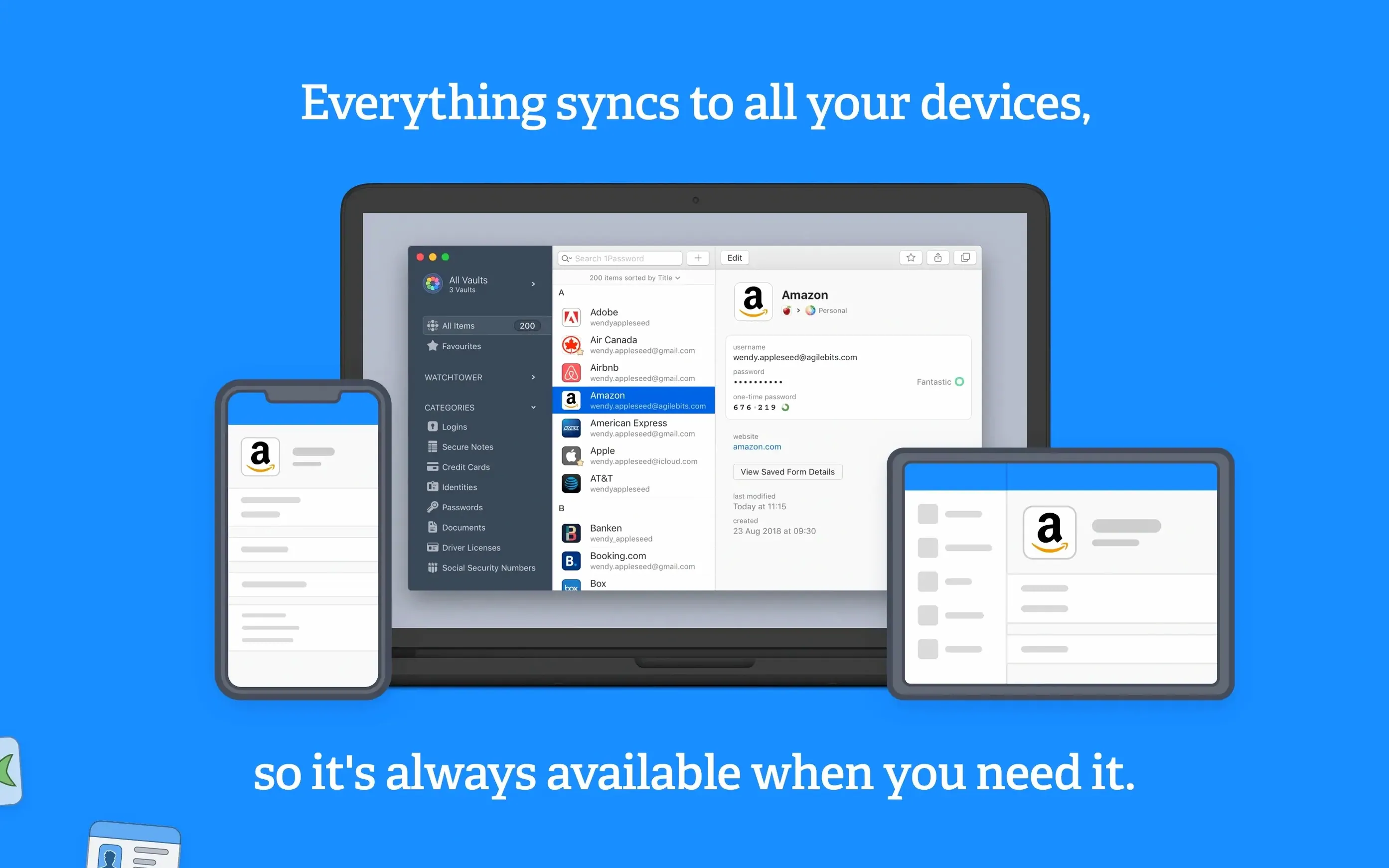
System administrators, freelancers juggling client logins, and anyone who shops online trusts 1Password to keep credentials in order. The Mac app centres on a handful of concrete jobs, each built to remove friction from signing in.
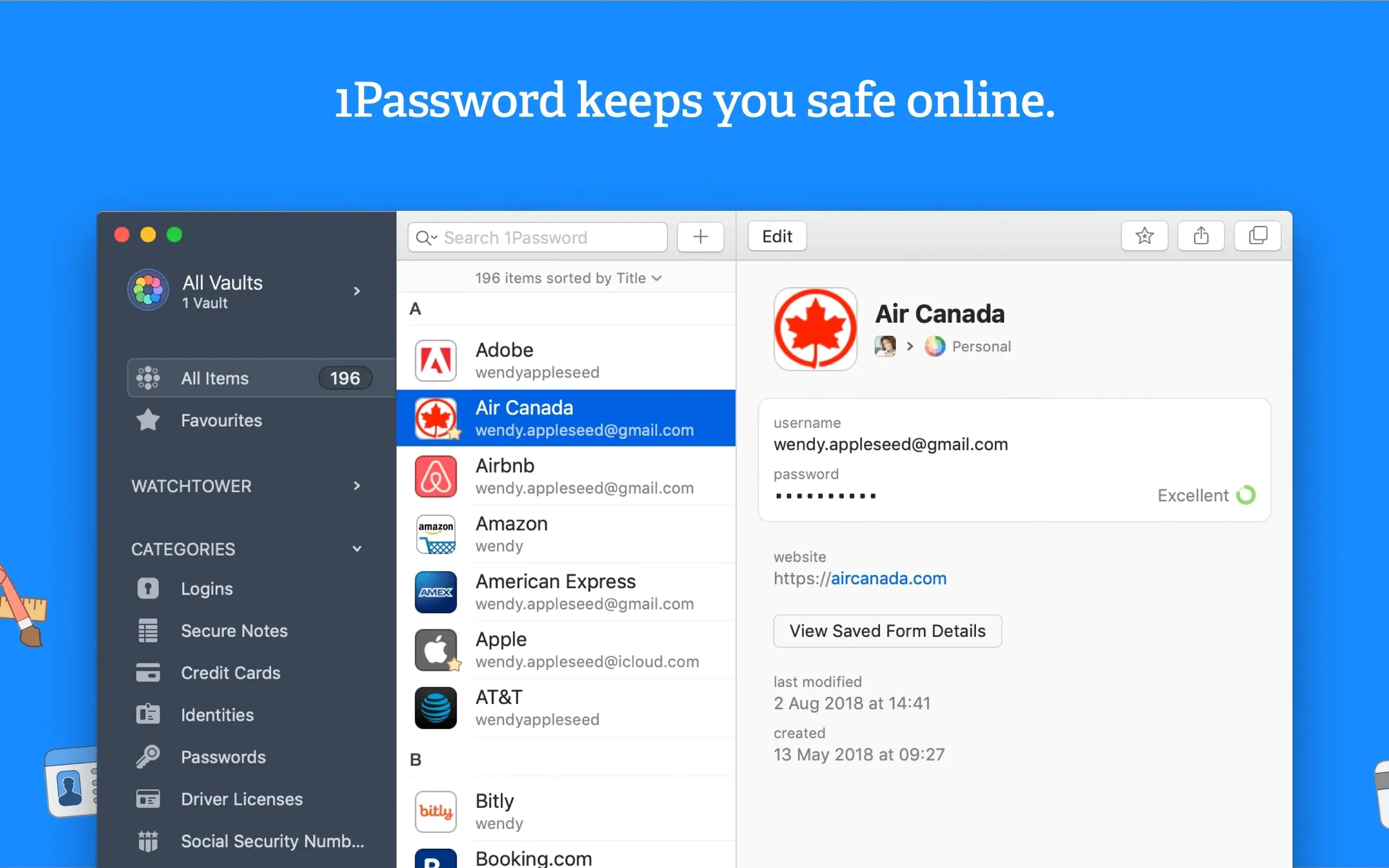
- Watchtower patrols your vault. It flags reused passwords, weak passwords, and logins exposed in known breaches. It also calls out sites still on unencrypted HTTP.
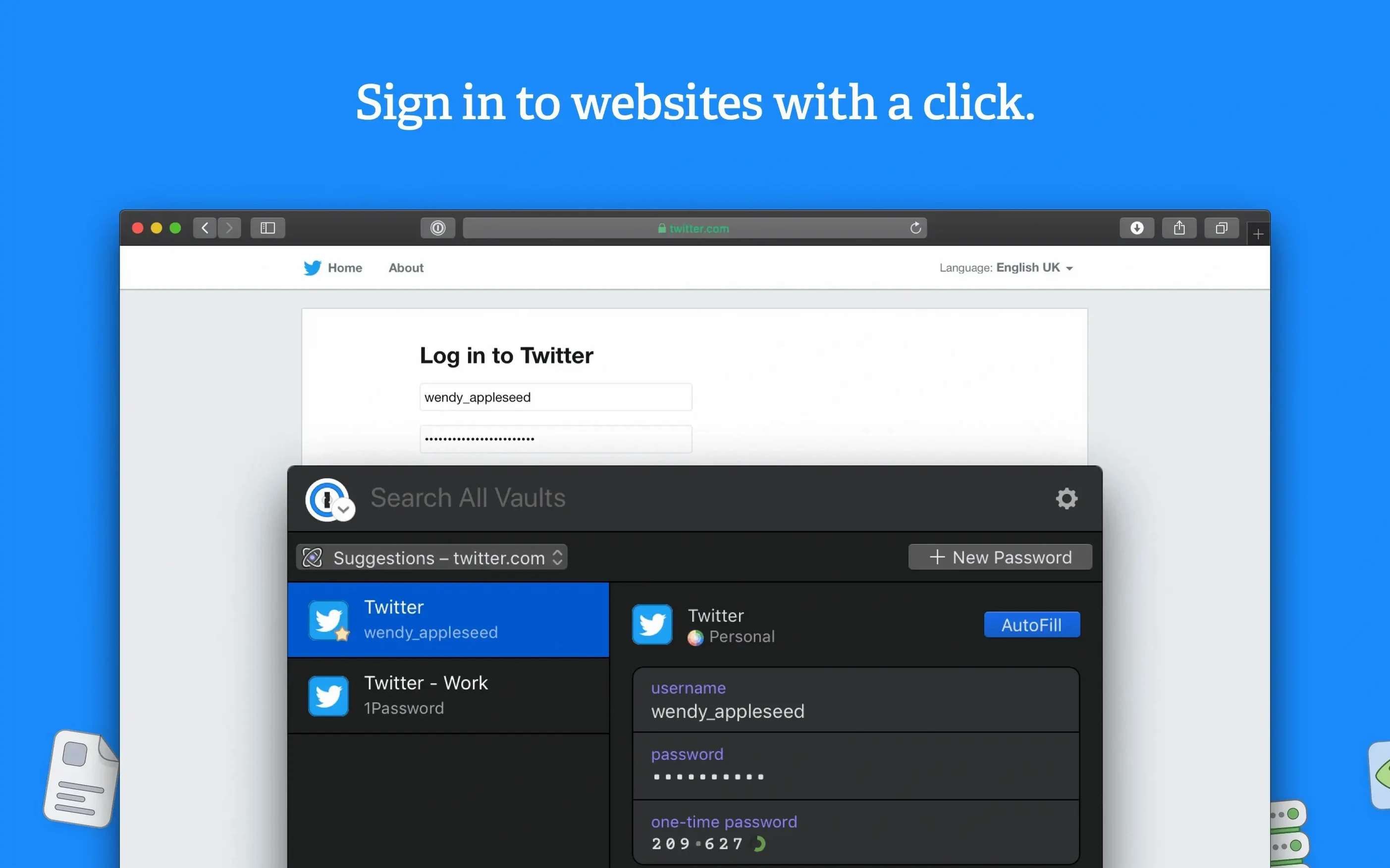
- One-click form filling. Address fields, card details, and login screens complete in a single action instead of tabbing through boxes.
- Browser-to-vault sync. Save a login in Safari or Firefox and it lands in the Mac app instantly. The reverse works the same way.
- Everything in one locked room. Passwords, bank card numbers, software licence keys, and secure notes live in a single encrypted vault.
- Offline access. Your vault sits on your Mac. An internet connection is not required to unlock it.
The interface stays out of your way until you need it, then surfaces exactly the item you are looking for. No clutter, just the data you came to grab.
Unlock with one password, then fill any login in three keystrokes
Open the app from the menu bar. Type your master password once. The vault unlocks.
You need a login for a delivery site. Click the browser extension, search the first three letters, and it fills both fields. You never saw the password.
Later, a new site asks you to create an account. The password generator offers a 20-character string. You accept it. 1Password saves the new login before the page finishes loading.
Weak password alerts moved from preferences to a front-and-center dashboard
Version 7 brought a redesigned sidebar that groups items by category. Finding a server password or a software licence now takes fewer clicks. Watchtower moved from a buried preference panel to a main-view dashboard, so weak password alerts catch your eye sooner.
Password generation added a “memorable” option: short words strung together instead of random symbols. Handy when you must type the password manually on a smart TV or a games console.
One usability fix stands out. The app no longer prompts you to save a login you already have. If you download 1password for mac and sign into a site for the second time, the dialog stays quiet.
Workflow: clean up a compromised password
- Open the Watchtower dashboard. A red badge marks three entries from a recent breach.
- Click the first entry. The item details panel shows the site name and password age.
- Use the Change Password on Website button. It opens the site’s security page directly.
- The password generator fills the new-password field with a fresh 20-character string. Confirm the change on the site.
- Back in the app, the old password moves to a “previously used” list inside the item. The entry drops off the Watchtower alert list.
- Repeat for the remaining two entries. Three minutes, done.
If you ever hit a 1password duplicate item after a migration, the vault search highlights both copies. Compare the modification dates, keep the newer one, and trash the stale entry. No tool needed beyond the app itself.
- macOS 10.12 or later
- Intel 64-bit processor
Questions the team asks
The app works in Russian, English, German, Afrikaans, Greek, Danish, Hebrew, Spanish, Italian, Traditional Chinese, Simplified Chinese, Korean, Dutch, Norwegian, Polish, Portuguese, Finnish, French, Czech, Swedish, and Japanese.









Comments 0
Sign in or create an account to add a comment.
No comments yet. They go up after moderation.