

Absynth — Mac download
Download (2.6 GB) Earlier builds
Ticked
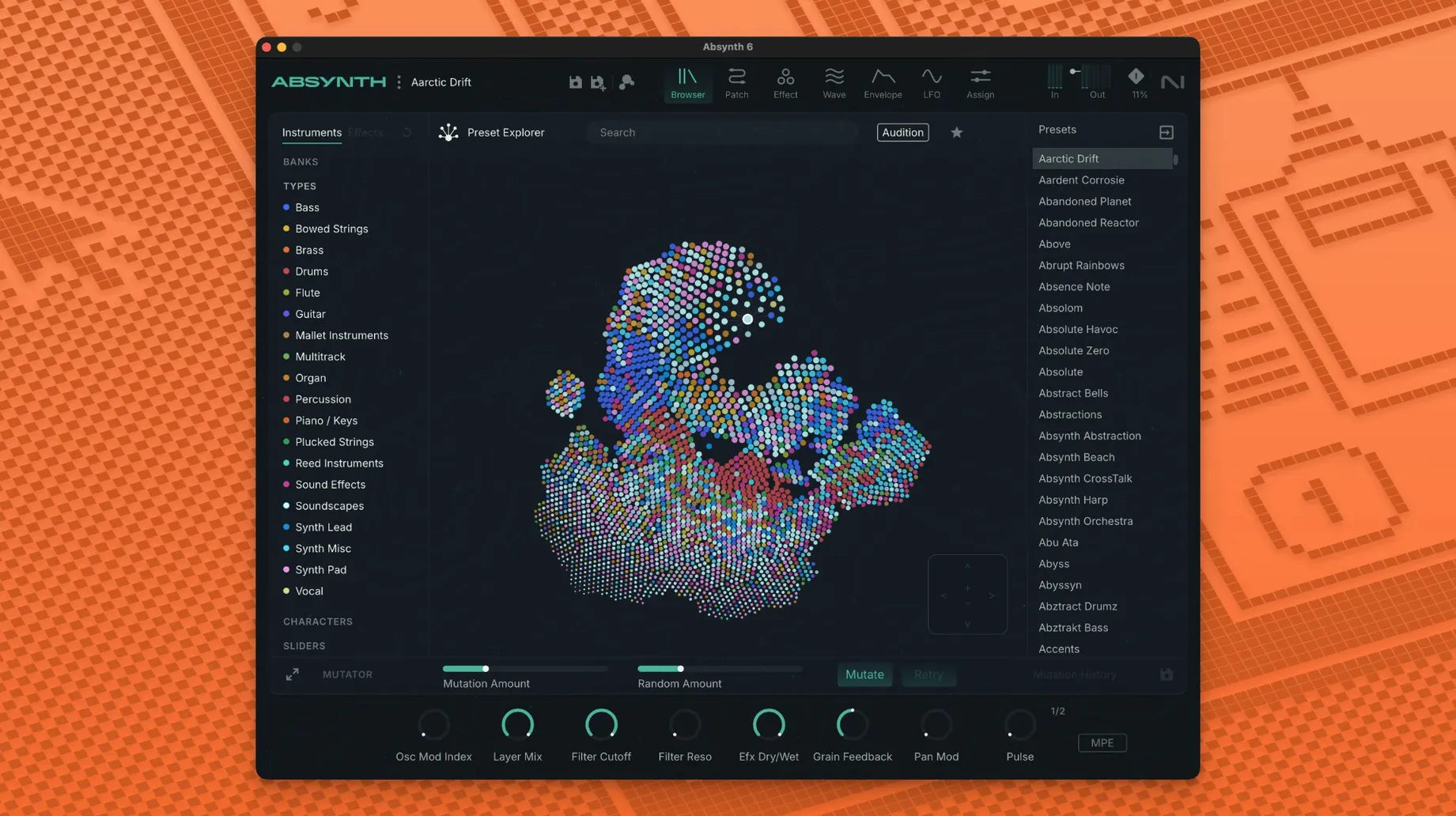
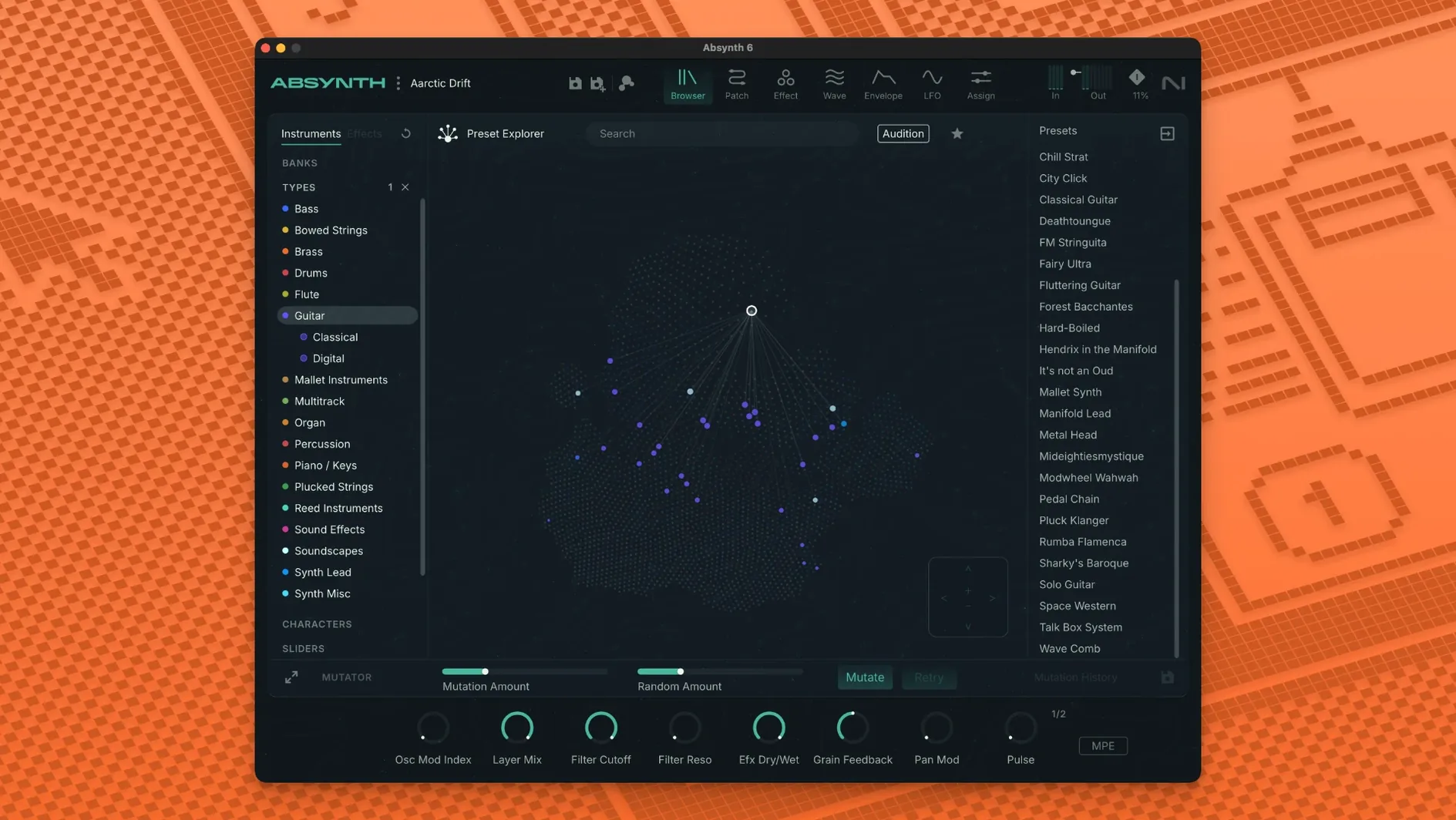
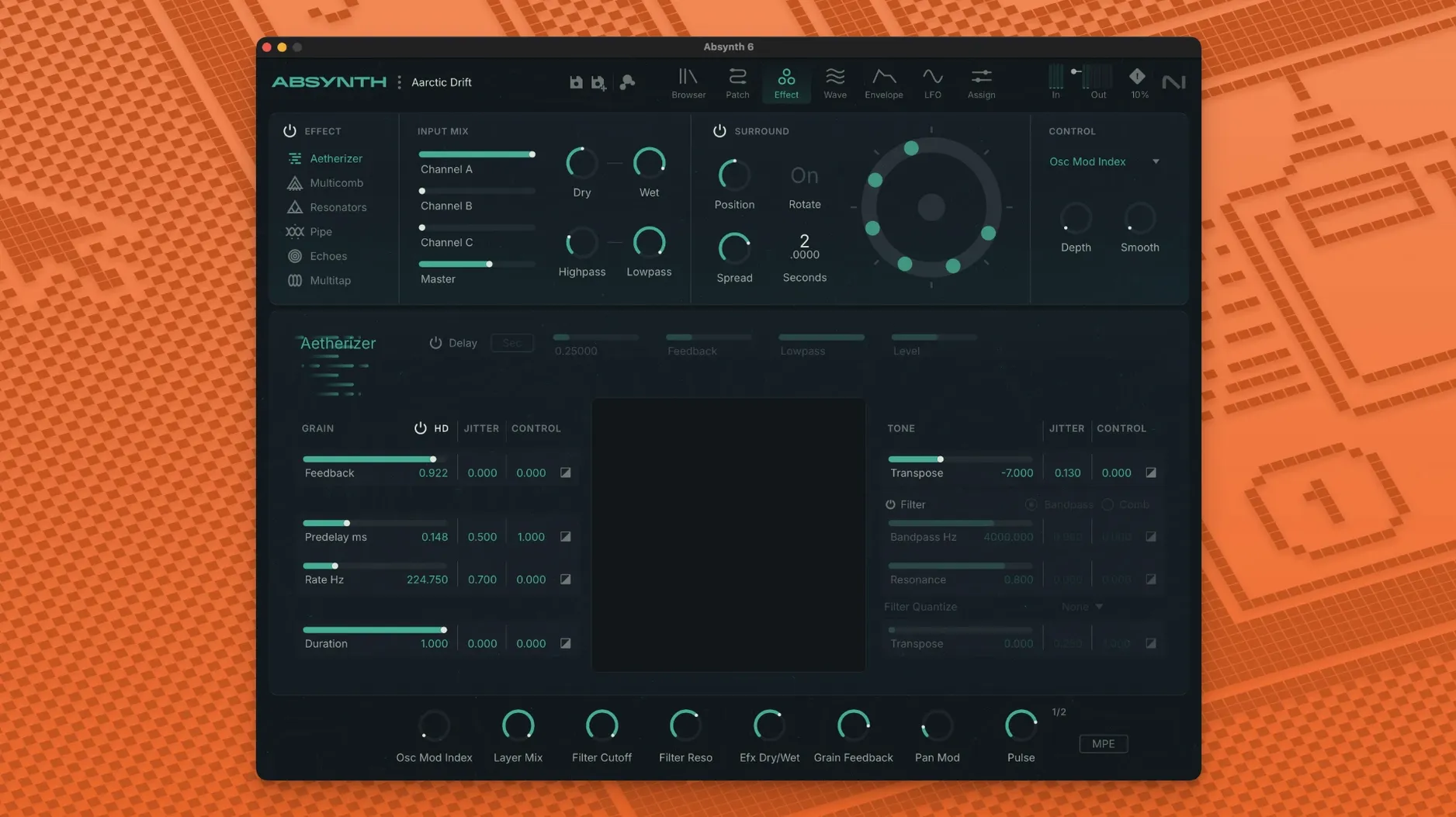
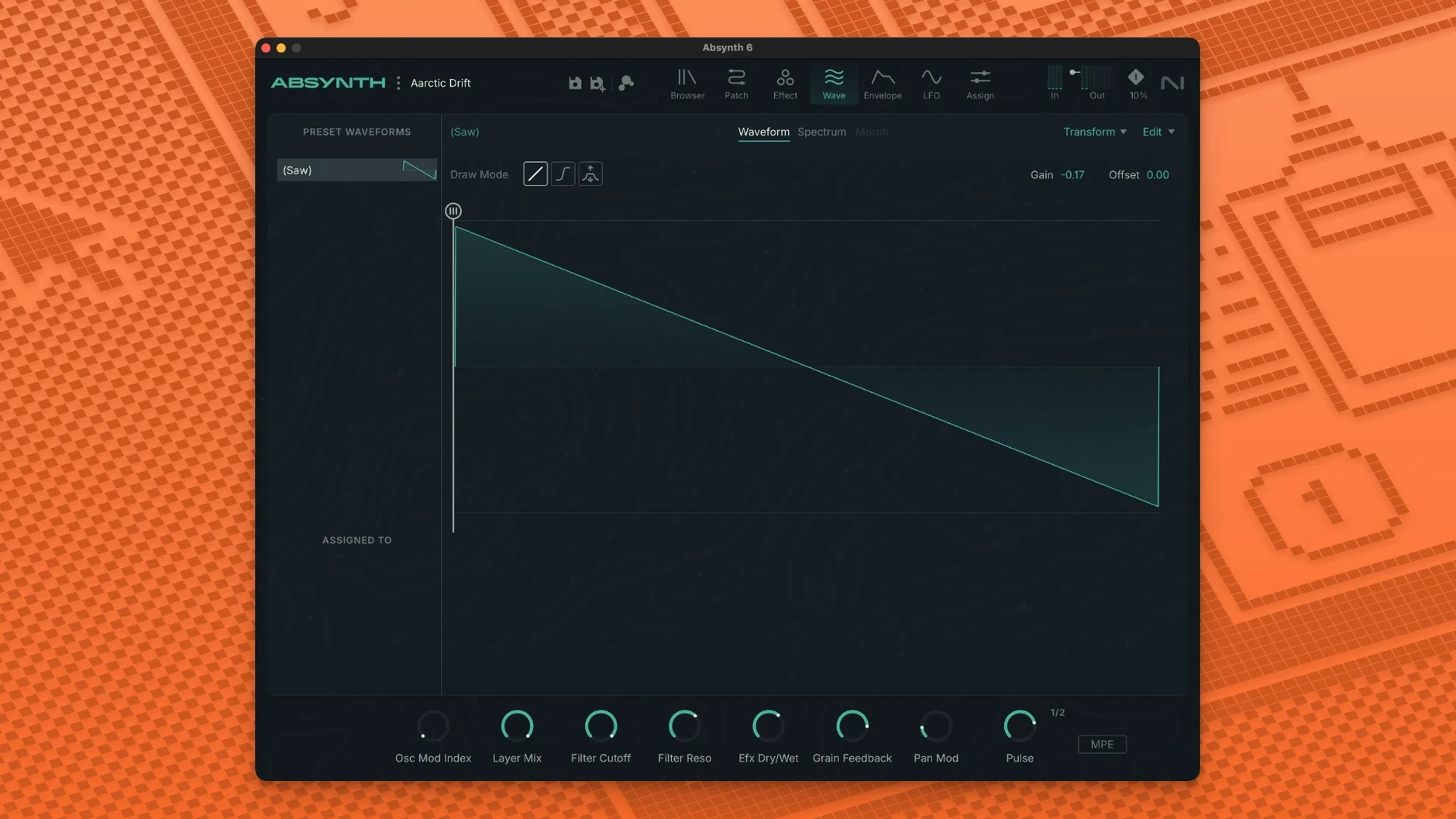
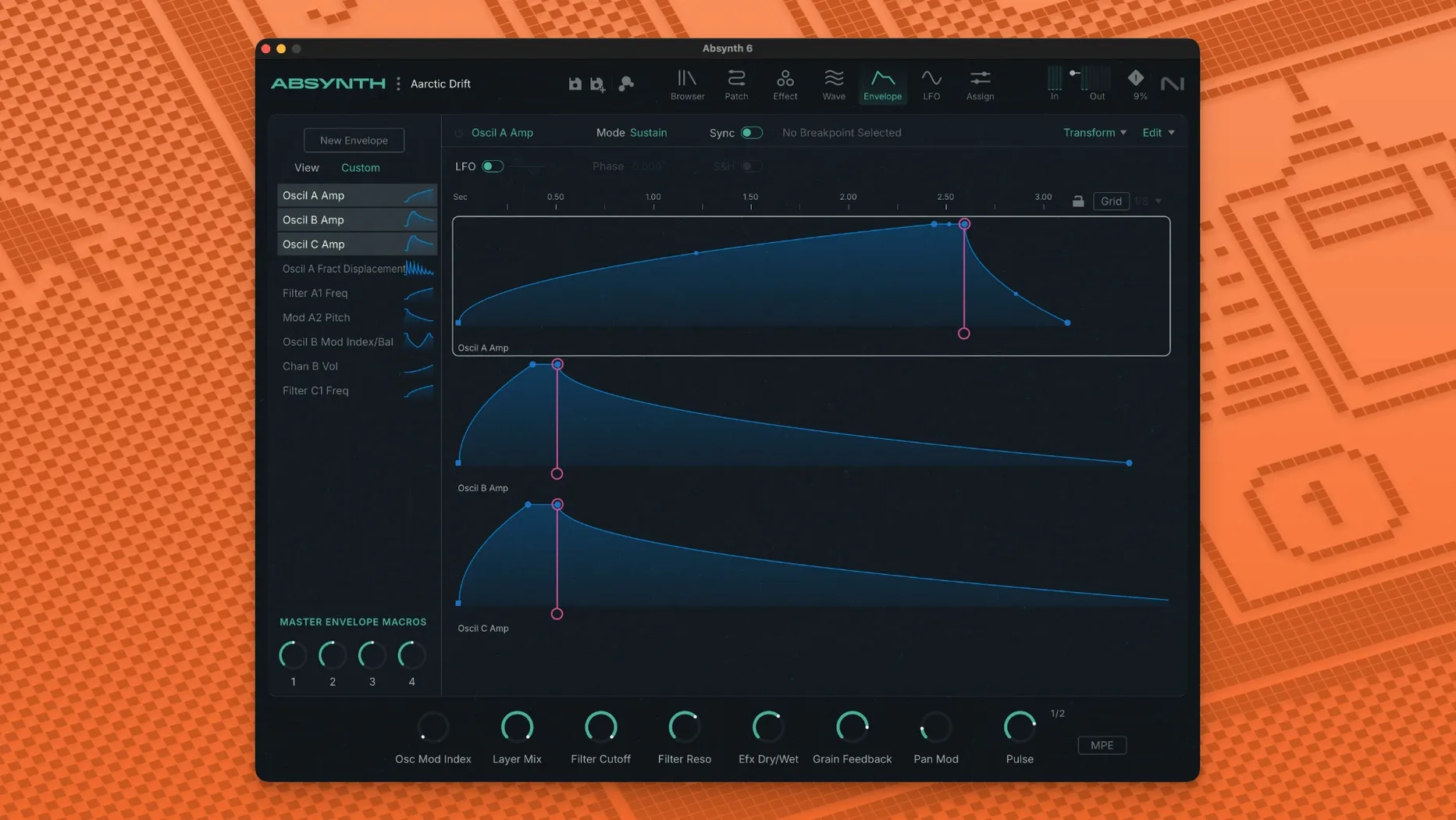
Eight synthesis engines sit inside one semi-modular architecture. Absynth 6 combines subtractive, FM, wavetable and granular methods with an unusually deep effects section.
- Hybrid engine with four synthesis types you can route freely
- Full MPE support with polyphonic aftertouch
- Eight-channel surround output — Quadraphonic, 5.1 and Octaphonic formats
- Aetherizer, Cloud Filter and Supercomb effects for motion and texture
- Sound Mutator blends characteristics from two stored sounds
- 250 new presets alongside the existing library
Sound designers and composers working in film or game audio get a tool that handles everything from evolving pads to abstract textures. The MPE and surround routing make it a practical choice for modern scoring setups, while the Mutator keeps patch creation fast when deadlines are tight.
Host doesn't see the plug-in after install
Absynth 6 runs smoothly on Apple Silicon and Intel Macs running macOS 14 or later, but a few things trip people up early on.
- Host doesn't see the plug-in. Absynth installs as a 64-bit VST3, AU, and AAX plug-in. If your DAW only scans a custom folder, point it to the default system locations. AU units live in
/Library/Audio/Plug-Ins/Components, VST3 in/Library/Audio/Plug-Ins/VST3. After installation, restart the host — not just the session. - Preset browser shows an empty library. The first launch triggers a database scan. Give it a minute. If presets still don't appear, open the browser's gear menu and trigger a manual rescan. The library file sometimes needs a second pass after the initial install.
- High CPU on complex patches. The Aetherizer and Supercomb effects eat cycles, especially in eight-channel surround mode. Bounce-in-place or freeze tracks that use heavy granular oscillator stacks.
- Surround routing is greyed out. Your DAW track needs a multi-channel output path configured before you open Absynth. Switch the track to a quad, 5.1, or 7.1/8.0 layout, then the routing options unlock inside the plug-in.
- Sound Mutator produces silence. The Mutator blends two sources. If either slot points to an empty or incompatible patch, you'll hear nothing. Check both A and B slots have valid presets loaded and that the blend slider isn't parked at one extreme without a source.
Switch on MPE if you use a Seaboard or LinnStrument
Open the preferences pane before you build your first patch. A couple of defaults reward immediate attention.
- MPE mode. Off by default. Switch it on if you use a Seaboard, LinnStrument, or any MPE controller. Absynth responds to per-note pitch bend, slide, and pressure — but only when this toggle is active. While you're there, enable polyphonic aftertouch if your keyboard sends it.
- Surround output mode. Defaults to stereo. Set it to match your monitoring setup. The extra channels don't just widen the mix — they change how the Cloud Filter and Aetherizer behave spatially.
- Browser preview volume. The preset audition level defaults quite loud. Drop it to -12 dB in the browser settings to avoid jumping when you flick through bass-heavy patches.
- GUI scale. Absynth 6 runs at native resolution on Retina displays, but the interface can feel cramped on smaller screens. The scaling option in the View menu gives you a bit more breathing room without blurring the vector graphics.
No always-online components required
Universal binary — no Rosetta translation layer
Yes. Absynth 6 is a universal binary with native ARM and x86 64-bit support. It runs directly on Apple Silicon, no translation layer needed. The minimum requirement is macOS 14, kept current with the latest update.
Version 5 patches load without conversion
The patch format carries forward. Presets and user banks from version 5 load without conversion. The new preset browser reads the old file structure — just point it at your existing library folder during the first scan.
Surround modes and Aetherizer add CPU overhead
Roughly comparable for stereo patches. The new surround modes and the updated Aetherizer add overhead when enabled. If a patch uses four granular oscillators routed through Supercomb in 5.1, expect to freeze tracks on anything below an M1 Pro. Stereo patches with two oscillators run comfortably on Apple Silicon with the 4 GB minimum RAM.
Preset browser works on local disk content only
Absynth 6 installs and runs locally. No background services, no persistent internet requirement. The preset browser operates on local disk content — no cloud library sync.
What's the VST3 situation — does it still ship a VST2?
VST3, AU, and AAX only. No VST2. Hosts that dropped VST2 support — recent Cubase builds, for example — will see Absynth 6 as a VST3 plug-in without any extra steps.
- Focus Mode added: selected channel parameters and sound editing tools now share a single workspace.
- New editors for oscillators, envelopes, LFOs, macros and keyboard — jump between parameters and their assignments directly.
- Save and load individual channels, modules, oscillators and envelopes as sub-presets.
- Modulation assignment, macro and expression-parameter handling improved.
- The above changes arrived with version 6.2; a confirmed change list specific to 6.2.1 was not published.
- macOS 14 or later
- Apple Silicon or Intel 64-bit
Questions the team asks
Absynth 6 combines subtractive, FM, wavetable and granular synthesis in a semi-modular architecture.
Yes. It supports both ARM and x86 64-bit Macs running macOS 14 or later.








Comments 0
Sign in or create an account to add a comment.
No comments yet. They go up after moderation.