
Amadeus Pro — Mac download
Download (18 MB) Earlier builds
Ticked
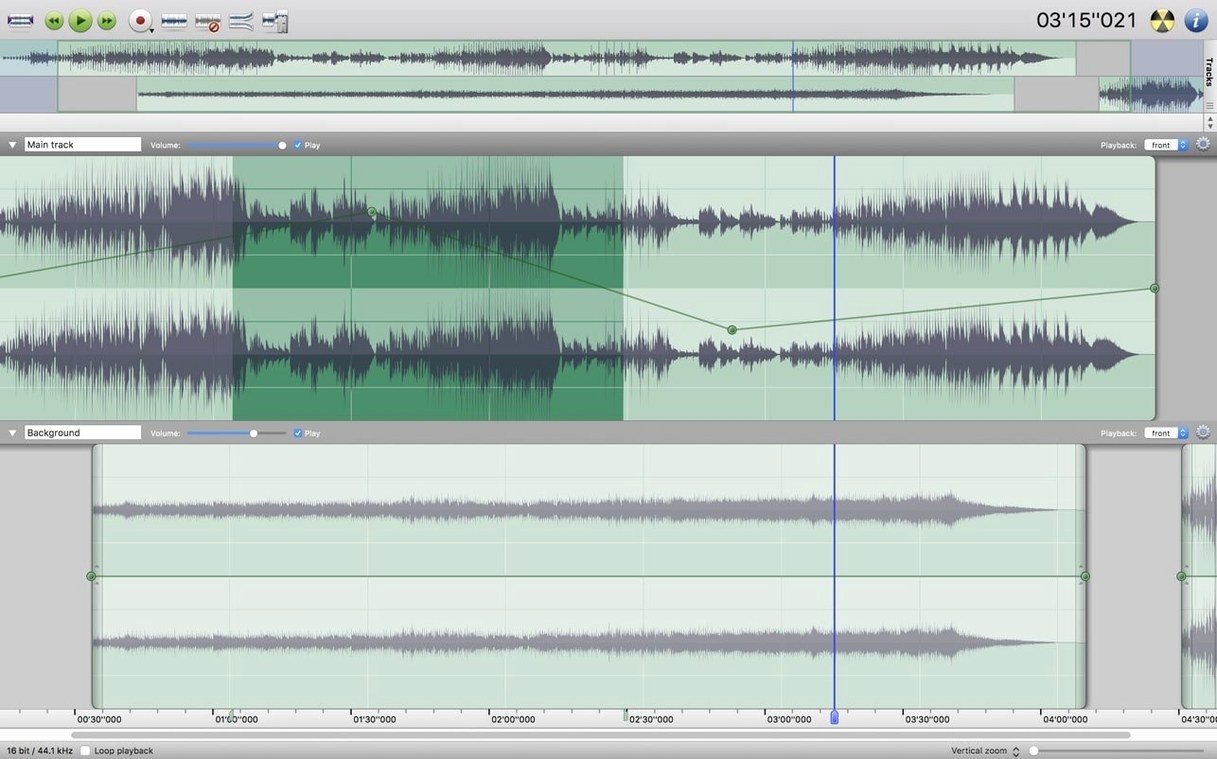
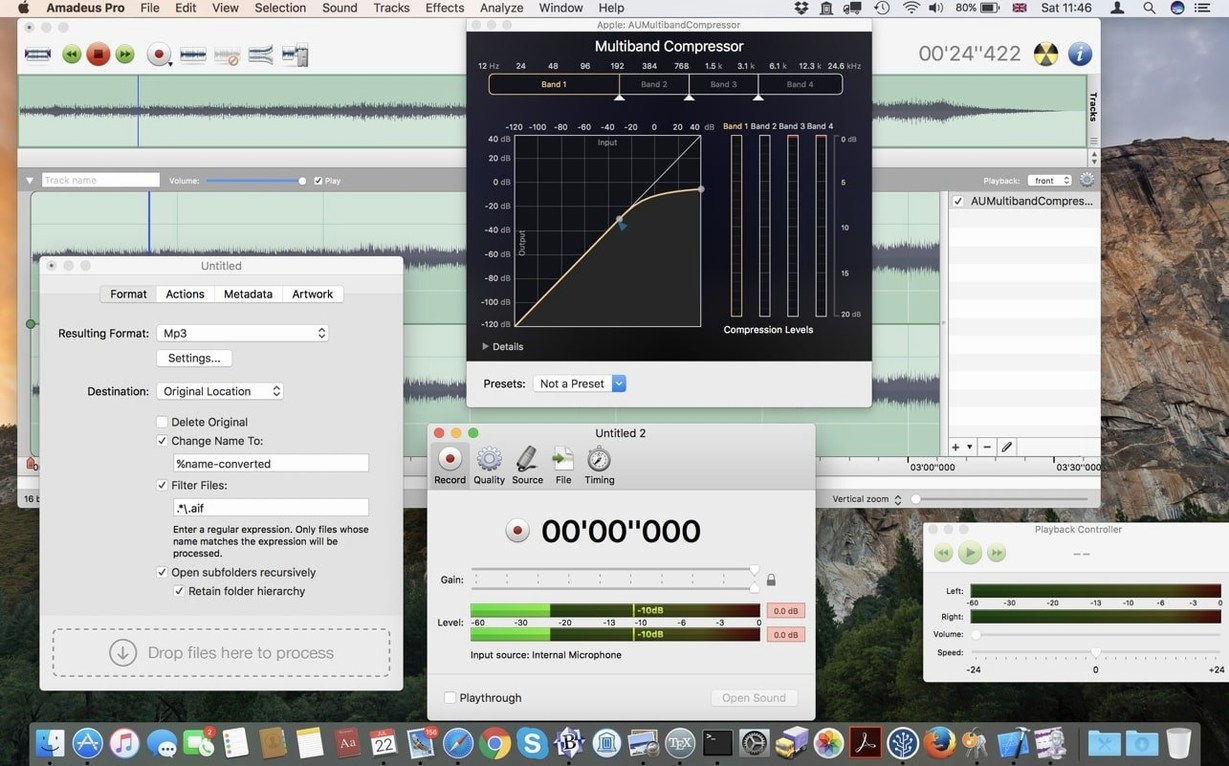
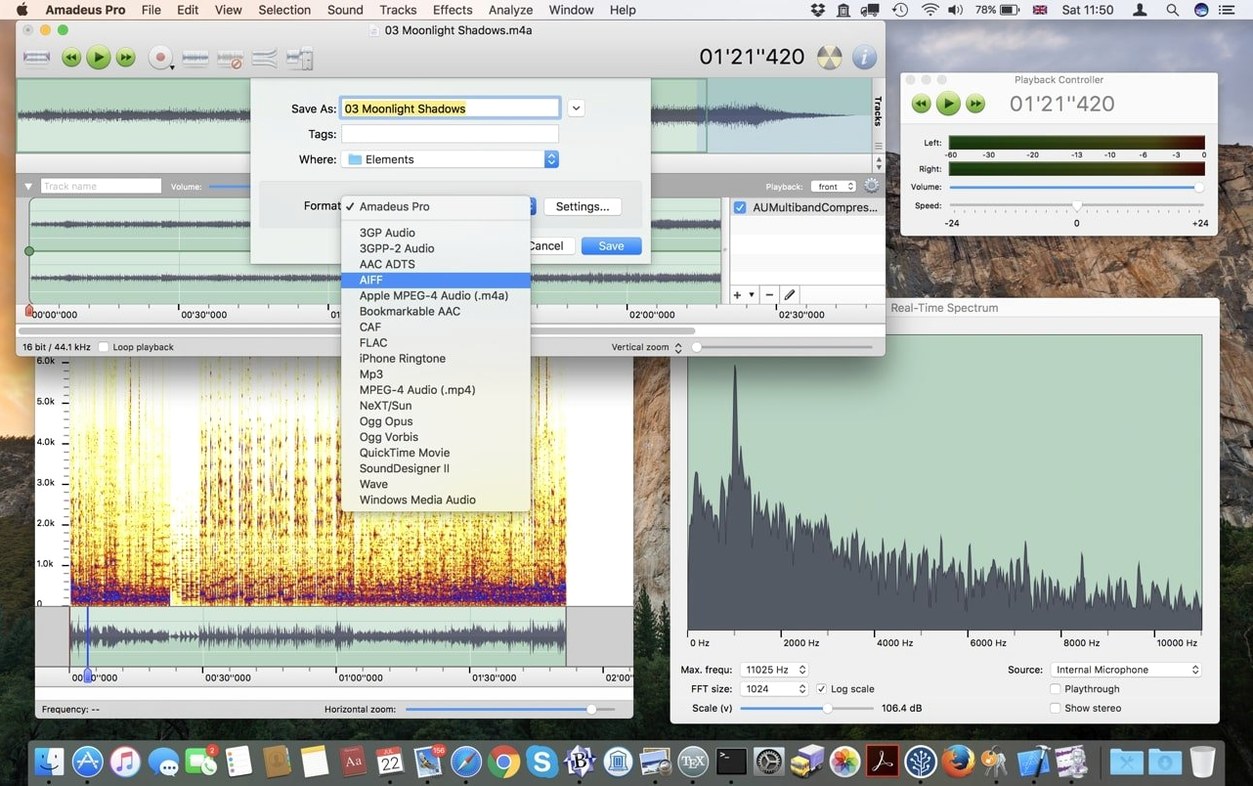
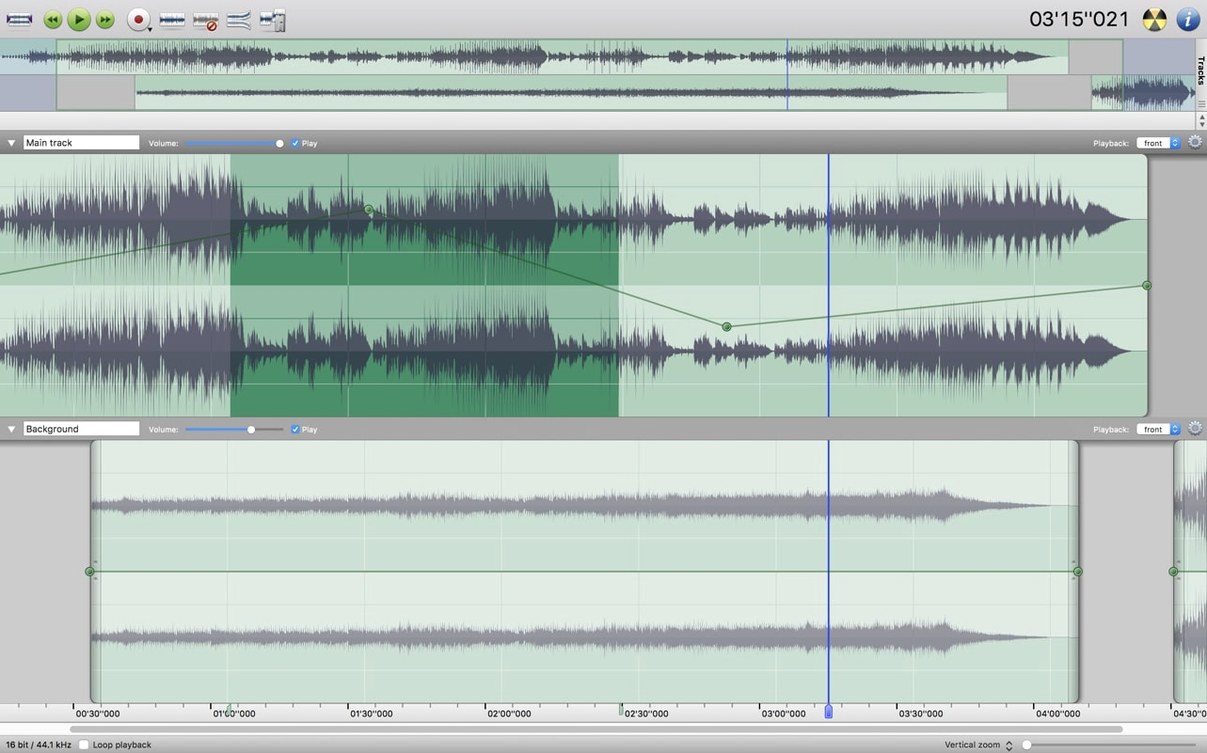
Amadeus Pro is for the podcast editor who needs multiple tracks open at once, the musician cleaning up a rehearsal recording, and anyone who reaches for markers before they reach for a coffee.
Unchanged editing engine with FLAC and plug-in support
The core editing engine remains unchanged. Independent multi-track editing, waveform caching for snappy scrolling, and support for FLAC, WAVE, MP3, AAC, AIFF, CAF, WMA and Ogg Vorbis are all present. Audio Unit plug-ins load as they always have.
What noise reduction looks like
Noise reduction works on a full track or a highlighted section. Select a silent bit, capture the noise profile, then apply it across the board. Quick, no separate plug-in window needed.
What markers give you
Markers let you label sections inside a track. Jump between them with a keystroke. Useful for noting edit points in a long interview or marking verse and chorus in a song file.
What fades feel like
Fade in and fade out are simple drag operations on the waveform. No dialogue box, no typing numbers — just pull the handle at the edge of a clip.
First days with Amadeus Pro
A few moves make the first hours smoother.
- Set up the Favorite Actions panel early. Open it from the Window menu, then drag in the commands you reach for most — normalise, fade out, export as MP3. It saves hunting through menus later.
- Check your waveform cache settings. Preferences > Sound > Waveform Cache. The default works, but bumping it up if you work with hour-long files keeps scrolling fluid.
- Test noise reduction on a copy first. Capture the profile, apply it lightly, listen back. Overdoing it leaves artefacts that sound worse than the original hiss.
- Learn the marker shortcuts. M drops a marker, Alt-left and Alt-right jump between them. Memorise those two and you stop reaching for the mouse during playback.
Multi-track podcast cleanup and vinyl transfers in one window
Podcast editors handling interviews. Multiple tracks per episode, each needing different treatment — noise reduction on the guest, compression on the host, markers for edit points. One window handles all of it.
Musicians digitising old material. Tape and vinyl transfers benefit from the built-in recording and noise tools. Record a side, split tracks with markers, apply fades, export to FLAC. No chain of separate apps.
Anyone doing batch work. The batch processor converts folders of WAV files to MP3 or AAC in one go. Normalise a batch of field recordings before editing. It handles repetitive tasks without supervision.
Users who live inside one long file — lecture recorders, rehearsal archivers — lean on markers and waveform caching heavily. The scrolling stays responsive even with two-hour recordings, which is not a given in lighter editors.
Gatekeeper block fixed by right-click or Terminal command
Gatekeeper blocks the app on first open. This is normal for software distributed outside the App Store. Right-click the app in Finder and pick Open, then confirm. If that fails, the Terminal command in the install notes handles it.
Audio Unit plug-ins not showing up. Amadeus Pro scans the standard system folders on launch. If a plug-in is missing, check it is installed in /Library/Audio/Plug-Ins/Components or the user equivalent. A restart of the app after installing new plug-ins usually picks them up.
Export format greyed out. The format options depend on what the track contains. Mono files saved as stereo need the channel layout set first under the Sound menu. MP3 exporting also requires the LAME framework if your system does not ship it — Amadeus Pro will prompt you if it is absent.
Waveform looks flat after recording. Check the input level before you start. Amadeus Pro shows a live meter during recording. A signal too quiet looks like a dead line in the waveform view, even though audio is present — normalise can bring it up, but a healthy input level sounds cleaner.
- macOS 10.9 or later
- Intel processor
Questions the team asks
It runs on macOS 10.9 Mavericks or any later version, on Intel-based Macs.









Comments 0
Sign in or create an account to add a comment.
No comments yet. They go up after moderation.