

AIMP — Mac download
Ticked
The problem
You want a lightweight audio player that handles large libraries without choking. Native Mac options exist, but some people prefer the exact feature set and interface of AIMP. This build wraps the Windows version for macOS.
Playlists don't flag modified tracks during playback anymore
- Load your library. Point the playlist manager at a folder. The 5.40.2675 build stops falsely marking content as modified when a track changes in active storage.
- Queue and play. Formats like Monkey's Audio (codec updated to 11.08) decode without extra plugins. libVorbis no longer conflicts with third-party additions.
- Watch the waveform. Calculation speed was improved, so visual feedback appears faster on longer files.
- Switch sampling rates. Changing frequency now flushes already filled buffers properly — no leftover audio artifacts.
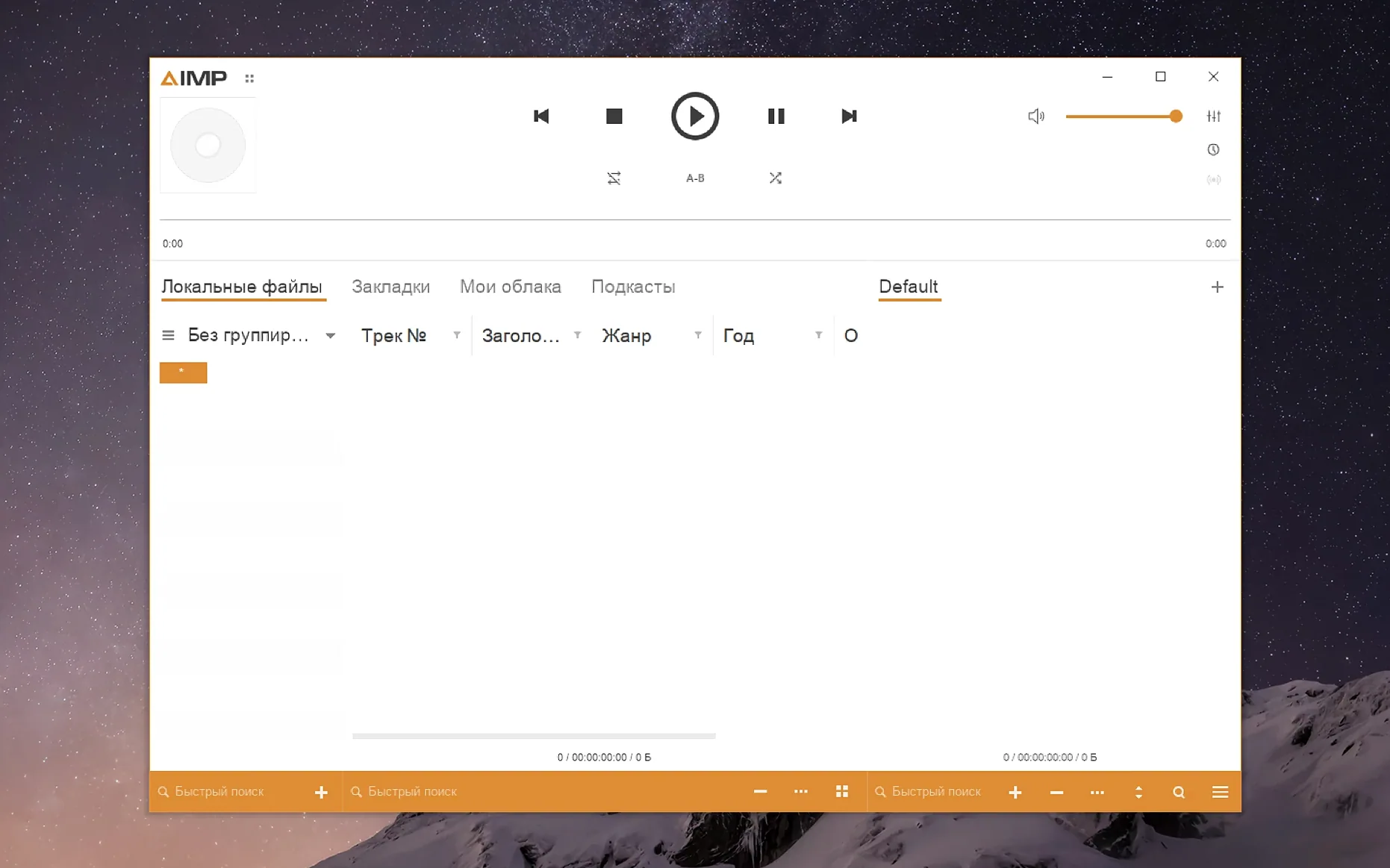
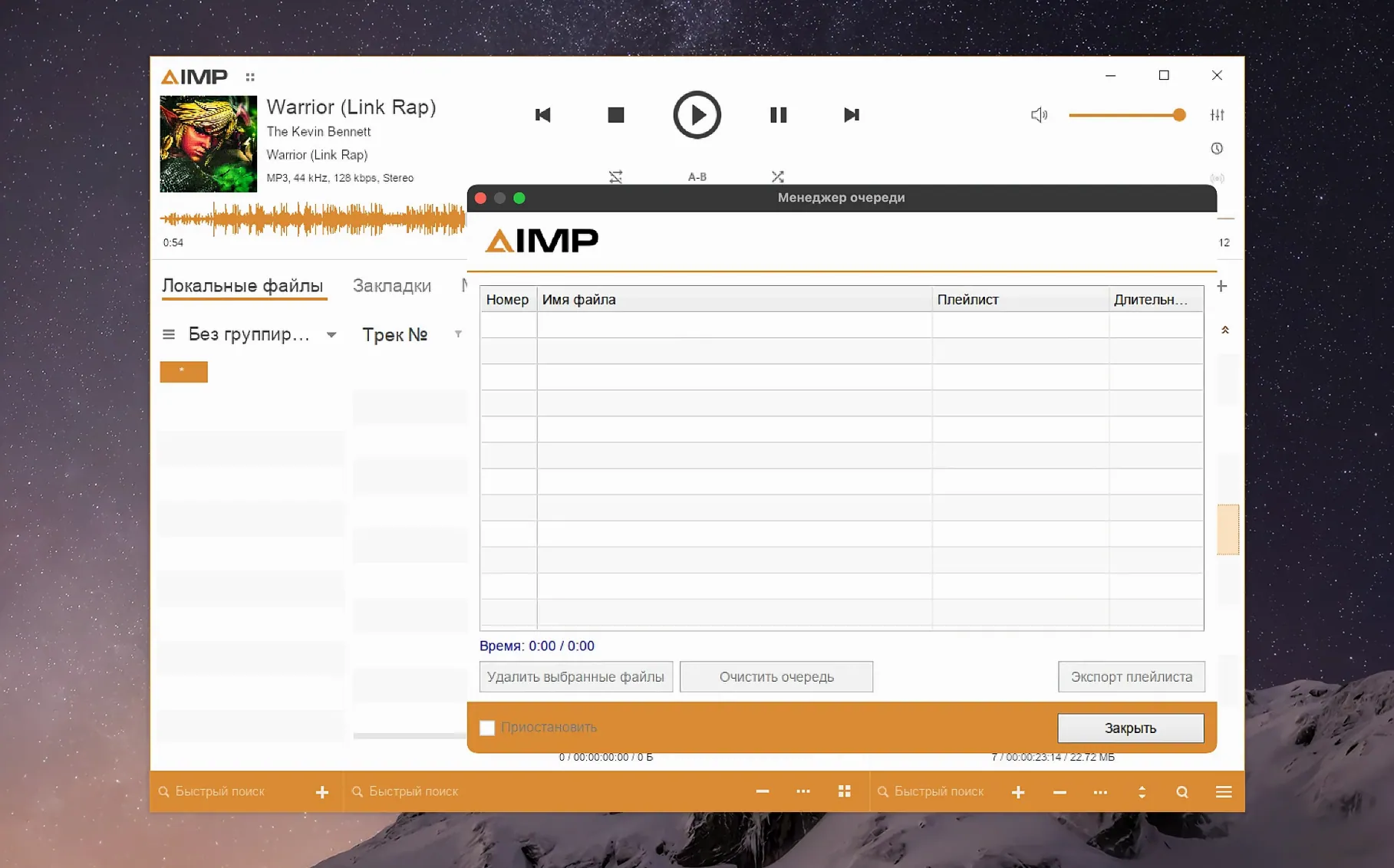
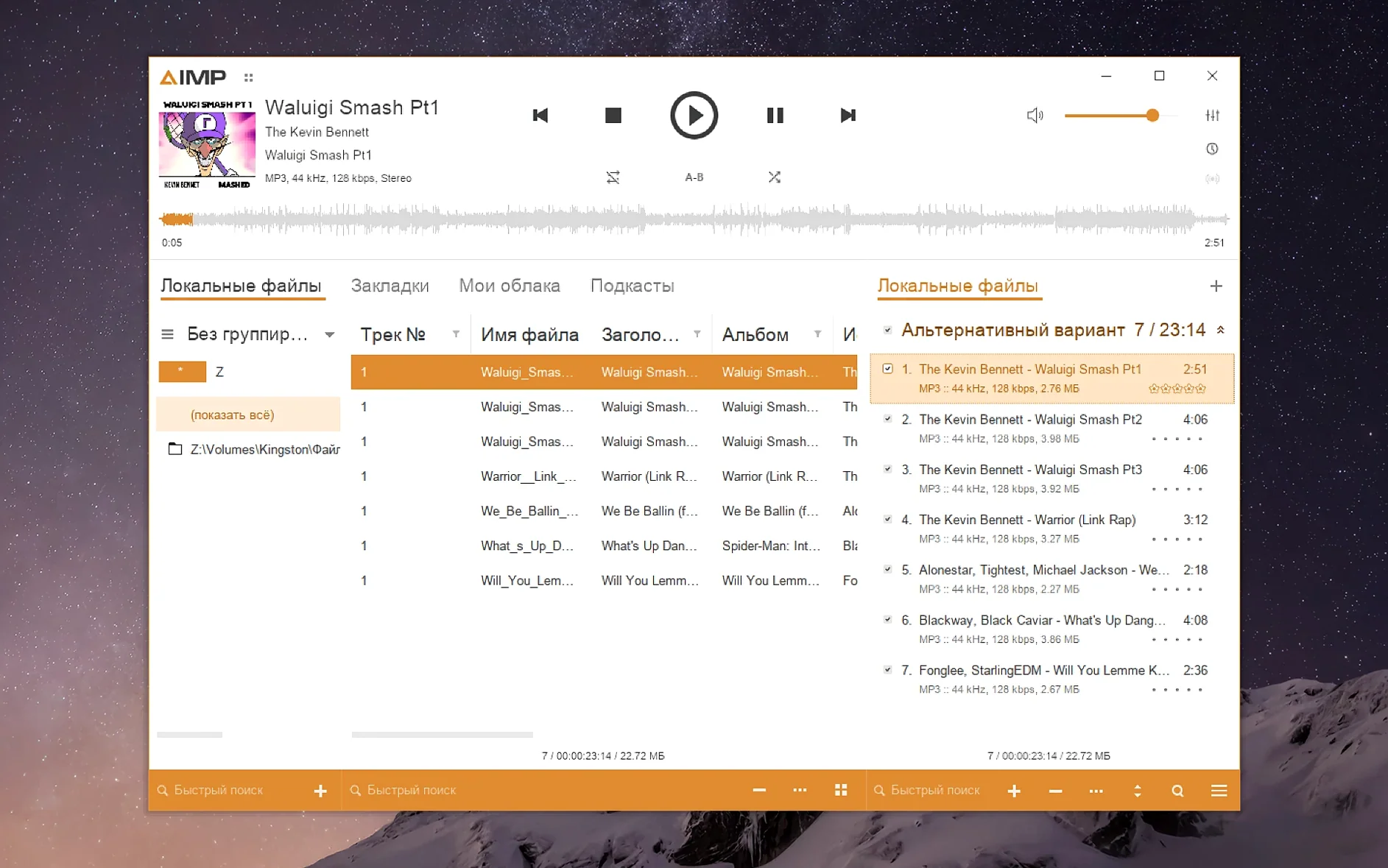
Windows AIMP interface, wrapped for Apple Silicon
Someone who already knows AIMP on Windows and wants it on an Apple Silicon Mac. It arrives via Wineskin, so expect the look and feel of the Windows app. The interface supports over twenty languages, including Spanish, Japanese, French, Hungarian, Finnish, Ukrainian and Traditional Chinese.
Increase the tiny interface on Retina screens before listening
Out of the box, the interface can feel small on a Retina display. Before you start heavy listening, adjust two things.
- Screen resolution in KegworksConfig. Open the app package contents, go to the Contents folder and launch KegworksConfig. Under Tools, open Config Utility (winecfg) and pick the Graphics tab. Set the screen resolution between 122 and 144. Apply it and restart. The interface scales up without blurring text or buttons.
- Playback buffer. If you switch sample rates often — say, between 44.1 kHz FLAC files and 48 kHz streams — increase the buffer length in Preferences under Playback. The 5.40.2675 build fixed an issue where changing frequency left old buffers unflushed, but a slightly larger buffer still helps on external DACs.
It's the Windows app, so playlist tabs and DSP work the same
Does aimp for mac behave like the Windows version? Yes, because it is the Windows version. The Wineskin wrapper translates API calls on the fly. You get the same playlist tabs, tag editor, and DSP manager. Expect occasional minor quirks — window shadows might look slightly off, and drag-and-drop from Finder needs an extra beat.
Will it scan my existing music folder? It can. Point the music library at your folder tree and let it index. The grouping tree uses Alt+Click to expand categories; the latest build fixed a regression there, so collapsing artists no longer freezes the panel.
Does aimp for macos work on Intel hardware? This build targets Apple Silicon only. Older Intel Macs need a different wrapper setup, which is not bundled here.
Is the tag editor safe for large batches? Safe, but watch the MP4 fields. A parser error on unnamed atoms was fixed in this version, so files that previously refused to save now commit correctly. Always make a backup before batch-writing tags — it is good practice, not a tool limitation.
Don't delete the app when you see an error—run the Fix script
- Skipping the Fix file. On first launch, if you see an error dialog, keep the app and note that many builds from an aimp torrent include a Fix script inside the disk image. Run it to reset permissions and Wineskin paths. Most launch failures disappear after that.
- Setting the screen scale too high. Values above 144 in the Graphics tab stretch the window beyond the display bounds. You lose access to the minimise bar and the menu. Stick to the 122–144 range.
- Installing third-party plugins without checking the libVorbis fix. Earlier builds conflicted with plugins that ship their own Vorbis decoder. The 5.40.2675 update resolved that. If you add a DSP plugin and audio cuts out, check the plugin order — Vorbis-related crashes are unlikely now, but plugin chains still need sensible routing.
- Closing the playlist instead of minimising it. AIMP separates the playlist pane from the main controls. New users sometimes close the playlist window, thinking it docked, then assume the app is broken. Right-click the control panel and re-enable the playlist view.
- Localizations updated
- Monkey's Audio codec updated to version 11.08
- Waveform calculation speed improved
- libVorbis conflict with third-party plugins fixed
- Sampling-frequency buffering issue fixed
- macOS 11 or later
- Apple Silicon
Questions the team asks
No, this build runs through Wineskin, not as a native macOS application.
The app includes English, Russian, German, Arabic, Belarusian, Hungarian, Danish, Spanish, Italian, Traditional Chinese, Simplified Chinese, Korean, Polish, Portuguese, Turkish, Ukrainian, Finnish, French, Czech, Swedish and Japanese.
Changing the playing track in active storage no longer marks the content as modified.









Comments 0
Sign in or create an account to add a comment.
No comments yet. They go up after moderation.