

Adobe Substance 3D Painter — Mac download
Download (3 GB) Earlier builds
Ticked
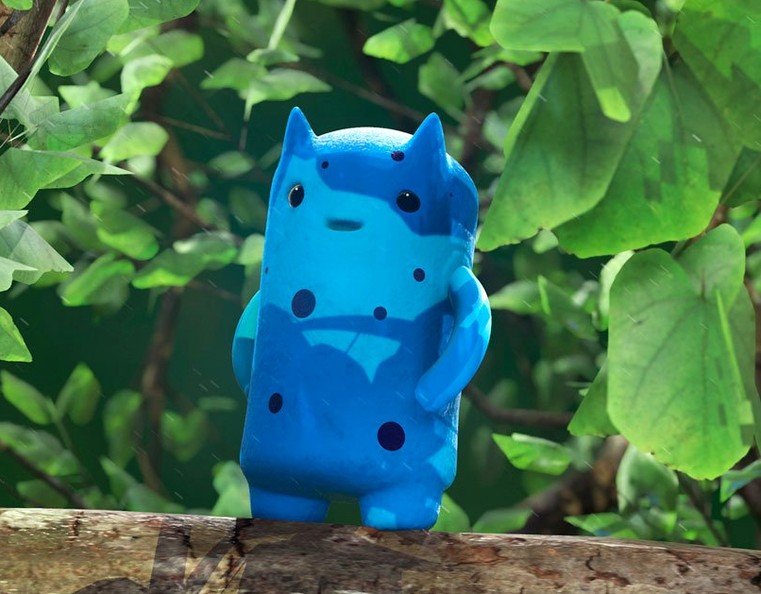
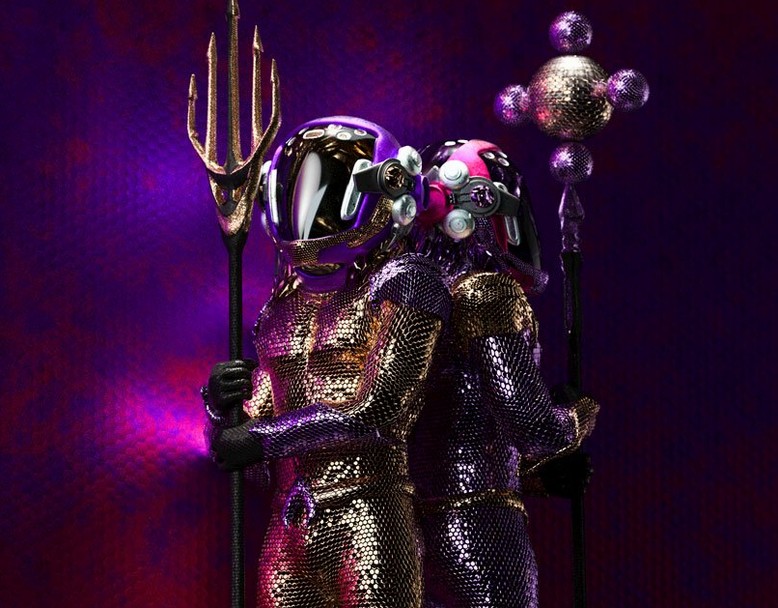
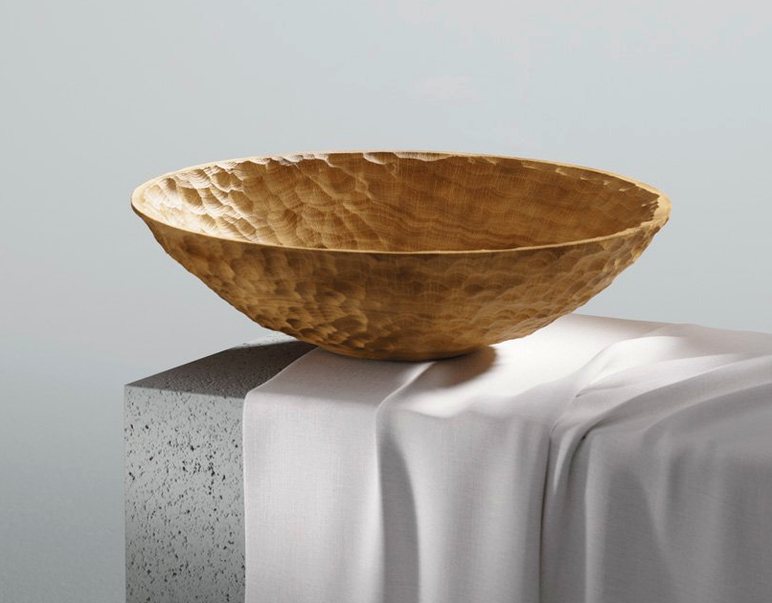

Version 12 brings no headline features but keeps the focus on a solid, non-destructive 3D painting workflow. You paint directly onto meshes and see materials, lighting and shadows update in real time.
- Smart Materials adapt automatically to the object you are texturing.
- Every brush stroke and action is recorded. You can go back and modify paint strokes later.
- Change project resolution at any stage without losing quality.
- Improved viewport lighting and shadows give a more accurate material preview.
- Pairs with Substance 3D Designer for a full texture and material workflow.
- Used across design studios, clothing brands and architecture firms.
Tweak anti-aliasing for crisper viewport previews
Out of the box, a few defaults slow you down. Change these before you start your first project.
- Viewport anti-aliasing. The default is 2×. Bump it to 4× in Display Settings for cleaner previews. On Apple Silicon, the performance hit is negligible.
- Auto-save interval. Default is 15 minutes. Drop it to 5 minutes. Large projects with many UDIM tiles can crash, and losing 14 minutes of masking work is a mood killer.
- Shortcut for brush size. Square brackets work, but mapping
Alt+ right-click drag to brush size in Edit > Keyboard Shortcuts is faster. Most tablet users expect this from other apps. - Pad rotation map. Under Edit > Settings > Painting, switch Pad rotation map to None if you use a stylus that sends rotation data. Stops your brush tip spinning unpredictably mid-stroke.
- TDR (True Dynamic Range) viewport. Turn this on in Display Settings. It toggles a 32-bit floating-point viewport. Colours look closer to what you get when you export to a game engine or renderer.
Fix the recurring clean-install problems
Even with a clean install, certain problems keep appearing in forums and team chats. Here are the fixes.
Baking maps crashes on complex meshes
High-poly meshes with millions of polygons exhaust GPU memory during baking. The fix: split the bake. Bake one map at a time (normals first, then AO, then curvature) rather than queuing all five. Drop the anti-aliasing setting in the baker window from 8× to 2×. Both steps keep memory usage low enough to finish.
Smart Materials look flat or washed out
Smart Materials rely on baked mesh maps. If you imported a model without baking, or your environment map is set to a flat grey, the material has nothing to work with. Bake curvature and thickness maps first. Then switch the environment map in Viewer Settings to something with contrast — Studio Tomoco is a good start. The material adapts instantly.
Stroke lag with large brush tips
Lazy mouse and stabilisation settings stack up. Under Stroke properties, drop Lazy step to 0.1 or lower. If lag persists, check that Symmetry is off while you test — mirroring across multiple axes forces real-time calculations that slow the brush.
Export textures come out darker than the viewport
The viewport uses a tone mapper. The export pipeline doesn't. Switch the viewport to None under Viewer Settings > Tone Mapping to see raw output. If the scene looks right there, the export looks right everywhere else.
Before you install
Runs natively on M1, M2 and M3 chips
Yes. Version 12.0.3 runs as a native ARM binary. No Rosetta translation layer. Performance on M1, M2 and M3 chips is solid, especially for viewport rendering and path tracing previews.
Can I paint across multiple UDIM tiles in one project?
Yes. UDIM workflows are supported natively. You can paint across tiles in a single texture set, and changes propagate without switching files. Resolution per tile is adjustable mid-project.
What file formats does it export?
The standard set covers game engines and renderers: PNG, TGA, TIFF, EXR and PSD. You can export individual channels or packed maps. Export presets for Unreal Engine, Unity and Blender are included.
Offline painting and baking after activation
Installation and activation instructions come with the package. After setup, the application works offline for painting, baking and exporting. No constant connection required.
Will my Photoshop brushes work here?
Yes. Import .ABR brush sets directly. Pressure sensitivity and tilt transfer over, though some advanced Photoshop-specific dynamics get remapped. Most brush tips, scattering and texture settings carry across without tweaking.
Part of the Adobe Substance 3D collection, Painter is built for people who need precise control over surface detail on complex 3D models.
Version 12.1.5 ships with stability work that reins in baking errors, layer stack drift, and unreliable texture outputs.
- macOS 12 or later
- Apple Silicon Mac
Questions the team asks
Yes. It records each action and stroke, so you can modify existing paint work non-destructively at any point.
No. Project resolution can be changed later without reducing the quality of your work.
It is used in design, clothing and architecture for applying textures and materials to 3D meshes.







Comments 0
Sign in or create an account to add a comment.
No comments yet. They go up after moderation.