

Affinity Publisher — Mac download
Download (783 MB) Earlier builds
Ticked
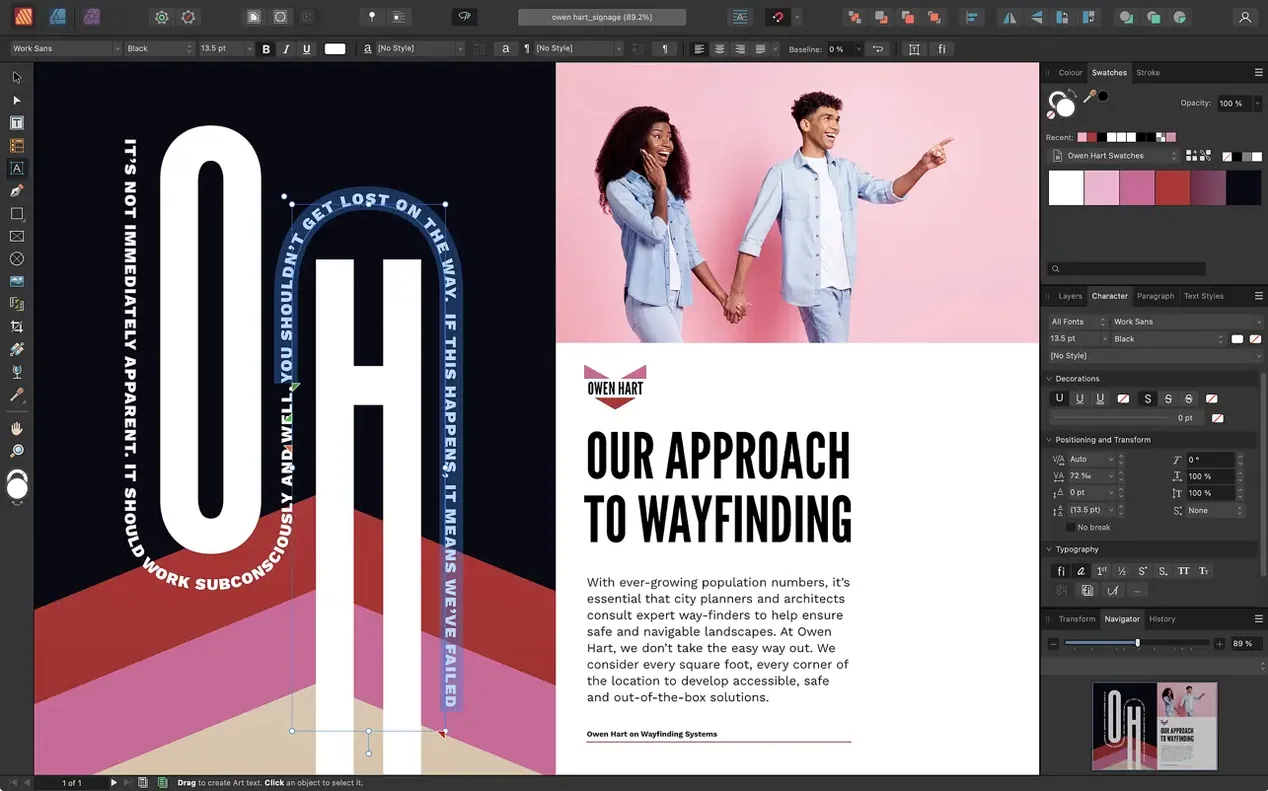
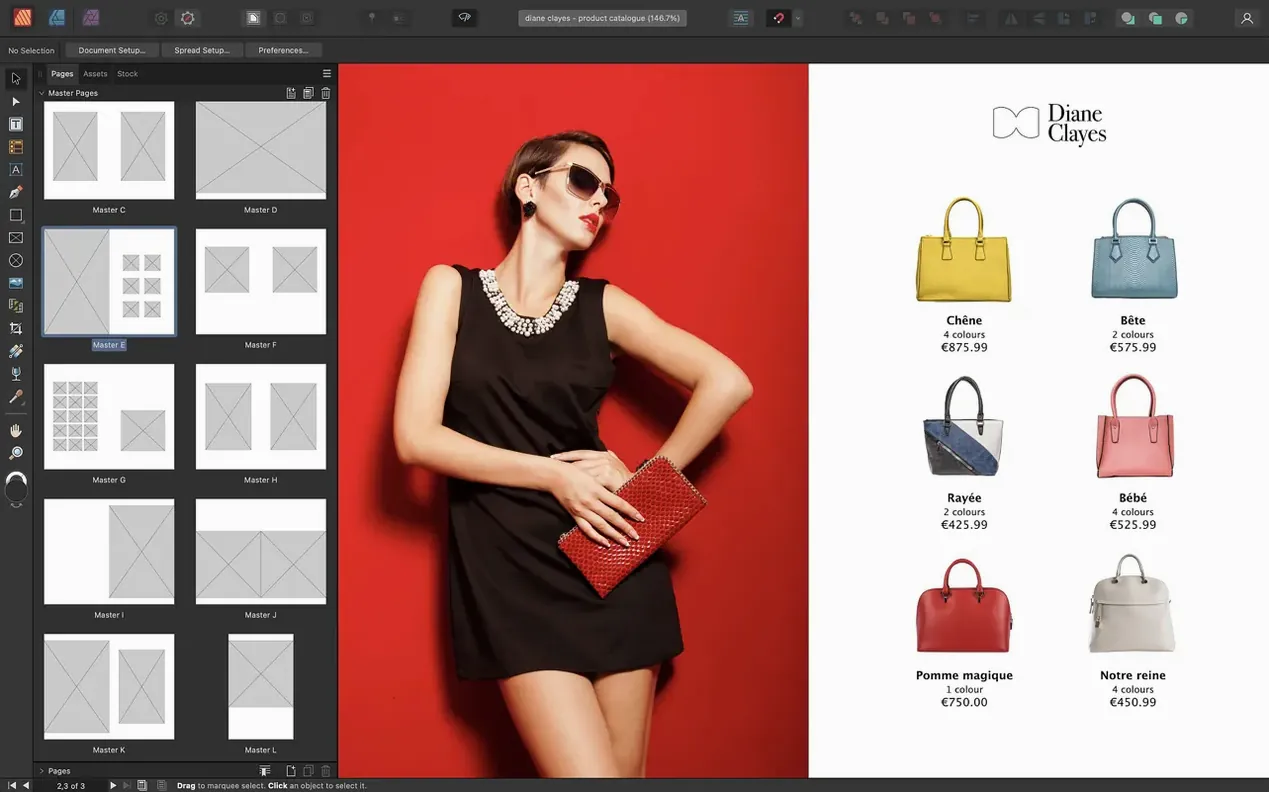
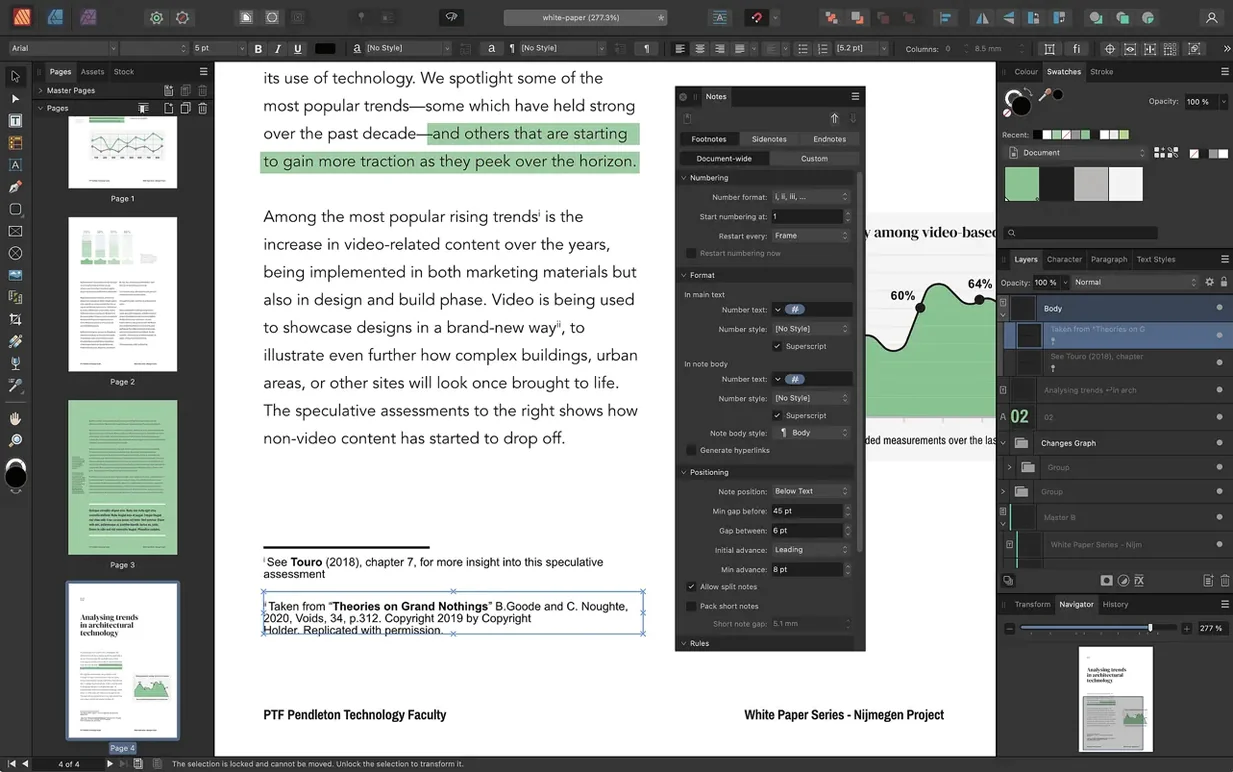
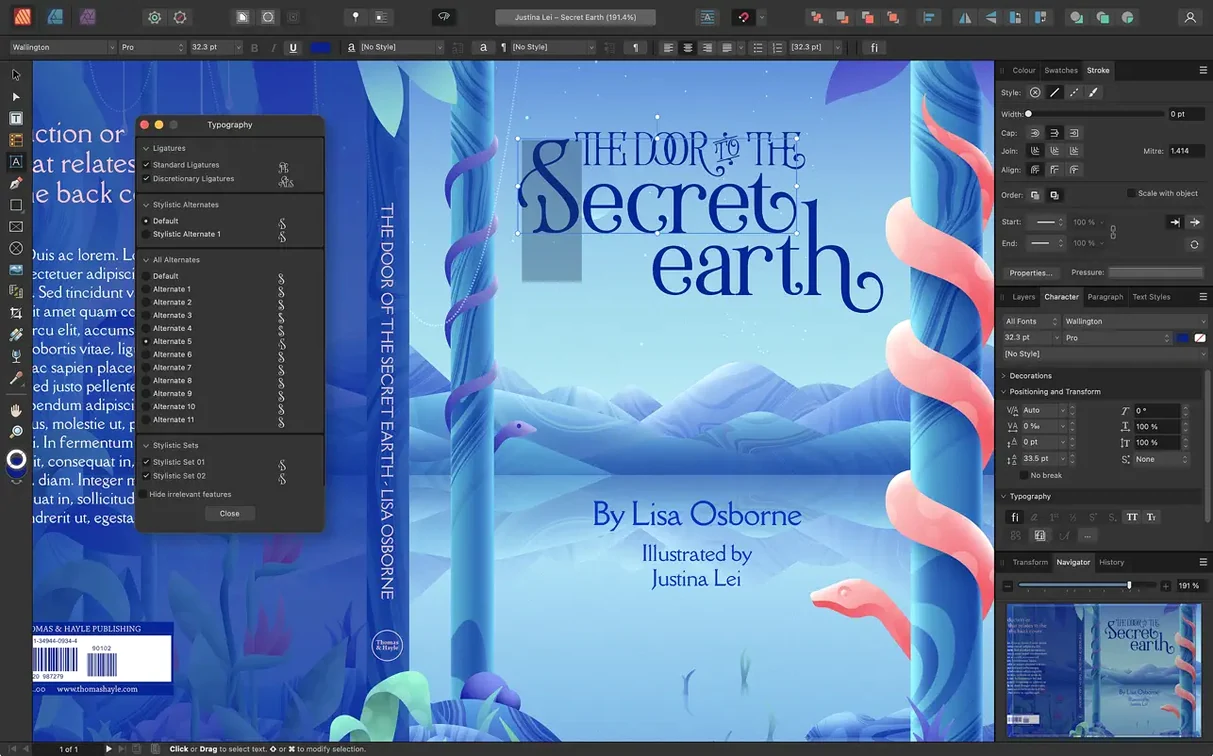
Affinity Publisher 2.6.2 is a desktop publishing app for combining images, graphics, and text into page layouts.
macOS and hardware requirements
It runs on macOS 10.15 or newer, on both Apple M-series and Intel processors. Allow 2.8 GB of drive space and 8 GB of RAM for comfortable work.
Lay out pages
Link text frames across a document, place text along a path, and wrap text around images. Version 2.6 adds multiple-page spreads and foldable spreads like gatefolds and trifolds.
Keep documents accessible
What 2.6 changed for everyday work
Version 2.6.2 isn't a flashy update from the outside, but a few additions shift daily habits.
- Multiple-page spreads. No more patching together panoramic layouts with separate artboards. You can now drag pages into a single spread — 3, 4, 6 pages wide. Useful for concertina leaflets and wide catalog tables.
- Fold types. Gatefold, trifold, accordion. Set the fold direction in the Spread Properties panel and Publisher shows fold marks on export. One less thing to scribble on a paper mockup.
- Reading Order panel. Drag-and-drop tag assignment. Heading, paragraph, figure, artifact. Keeps screen-reader flows logical without exporting to Acrobat and fixing tags there.
Early rules that prevent layout headaches
Publisher looks approachable — but it rewards knowing a few rules early.
Working without master pages
Dropping page numbers or running headers onto every page manually. A master page sets those once. Use nested masters when sections share a parent layout but need a different column count or background tint. Fix it later and you'll be unpicking fifty page-number frames.
Ignoring text frame linking
Pasting text into separate frames instead of linking them breaks automatic overflow handling. Shift-click the overflow triangle on a frame and Publisher creates a new linked frame on the next page. Chain them across an entire chapter and edits reflow without re-pasting.
Placing images at print resolution too early
Embedding 300 MB TIFFs while still drafting slows panning to a crawl. Use File > Place and keep images linked. Switch to embedded only before final handoff if the printer requires it. Adjust the linked image outside Publisher and it updates on next open.
Skipping the bleed
Setting up a document with zero bleed and then extending backgrounds to the page edge pixel by pixel. Set bleed in Document Setup during creation. The 3 mm default covers most commercial printers.
Where it fits among Affinity Photo and Designer
StudioLink with Affinity Designer and Affinity Photo
If you have the full Affinity suite, StudioLink swaps the toolset inside Publisher without leaving the document. Click the Designer persona to draw vector shapes with the Pen tool; click the Photo persona for non-destructive adjustment layers. No export, no round-trip. The layers stay live.
Import formats that actually get used
PSD and AI files place directly — including artboards. PDFs open for editing. InDesign IDML imports too, though complex spreads sometimes need a clean-up pass. The import dialog shows a live preview of which artboard or page you're pulling in, so you don't place the wrong slide from a 30-page deck.
macOS integration
Publisher hooks into standard macOS colour pickers and Font Book. Spotlight finds .afpub files by name and content if you've enabled indexing. Drag images straight from Finder or Photos onto a spread — Publisher creates a picture frame automatically. The share sheet exports a PDF to Mail or Messages without opening a save dialog first.
Use the Reading Order panel from 2.6 to set PDF reading order. Pantone support, OpenType, drop caps, and custom table formats are included.
- Multiple-page spreads added.
- Foldable spreads added: gatefolds, trifolds, accordion folds.
- Reading Order panel added for PDF accessibility.
- macOS 10.15 or newer
- Apple M-series or Intel processor
- 8 GB RAM recommended
- Up to 2.8 GB drive space, more during installation
- Display 1280x768 or larger
Questions the team asks
Yes, it supports Mac computers with Apple M-series chips as well as Intel processors.
You need macOS 10.15 or newer. A display of 1280x768 or larger is also required.
Yes, version 2.6 added multiple-page spreads and foldable spreads such as gatefolds, trifolds, and accordion folds.









Comments 0
Sign in or create an account to add a comment.
No comments yet. They go up after moderation.