

Adobe Substance 3D Sampler — Mac download
Download (675 MB) Earlier builds
Ticked


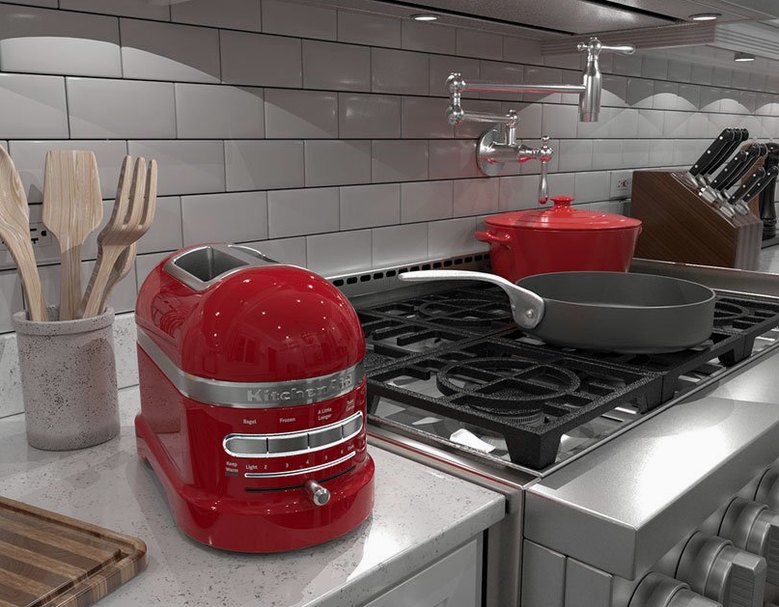
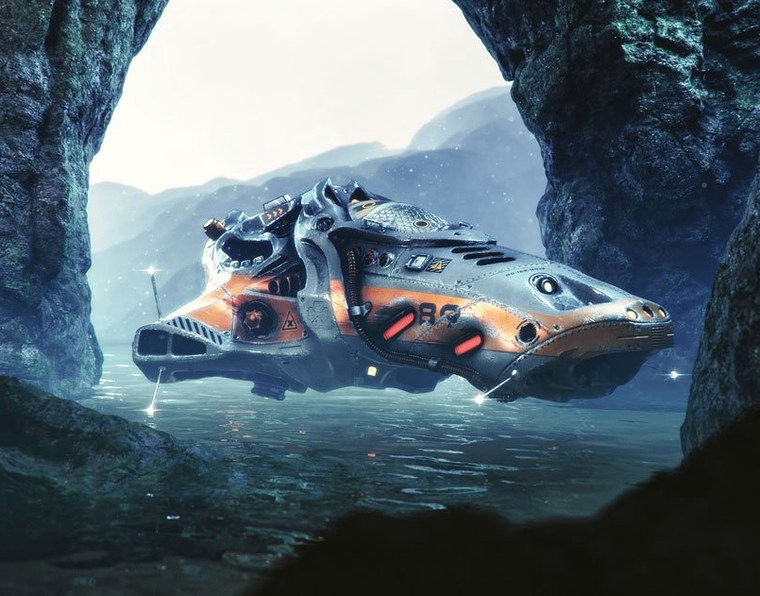
Version 6.0.1 removes Generative AI features and now warns you when opening a project that contains 3D objects or environment lights. The core workflow stays the same: feed the app a real‑world photo and it produces a tileable 3D material or HDR light, using Adobe Sensei to handle the image‑to‑material conversion.
Build texture libraries from your own photos for Painter and Stager
- Designers who already work in the Adobe Substance 3D ecosystem and need materials ready for Painter or Stager.
- People who build texture libraries from their own photos — JPEG and PNG are supported directly.
- Teams that share Substance package files (.SBSAR) across multiple 3D applications via the export presets.
AI material generation is gone in this version
- 2D inputs can be edited in Photoshop, but you need both apps open to keep the round‑trip smooth.
- Version 6.0.1 no longer includes AI‑assisted material generation — earlier tutorials may show features that are now absent.
- Projects with 3D objects or environment lights trigger a warning on open, so older files may need cleanup.
Fitting Sampler into a wider pipeline
Sampler does not sit alone. Materials you create can be sent straight to Substance 3D Painter for texturing work, or to Stager for scene layout. If a base image needs retouching, the “Edit in Photoshop” command hands it over in one click — save in Photoshop and Sampler picks up the change automatically. Generators and filters from Substance 3D Designer (.SBSAR) also load directly, so a material‑creation pipeline can start with a photo in Sampler and end with a parametric substance shared across the team.
On the macOS side, the app writes to standard locations that Time Machine can back up, and it respects Dark Mode without any extra configuration. Finder Quick Look does not preview .SPPROJ project files, so keeping a naming convention for your project folders helps when you browse versions.
Export presets cover the major 3D DCCs. Version 6.0.1 adds USD, USDA, and USDZ material export — useful if your studio uses a Universal Scene Description workflow. The updated Substance Engine 9.4.3 also brings OpenPBR‑related channels into the export channel selection, which keeps material definitions cleaner when you move between renderers that support the standard.
4K photo-to-material conversion in seconds on Apple Silicon
Image‑to‑material processing leans on the GPU. On Apple Silicon Macs, the conversion from a 4K photo to a full material — albedo, roughness, normal, displacement — finishes in seconds rather than minutes. On Intel machines with discrete graphics the same job runs well, though the fans become audible during heavy filter stacks. Memory use stays moderate for a single material, but a session with ten open projects and high‑resolution HDR panning will push RAM usage past 8 GB easily.
Stability in 6.0.1 is solid during long sessions. The warning on opening projects with 3D objects or environment lights prevents the most common crash trigger from earlier builds. The removal of Generative AI features also lightens the application package, and the interface responds faster when switching between the layer stack and the 2D view. Occasional stutters still appear when dragging a large .sbsar file from the content library while a material generation is running, but autosave has never dropped a project in our testing.
Version 6.0.4 applies the latest set of targeted fixes and stability improvements from the developer.
- macOS 12 or later
- Apple Silicon
Questions the team asks
Generative AI features were removed and the app now warns when you open a project that includes 3D objects or environment lights.
Yes — materials and light sources can be sent directly to Substance 3D Painter, and Substance package files (.SBSAR) work across the suite.







Comments 0
Sign in or create an account to add a comment.
No comments yet. They go up after moderation.