

Empire of Sin — Mac download
Ticked
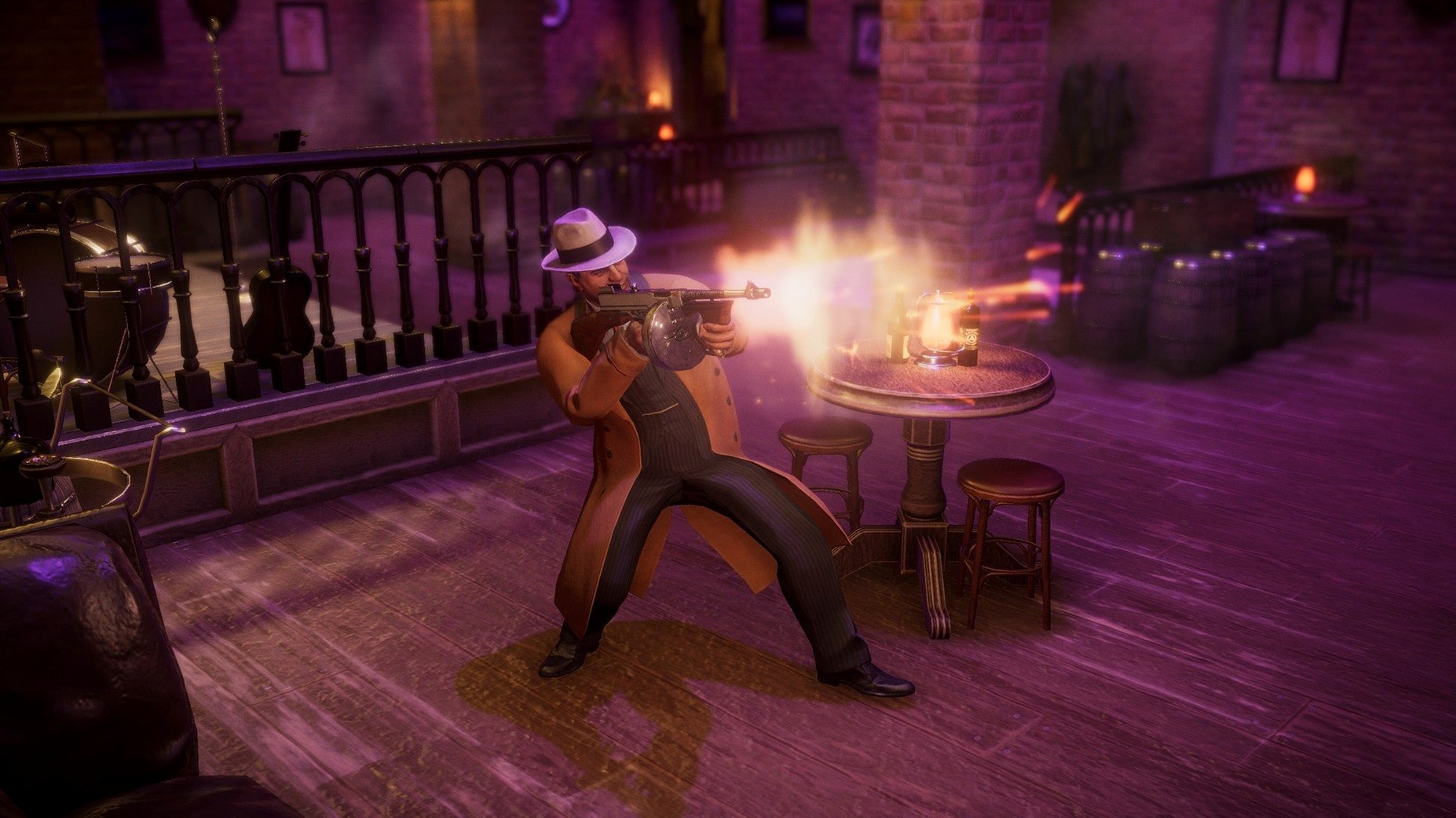
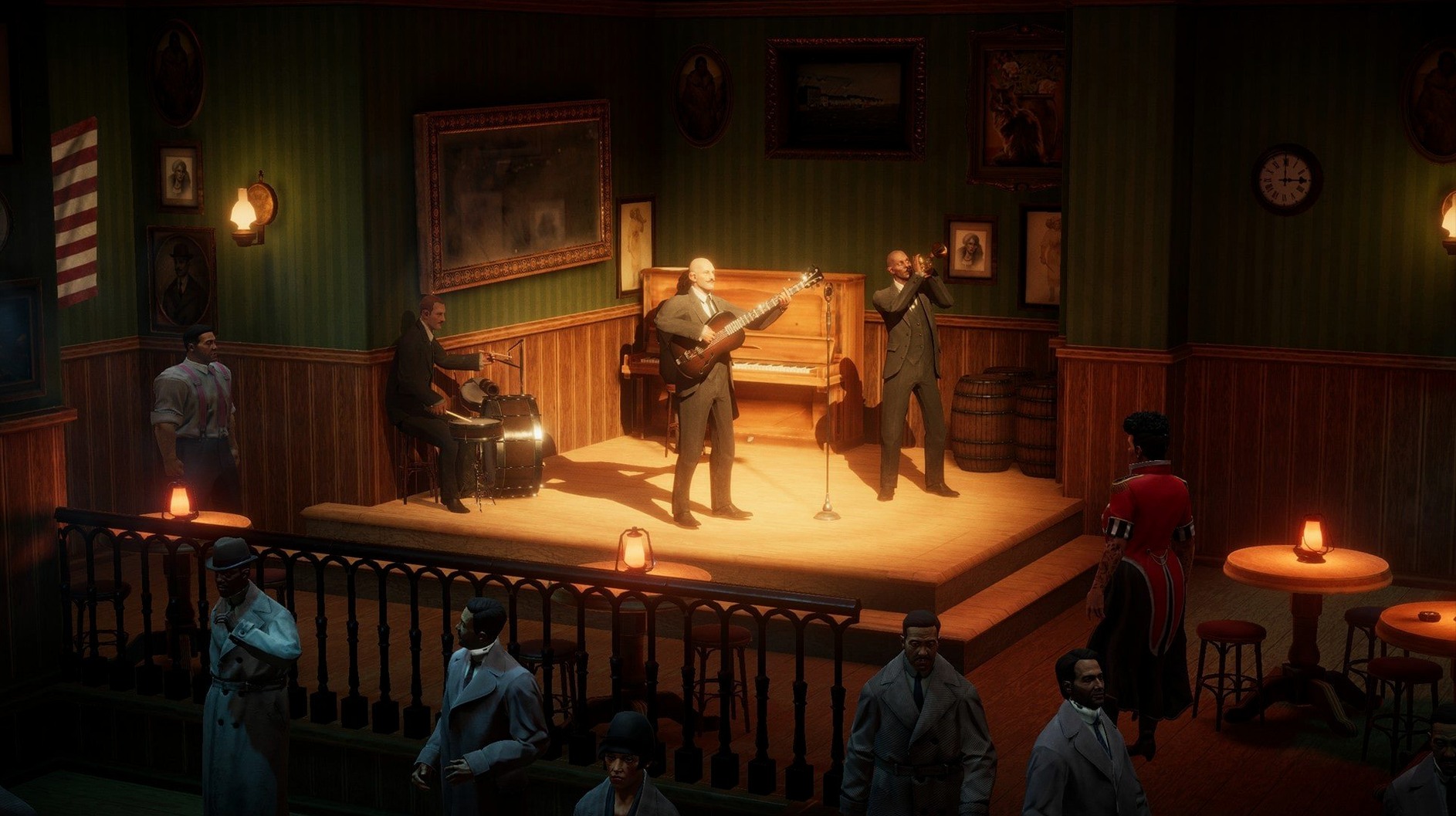
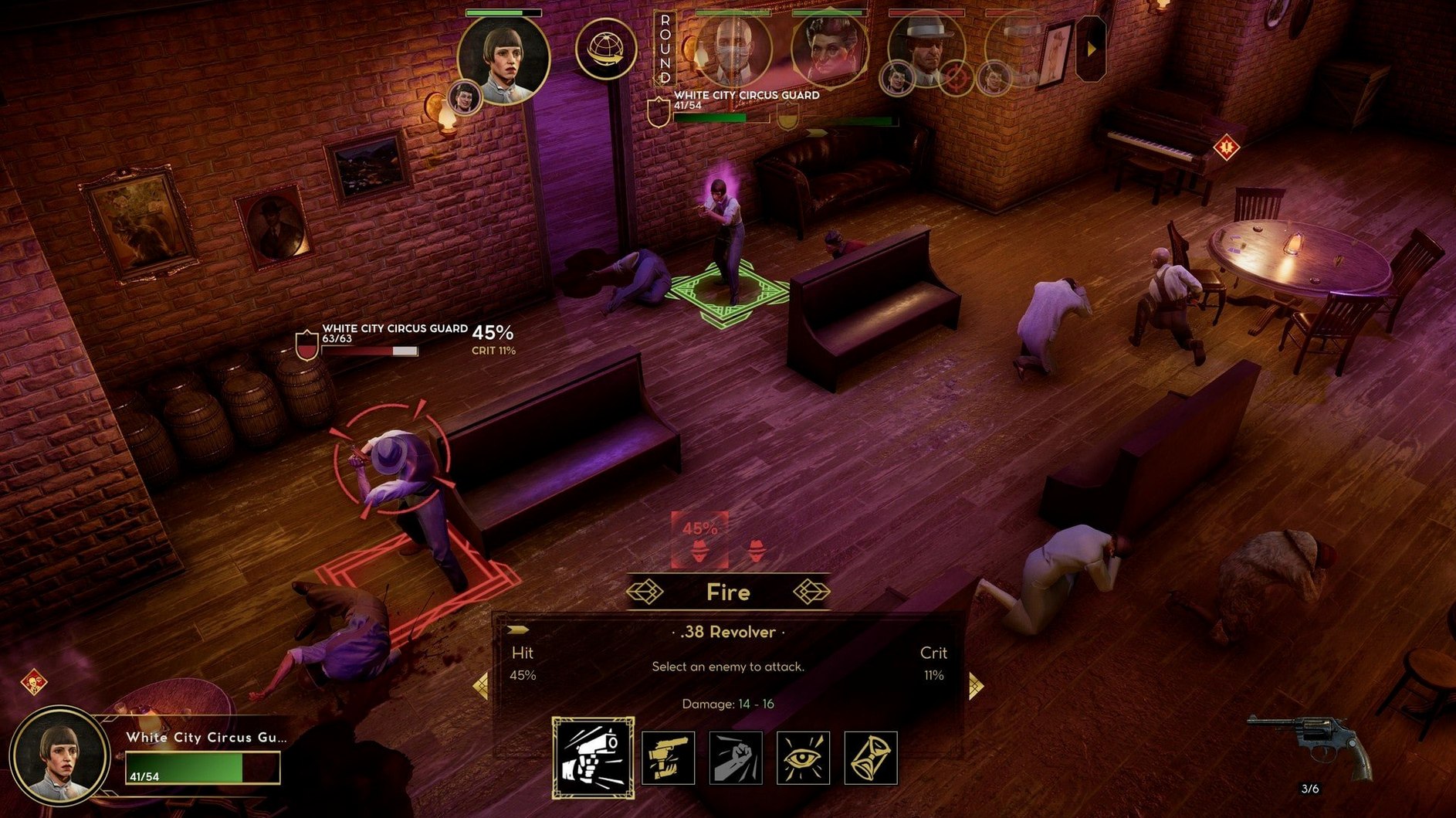
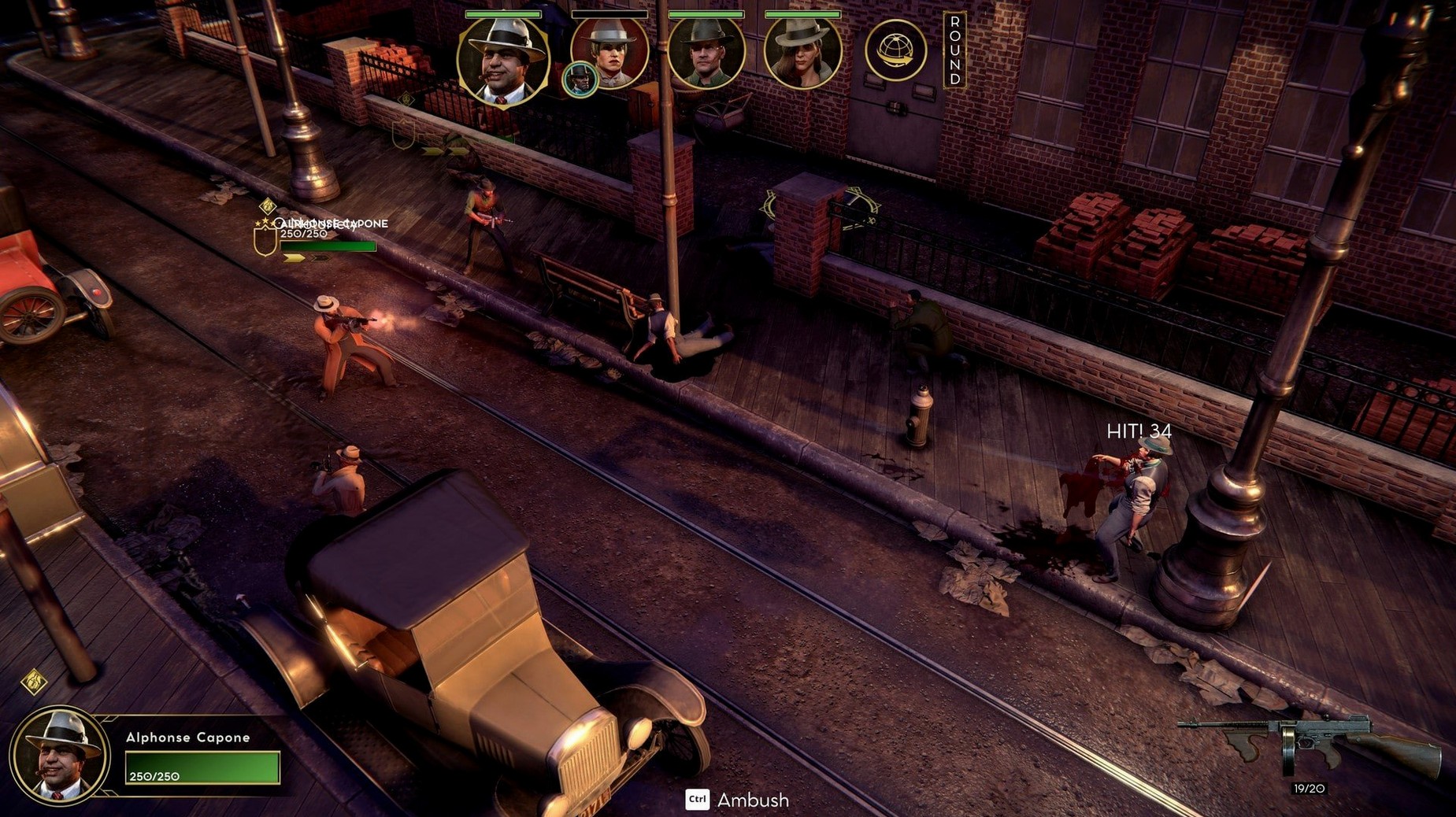
Empire of Sin runs on Mac as a 64-bit build that supports both Apple Silicon and Intel processors. The build was tested on macOS Sequoia with an M1 MacBook Air. If your Mac meets that architecture requirement, it will launch.
What you're managing
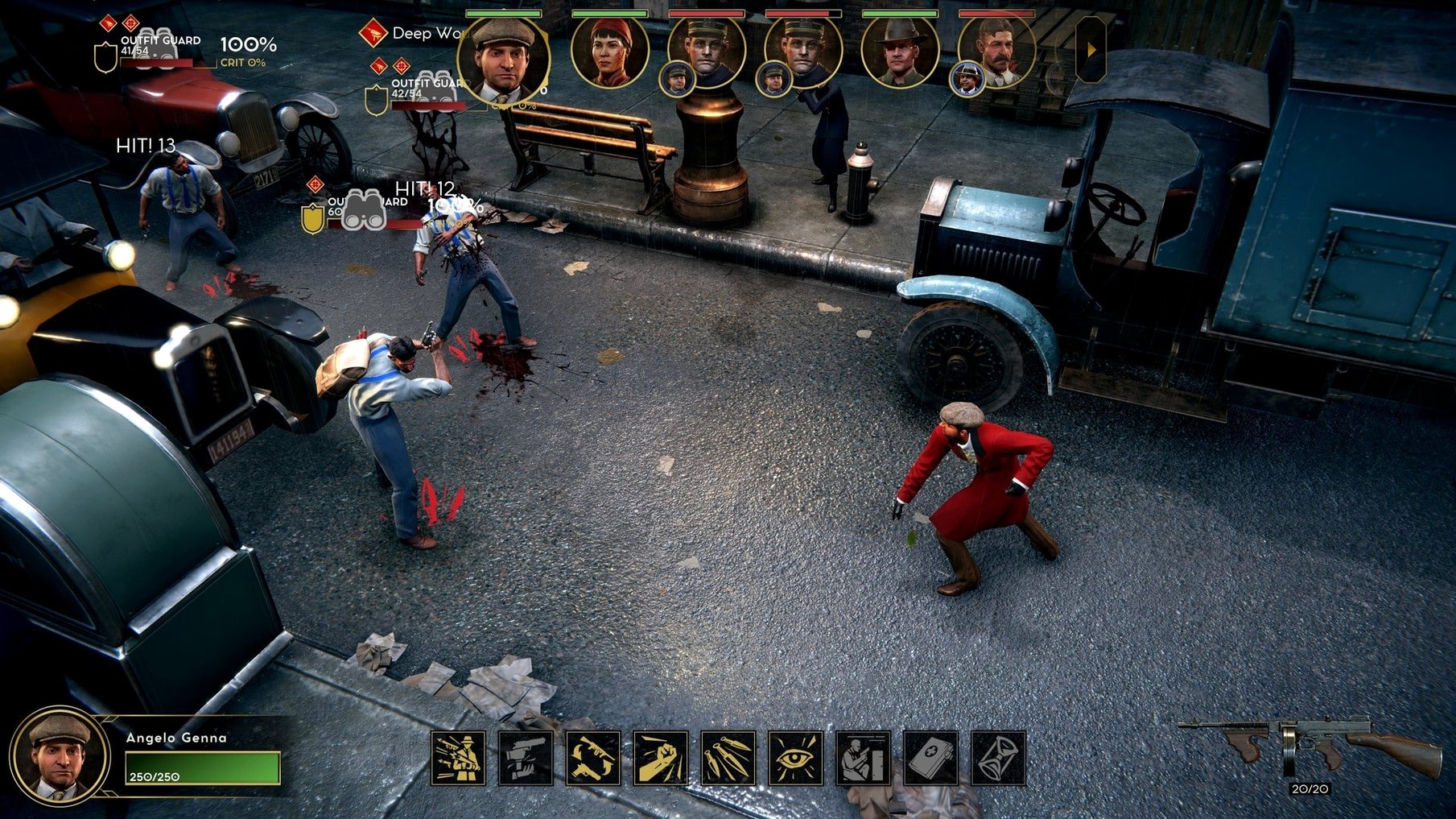
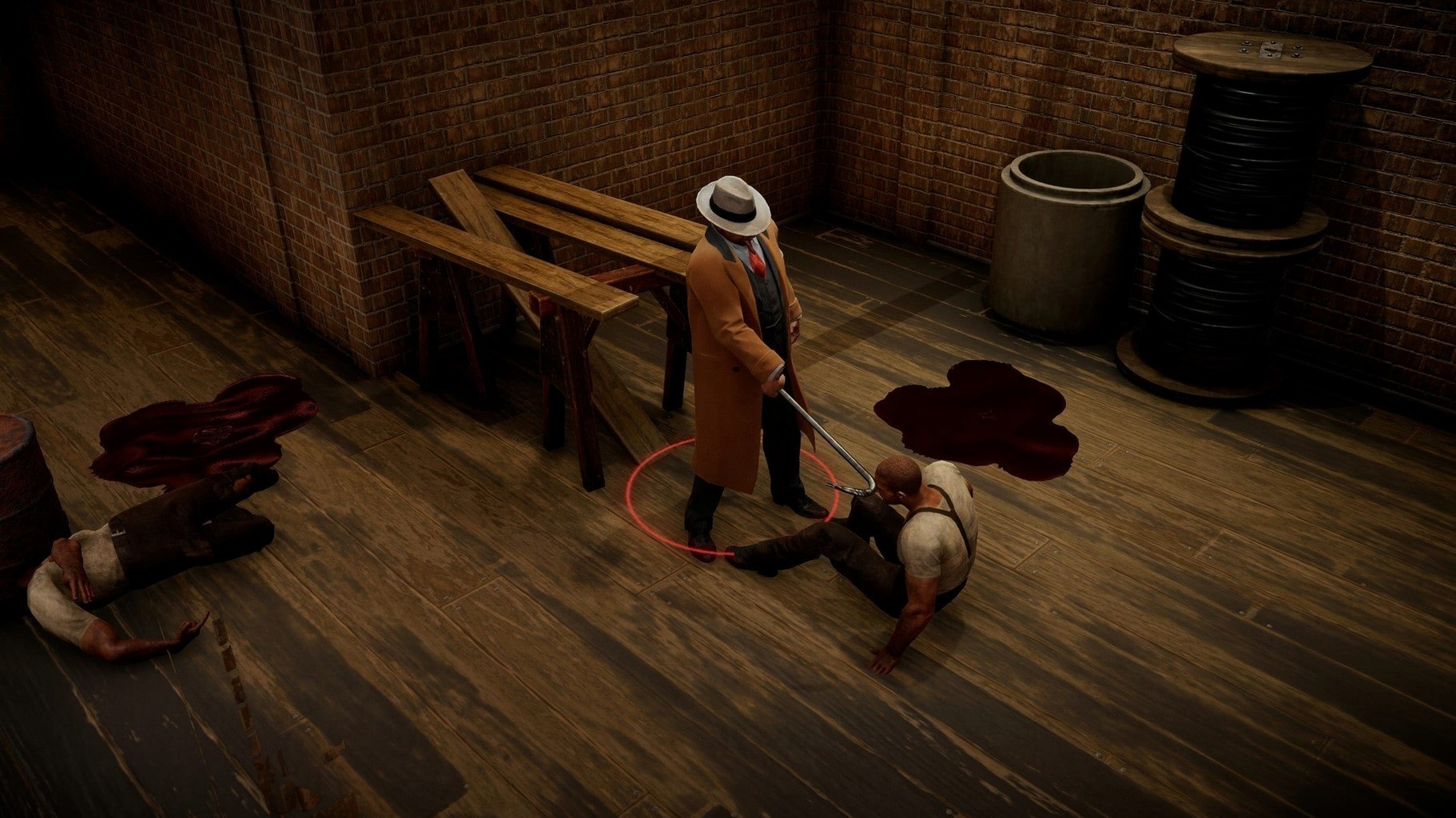
You pick one of fourteen crime bosses—drawn from real and fictional gangsters—and run an operation in Prohibition-era Chicago. The game layers role-playing, empire management and turn-based combat into one system. You expand rackets, negotiate with rival factions, and fight tactical battles when deals break down. The interface is available in English, Russian, German, Spanish, French, Japanese, Korean, and both Simplified and Traditional Chinese.
Controls and performance expectations
It plays as a mouse-and-keyboard strategy title. On an M1 MacBook Air, turn-based combat and the management screens ran without notable slowdown during testing. The disk image install is straightforward, and the app opens from Launchpad once copied. Expect a management game, not an action title—the pace sits with the decisions, not the reflexes.
Holds 30–40 fps on an M1 MacBook Air
On an M1 MacBook Air the game settles into a steady 30–40 fps on medium settings, with brief dips when the camera pans across densely built neighbourhoods. Turn-based combat stays smooth because the engine isn't pushed hard between actions. RAM use hovers around 3–4 GB during longer sessions—light enough that background apps like Notes or a browser with a few tabs don't cause swapping.
Stability is solid. Crashes are rare during routine management and combat. Autosave fires at sensible intervals, so even if you push the diplomacy system hard, you won't lose hours. The one rough edge: loading a late-game save can take 15–20 seconds on the M1 Air. Not a dealbreaker, but noticeable when you're hopping between saves to test different racket layouts.
Speed up combat animations you see hundreds of times
- Combat speed slider. Crank it to fast. Default pacing drags out animations you'll see hundreds of times. A quick adjustment here shaves minutes off every sit-down battle.
- Edge scrolling. Off by default for some players. Turn it on in Controls if you prefer nudging the camera with the mouse instead of using WASD or the middle button.
- Autosave frequency. Set it to every turn or every other turn. The default gap is wide enough that one bad negotiation can wipe out progress you'd rather keep.
- Tutorial hints. Reduce to minimal after your first hour. The pop-ups repeat information you've already absorbed, especially around crew assignments and brewery upgrades.
- Apple Silicon or 64-bit Intel Mac








Comments 0
Sign in or create an account to add a comment.
No comments yet. They go up after moderation.