

ENDLESS Space 2 — Mac download
Ticked
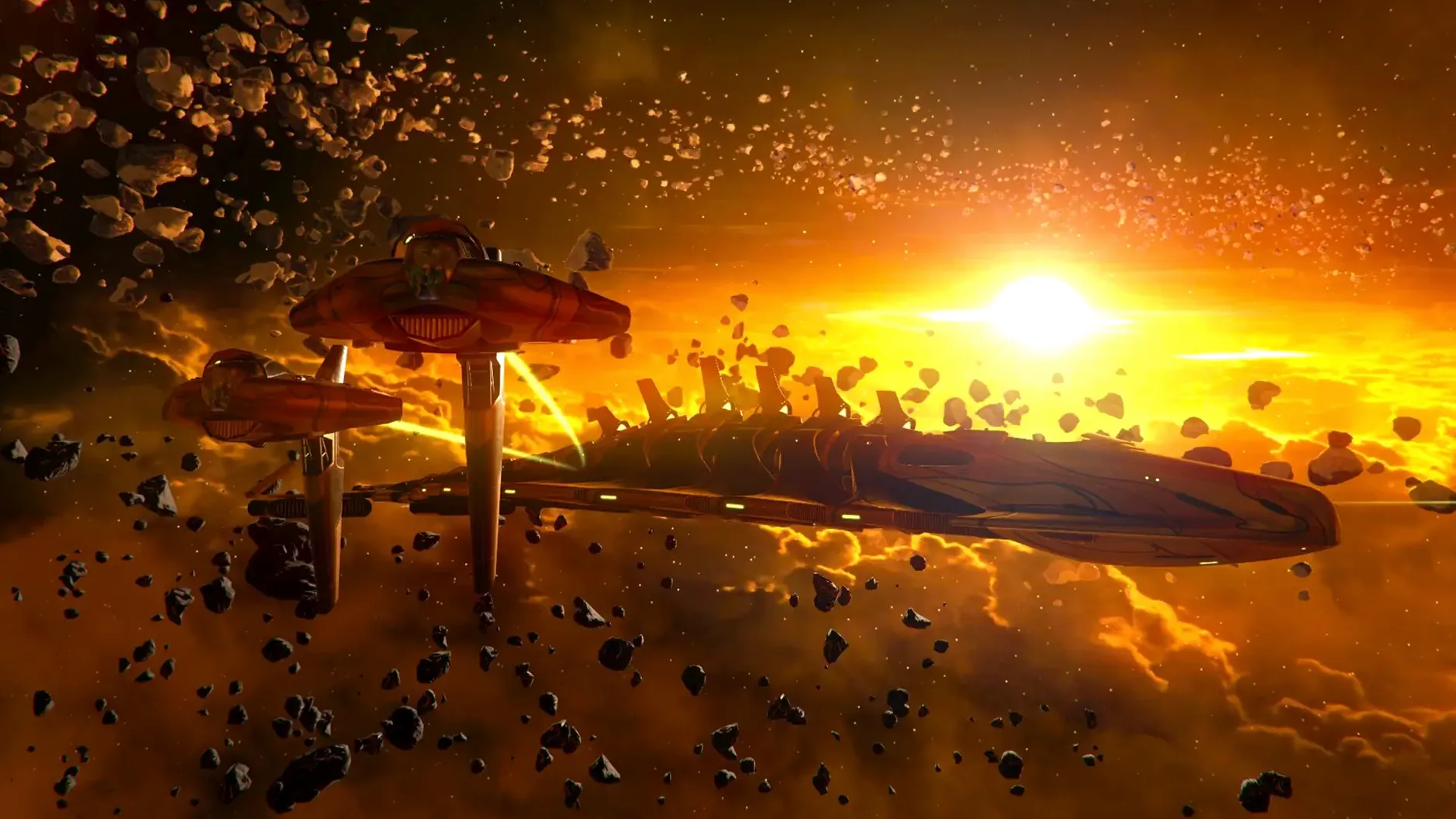
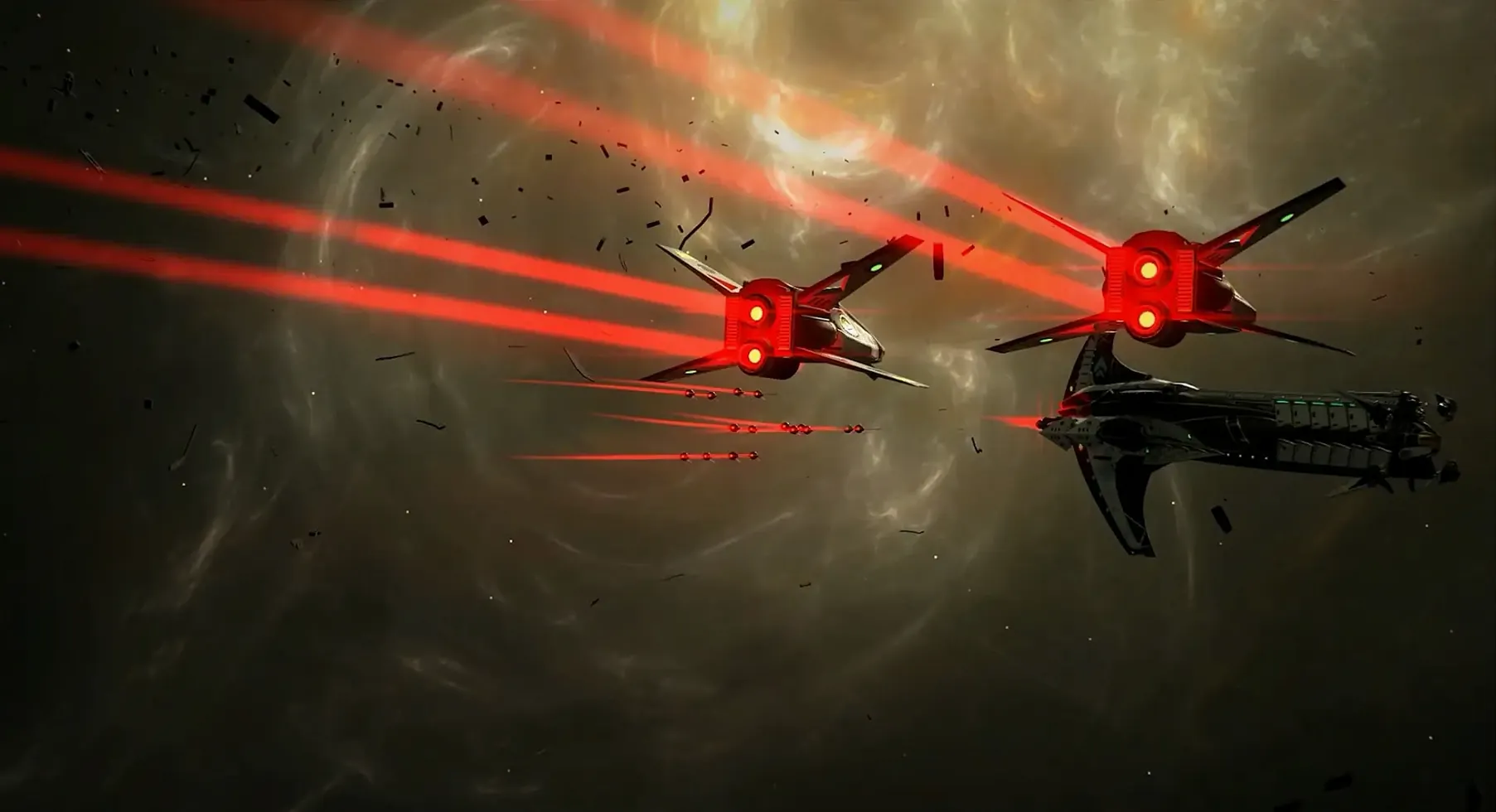
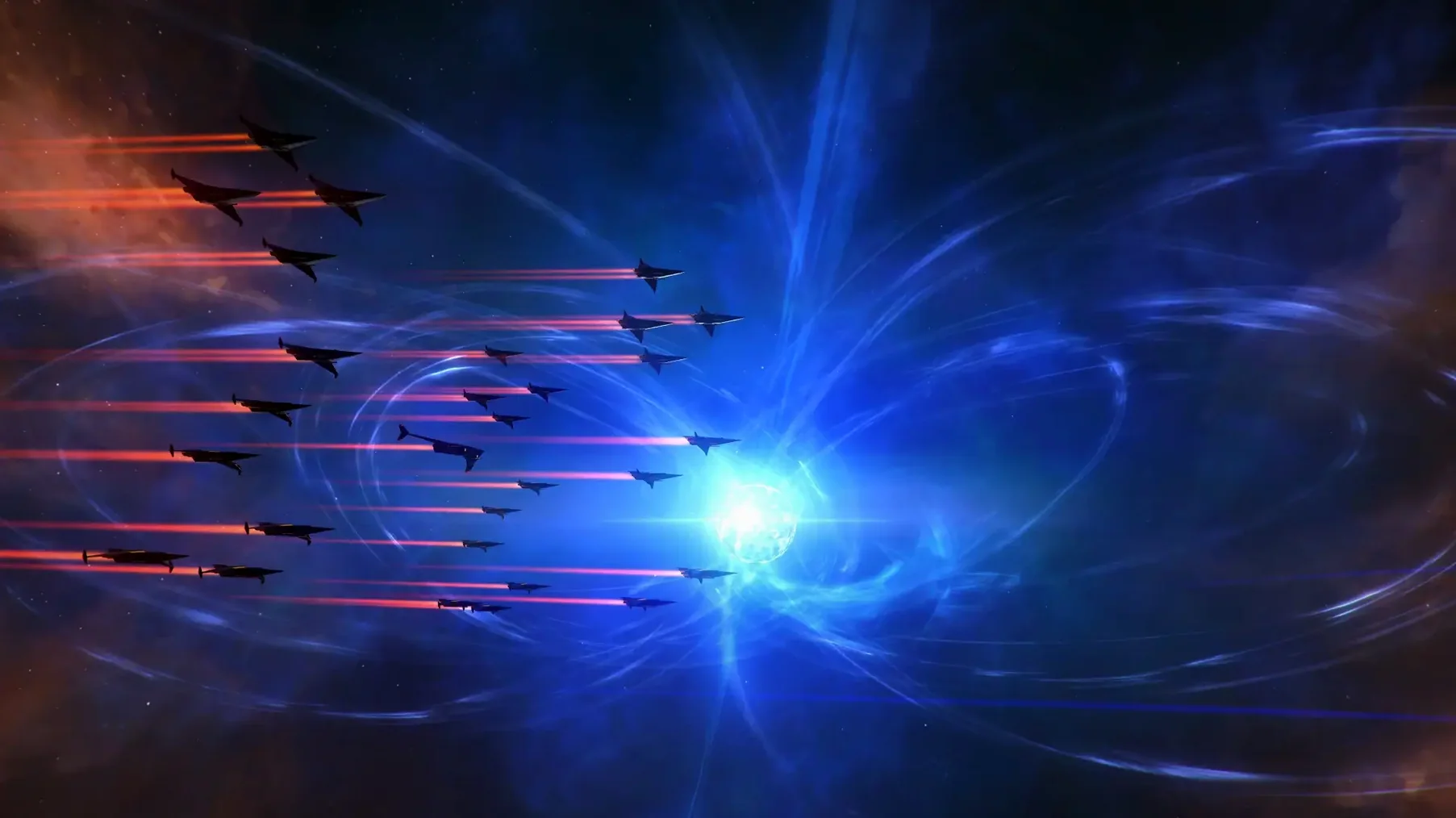
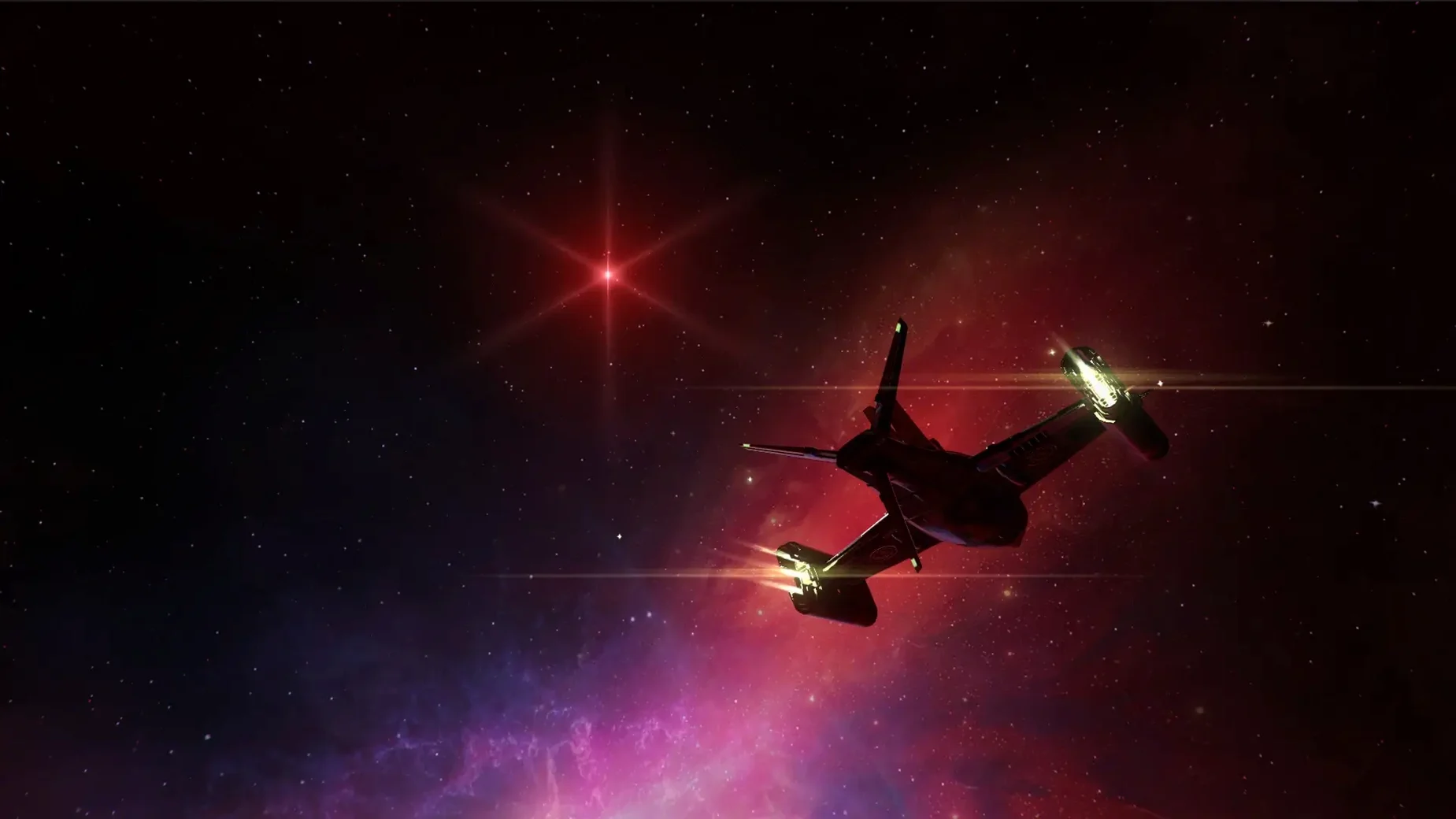
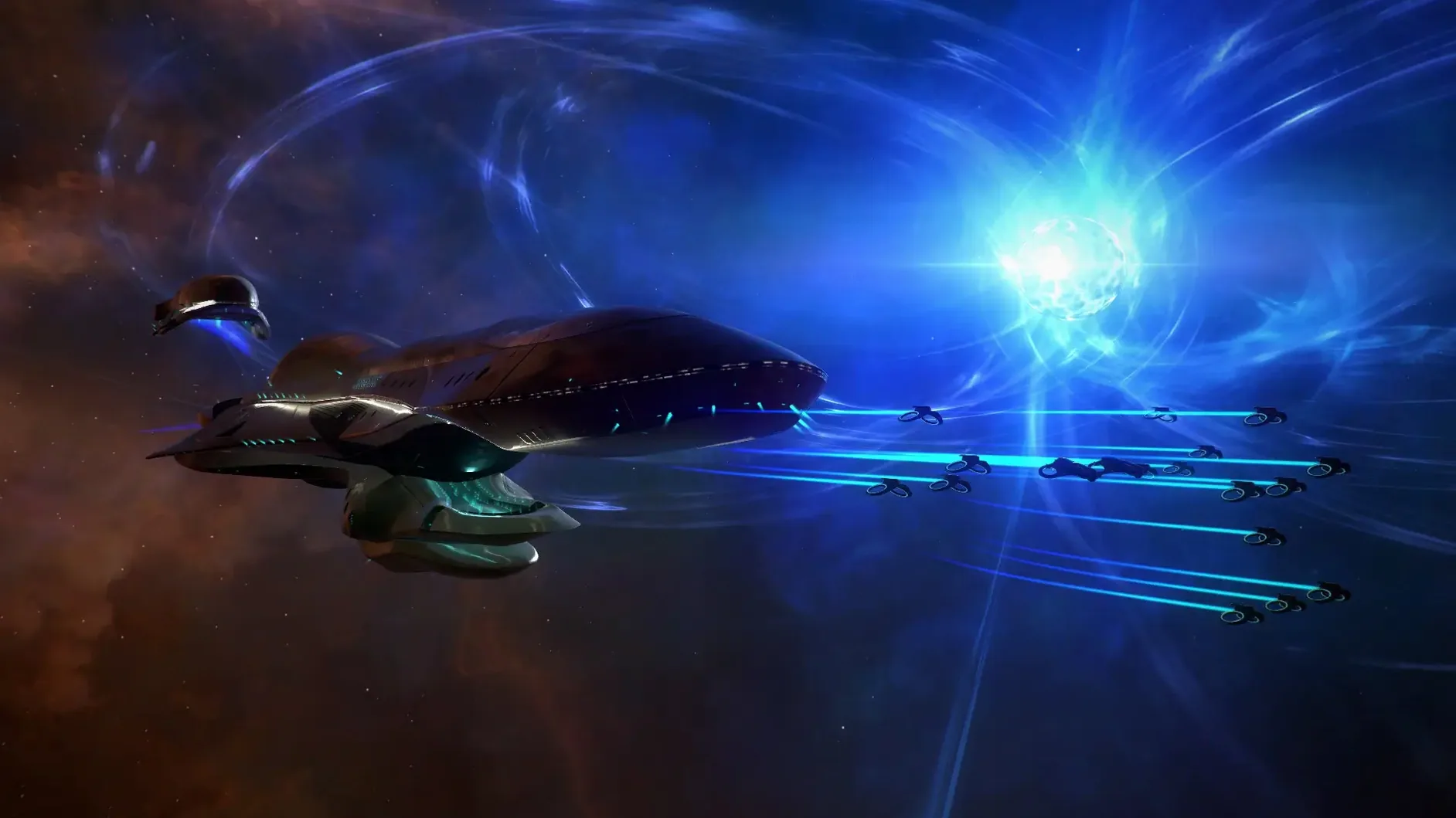
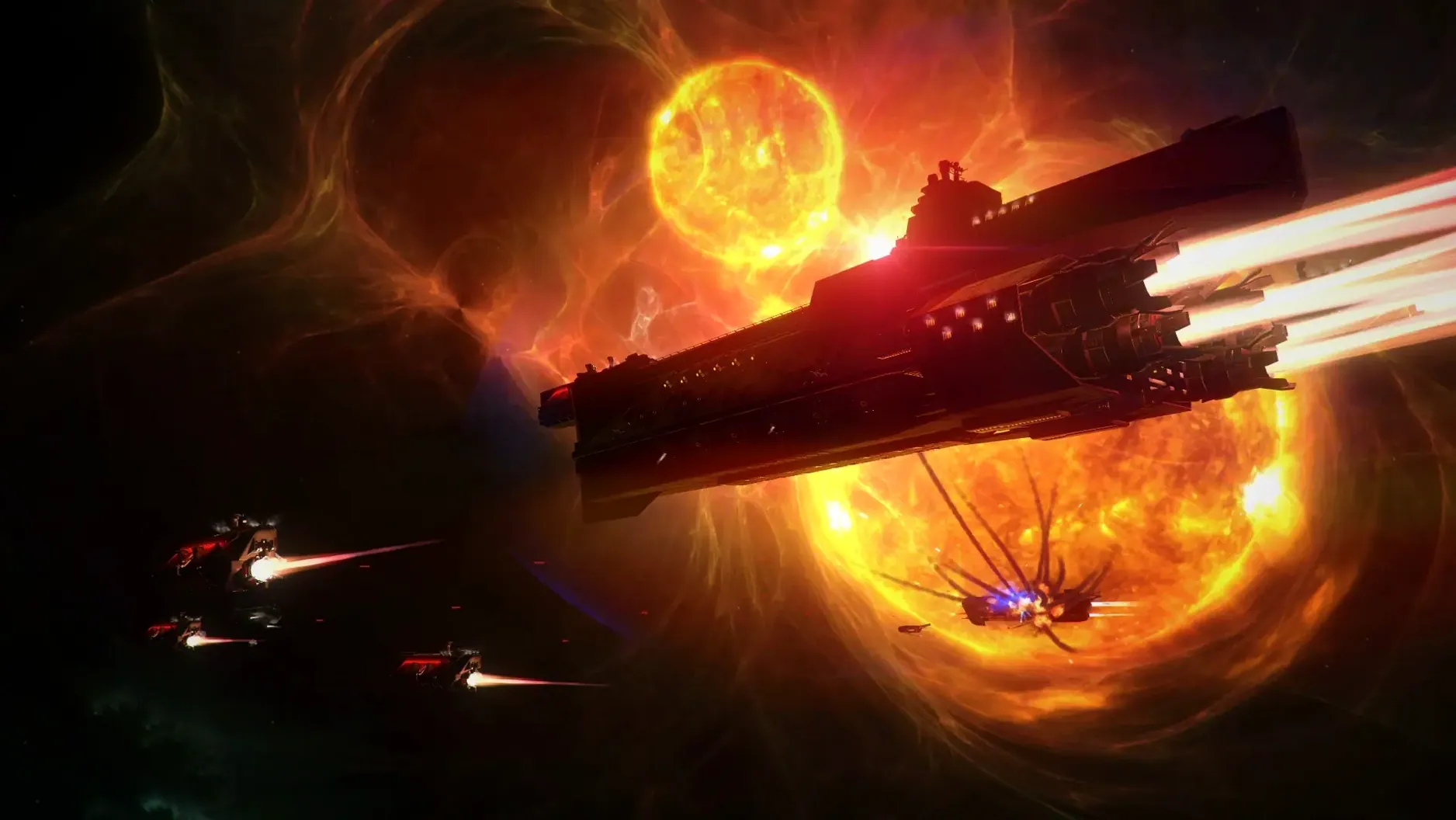
ENDLESS Space 2 is a turn-based sci-fi strategy game where you lead one of eight civilizations in a struggle for galactic dominance.
| Quick facts | |
|---|---|
| Developer | AMPLITUDE Studios |
| Version | 1.5.60 fixed |
| Architecture | Intel 64-bit (x86) |
| Interface languages | English, French, German, Spanish, Polish, Portuguese, Russian, Korean, Simplified Chinese, Traditional Chinese |
Running this on a Mac means you need an Intel machine. The 1.5.60 fixed build is 64-bit x86 only, so Apple Silicon Macs rely on Rosetta 2. Performance on a recent Intel Mac holds steady during the real-time space battles, where you can pause to issue orders. The Space key opens an analysis screen that overlays trade routes, diplomacy status and ship data directly onto the battle view. Expect standard WASD camera controls and a UI built for point-and-click. Each civilization brings its own objectives and hero assignments—admirals, governors or senators—so the game asks you to think a few turns ahead rather than react quickly.
Rosetta required to launch on Apple Silicon
- Game won't launch on Apple Silicon. The build is Intel-only. Right-click the app in Finder, pick Get Info and tick Open using Rosetta. Without it, macOS blocks the launch.
- Mouse cursor drifts or clicks register off-target. Switch to windowed mode in video settings, then back to fullscreen. Toggling once resets the cursor mapping for Retina displays.
- Mid-game stutter on large maps. Turn down Nebula density in graphics settings. The particle simulation is the biggest CPU drain during late-game turns.
- Save files vanish after a macOS update. The game stores saves inside the app bundle if you never moved it. Drag the app to
/Applicationsso writes go to~/Documents/Endless Space 2instead. - Sound cuts out during battles. Switch the audio output in System Settings to the built-in speakers, launch the game, then switch back. This forces Core Audio to reinitialise.
Slow auto-turn so you don’t miss fleet movements
- Auto-turn delay. Set it to Slow under Gameplay options. The default speed races through AI moves and you miss fleet movements on the galaxy map.
- Pause on notifications. Enable Pause on diplomatic event and Pause on battle start. A trade offer buried in the turn log is easy to miss without an automatic pause.
- Ship design camera. Switch Ship editor background to Neutral. The default bright hangar washes out hull colour previews.
- Map settings for learning a faction. Set galaxy shape to Spiral 4 and size to Small. The tighter choke points let you test a new civilization's expansion rhythm without managing eight fronts.
- Analysis screen shortcut. If the Space key conflicts with a system-wide shortcut (common with Spotlight remaps), rebind it to Tab under Controls. The overlay is essential for reading trade route lines and fleet strength mid-turn.
- 64-bit x86 Mac version included in fixed build
- macOS (Intel 64-bit)
- Apple Silicon Macs run via Rosetta 2
Questions the team asks
It overlays contextual information about systems, trade routes, diplomacy and ship stats during battle, opened with the Space key.







Comments 0
Sign in or create an account to add a comment.
No comments yet. They go up after moderation.