
Schedule I — Mac download
Download (2.5 GB) Earlier builds
Ticked
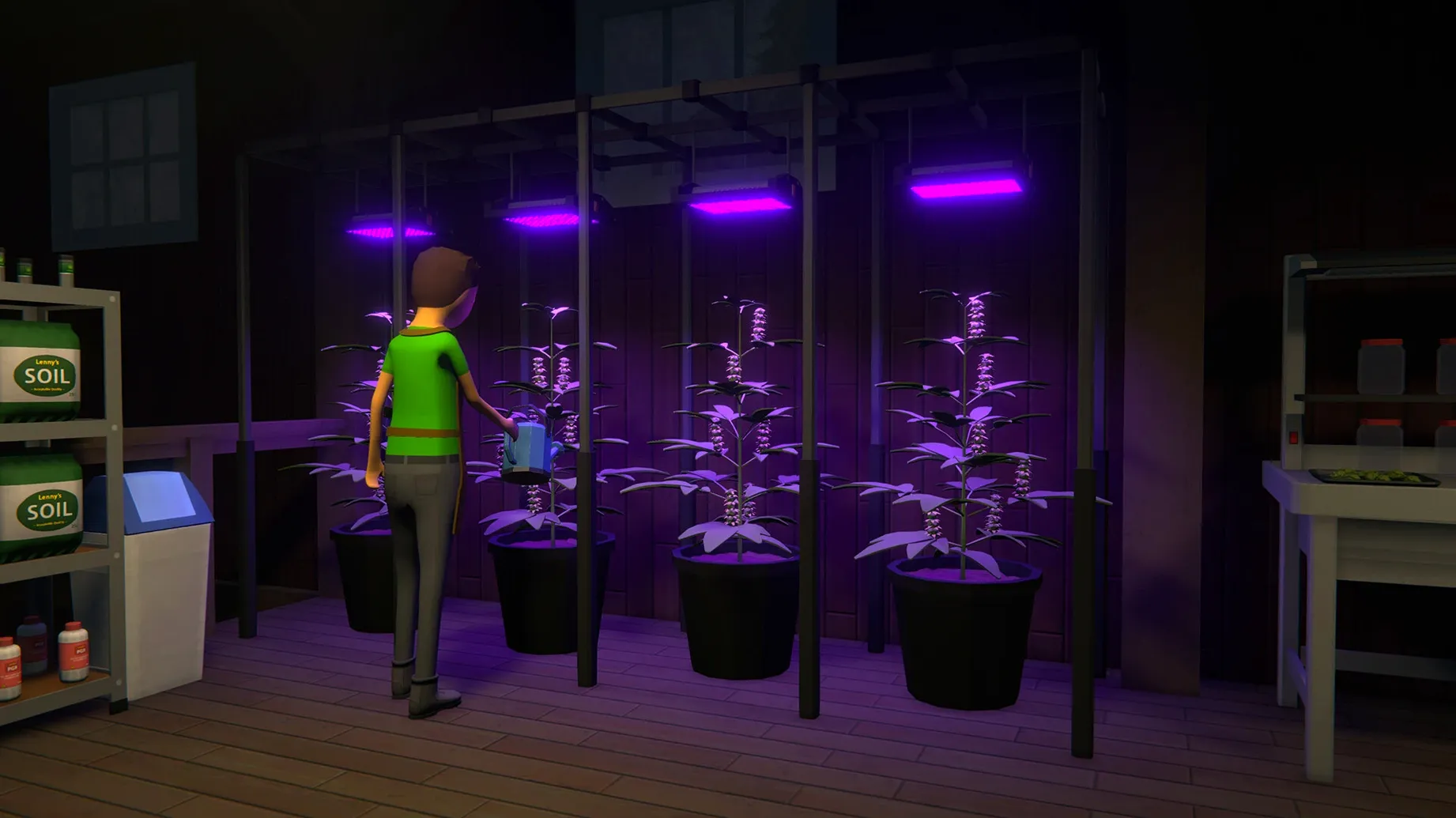
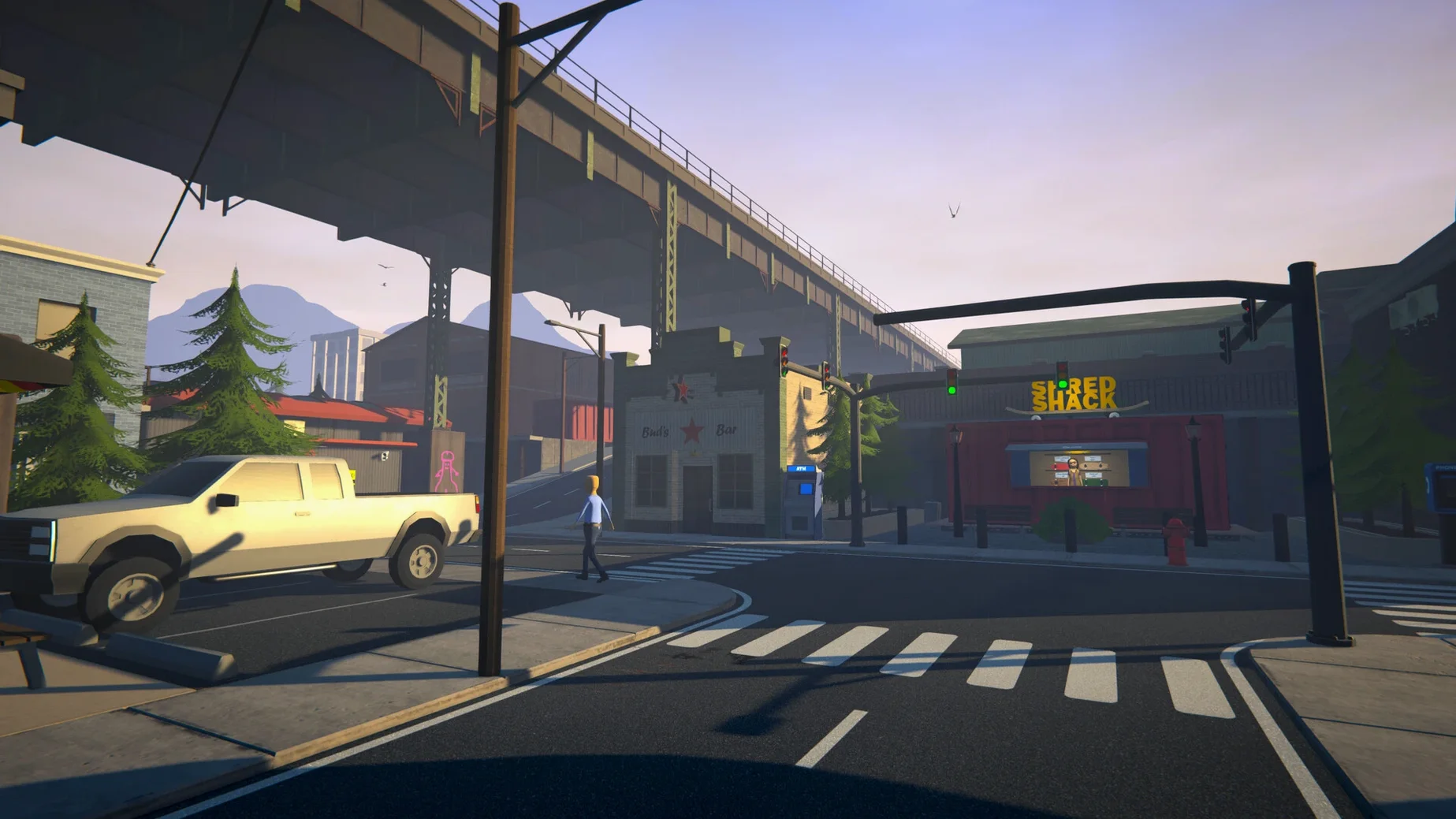


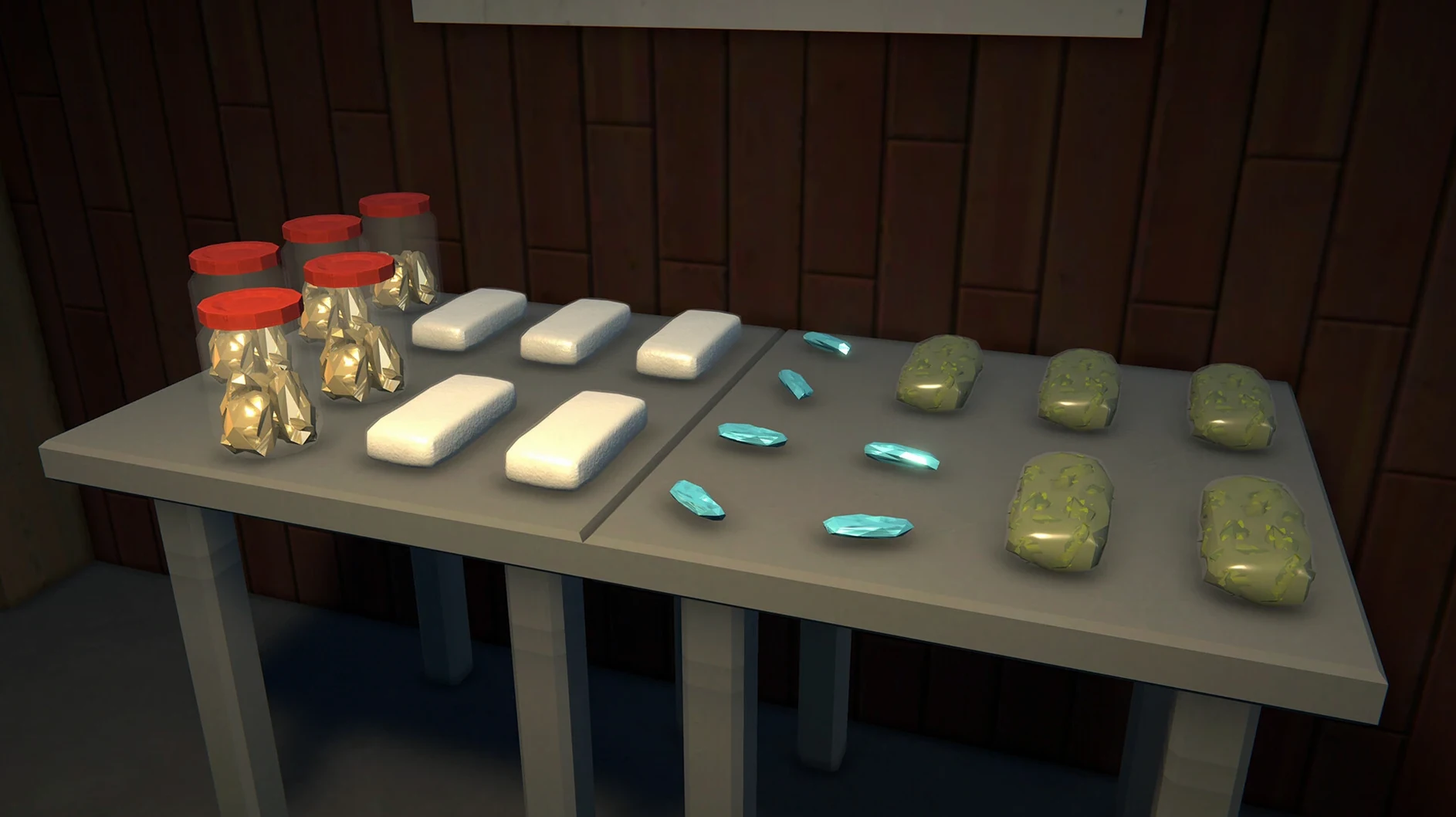
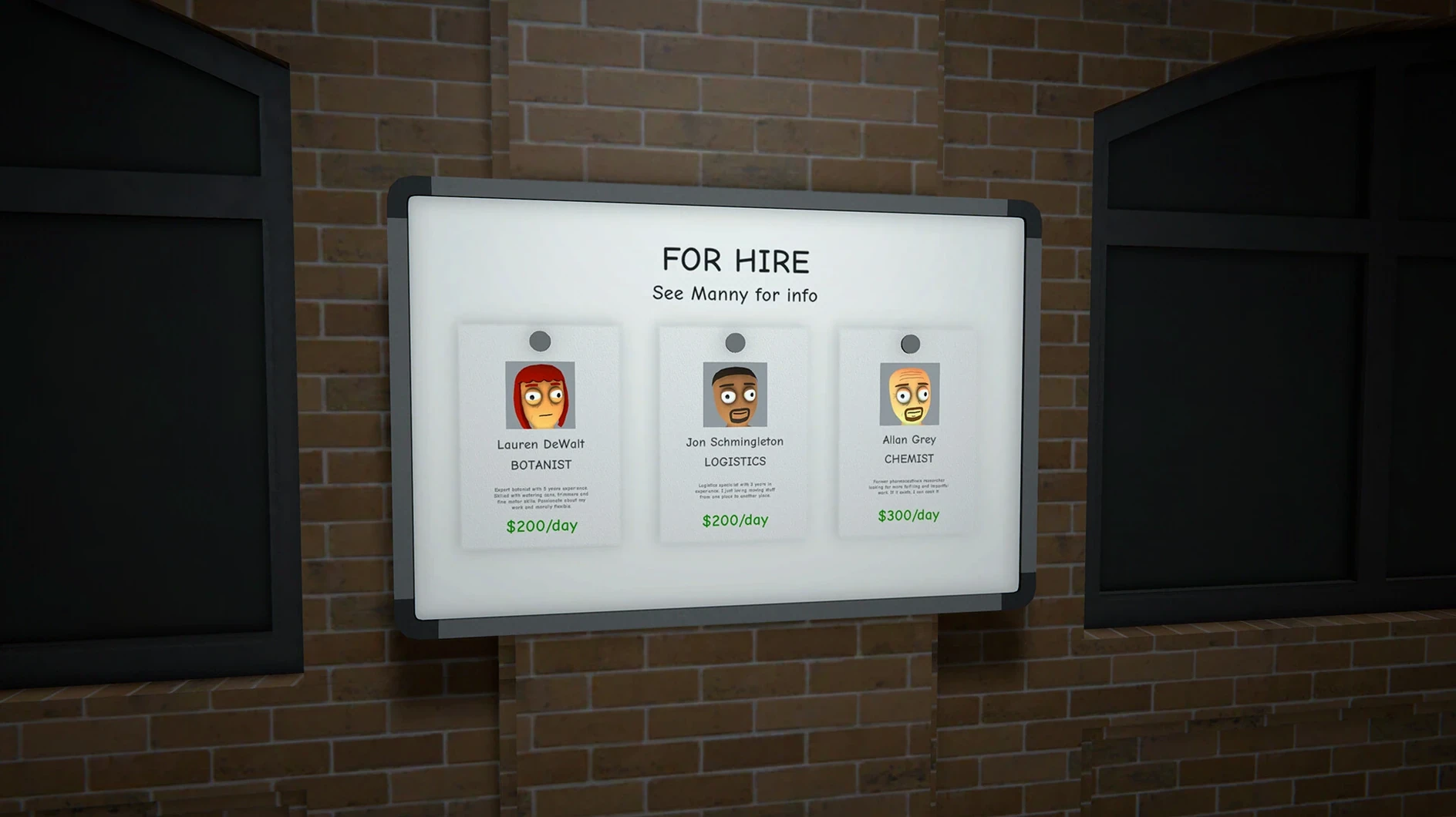
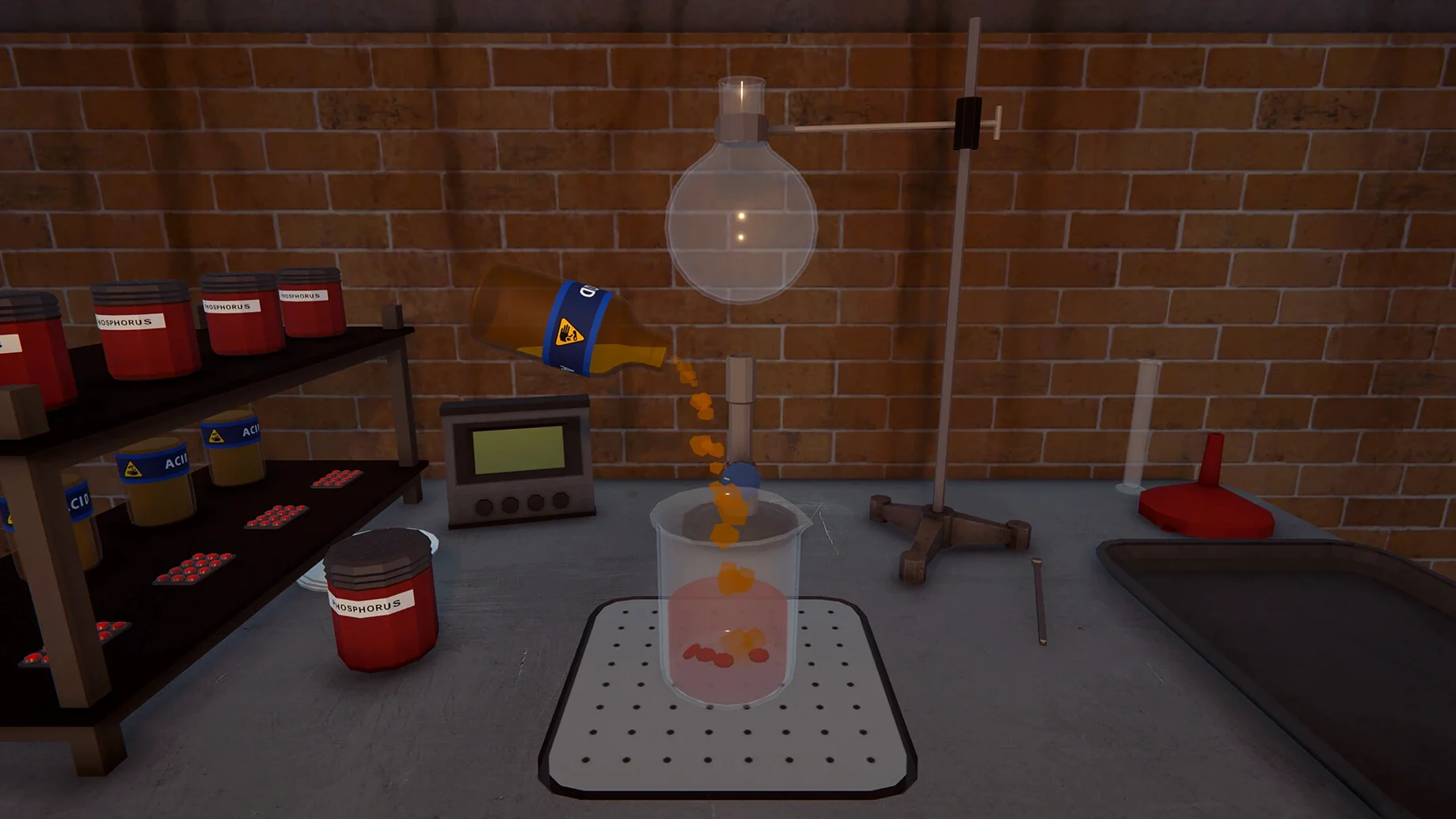
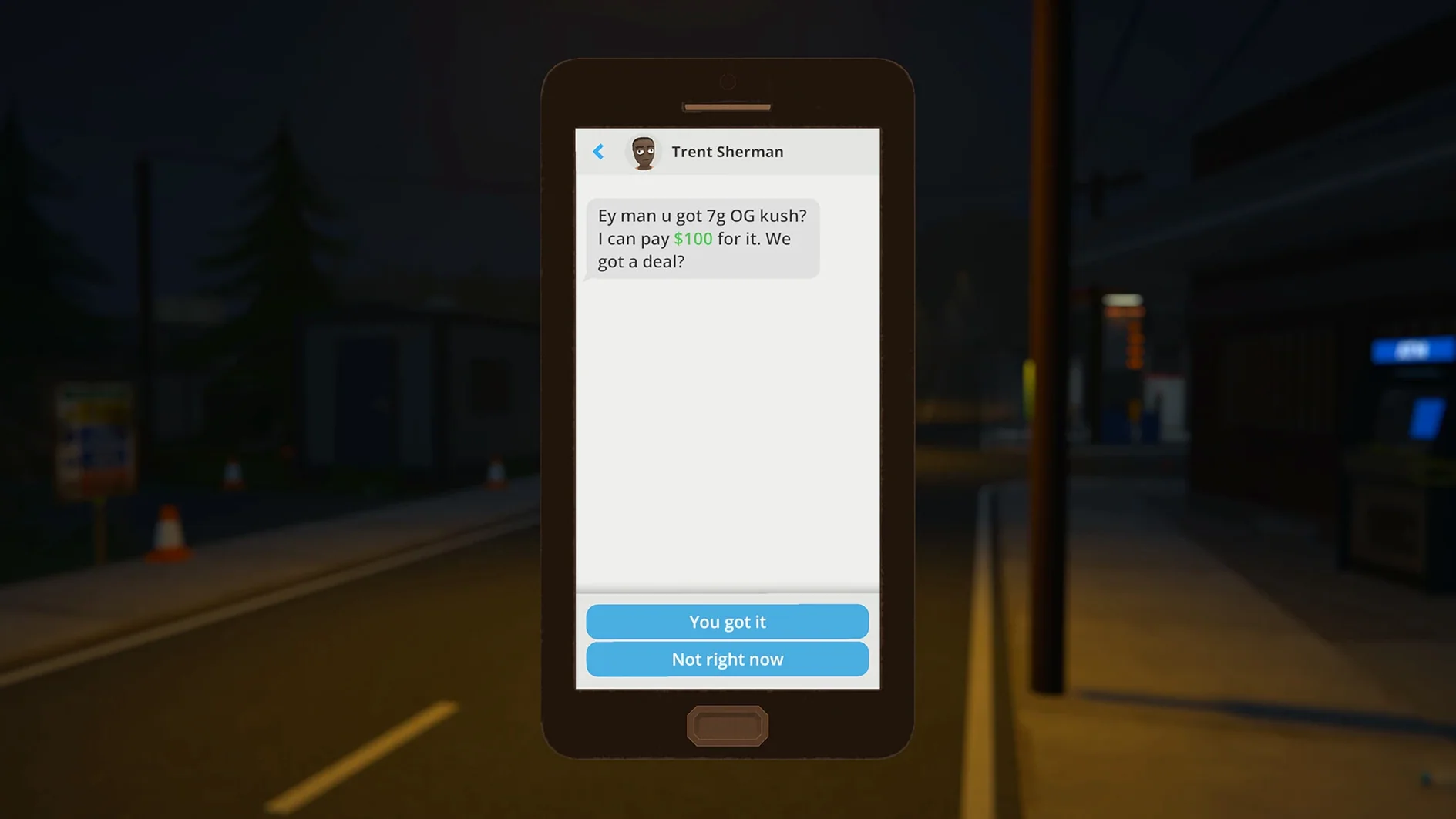
Most crime games hand you a script. Schedule I hands you a vacant lot and a recipe list, then leaves you to work out the logistics. If you want a guided tour of the underworld, this is not it. If you enjoy turning a chaotic operation into a well-oiled machine, it clicks.
Supply chains and recipe tinkering
- Players who treat supply chains as puzzles
- Experimenting with product recipes and variant properties
- Building a distribution network through hired dealers
- Switching between hand-to-hand, melee and firearm combat
Early-access rough edges stay rough
- Anyone expecting a finished, polished release
- Players who dislike early-access rough edges
Menus over muscle: the optimisation loop
The game suits a specific mindset. You spend as much time in menus tweaking production as you do on the street. Automating manufacturing and managing staff matters more than twitch reflexes. Combat exists but the real loop is optimisation. If spreadsheets disguised as crime appeal to you, this lands. If you want a narrative-driven experience, look elsewhere while the early access build matures.
First few days
Hyland Point doesn't explain itself. You start with nothing and the map offers zero hand-holding. A few habits make the opening hours less punishing.
- Buy a skateboard before you buy anything else. The starting area is compact but delivery runs eat time on foot.
- Learn two reliable recipes and stick to them. Experimenting too early drains cash you don't have.
- Hire your first dealer as soon as the option unlocks. A single dealer handles low-volume sales while you focus on supply.
- Watch the neighbourhood police presence shift. Raids spike after large sales in one district for too long.
- Save cash for property. Renting a small production space early cuts travel and lets you scale faster than street dealing alone.
Launch error? Run the Fix file first
Most hiccups trace back to the Wineskin wrapper rather than the game itself. Here's what crops up.
- Launch error on first open — run the Fix file from the disk image. It patches a permissions quirk in the wrapper. You only need to do this once.
- Game appears frozen during initial setup — switch to the desktop with Command-Tab, then quit from the Dock. Relaunch and it picks up where it stopped.
- Mods not loading — double-check the folder path inside the app package:
Schedule I.app/Contents/SharedSupport/prefix/drive_c/Appstorrent Games/ScheduleI/Mods. Extra files often go one level up in the game folder, not in Mods itself. - Performance dips in the dock district — a known early-access issue on Apple Silicon. Dropping shadow quality in settings helps more than you'd expect.
- Apple Silicon Mac
- macOS version not specified by developer
Questions the team asks
No. The current build requires Apple Silicon and was tested on macOS Tahoe with an M4 Mac mini.
Yes. The build includes Melonloader v7.0. Place mods in the Mods folder inside the app package contents.








Comments 0
Sign in or create an account to add a comment.
No comments yet. They go up after moderation.