

Sneaky Sasquatch — Mac download
Download (365 MB) Earlier builds
Ticked



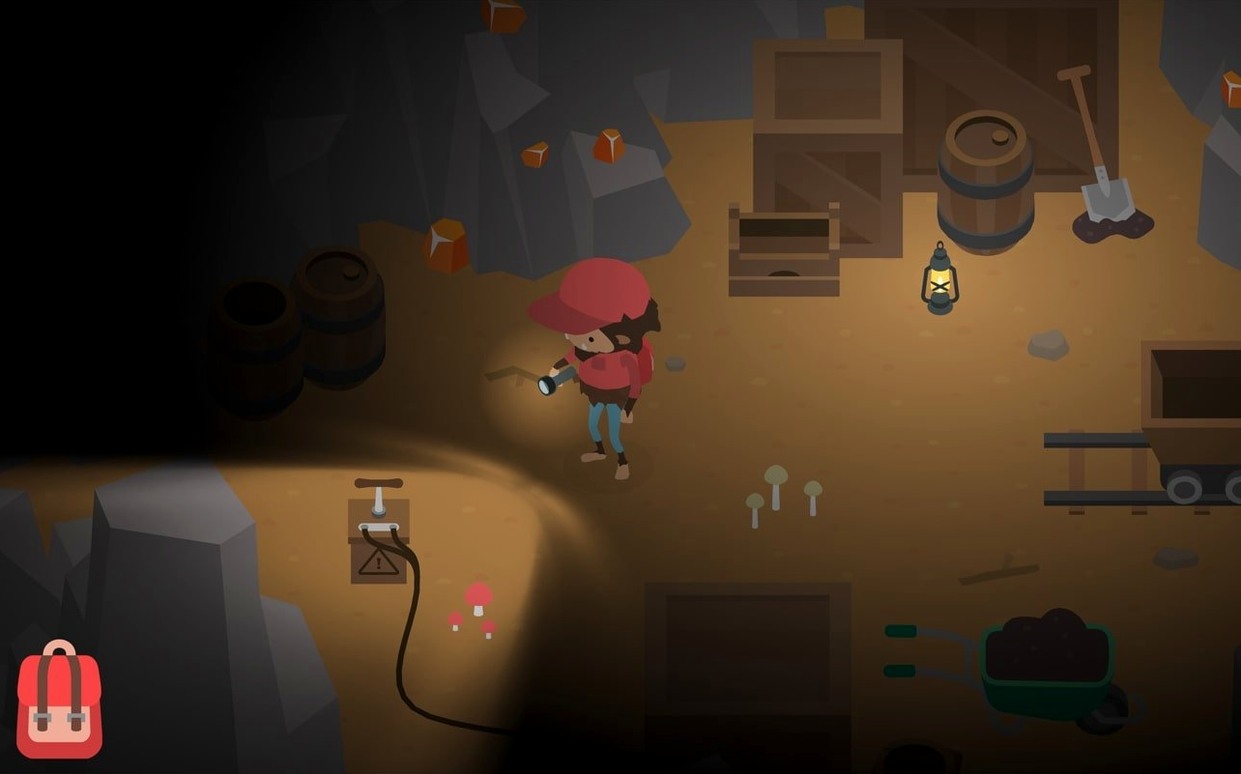




You wake up in a national park as a Sasquatch. A park ranger spots you almost immediately. You sprint behind a tree, then spot a picnic basket. Twenty minutes later, you're wearing a stolen baseball cap, holding a fishing rod, and quietly planning your driver's licence.
Mischief over combat using disguises
Stealth replaces combat. You sneak past rangers, forage for food, and solve problems by disguising yourself in human clothes. The open-world loop is about mischief, not violence.
Checklist chaos without the punishment
Someone who likes structured chaos. You'll appreciate it if you enjoy ticking off goals—like passing a driving test or catching fish at the lake—inside a sandbox that never punishes you for experimenting.
Who might not click with it?
Players who want high-stakes action or complex skill trees. There's no failure state beyond getting escorted back to the woods. The pace is gentle, and progression is tied to simple, checklist-style tasks.
Is it a full Mac experience?
Yes. The build was tested on macOS Tahoe with an M4 Mac mini, and it supports both ARM and 64-bit x86 Macs. The audio is musical accompaniment—no voice acting—which keeps the focus on sight gags and physical comedy.
Cool and quiet keyboard play on a MacBook
Two groups, really. First: anyone with a MacBook who wants a game that runs cool and quiet without a controller. The keyboard controls are tight, and the art style looks crisp on a Retina display even at lower resolutions.
Second: completionists who treat games like a project. Every activity—golf, skiing, racing, fishing—feeds a larger checklist of goals. That structure appeals if you already organise your work in Things or OmniFocus and get a quiet satisfaction from crossing items off.
It also suits shared machines. A kid can play their save file, then you can jump into yours without installing anything extra. No online account needed beyond a local profile.
Silence camp alerts with a gaming Focus
Sneaky Sasquatch plays well with macOS focus modes. Enable a gaming Focus to silence notifications while you sneak around the campground. Handoff isn’t supported, but the save system is forgiving—quit anytime and you’ll rarely lose progress.
If you use a gamepad, the App Store build recognises Xbox and PlayStation controllers instantly via Bluetooth. That means you can pair the same controller you use for Apple Arcade titles like Fantasian or Alba and switch between them without re-pairing.
Streamers running OBS on the same Mac will need to manage screen recording permissions, but the game holds a steady frame rate even with a capture running on an M-series chip. No need to tweak graphics settings.
- Apple Silicon and Intel 64-bit








Comments 0
Sign in or create an account to add a comment.
No comments yet. They go up after moderation.