

Software Inc — Mac download
Ticked

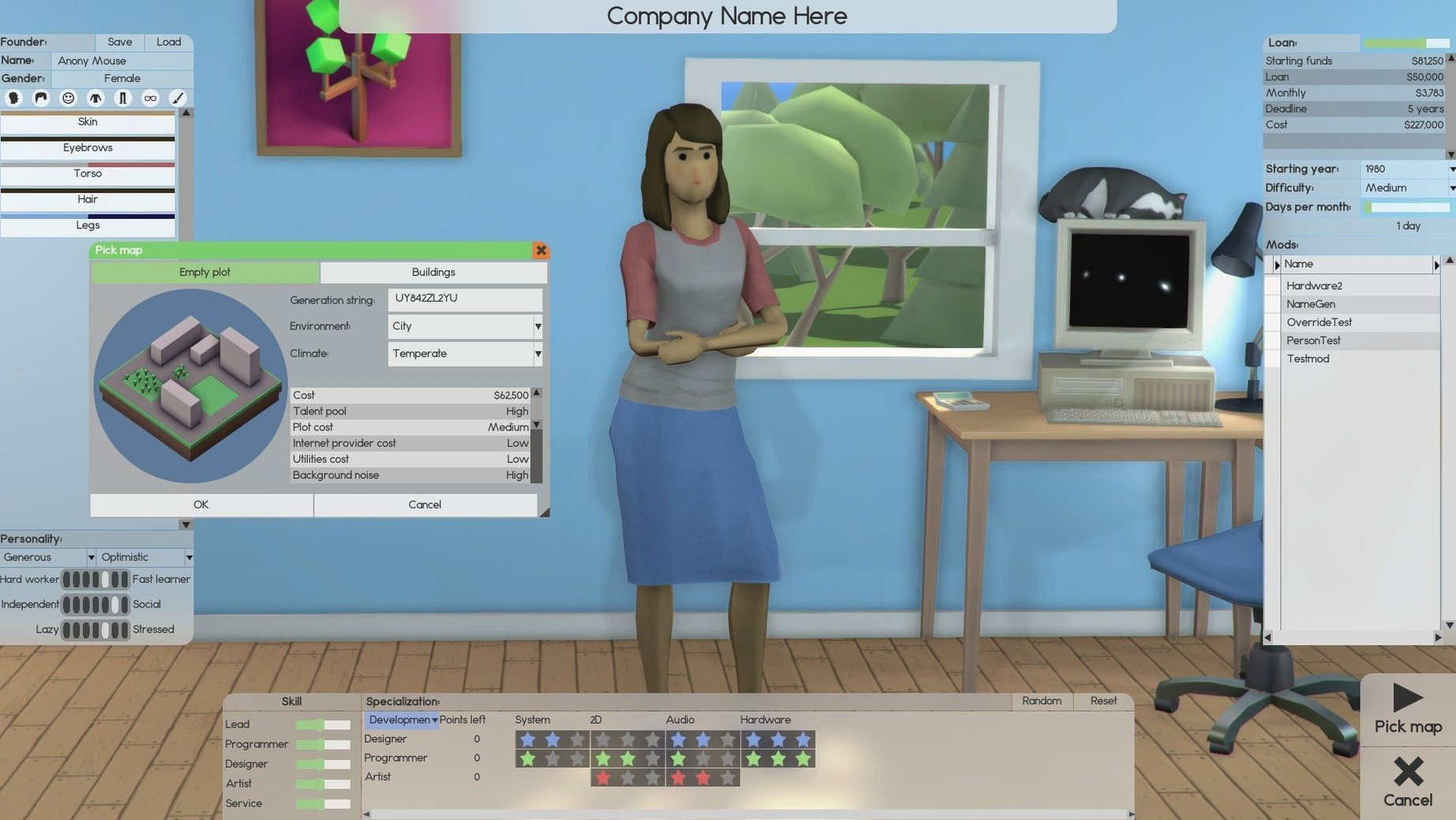
If you’ve played Theme Hospital or Two Point Campus
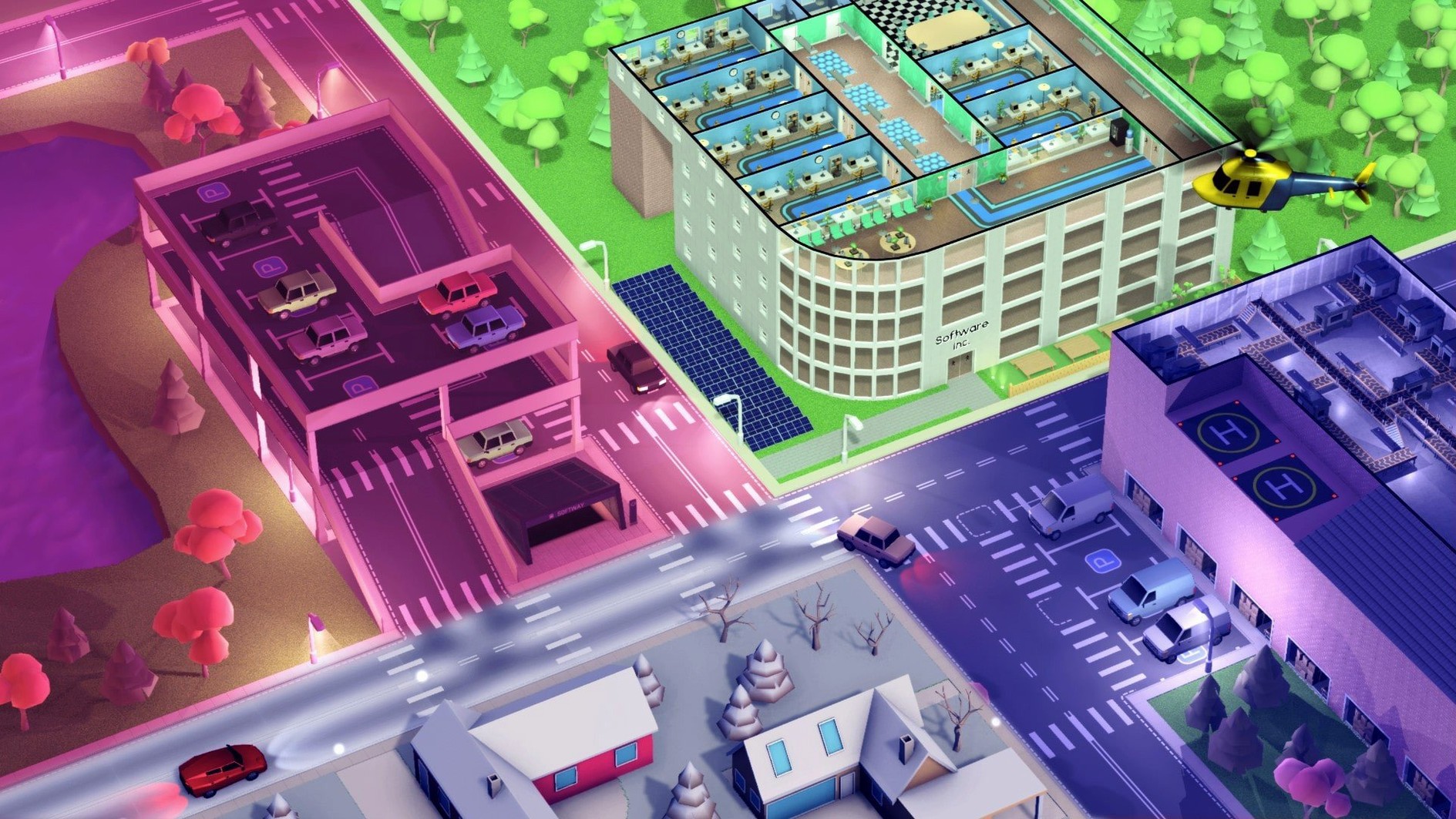
The build-and-manage loop will feel familiar. Software Inc replaces patients with code. You start with an empty shell, lay out desks and meeting rooms, then hire a team.
Workflow on a Mac
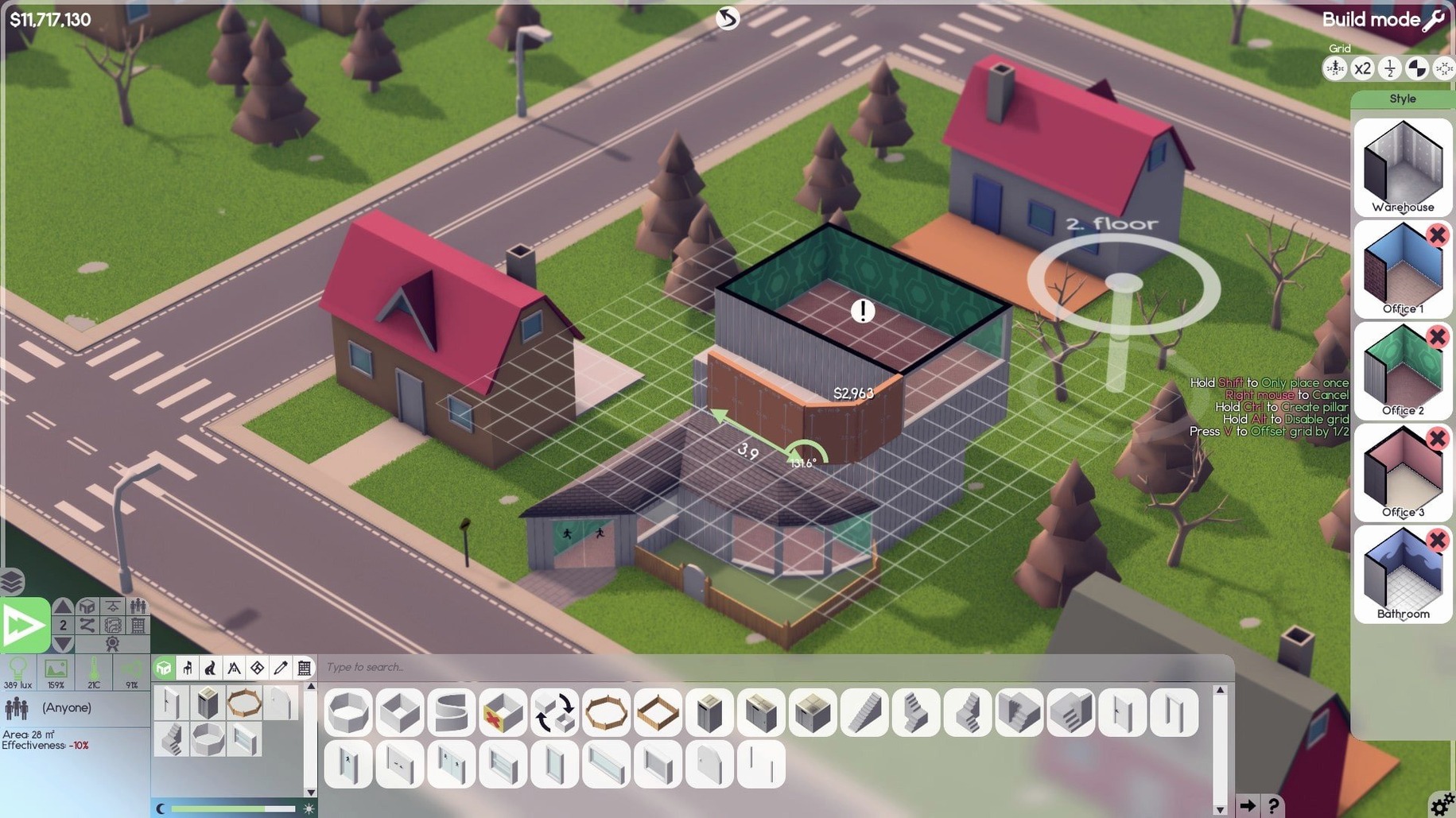
- Start with the shell. Build walls, run electrics, place radiators. Roads and parking lots connect the outside to your front door.
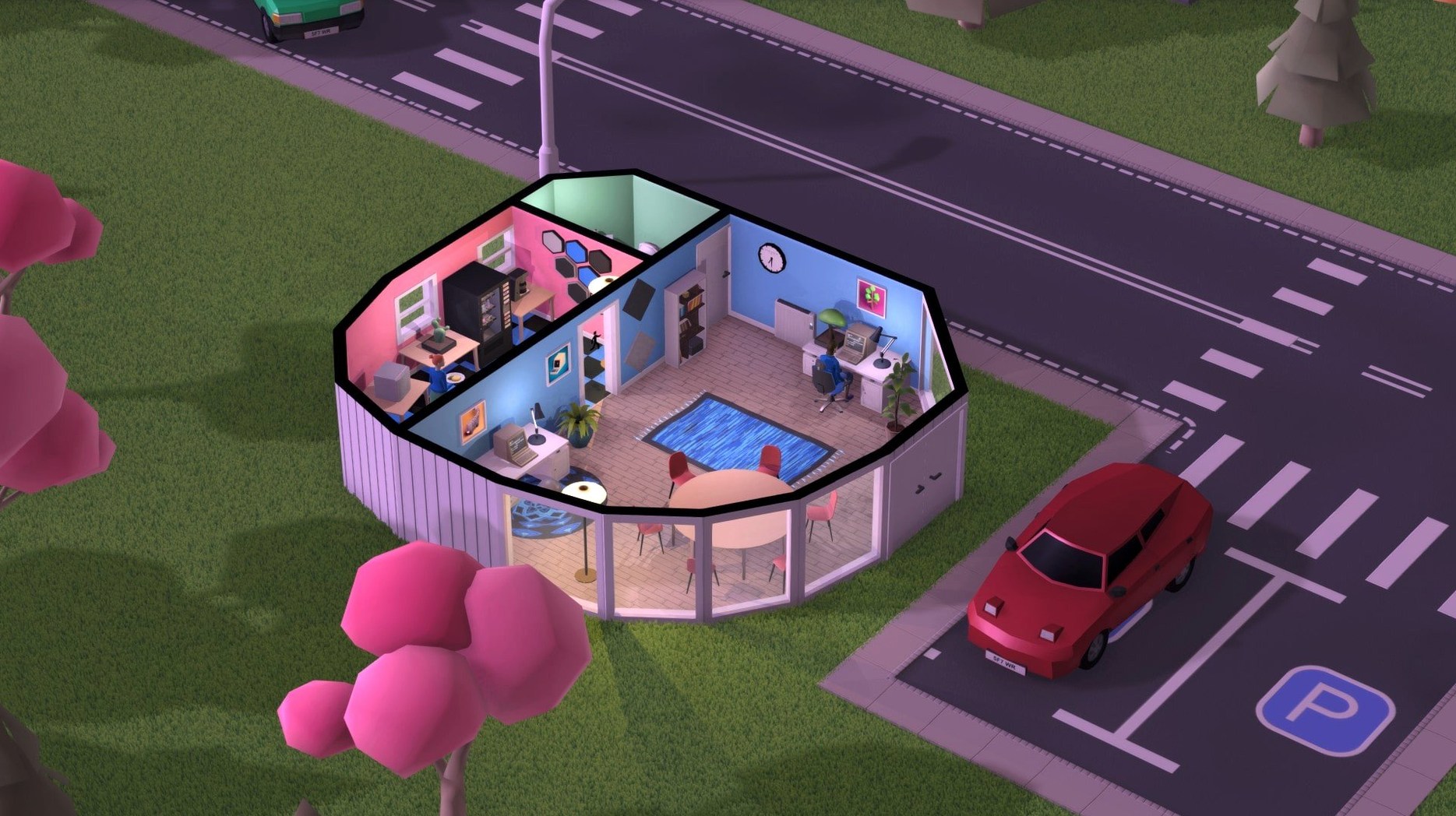
- Furnish the rooms. Every desk, server rack, and plant affects productivity and temperature.
- Hire the team. Pick from design, development, support, research, and sales roles. Assign a leader to coordinate the work and manage subordinates.
- Pick the product. Choose software types, set features, and balance quality against deadlines.
- Sell or contract. Sell products, sign contracts, or trade shares to stay ahead of the competition.
On Apple Silicon and x86 Macs, the simulation runs natively. Music accompaniment plays through the whole session. Employee relationships evolve as the office grows, feeding back into morale and output. The interface stays in English. Performance holds steady on integrated graphics as long as you keep the building footprint sensible.
Right-click drag duplicates furniture with all sub-items
- Right-click drag to copy furniture. Hold the modifier key while dragging a desk or plant to clone it with all its configured sub-items intact. Saves re-furnishing a ten-floor office.
- Shift-click the wall tool. It locks to the current wall type, letting you draw long corridors without switching back from the door tool.
- Temperature overlay toggle. The
F3key shows a heat map of every room. Radiators placed near windows work differently from those against internal walls. The overlay reveals cold spots before comfort complaints start. - Team colour coding. In the employee list, assign a colour to each project team. The same shade appears on their floor indicators, making it simple to spot who walked three floors for a coffee.
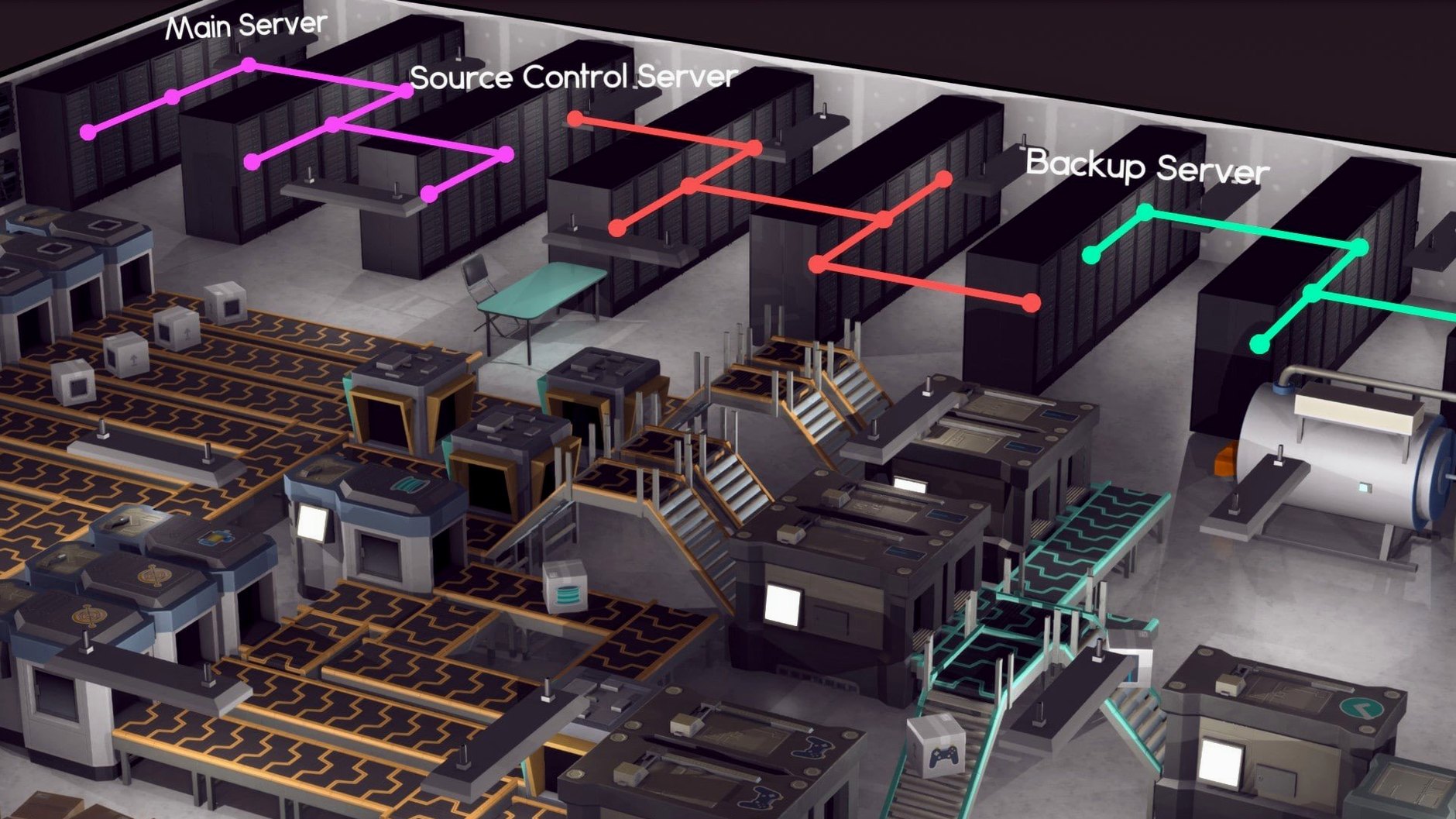
- Server room climate. Servers generate heat. Pairing racks with air conditioning units in the same room stops throttled performance. The tooltip on the rack shows current efficiency.
- Parking lot placement. Staff who drive need parking spots within a short walk of the entrance. Too far, and they arrive late. The road tool snaps to the lot edge automatically when you drag it close.
Opening a 1995 save and diagnosing morale with a sofa
You open a save from 1995. The company has two floors and a contract deadline in six months. First, you check the employee panel. One developer shows low morale because the break room has no sofa. You drag a sofa from the furniture menu, copy it with a right-click, and place a second one near the window. The morale warning clears.
Next, you open the project screen. A deal for an office suite needs an extra 200 hours of work. You pull a designer off a side project and assign them to the suite team. The lead developer now shows a green efficiency indicator instead of amber.
You switch to build mode. A new team for a Software Inc cracked idea needs a small room. You draw four walls, run power under the floor, place three desks and a radiator. You hire two developers and a researcher from the market. Their salaries push the monthly burn up, so you check the finance tab—still safe.
A notification sounds. A rival launched a similar product. You open the market screen, drop your price by 10%, and click the marketing campaign button. The quarter closes with a profit. You save and shut down, ready for the next session.
- macOS (native ARM and 64-bit x86 support)
- Interface language: English
Questions the team asks
You can hire employees for design, development, support, research, and software sales.









Comments 0
Sign in or create an account to add a comment.
No comments yet. They go up after moderation.