

Space Haven — Mac download
Ticked
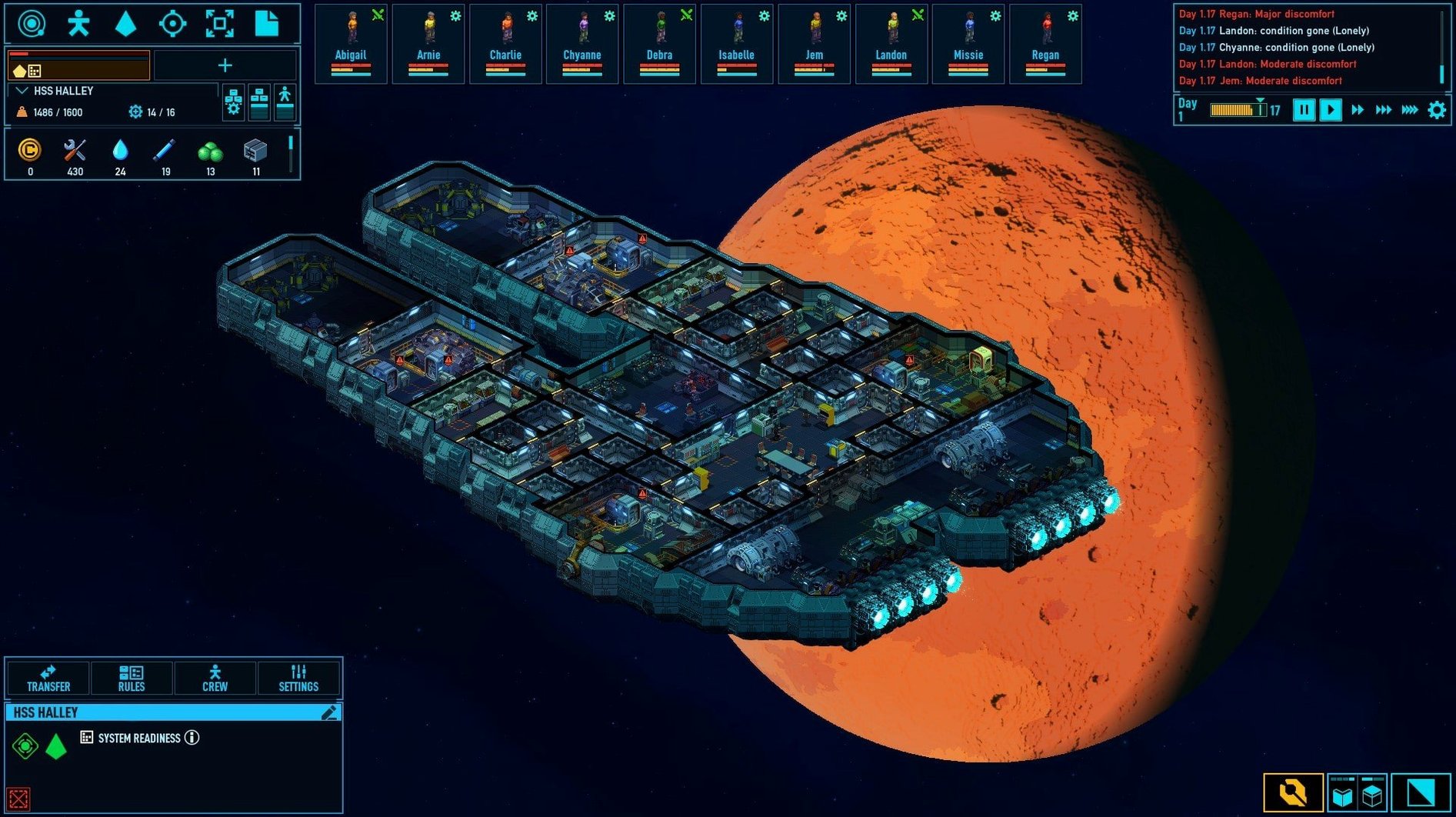
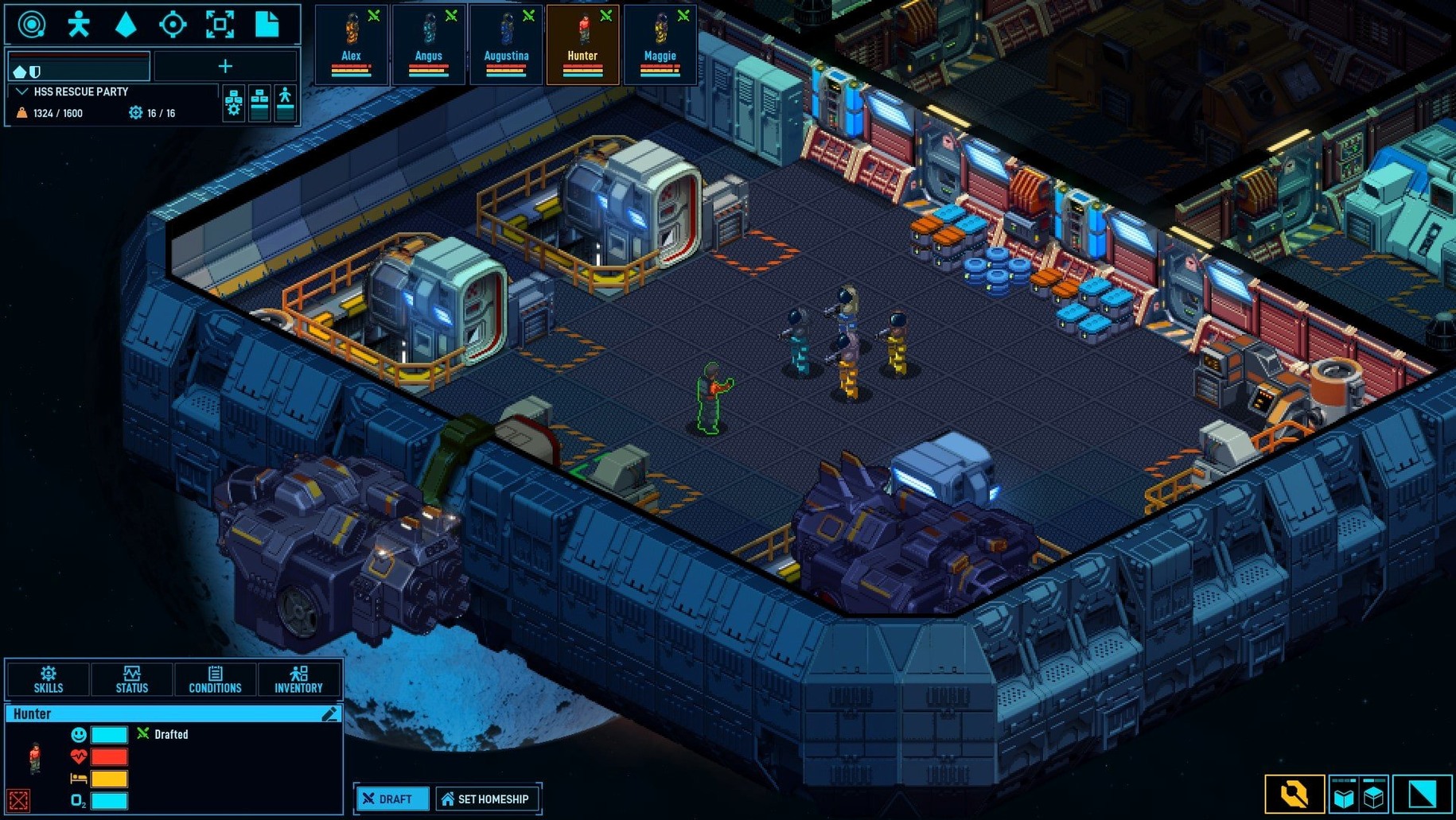
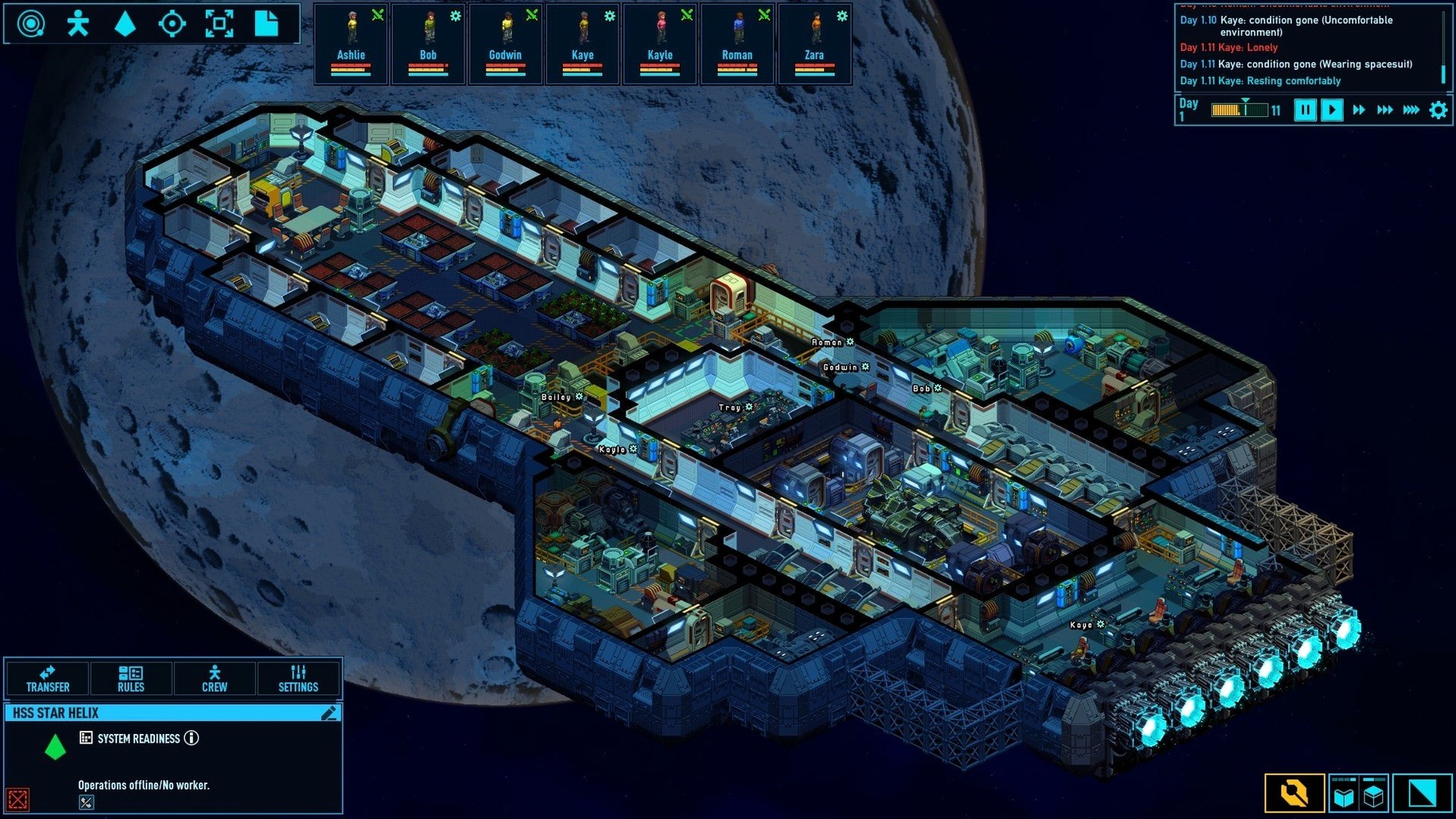
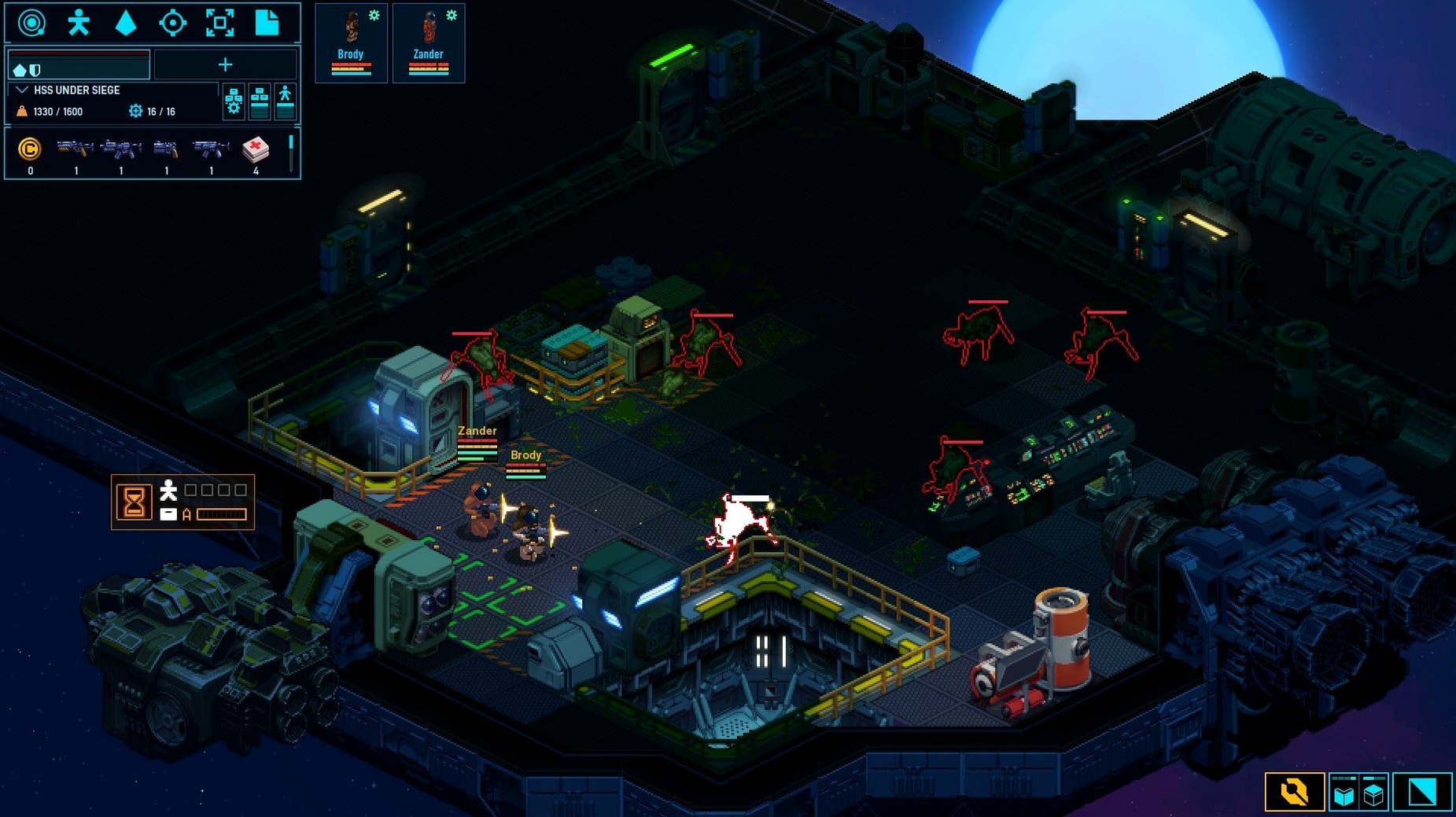
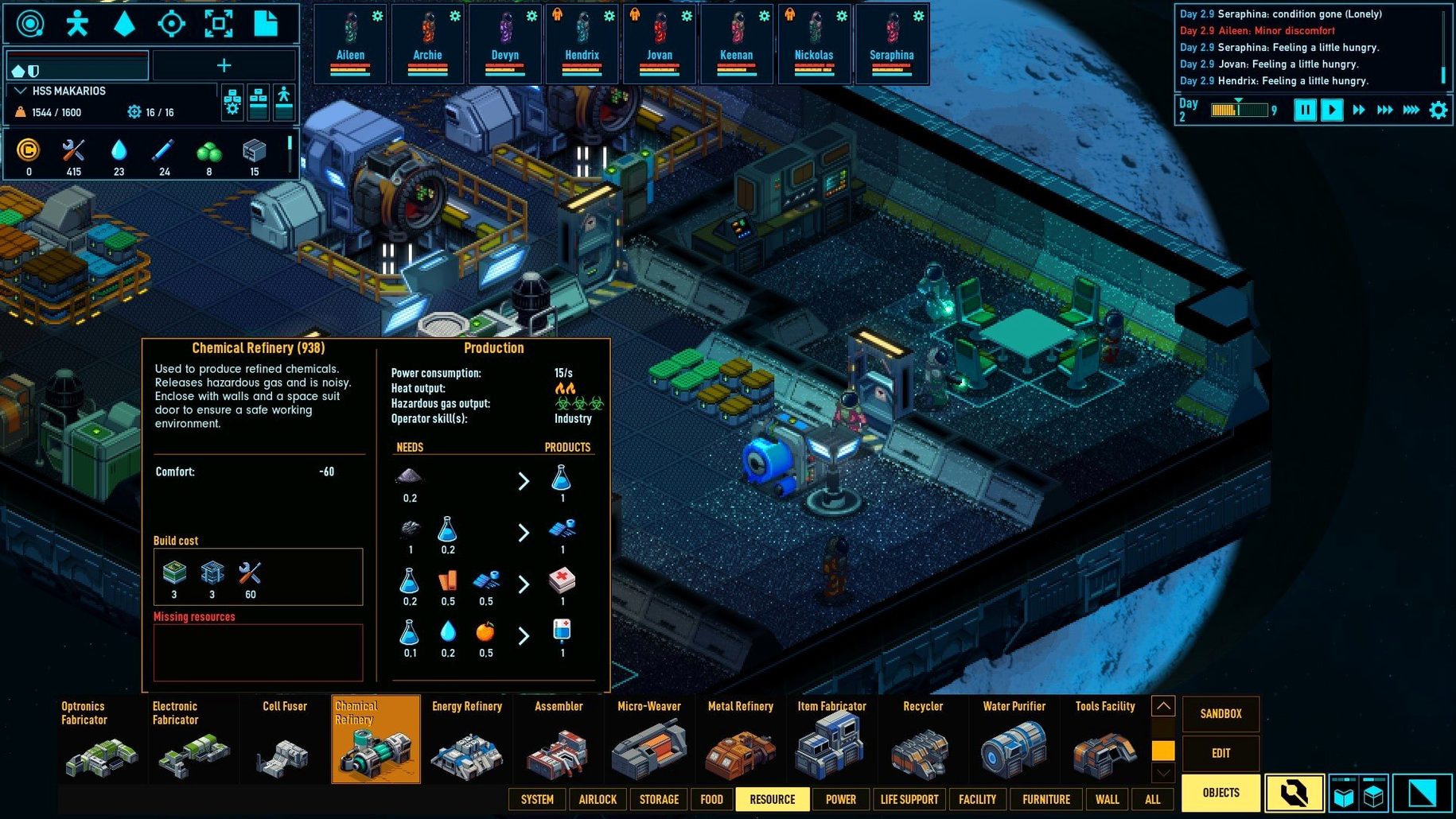
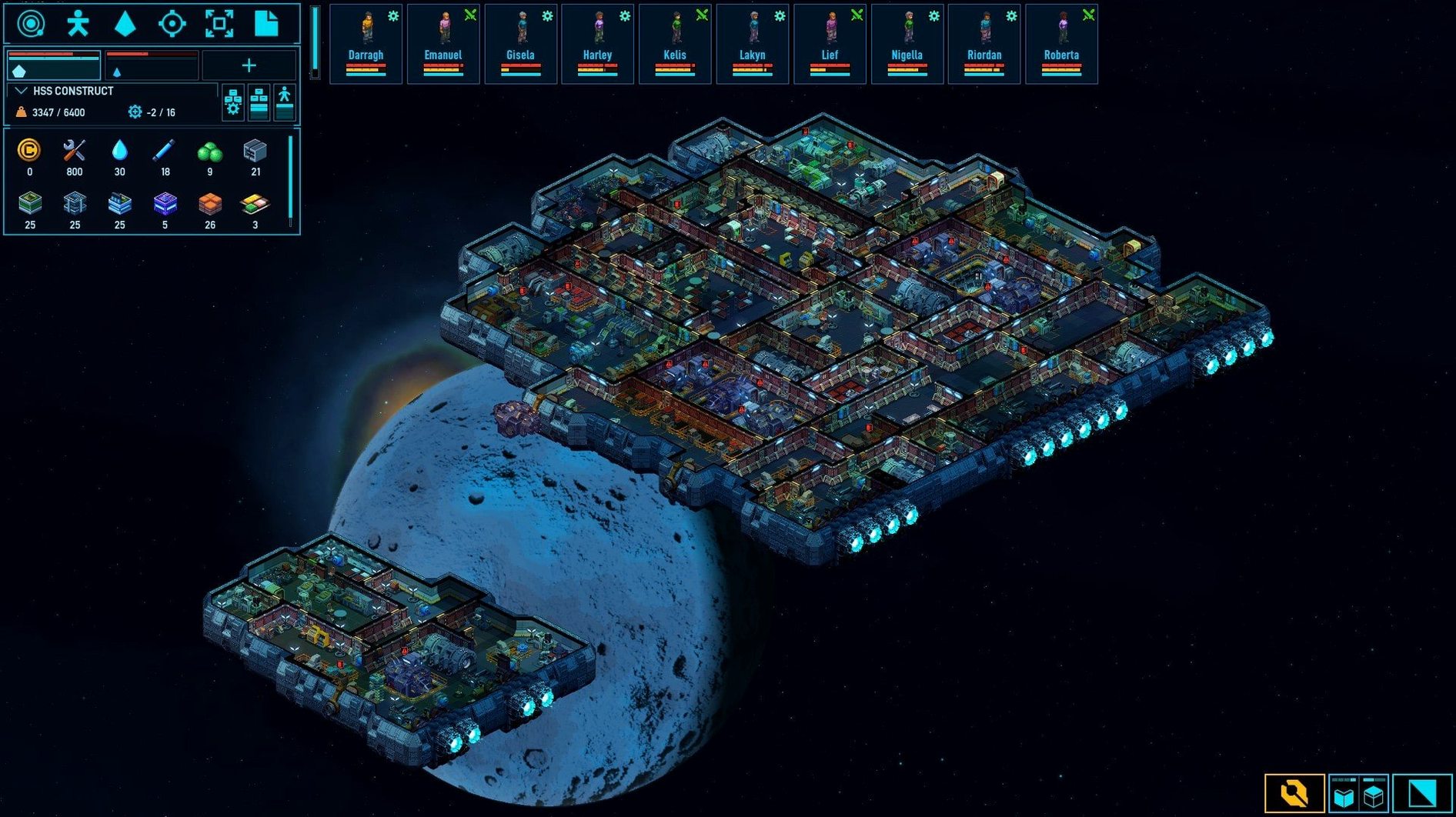
The Hyperspace Jump button now warns you if a crew member is in danger without ISP pills. That sort of detail defines Space Haven. It’s a colony simulation where you design ships tile by tile, manage oxygen and CO₂, and keep a crew fed, rested and sane. Every new run spins up a random galaxy of planets, stations and faction ships to visit or fight. Aliens can immobilise and capture your people. Noise, toilets, beds and comfort all feed into mood — miss one, and things unravel quickly.
- Ship construction happens on a grid; place hull blocks, doors, power nodes and life support yourself.
- Crew management tracks sleep, food, mood and bladder needs in real time.
- Galaxy map shows planets, asteroids, derelicts and faction vessels you can board or trade with.
- Oxygen and carbon dioxide levels are simulated per tile; a hull breach drains breathable air fast.
- Combat includes aliens that stun and capture crew — stunned enemies now pick up more cleanly for healing.
- The macOS build runs natively on Apple Silicon and Intel, tested on macOS Tahoe with an M4 Mac mini.
Performance on a recent Mac is smooth even with large ships and full oxygen simulation running. The interface works well with a mouse and keyboard — no controller needed. Docking position detection for derelicts and claimable ships also got a fix in the latest update, so boarding actions feel less fiddly.
Starting a new colony: a task workflow
- Pause the game immediately after the galaxy loads.
- Open the build menu and sketch a small hull — six tiles wide, four deep. Keep it compact early.
- Place the life support unit first. Then a power node, then a bed for each crew member.
- Add a toilet near the back wall. Check the overlay for the comfort zone radius.
- Build an oxygen generator and a CO₂ scrubber in opposite corners. Watch the gas overlay before you unpause.
- Unpause and assign two crew to construction. Switch the third to haul cargo from the starting resources.
- When the hull is sealed, check the temperature overlay. Add a heater if the cold icon appears.
- Open the galaxy map and set a course to the nearest asteroid field — mining gets you raw materials fast.
A cramped ship with stacked comfort zones runs better than a leaky hull
Keep your initial ship small. Large layouts drain power and oxygen faster than your three crew can manage. A cramped starter ship with overlapping comfort zones beats a spacious hull that leaks air.
Watch the mood panel before adding tasks. A crew member already edging into the red will snap under the stress of back-to-back construction orders. Build an arcade machine on day two — the comfort bonus is small but constant, and it stops idle crew pacing the corridors.
When you find your first derelict via the galaxy map, send only two squad members aboard. Leave the third on the ship to repair any damage from a sudden hull breach. Stunned aliens can now be picked up cleanly for healing, so a medic on standby pays off quickly.
If you grabbed the space haven download for macOS, mount the disk image and drag the app straight to Applications. Launch it from Launchpad once the copy finishes. The game saves locally and runs offline — no activation steps after the initial setup.
- Hyperspace jump confirmation now shows a warning when crew are in danger because they lack ISP pills.
- Picking up stunned enemies for healing works more reliably after the pickup logic was changed.
- Docking position detection improved for derelicts and claimable ships.
- Tested on macOS Tahoe
- Apple Silicon or Intel Mac
- DRM-free build









Comments 0
Sign in or create an account to add a comment.
No comments yet. They go up after moderation.