

Solasta: Crown of the Magister — Mac download
Ticked
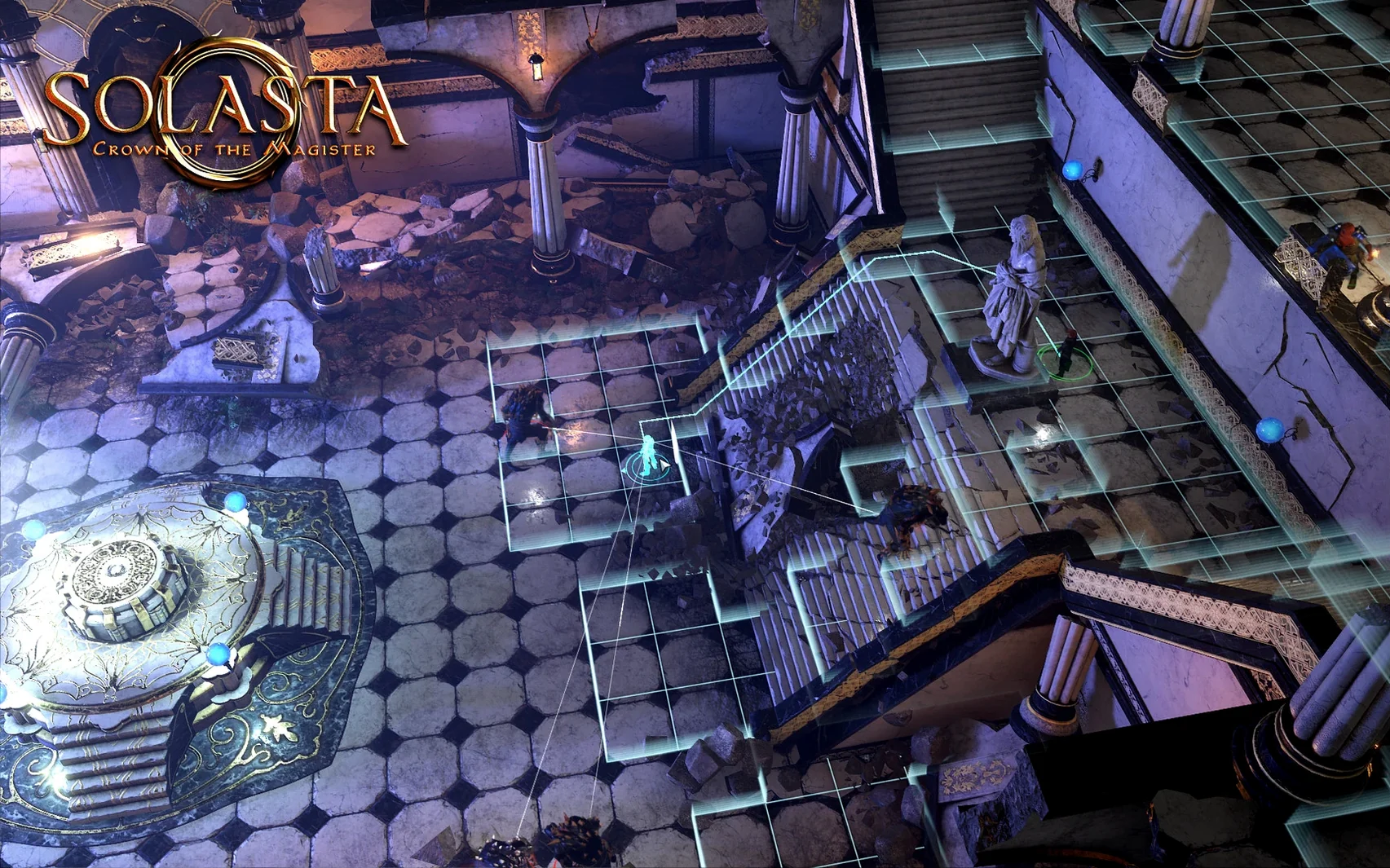
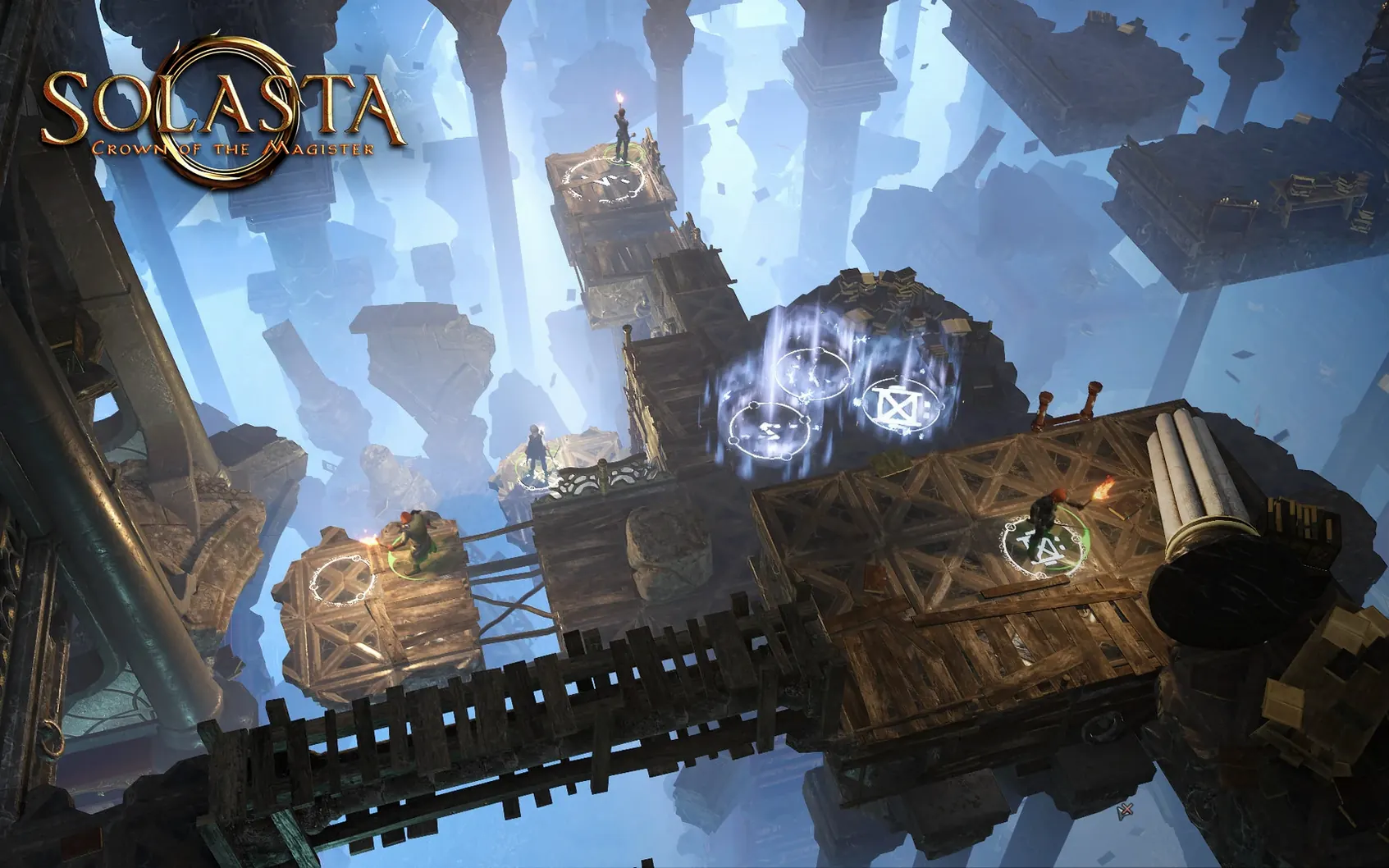
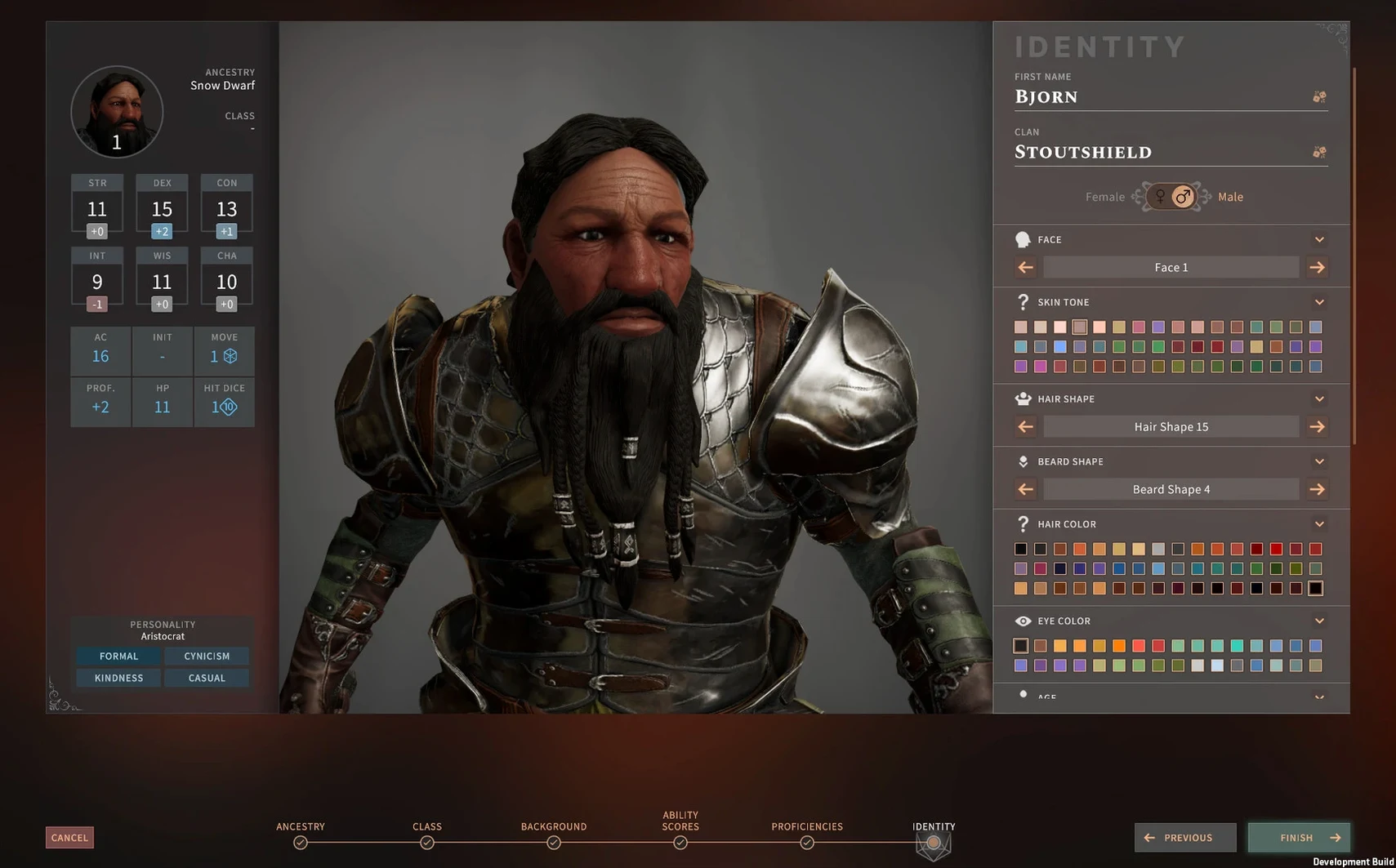
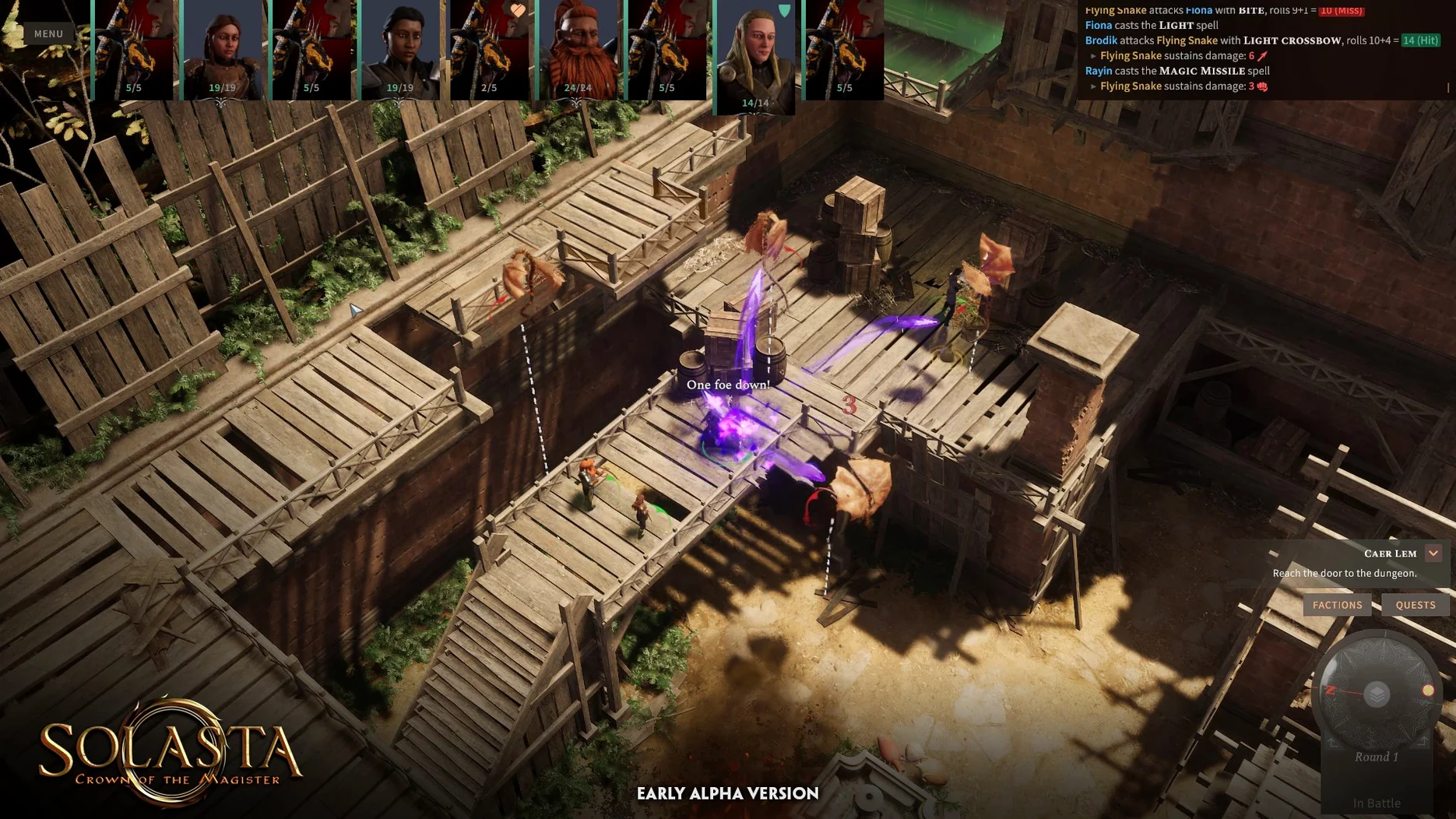
Climbing walls, crawling through tunnels, flying over gaps — Solasta builds its encounters around vertical space, not just flat grids. The build covered here is version 1.5.97 fix, tested on a MacBook Air (M1, 2020) running macOS Sequoia.
M1 Air fans spin up in big fights
The Mac version runs on both Intel and Apple Silicon. On the M1 Air it holds up, though expect the fan to work during larger battles. Controls map cleanly to keyboard and mouse; camera rotation and grid targeting feel deliberate rather than twitchy. Pushing enemies into abysses stays satisfying every time.
Your party comments on story choices in English
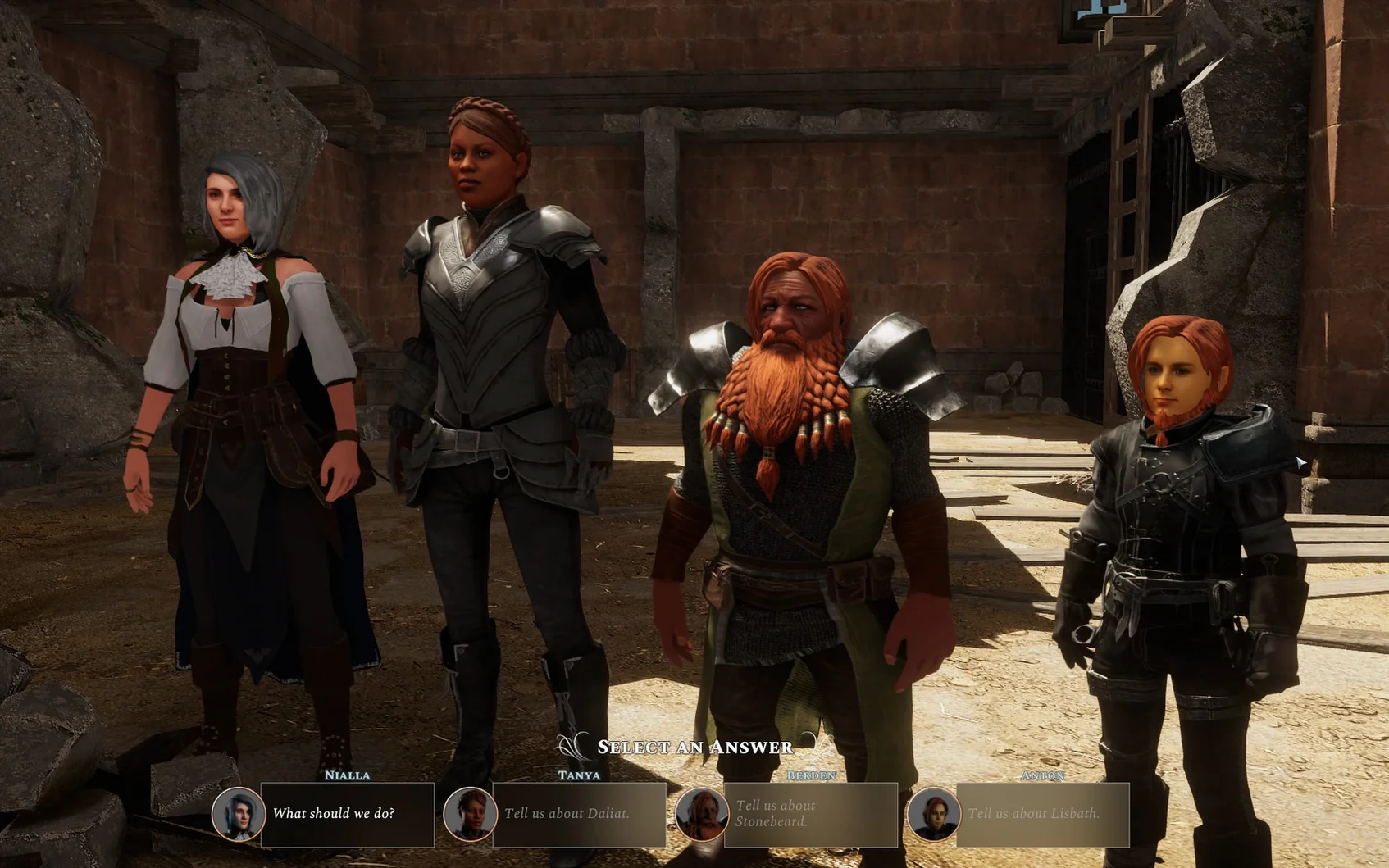
Choices in actions and dialogue shift the story as you go, and your heroes comment on events in English voice lines. Interface languages include Russian, German, Simplified Chinese, Portuguese and French. It is a slow-burn tactics game — plan turns, manage light and positioning, then watch the dice decide.
Torchlight flickers on wet stone as you load a ruined keep
You open the saved campaign from the main menu. The party stands at the mouth of a ruined keep, torchlight flickering on wet stone.
- Check the party panel. Quick glance at hit points, spell slots, rations. The cleric has one Bless left. The rogue’s torches are low.
- Scout ahead. You switch to the rogue, activate Cunning Action for bonus movement, and creep into the shadows. A perception check triggers — failed. A pack of skeletons animates in the next chamber.
- Position before initiative. You pull the rogue back to the choke point. Fighter and paladin take the front line. Wizard hangs back on a ledge, ready with Magic Missile. The ranger climbs a broken pillar for height advantage.
- Combat starts. Turn order snaps into place at the top of the screen. You spend a full minute deciding whether the paladin should smite now or hold the slot. Dice roll, hit lands, damage flashes. A skeleton fails its save against Sacred Flame and crumbles.
- Vertical play kicks in. The ranger spots a crumbling wall and uses it to gain a higher vantage. Next turn, the wizard casts Thunderwave and sends two skeletons over the edge. The party survives with one character down — short rest time.
After the fight, you loot, check the quest log, and save. The session clock shows 45 minutes. It felt like 15.
Tap Home twice when the camera clips through walls
- Camera clipping through walls. Happens in tight corridors and multi-level ruins. Tap the Home key twice to snap the camera back to the active character. Adjusting the rotation speed in settings helps too.
- Party stuck on geometry. A character slides into a rock or a fallen pillar and won't move. Use the fast-travel option from the map screen, even if you're only a few metres away. If that greyed out, switch to another party member and push the stuck character with movement commands.
- Dice rolls feel punishing. The RNG uses the D&D 5e ruleset faithfully. That means streaks of low rolls happen. Keep Guidance and Bardic Inspiration on your action bar and use them before crucial checks. Light also affects combat rolls — torches and the Light cantrip matter.
- Performance drops during large battles. On the M1 Air, try lowering shadow quality one notch. Close the character sheet during enemy turns — it reduces the UI redraw load. The solasta crown of the magister for mac free download build includes all the optimisation patches up to 1.5.97 fix, so no extra tweaking is needed beyond that.
- macOS: tested on macOS Sequoia
- Architecture: both Intel and Apple Silicon
Questions the team asks
Yes. The build was tested on a MacBook Air (M1, 2020) running macOS Sequoia, and the Mac version supports both Intel and Apple Silicon.
Interface languages include Russian, English, German, Simplified Chinese, Portuguese and French. Voice language is English.
Characters can climb walls, crawl through tunnels, fly, and fall, which opens up vertical tactics in combat and exploration.









Comments 0
Sign in or create an account to add a comment.
No comments yet. They go up after moderation.