

Sid Meier’s Civilization VII — Mac download
Download (18 GB) Earlier builds
Ticked
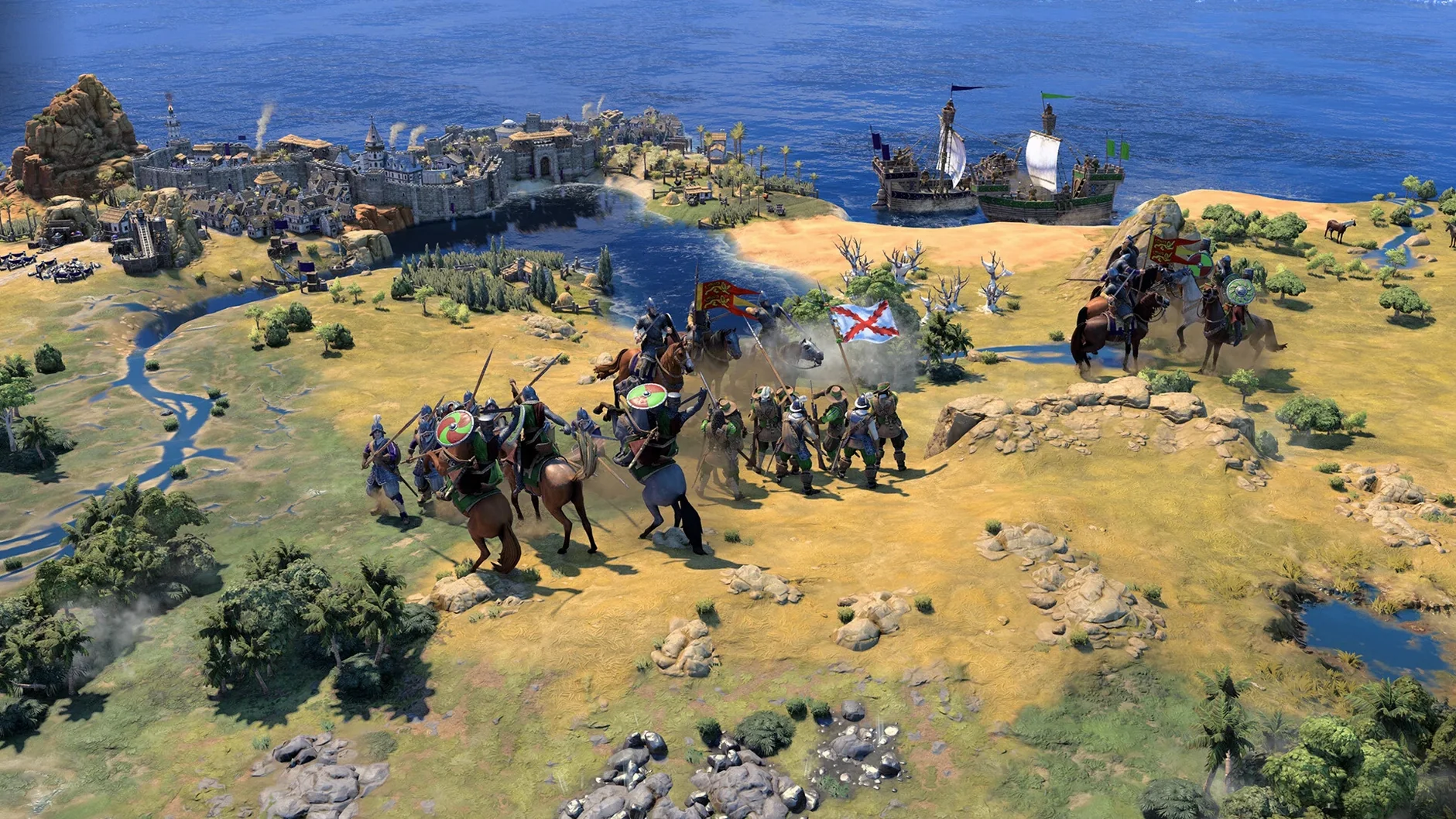
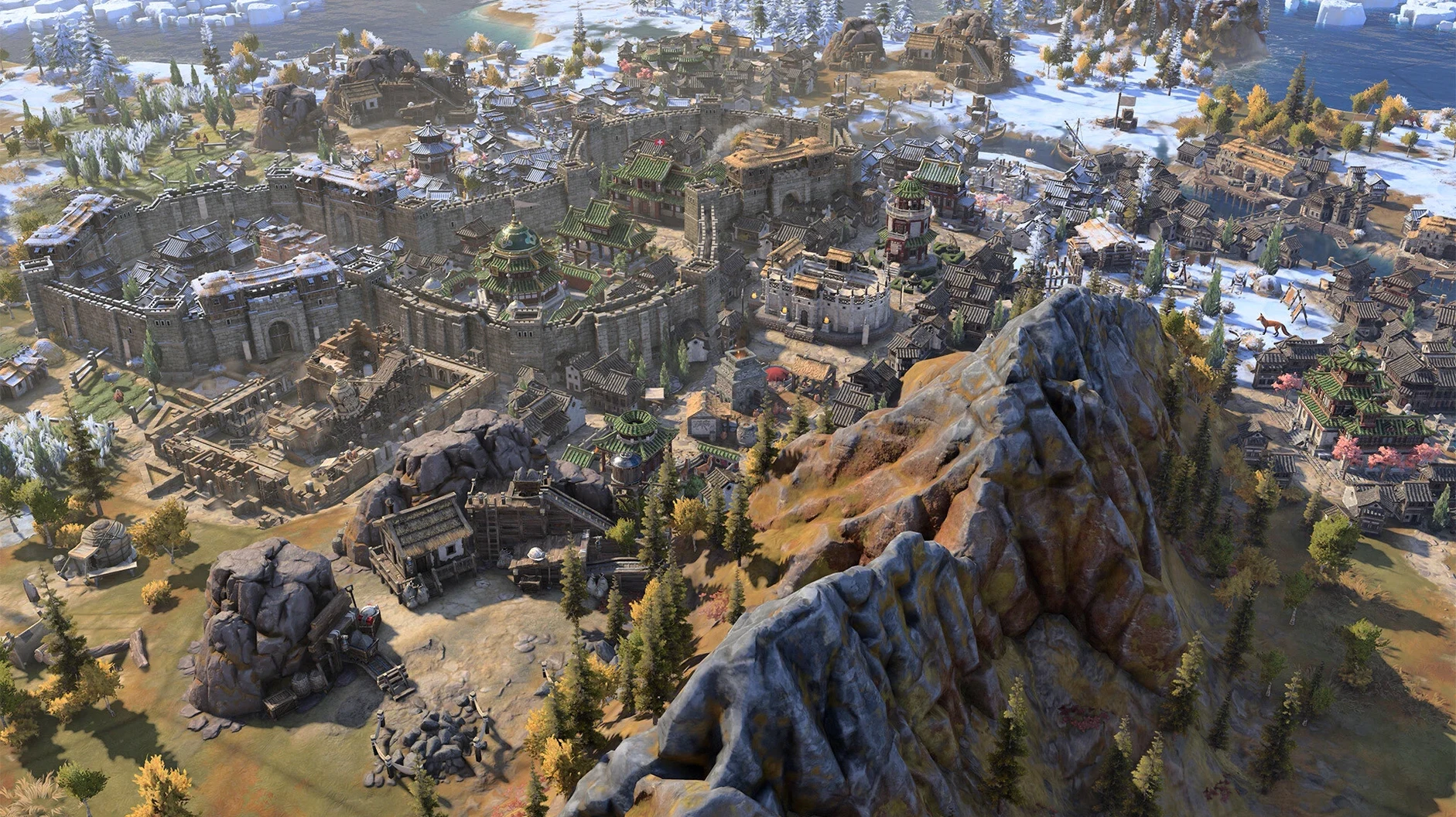
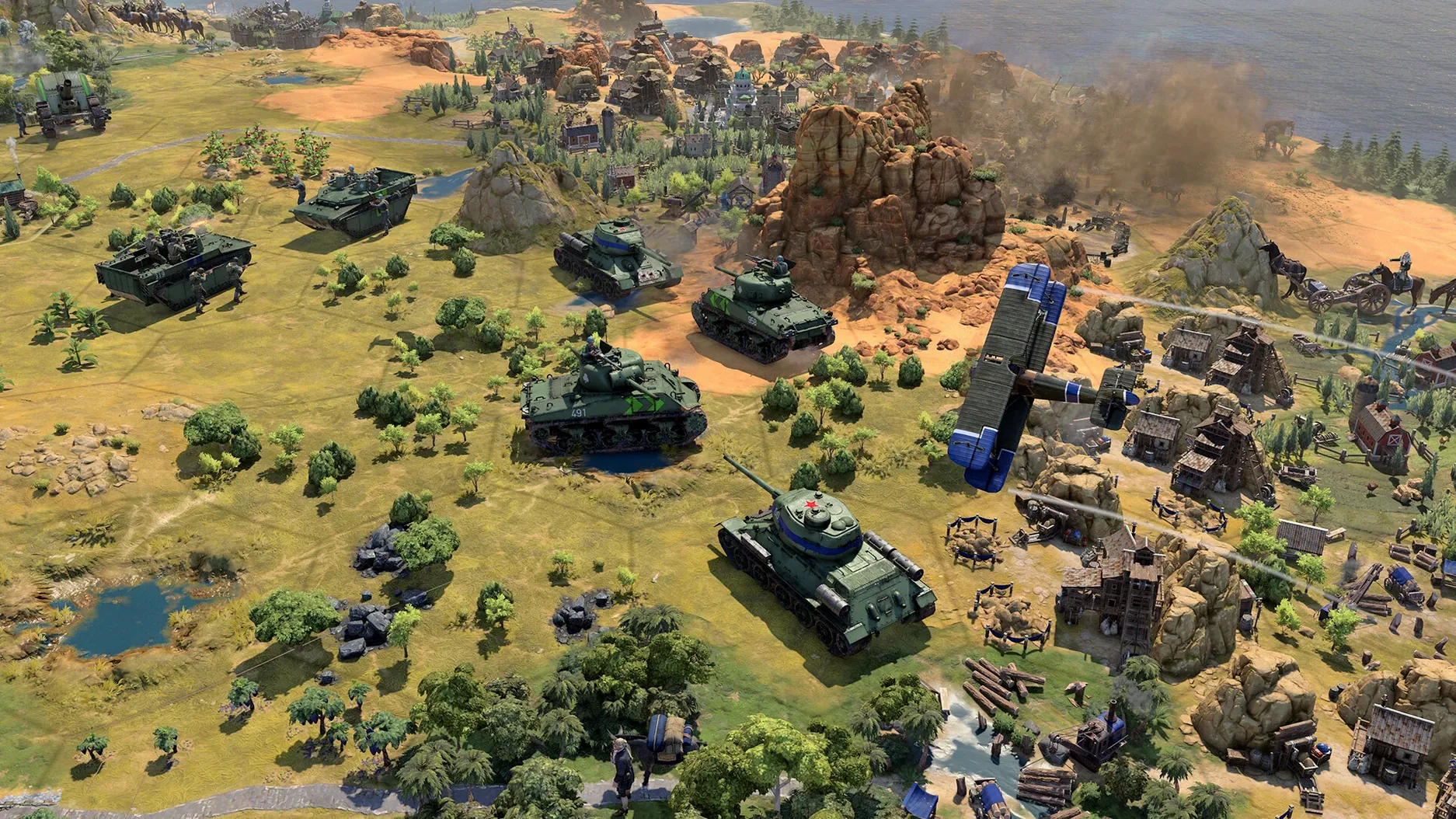
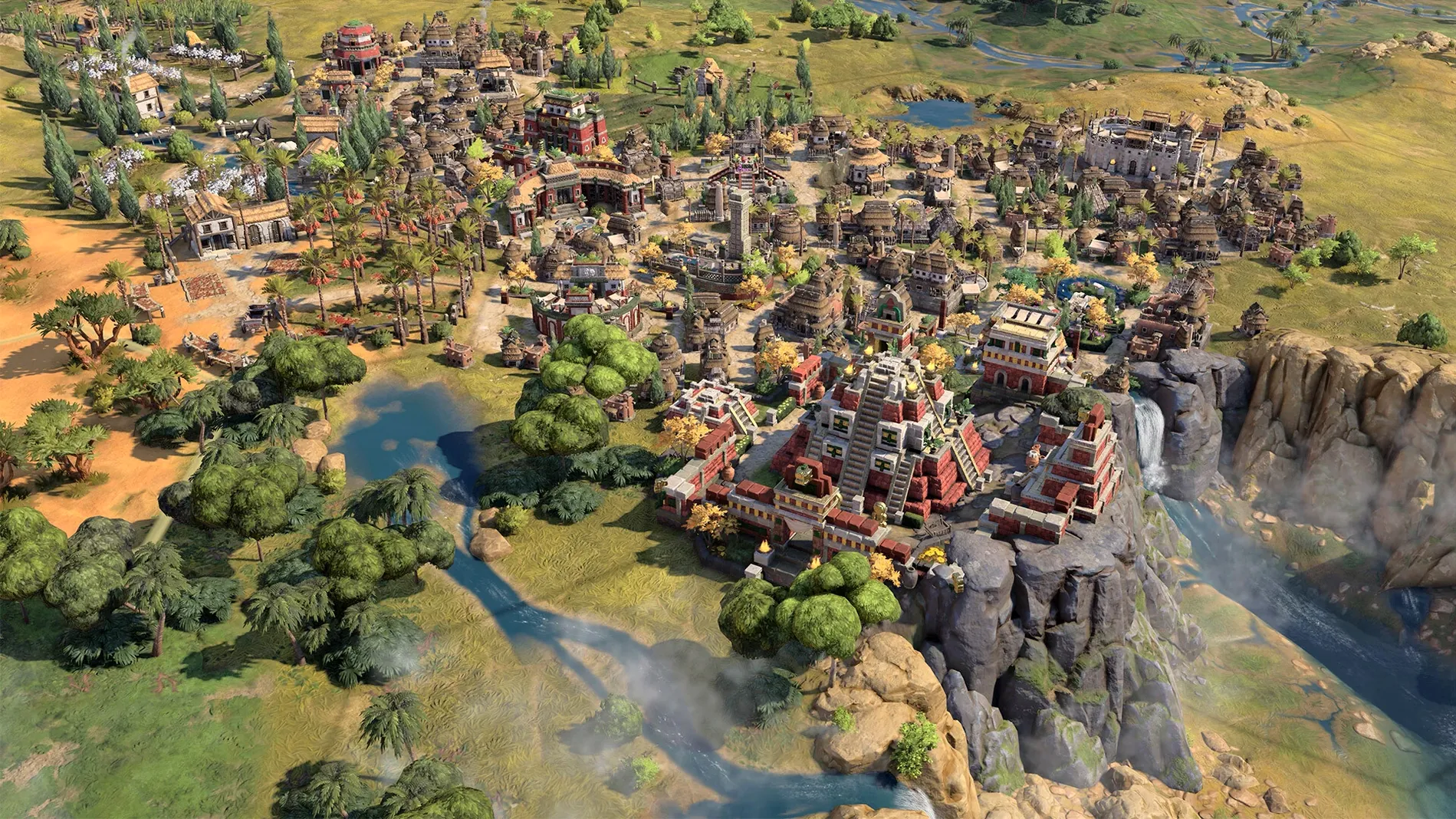
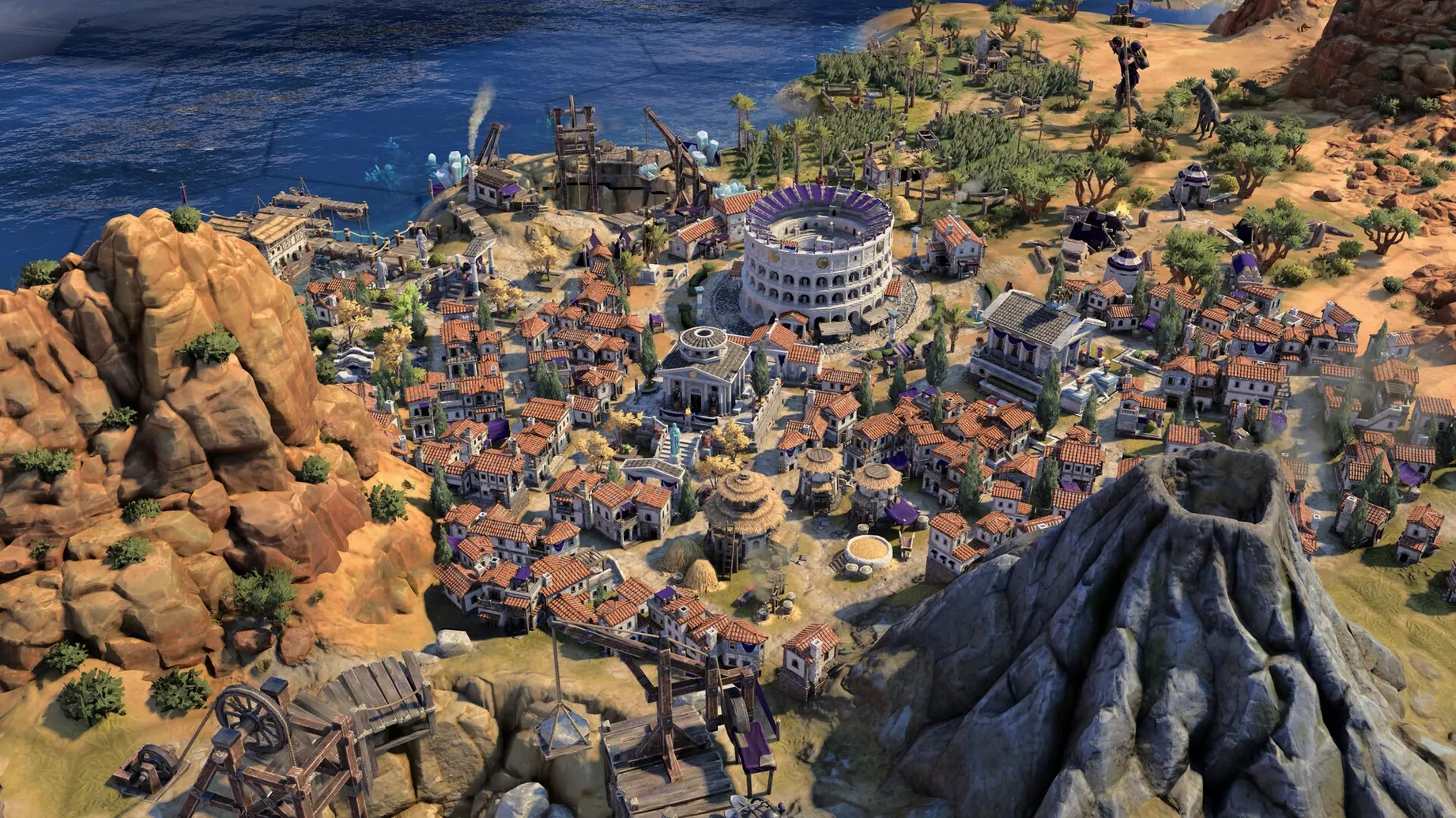
Grand strategy can feel impenetrable. Too many systems, too little guidance, and you are staring at a map without a clue. Civilization VII works hard to solve that. Firaxis rebuilt the onboarding so new players get clear direction without drowning in menus, while veterans find deeper combinations in leader abilities and era transitions.
The core loop is building an empire through distinct historical stages. Your civilisation does not stay static. As you move between eras, conditions shift and new benefits open up. Leaders carry special traits you can improve and combine, which means each playthrough feels less like a repeat and more like a fresh experiment. The world reflects your choices too — architecture and unit designs match your cultural style.
This game suits the patient strategist who enjoys long-term planning with clear feedback. It also works for the curious newcomer who bounced off earlier entries. The Apple Arcade edition delivers the full base game without compromise, and on Apple Silicon Macs the experience holds up well in testing on macOS Tahoe.
It is not for the player who wants quick, reactive combat. Turns are deliberate. Decisions compound over hours. If you need constant action or short session times, this is the wrong map. But if shaping a civilisation's path across centuries sounds like a good evening, you have found your game.
Fits with your other tools
Civilization VII plays well with standard macOS features. Mission Control handles the game without fuss when you need to check a guide or switch to Discord. Spotlight search finds the app instantly. Stage Manager keeps the game in its own space while you run a browser tab for the wiki or a notes app for your build order.
Steam and cloud saves
- Steam version syncs saves across Macs. Start a game on a Mac mini, continue on a MacBook Air.
- Steam Workshop support means mods and map scripts stay organised without manual file management.
- Screenshots land in your Steam library, ready to share or review later.
Things to pair
- Notes or Obsidian — keep a running log of leader choices, city states, and tech paths.
- Discord — voice chat for multiplayer turns with friends.
- Mission Control spaces — separate the game from reference material.
Workflow: planning a True Start Location run
Update 1.5.0 adds the True Start Location Earth map. Here is a clean way to set up a run and keep momentum through the early game.
- Launch the game, choose Single Player, then pick the True Start Location Earth map script.
- Pick a leader whose bonuses match a region you know well. If you want less early pressure, pick a civilisation with coastal access and a mountain range nearby.
- Set game speed to Standard. Longer speeds stretch the Ancient Era; shorter speeds compress decisions you want time to weigh.
- Open Notes and write three lines: first city placement plan, first tech target, first leader ability upgrade.
- Start the game. Scout with a warrior first. Send a second unit along the coast if the map shows water nearby.
- At each era transition, re-read your three lines. Adjust them. The era change rewrites conditions, so your first plan rarely survives intact.
- Use Mission Control to check the wiki when a wonder or civic is unclear. Keep the game fullscreen, reference in another space.
- Save at the start of each era. The 1.5.0 crash fixes help, but a clean save before transitions protects long sessions.
This loop works for any map, not just True Start Location. The key is writing down targets before you play. Without a checklist, a turn-based empire drifts. With one, every session has a direction.
- Apple Silicon Mac
Questions the team asks
Update 1.5.0 introduces the True Start Location Earth map, late-game Modern Age stability fixes, and a fix for input lag when using mouse and keyboard together.
Yes, the interface is available in Russian, English, German, Spanish, Italian, Traditional Chinese, Simplified Chinese, Korean, Polish, Portuguese, French, and Japanese.







Comments 0
Sign in or create an account to add a comment.
No comments yet. They go up after moderation.