

Shapez 2 — Mac download
Ticked
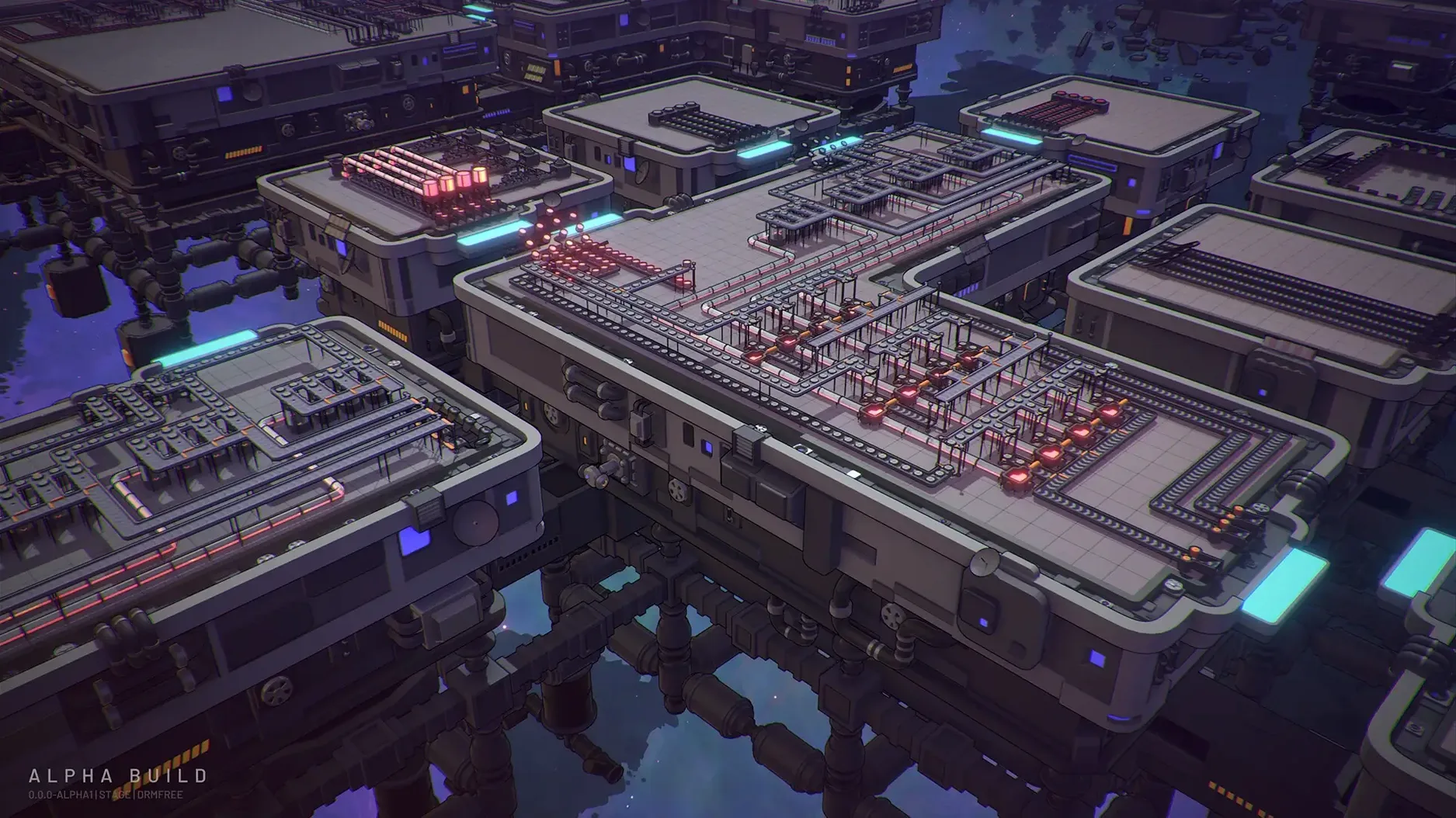
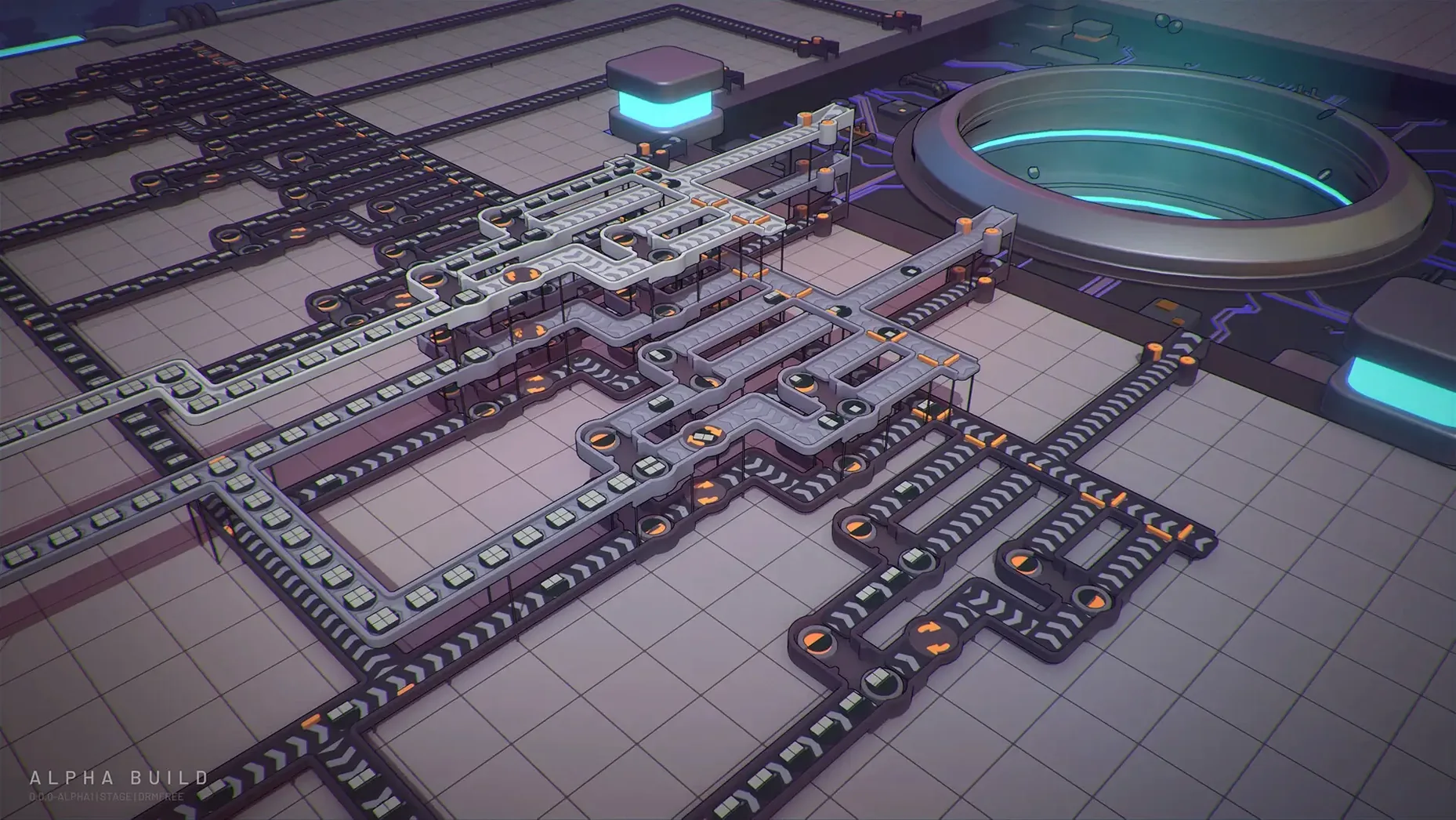
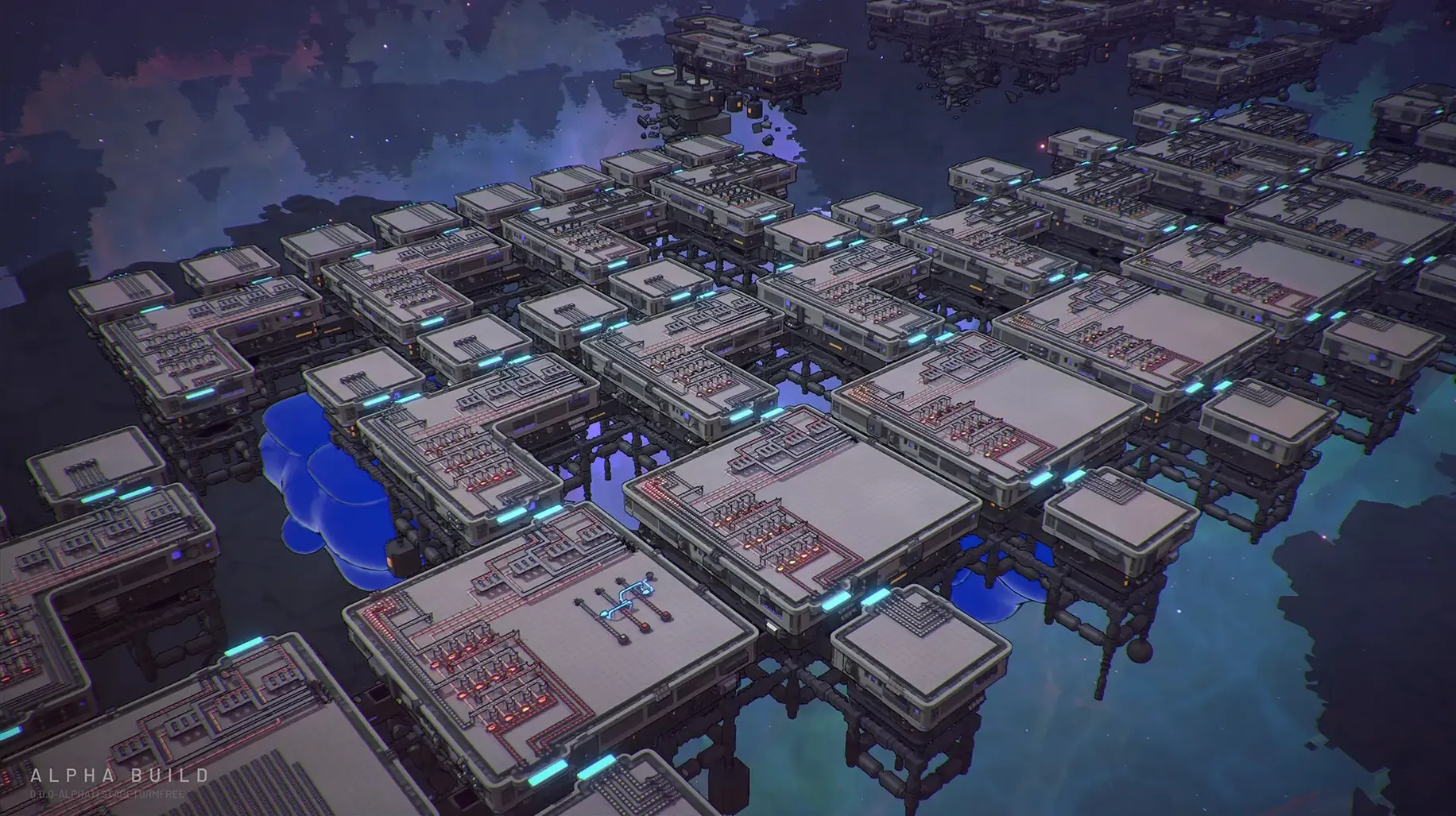
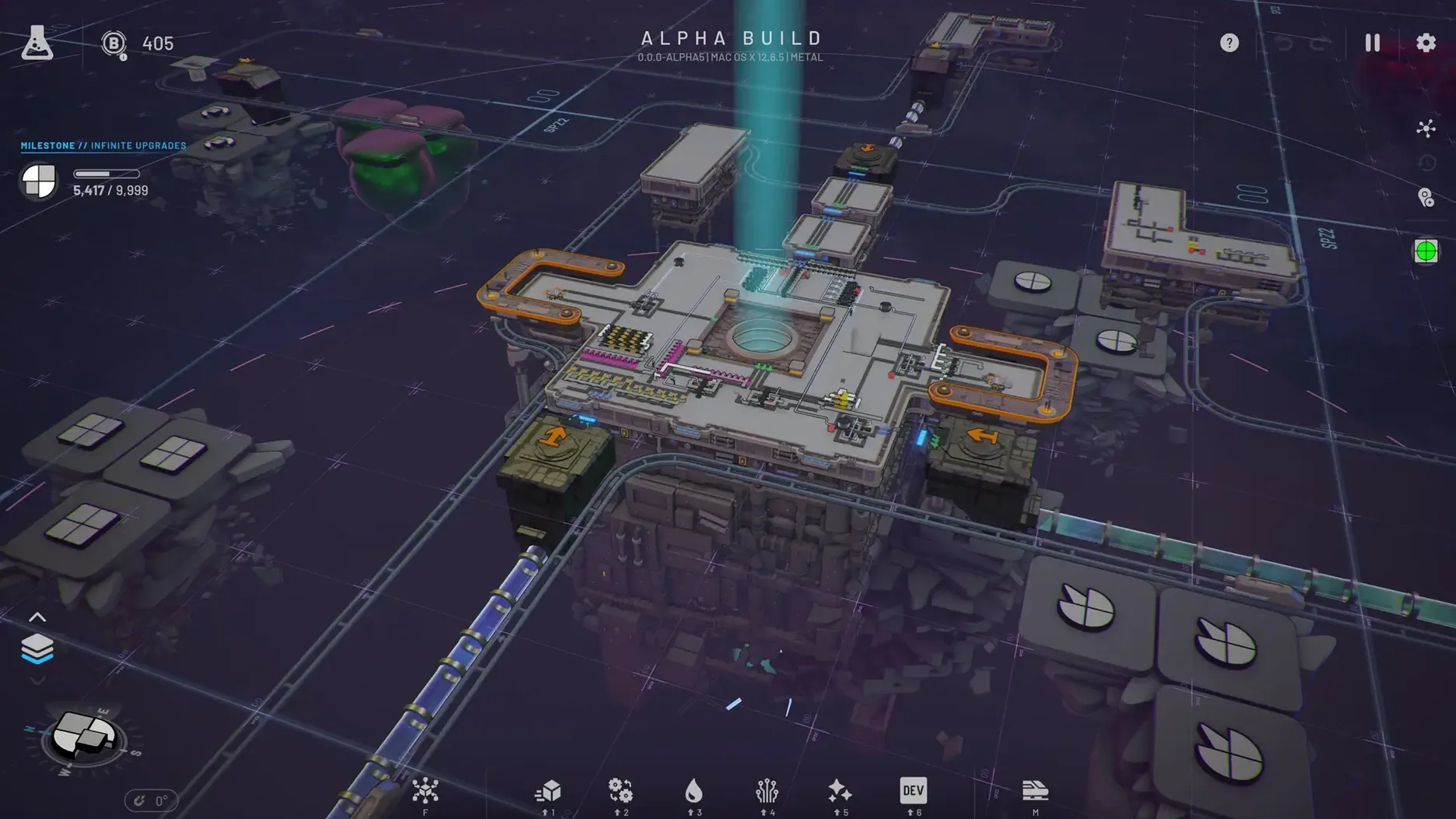
A conveyor belt stalls. A stack of half-cut circles blocks the line. You zoom out, trace the fault back to a splitter set one tile too far left, then drag it into place. The shapes start moving again.
Design the production line
Every task asks for a specific shape output. You pull raw geometry from extractors, then route it through cutters, rotators, stackers and painters. The layout is your puzzle to solve.
Unlock the next upgrade
The research tree gates new buildings, mechanics and throughput upgrades behind completed production goals. Each unlock opens tighter, faster factory designs.
Unwind a mistake
Over 50 undo and redo steps let you backtrack bad belt placements without losing progress. Good for players who tinker and iterate, less engaging if you want story or combat.
First days with Shapez 2
A few habits save time early on.
- Bind blueprint keys straight away. The library holds every layout you will want to reuse — paste a full painting line instead of rebuilding it from memory.
- Work one layer up. Multi-level factories feel odd at first. Build the core beltwork on the ground floor, then use the level above for crossing lines and liquid routing.
- Space trains look expensive, but unlock them early. They keep distant extractor stations fed without a kilometre of parallel belts.
- Name your saves by the shape goal, not the date. You will jump between task lines often.
- Leave an empty tile every five tiles. It makes later upgrades a drag-and-drop job, not a tear-down.
Dragging extractors onto square and circle patches
Step 1. Open the operator screen and check the current task. Say it asks for a two-layer shape: a painted square stacked on a half-circle.
Step 2. Drop an extractor on a square patch and another on a circle patch. Route both into a splitter array — one stream heads to a cutter, the other stays whole.
Step 3. The cut circle halves need a painter. Place one, link it to the liquid line, then merge the coloured half-circle and the square through a stacker.
Step 4. Watch the first few outputs. The stacker fires too fast — a backlog forms at the delivery point. Pause, drop a belt balancer, and the rhythm settles.
Step 5. Target rate met. The research tree pings a new upgrade. You grab the blueprint of the painting line, save it with a clear name, and pull the unlock. Next task loads. The factory shifts again.
- Moved the game to Unity 6.
- Added blueprint migration.
- Improved performance and stability, especially on macOS and Linux.
- Added game version and modded-status information to the operator level screen.
- Tested on macOS Tahoe
- Apple Silicon or 64-bit Intel processor







Comments 0
Sign in or create an account to add a comment.
No comments yet. They go up after moderation.