

ACDSee Photo Studio — Mac download
Download (441 MB) Earlier builds
Ticked
If you know Adobe Bridge
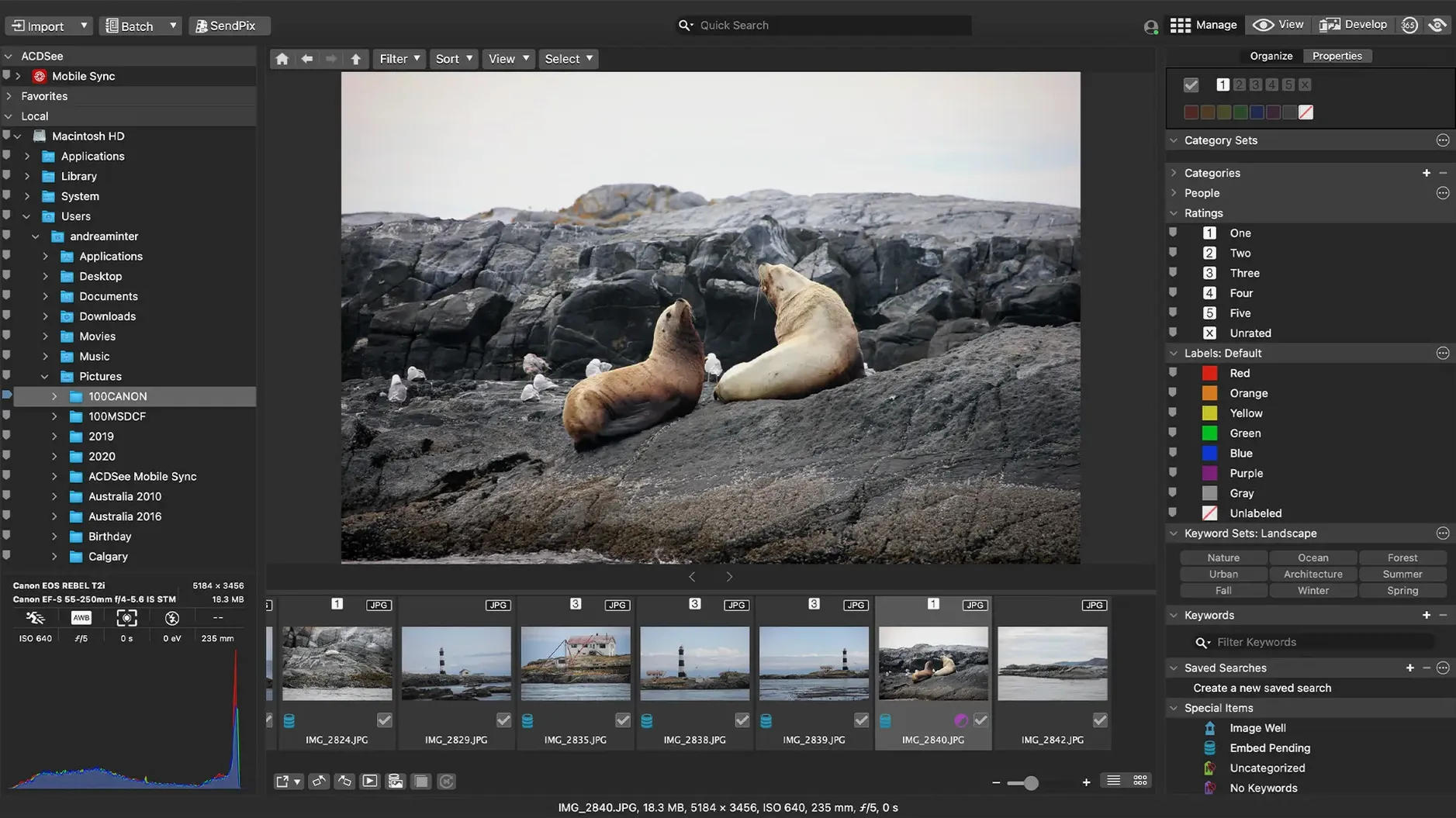
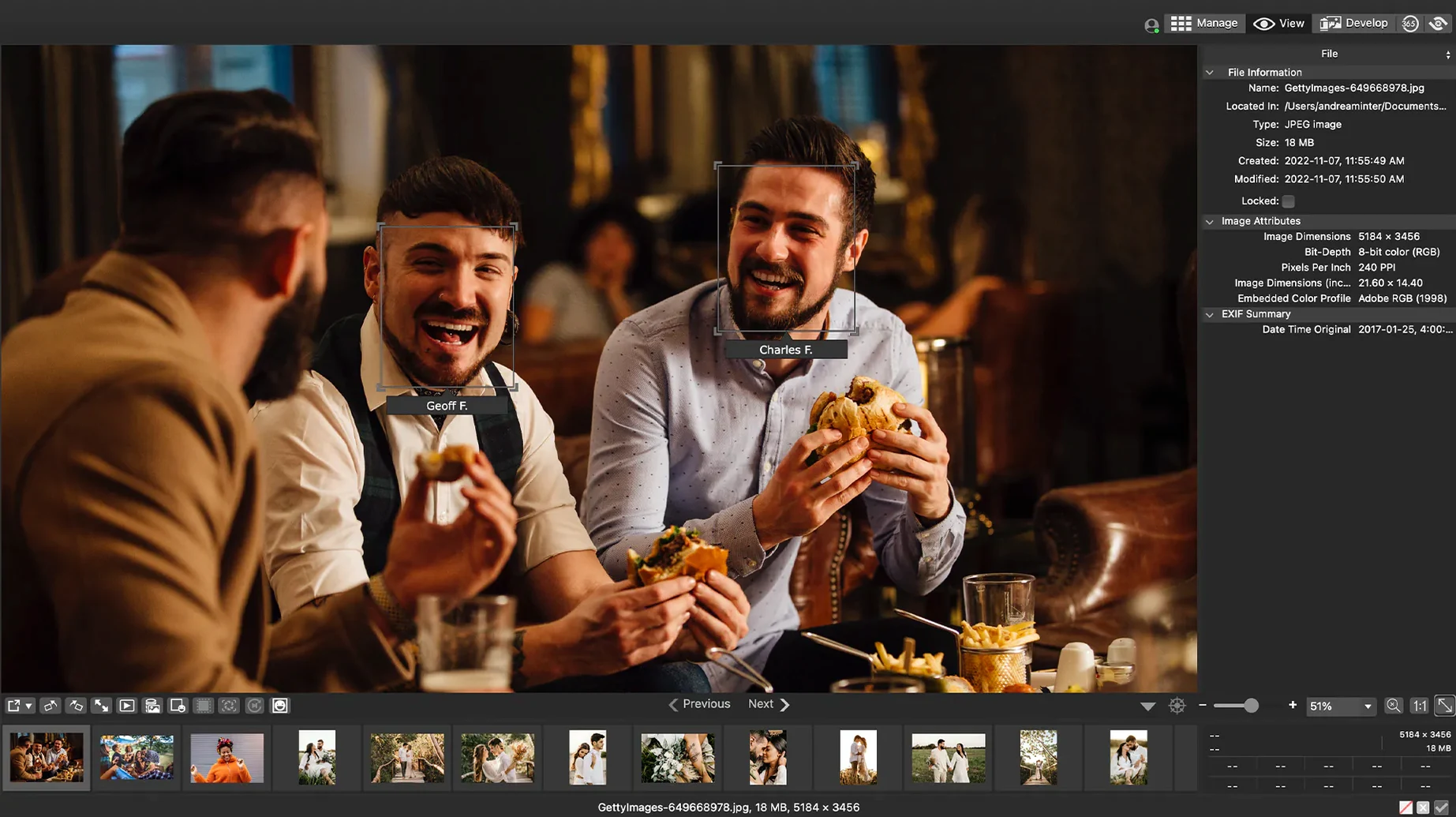
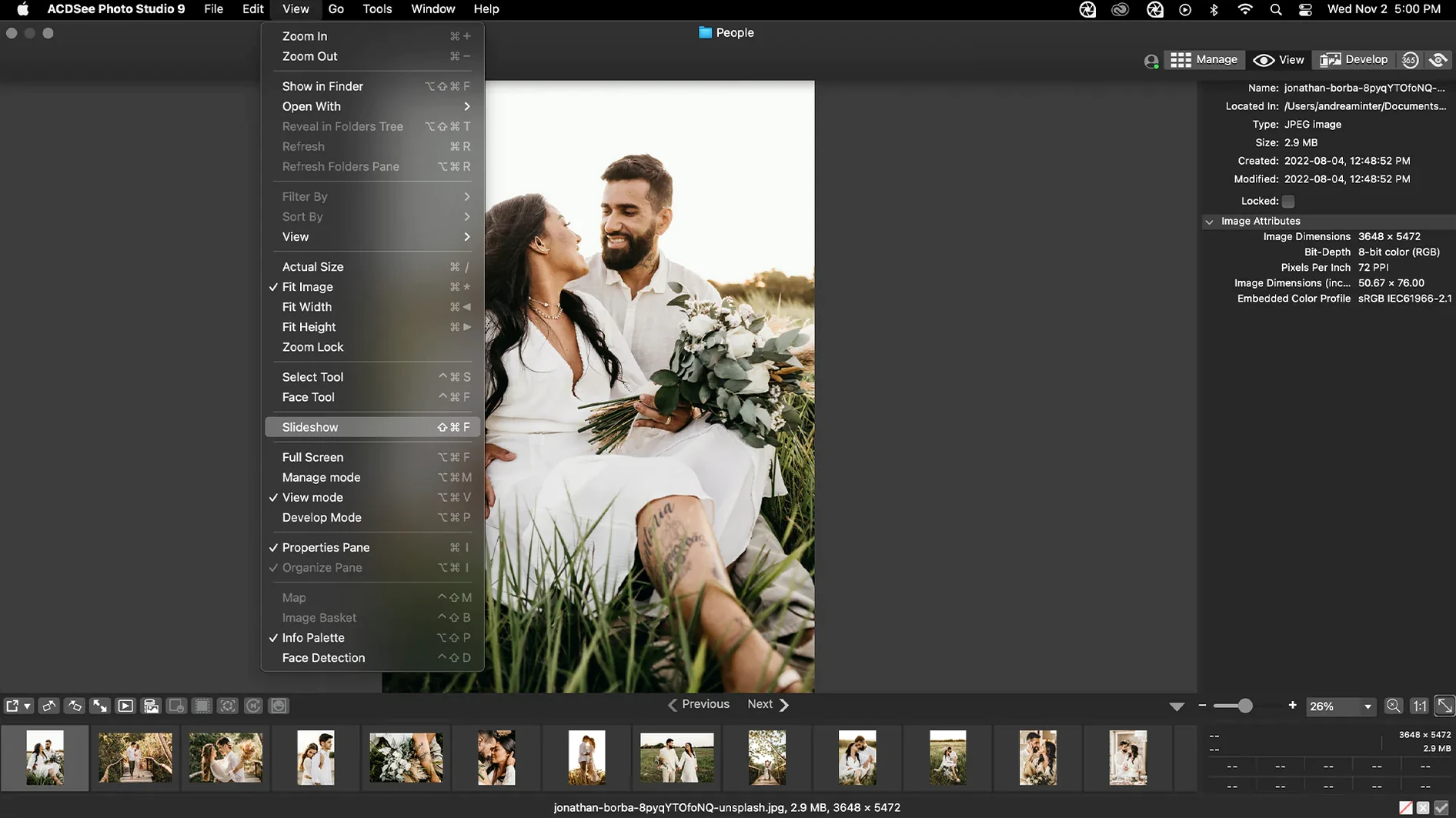
Think of ACDSee Photo Studio as a much faster, more capable Bridge. It manages your library and edits without bouncing between separate apps. The Mac version brings the same file-centric workflow ACDSee users have relied on for years.
What the workflow looks like
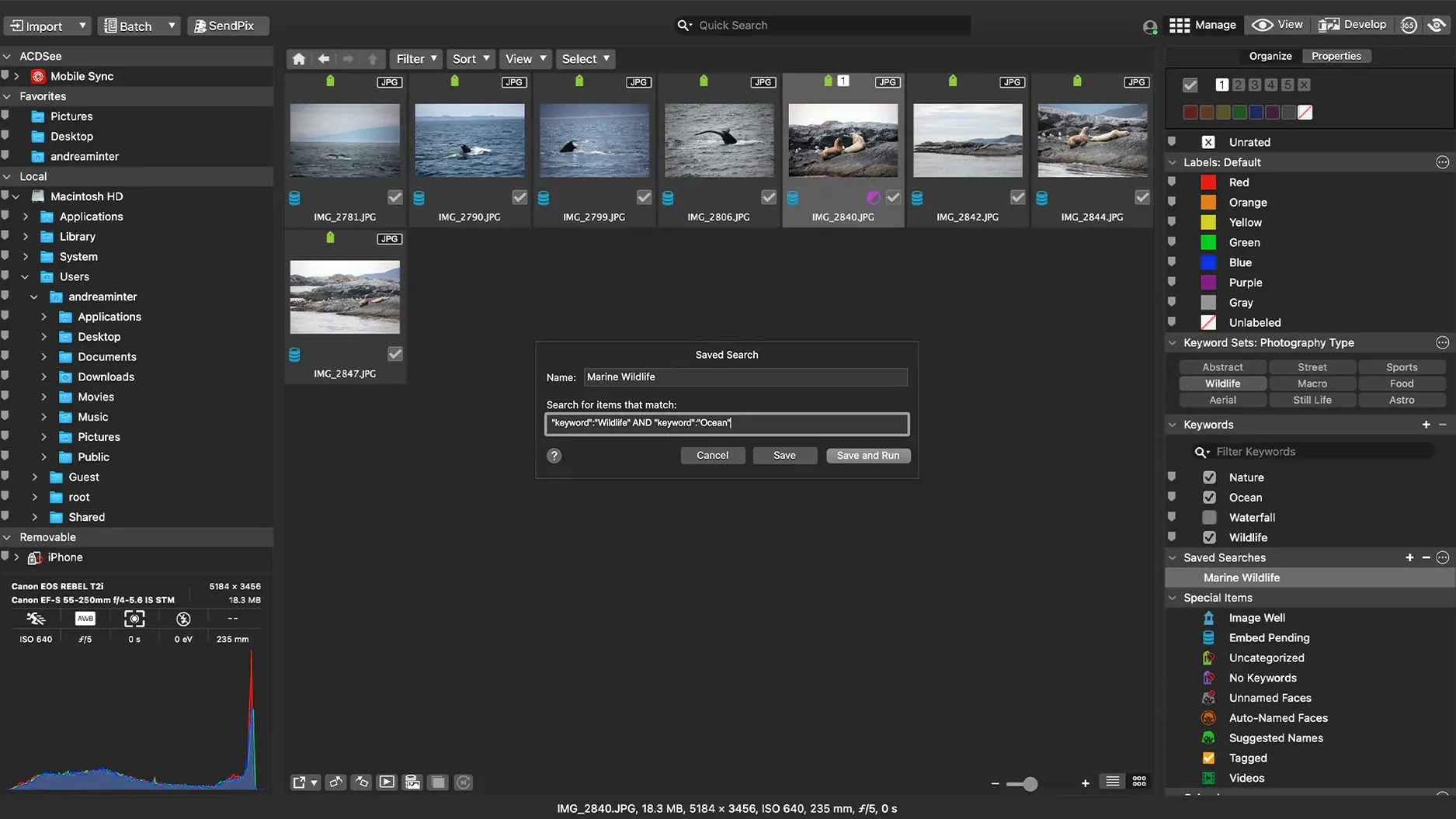
- Import and sort. Point the app at a folder or memory card. Sort by date, find duplicates, or drag and drop files straight into a search.
- Rate and tag. Edit EXIF and IPTC metadata directly in the browser. The latest version fixes a few keyword-editing rough spots and a crash tied to new categories.
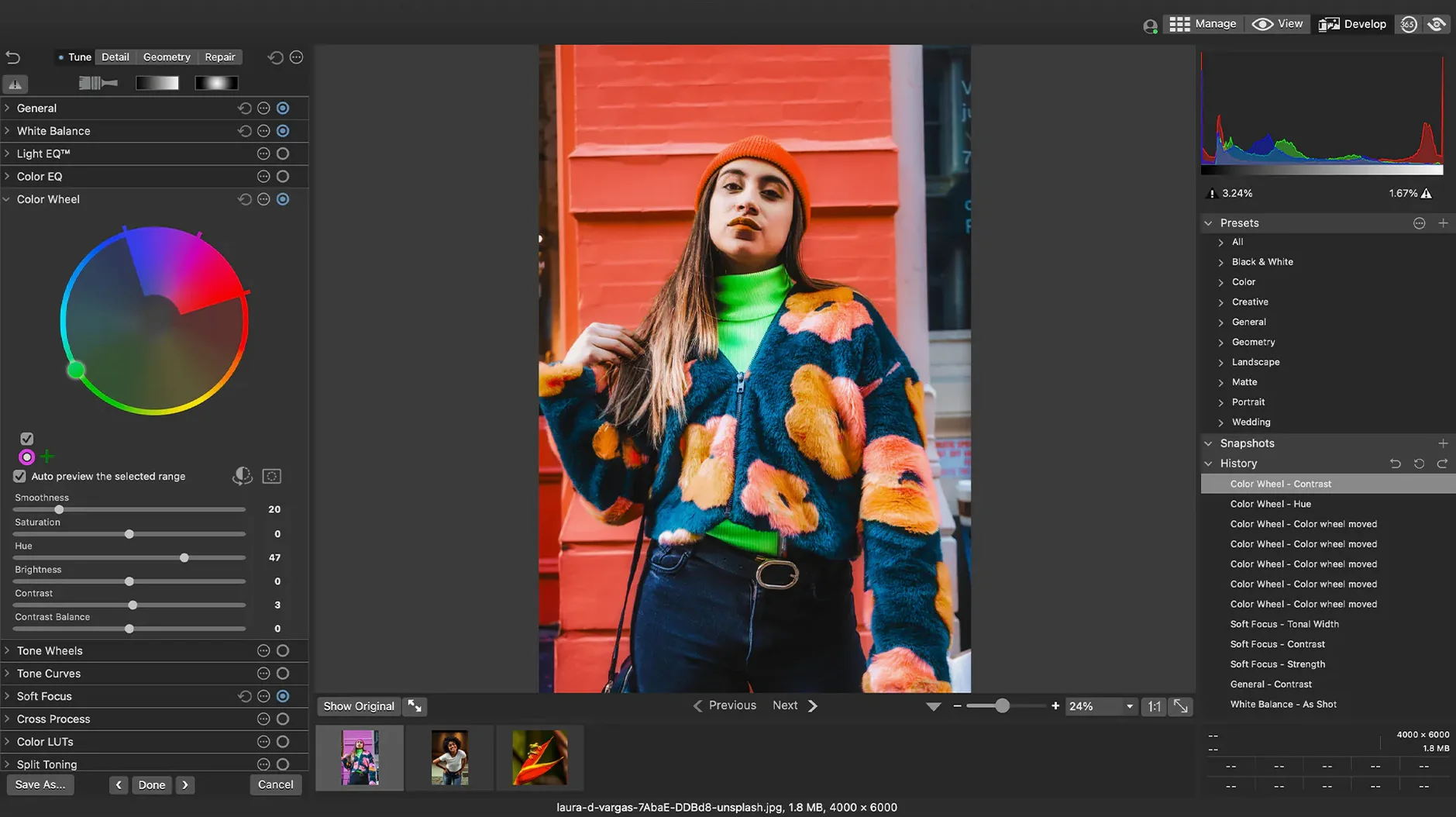
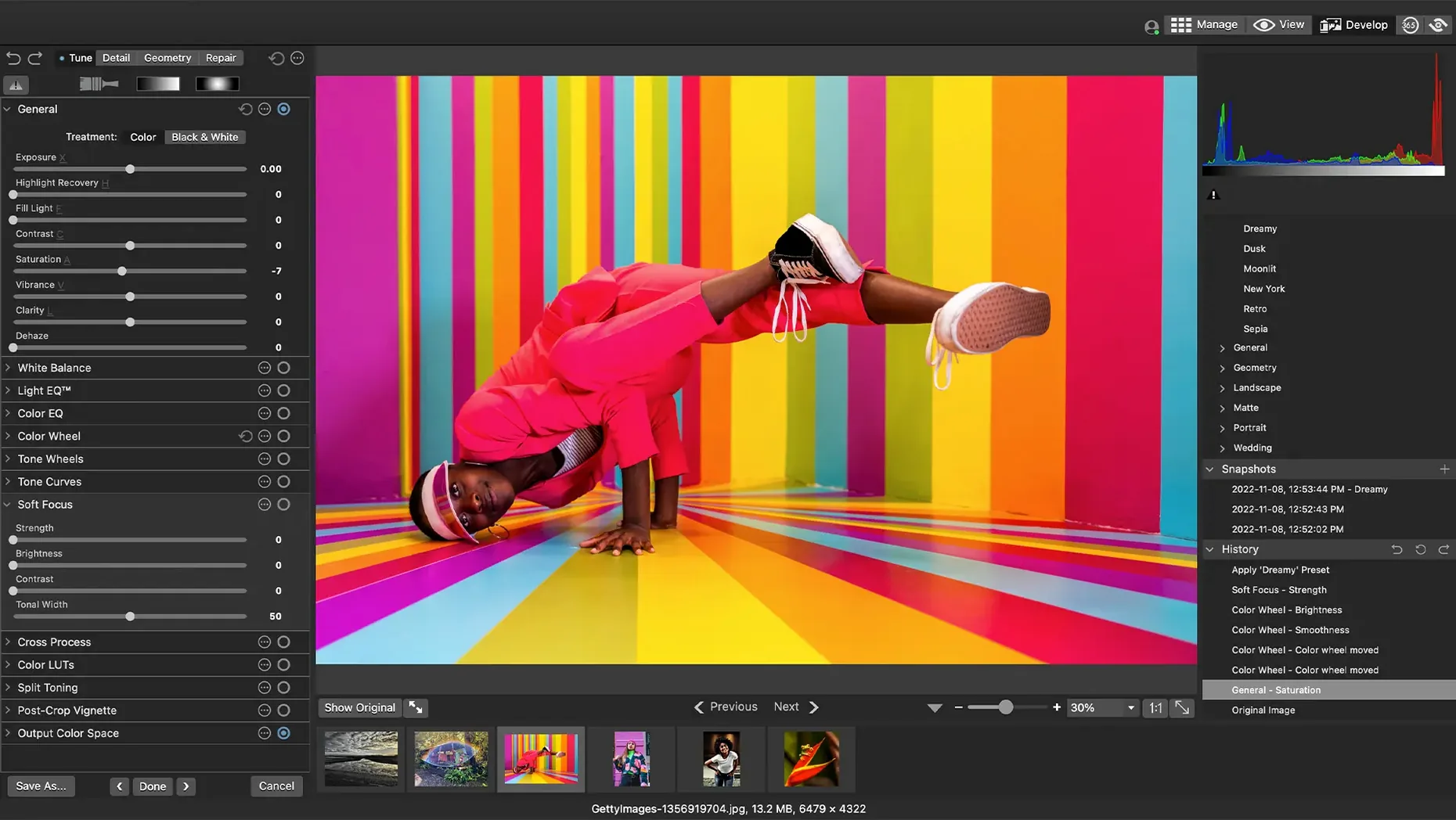
- Develop the keepers. Apply non-destructive adjustments to your selects. RAW support covers more than 450 camera models.
- Batch export. Set up custom batch presets for resizing, renaming, and format conversion before you share anything.
It runs natively on Apple Silicon and Intel Macs, requiring macOS 14 or later. Version 26.0.3 also tidied up a bug that misread RAW file ratings in certain scenarios and improved iCloud integration.
Browse NAS folders without importing first
Skip the Lightroom catalogue bloat
Lightroom forces a catalogue-based workflow. You import everything into a database before you can work. ACDSee Photo Studio reads folders directly from your drive — no import step, no catalogue bloat. The browse speed on large NAS folders is noticeably quicker in ACDSee. Lightroom's editing tools are deeper, particularly for colour grading and masking, but for culling and metadata work ACDSee feels more immediate.
Good for ACDSee: photographers who want fast folder browsing and hate catalogue management.
Not for ACDSee: anyone who needs Lightroom's AI masking and advanced colour tools.
Faster culling than Capture One
Capture One delivers superior RAW processing and tethering. Studio photographers will stick with it. ACDSee Photo Studio counters with faster asset management and a less cluttered interface. Batch presets in ACDSee are more flexible than Capture One's process recipes for complex rename-and-convert chains. Both handle IPTC metadata well, but ACDSee's duplicate finder and drag-and-drop search save real time during ingestion.
Good for ACDSee: high-volume shooters prioritising organisation speed over ultimate RAW quality.
Not for ACDSee: tethered studio work or critical colour-managed output.
Rate and batch-process RAWs that stall Finder
For quick checks, the built-in tools work. Once you hit a few hundred RAWs, Finder thumbnails lag and Preview cannot rate, keyword, or batch-process. ACDSee Photo Studio fills exactly that gap. If you have ever searched "acdsee for mac free" hoping for a Finder replacement that actually handles camera files, this is the step up.
Resolve the top friction points
Keywords and categories misbehaving
Version 26.0.3 fixed a crash when adding a keyword or category in certain scenarios, plus a bug where clicking away did not stop editing. If you still see odd behaviour, rebuild the database from the Tools menu. A stale preference file can also cause gremlins — quit the app and delete ~/Library/Preferences/com.acdsystems.photostudio.plist, then relaunch.
RAW files showing wrong ratings
The update corrected inaccurate reading of RAW file ratings in certain scenarios. Embedded ratings written by another app can still confuse the importer. If ratings look off, select the affected files and choose Metadata > Reload from File. This forces a fresh read of the sidecar or embedded data.
iCloud sync issues
Version 26.0.3 improved iCloud integration, but Photos library content stored in iCloud remains off-limits. ACDSee Photo Studio works best with files stored locally. If thumbnails stall on iCloud-synced folders, use Finder to force-download the originals before browsing them in ACDSee.
Gatekeeper blocking the install
Gatekeeper flags unsigned disk images. Mount the image and run the Open Gatekeeper friendly script, then press Enter in the Terminal window when prompted. Drag the app to Applications and open it once to complete the bypass. No further prompts appear after that first launch.
- Fixed a crash when adding a new keyword or category in a certain scenario.
- Fixed an issue where clicking away from a new keyword or category did not stop editing.
- Fixed inaccurate reading of RAW file ratings in certain scenarios.
- Fixed an issue with iCloud integration.
- macOS 14 or later
- Apple Silicon or Intel Mac
Questions the team asks
Yes. It provides RAW support for more than 450 camera models with non-destructive editing tools.
Yes. You can display and edit EXIF and IPTC information directly within the management interface.
Yes. ACDSee Photo Studio runs natively on both Apple Silicon and Intel-based Macs.








Comments 0
Sign in or create an account to add a comment.
No comments yet. They go up after moderation.