
CameraBag Pro — Mac download
Download (71 MB) Earlier builds
Ticked
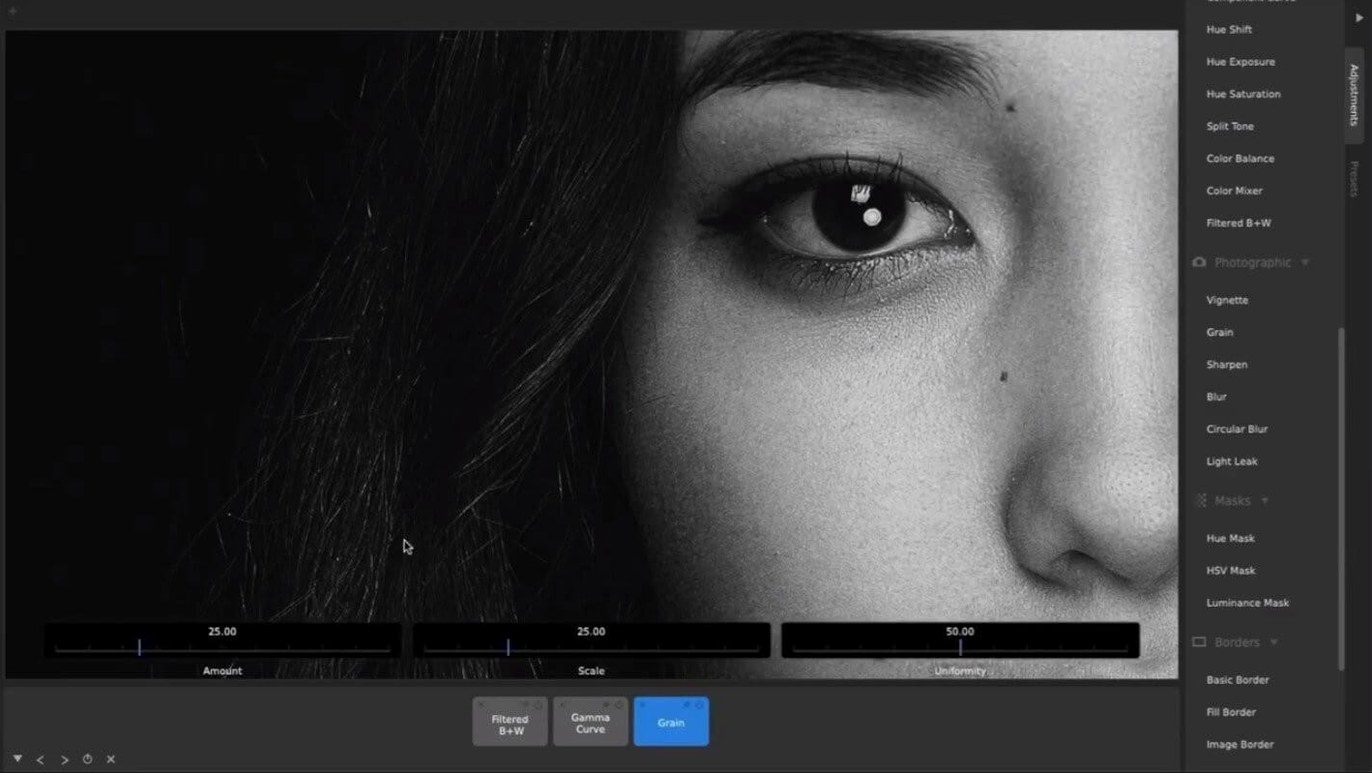
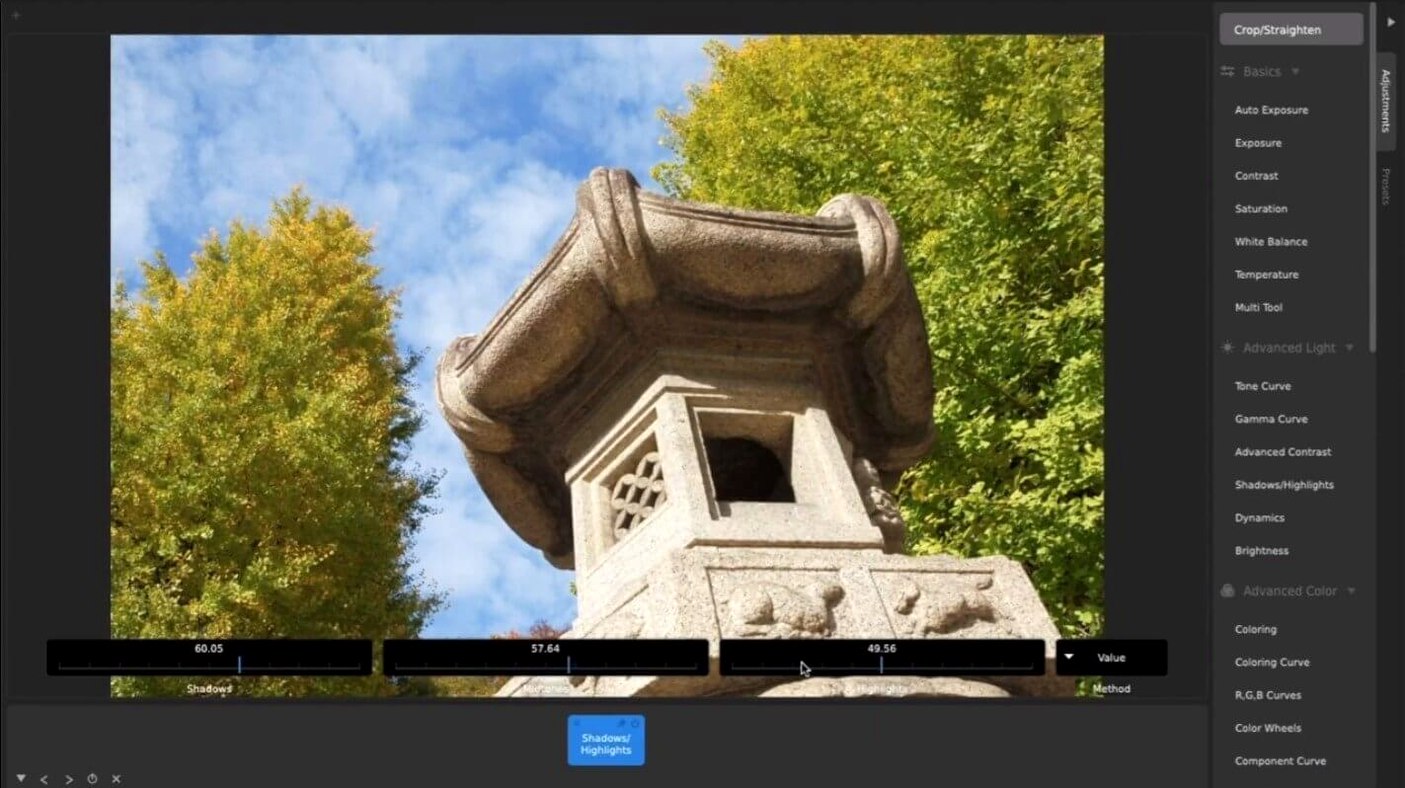
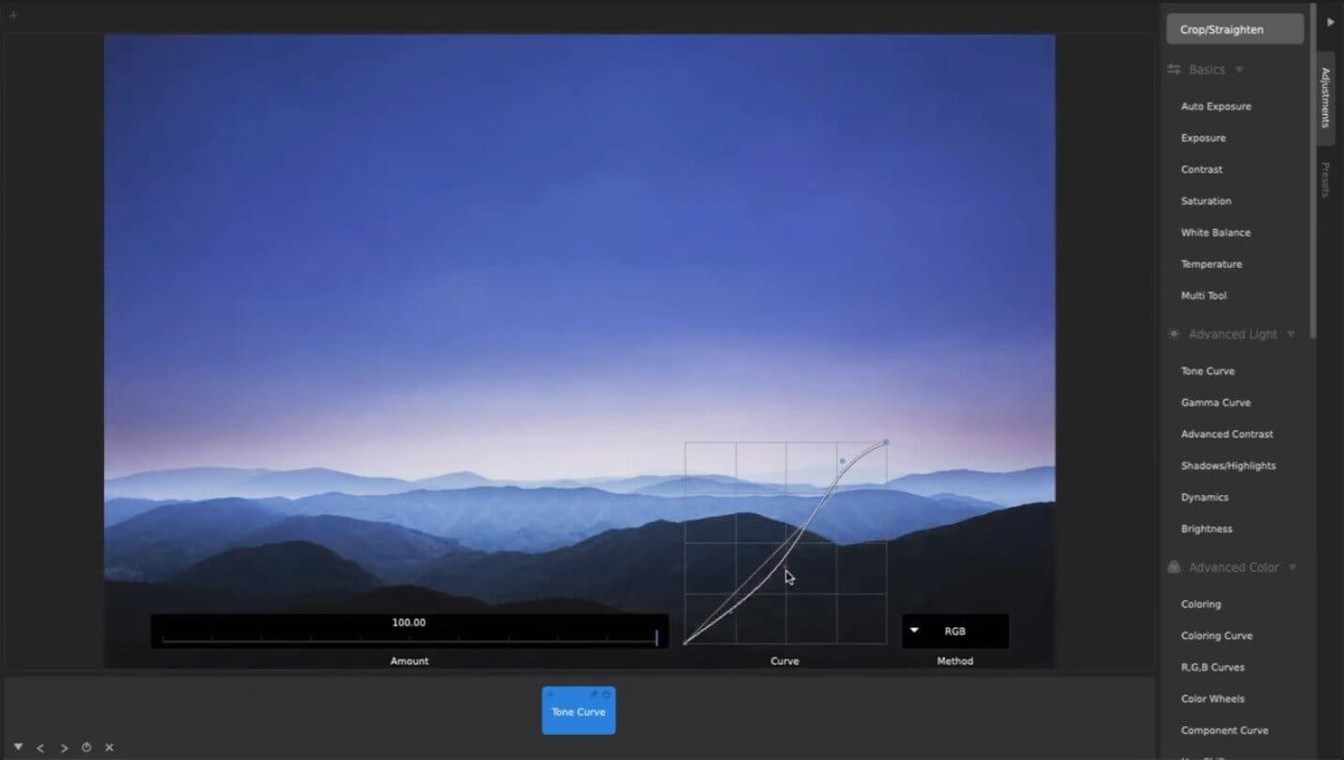
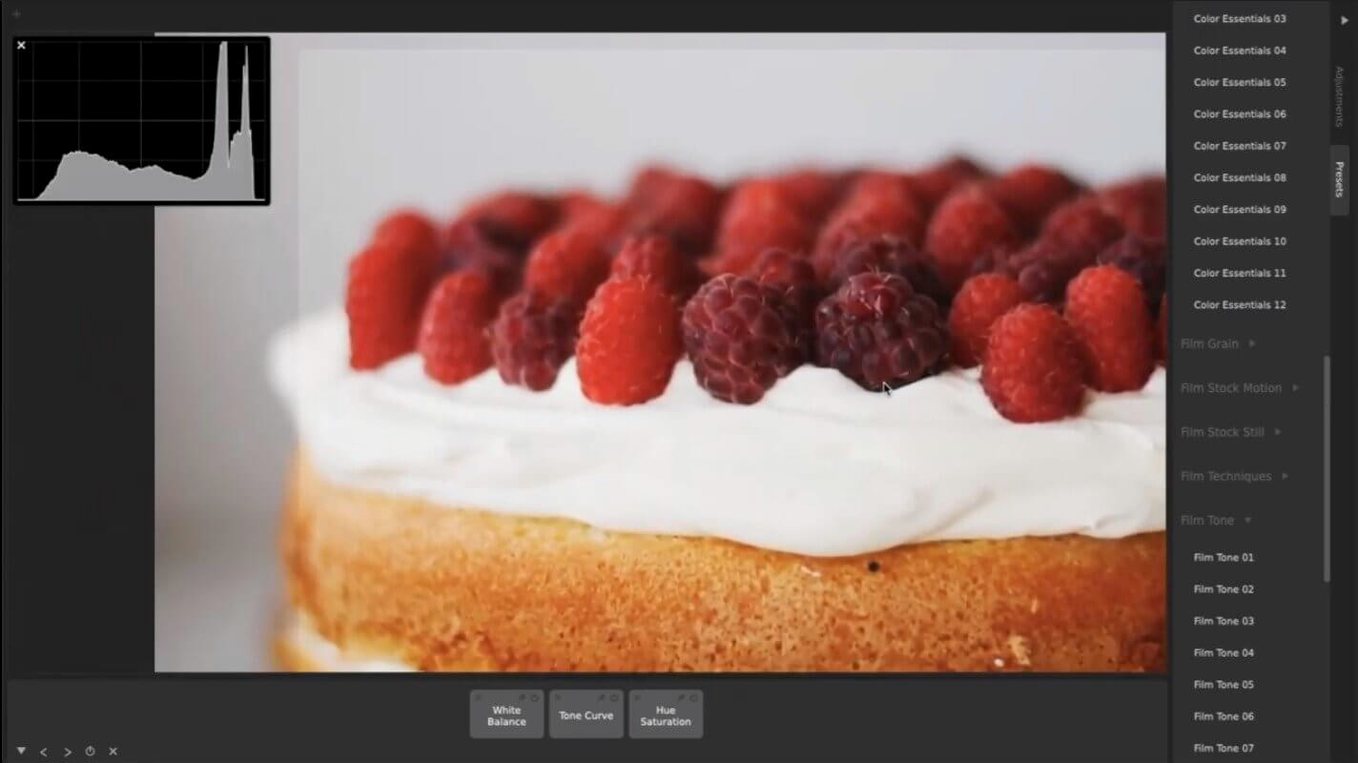
CameraBag Pro is a media editor that applies presets and manual corrections to photos and video.
| Quick facts | |
|---|---|
| Current version | 2026.1.0 |
| Developer | NEVERCENTER |
| Architecture | Intel 64-bit |
| Minimum macOS | OS X 10.10 |
It runs on any Intel Mac from Yosemite onwards. Apple Silicon Macs can open it through Rosetta 2. The installer is an x86 64-bit build. Check your system before downloading a CameraBag Pro Mac torrent, as there is no native ARM version yet.
The tool gives you CameraBag Photo's full feature set plus video support and LUT file handling. You get batch processing for large sets, custom presets, crop and resize controls, and the same adjustment stack for stills and footage. Interface language is English.
A wedding editor's afternoon
A wedding videographer returns from a Saturday shoot with 200 clips and 400 RAW stills. The couple asked for a consistent warm-film grade across everything—highlight reel, ceremony cuts, and the photo album selects. She builds one preset with a lifted black point, desaturated greens, and a subtle halation layer. Then she queues the entire folder for batch processing. While the Mac churns through footage, she drags the same preset onto the stills set. Watermark with the studio logo, resize to delivery resolution, export. Two hours from ingest to client preview.
CameraBag Pro handles both stills and video
Three apps often sit in the same conversation.
- CameraBag Pro vs Pixelmator Pro. Pixelmator Pro is a layer-based image editor with machine-learning tools and a strong design focus. It does not touch video. CameraBag Pro handles stills and footage with the same adjustment stack, and its preset system is built for repeatability across mixed media sets. If you only edit photos, Pixelmator Pro offers more retouching depth. If you need one look applied to both formats, CameraBag Pro is the faster route.
- CameraBag Pro vs DaVinci Resolve. Resolve is a full editing and colour suite. Its node-based grading goes far deeper than CameraBag Pro's layered adjustments. But Resolve demands a steep learning curve and a powerful machine. CameraBag Pro opens on a ten-year-old Intel Mac and gives you curve tools, LUT support, and batch export without touching a timeline. For quick grades and preset-based work, it skips the overhead.
- CameraBag Pro vs Luminar Neo. Luminar Neo targets photographers with AI-driven edits and sky replacement. It has no video pipeline. CameraBag Pro's advantage is the shared toolset across formats and its straightforward preset architecture—no AI guesswork, just stacked adjustments you can reorder and save.
Where CameraBag Pro fits: you need one consistent grade on mixed media, fast, on modest hardware. Where the others win: deep retouching (Pixelmator Pro), full editorial control (Resolve), or AI-assisted photo fixes (Luminar Neo).
The 2026.2 update ships with the developer's latest batch of fixes and behind-the-scenes refinements.
- OS X 10.10 or later
- Intel 64-bit processor
Questions the team asks
Yes, it runs via Rosetta 2. The app is an Intel 64-bit build, so M-series Macs need the translation layer.









Comments 0
Sign in or create an account to add a comment.
No comments yet. They go up after moderation.