

Darkroom — Mac download
Download (76 MB) Earlier builds
Ticked
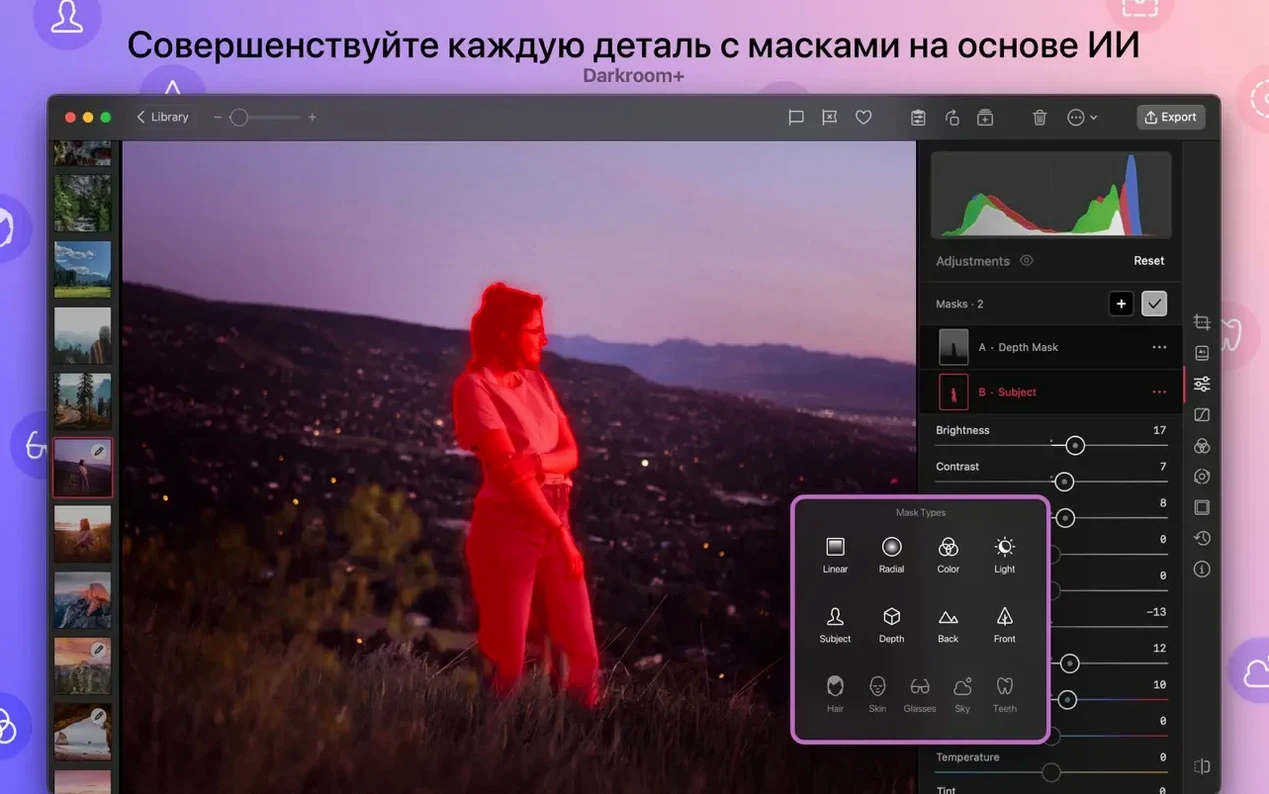
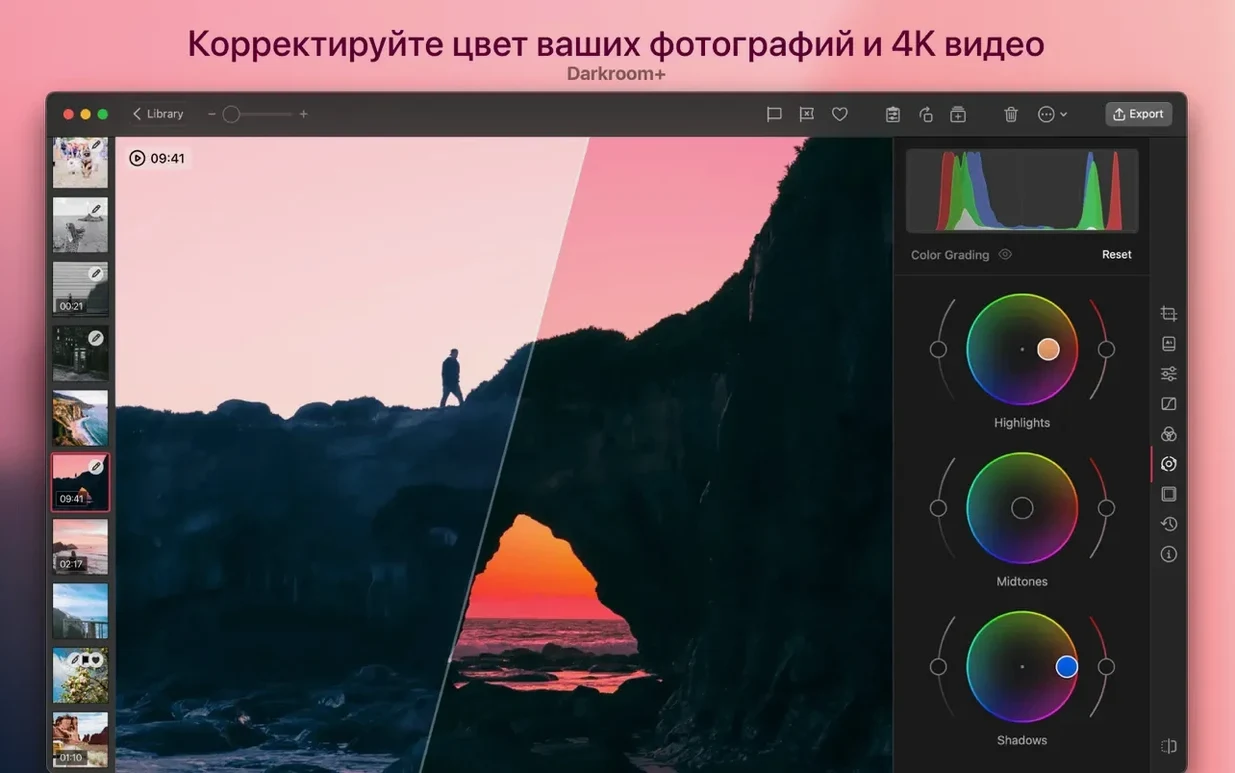
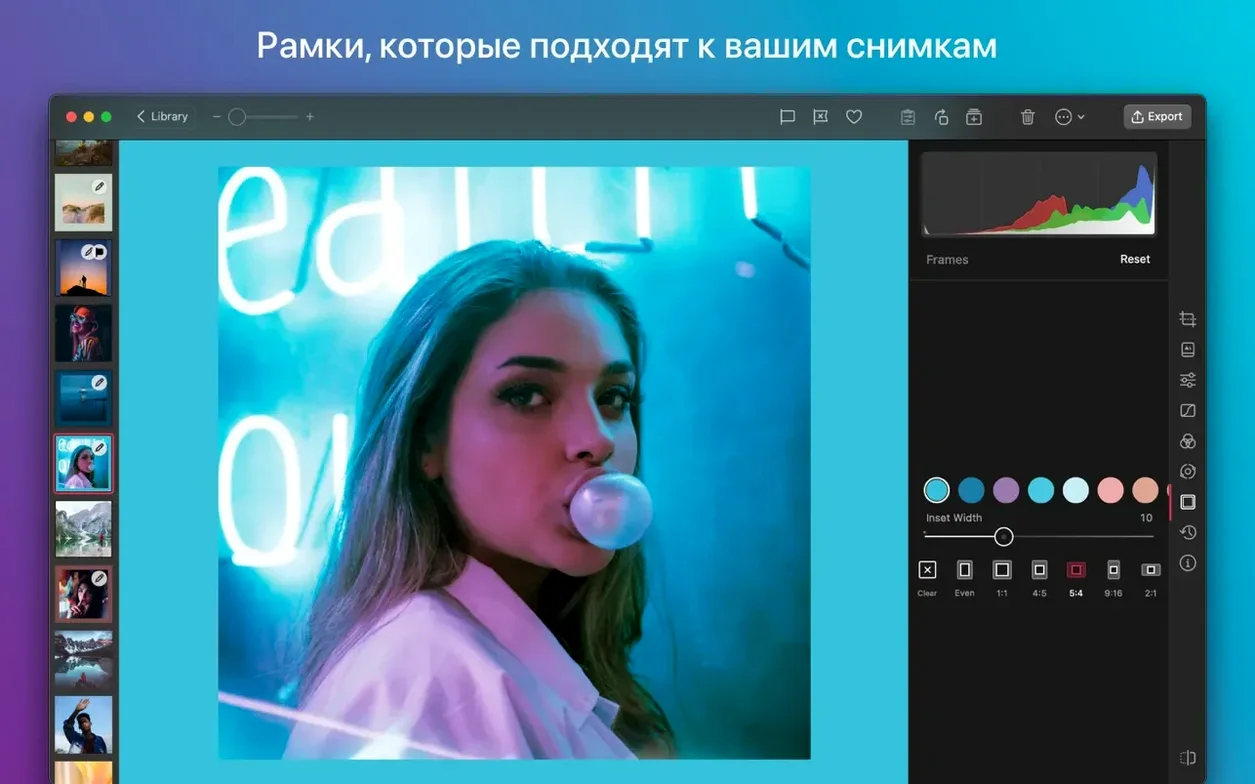
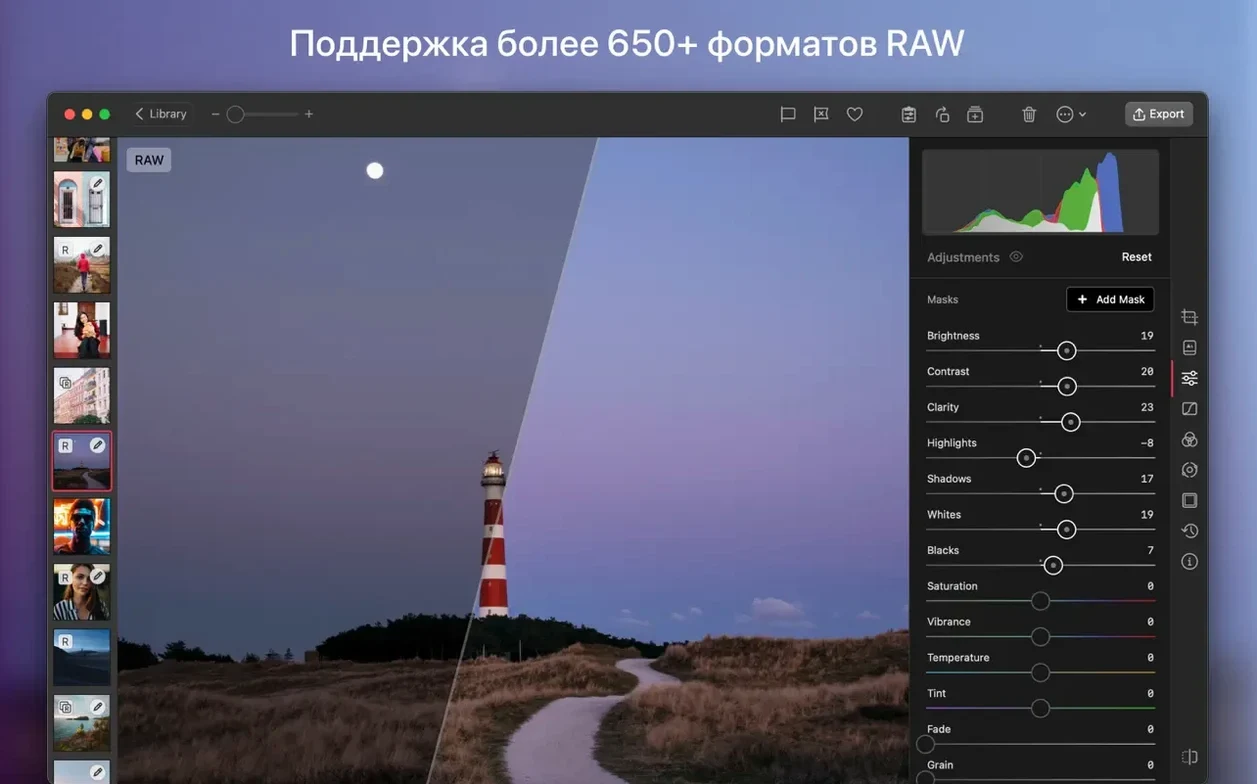
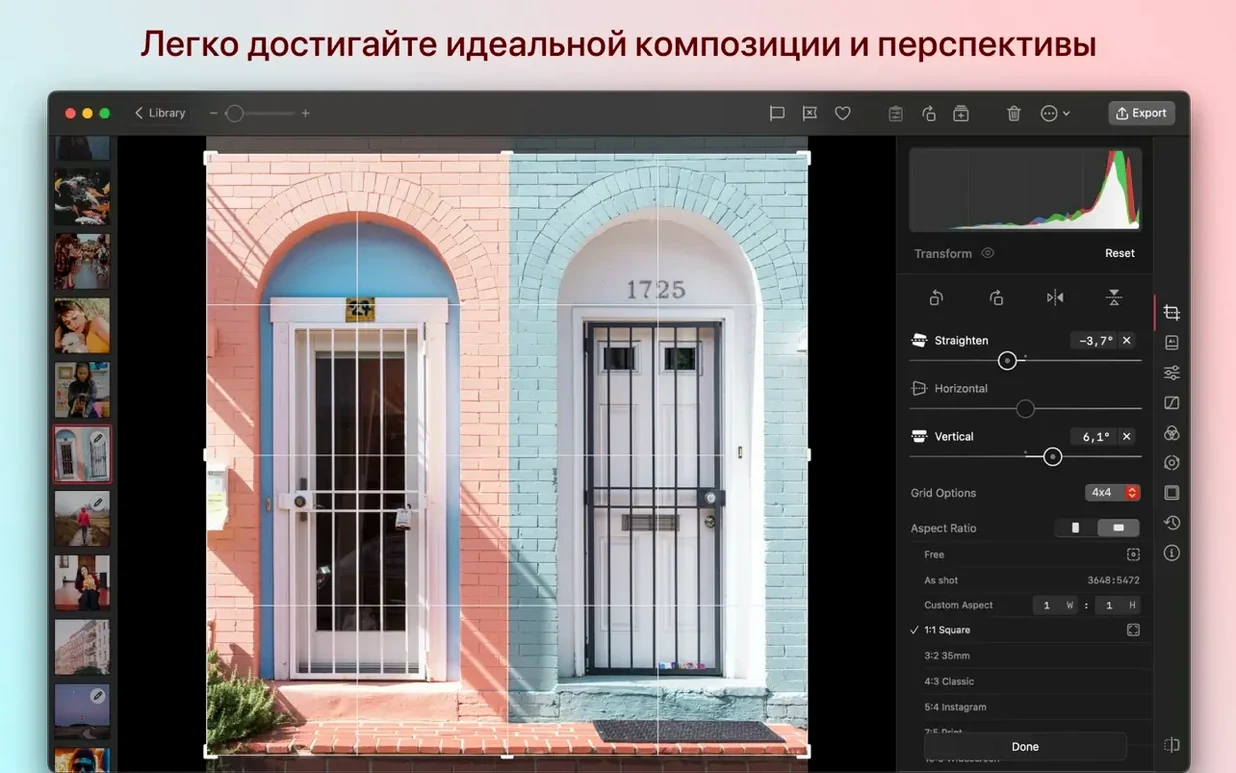
You have just pulled a card from your camera and plugged it into your Mac. A batch of RAW stills and a couple of video clips land in a watched folder. Darkroom picks them up, ready for colour work and quick cuts.
macOS 15.4 or later, no exceptions
Darkroom runs on Apple Silicon and Intel 64-bit Macs. It needs macOS 15.4 or later. No older OS, no workaround.
Edit photos and video
RAW editing, portrait blur control, and video trimming sit in the same tool. Edits sync straight to your iCloud photo library so everything stays current across devices.
Print and finish
Edits sync instantly without duplicating your library
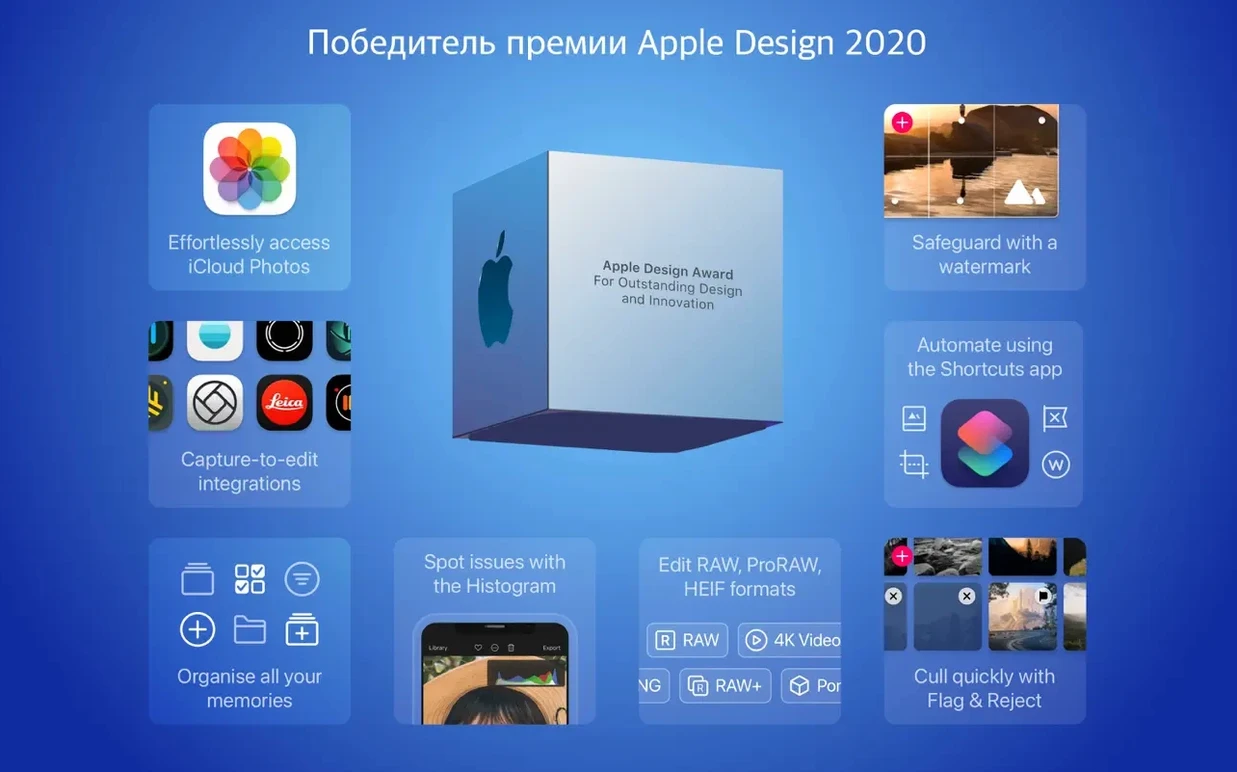
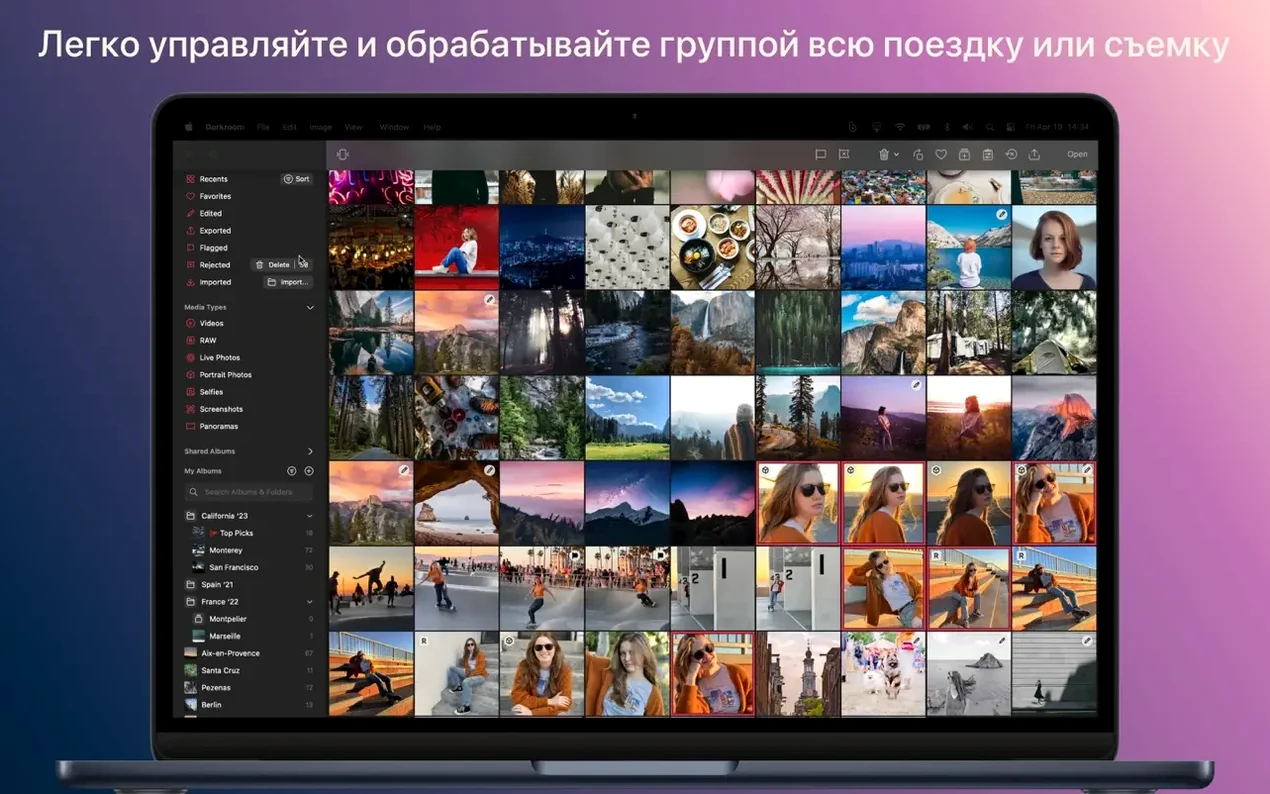
Darkroom reads your Photos library directly — no import, no duplicate files. Edits appear in the Photos app and sync across iCloud immediately. Use a darkroom mac os workflow: flag and organise in Photos, then jump into Darkroom for colour grading. The extension works inside Photos too, so you never leave the library view if you prefer that route.
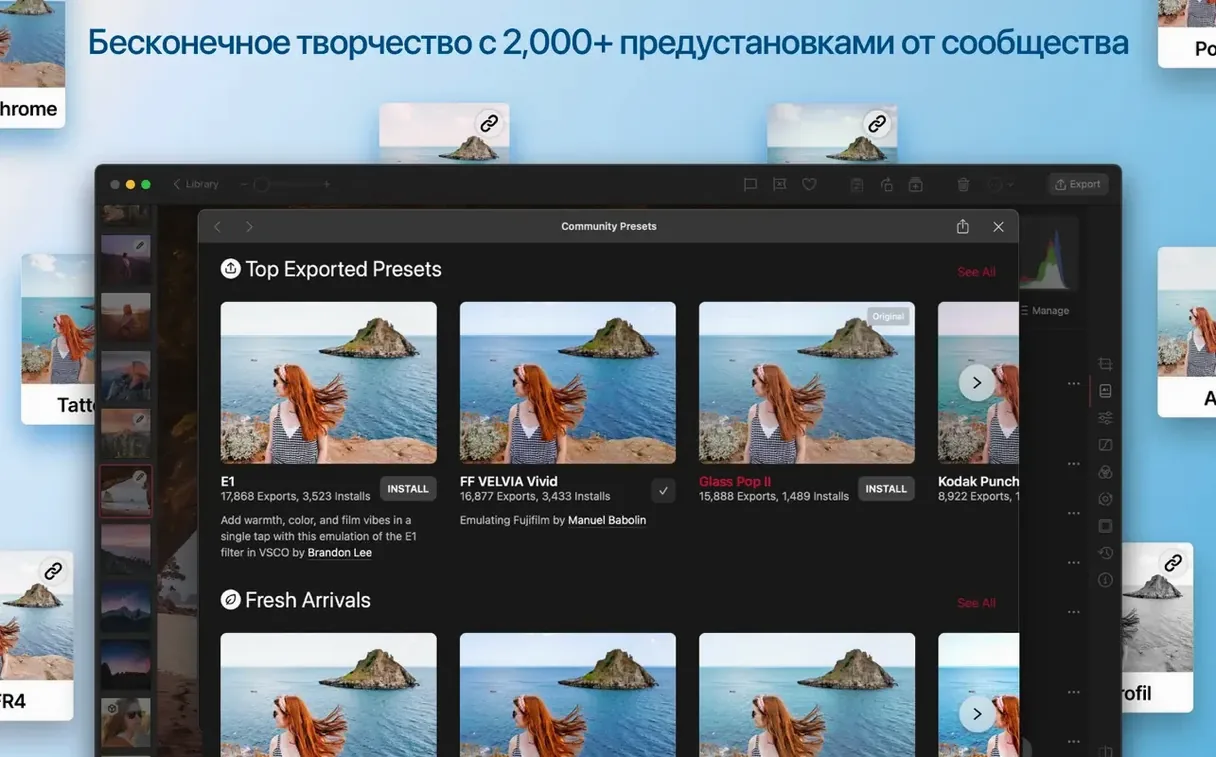
For batch work, combine it with a watched folder in Finder. Drop images into the folder, Darkroom picks them up. Apply a preset across the set, then share straight to Messages or AirDrop. Siri shortcuts tie into this — set up a shortcut that imports and applies your hashtag set, then trigger it from Spotlight.
One-tap white balance and per-hue HSL Curves
- Automatic white balance in a tap. Version 7.4 rebuilt the tool and added one-tap correction. Works on individual shots or across a batch selection.
- Unconstrained Curves. HSL Curves now work per-hue — pull reds without touching blues. The grid lets you place points anywhere, no snap restrictions.
- Portrait blur after the shot. Change the focus point and blur intensity on any portrait-mode image. Non-destructive, so you can reset it.
- Keyboard shortcuts for rating. Star and flag keys work the same as Photos, so muscle memory carries over.
- Liquid Glass chrome. The 7.4 design update trims chrome weight — more canvas, fewer toolbars. Hover near the edge to reveal controls.
Version 7.4 adds printing support on Mac. Apply a custom filter, set your white balance, then send it to paper without leaving the app.
- macOS 15.4 or later
- Apple Silicon or Intel 64‑bit
Questions the team asks
Yes, version 7.4 supports both Intel 64-bit and Apple Silicon Macs and requires macOS 15.4.
Yes, Darkroom handles video editing alongside photo editing on the Mac.






Comments 0
Sign in or create an account to add a comment.
No comments yet. They go up after moderation.