
Aspect Ratio — Mac download
Download (7 MB) Earlier builds
Ticked
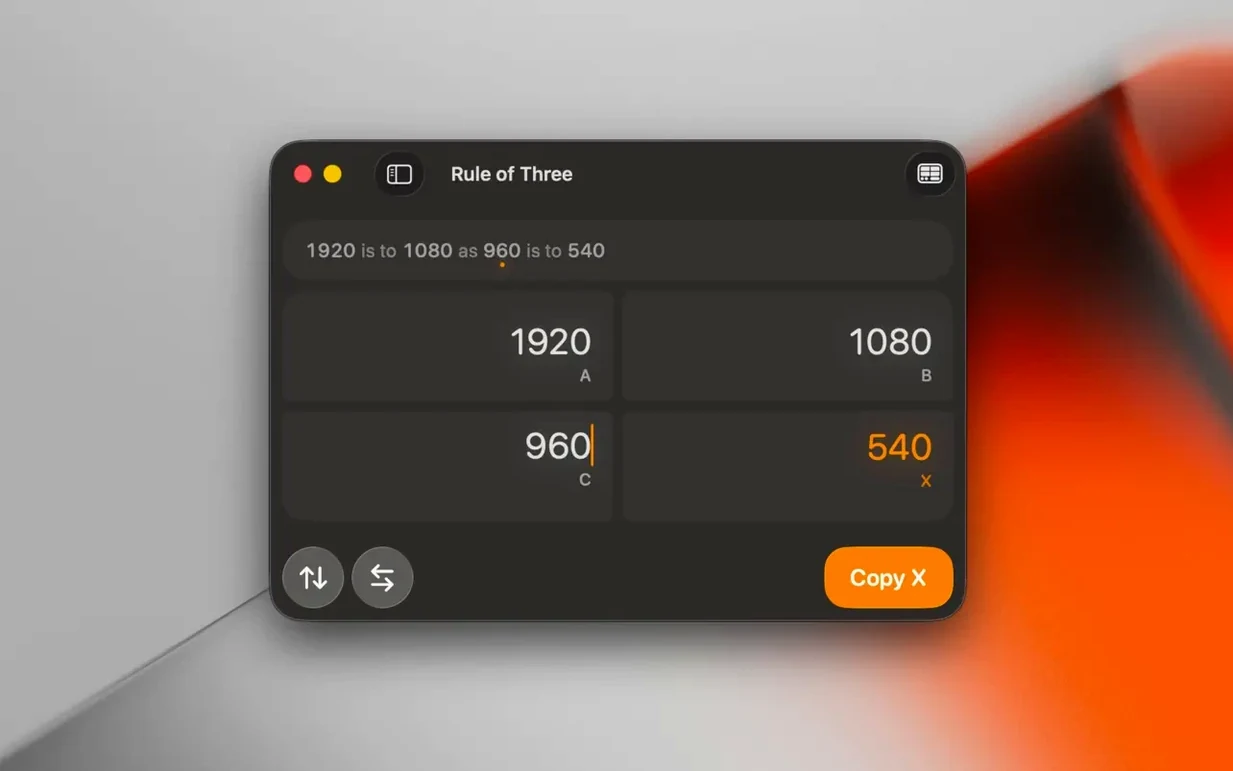
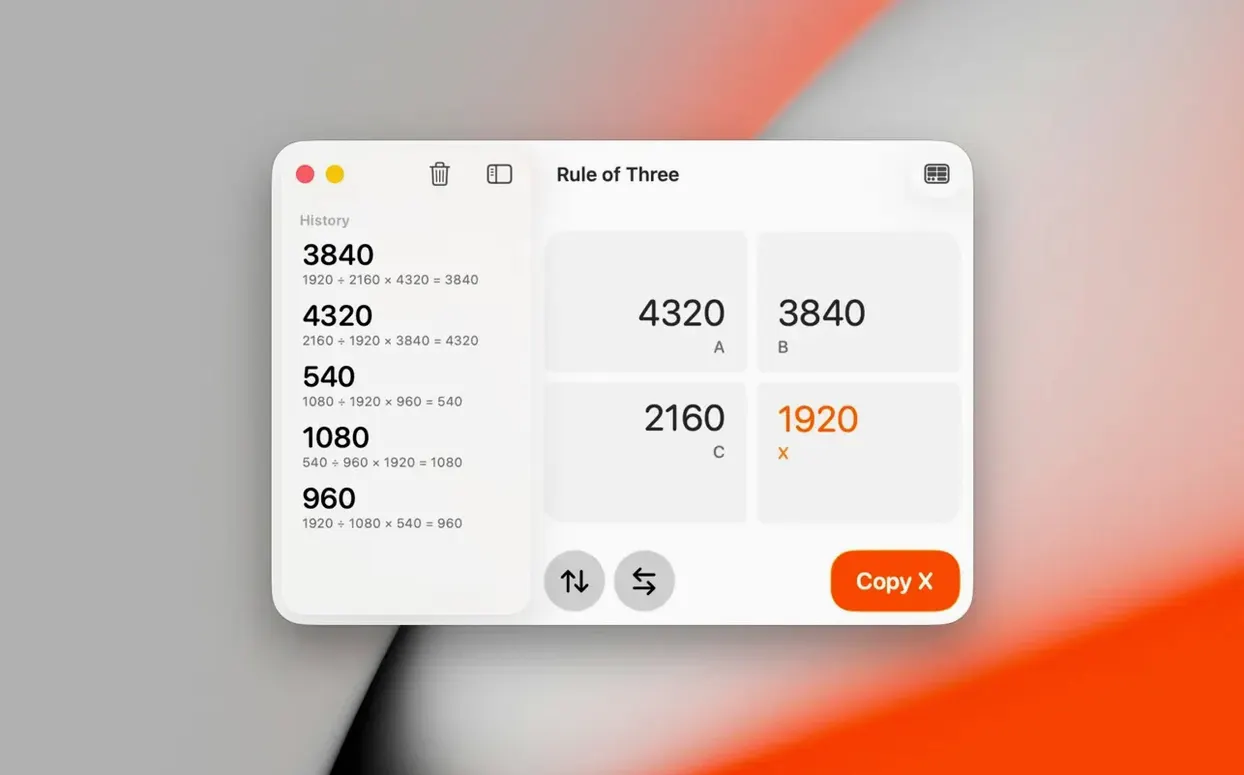
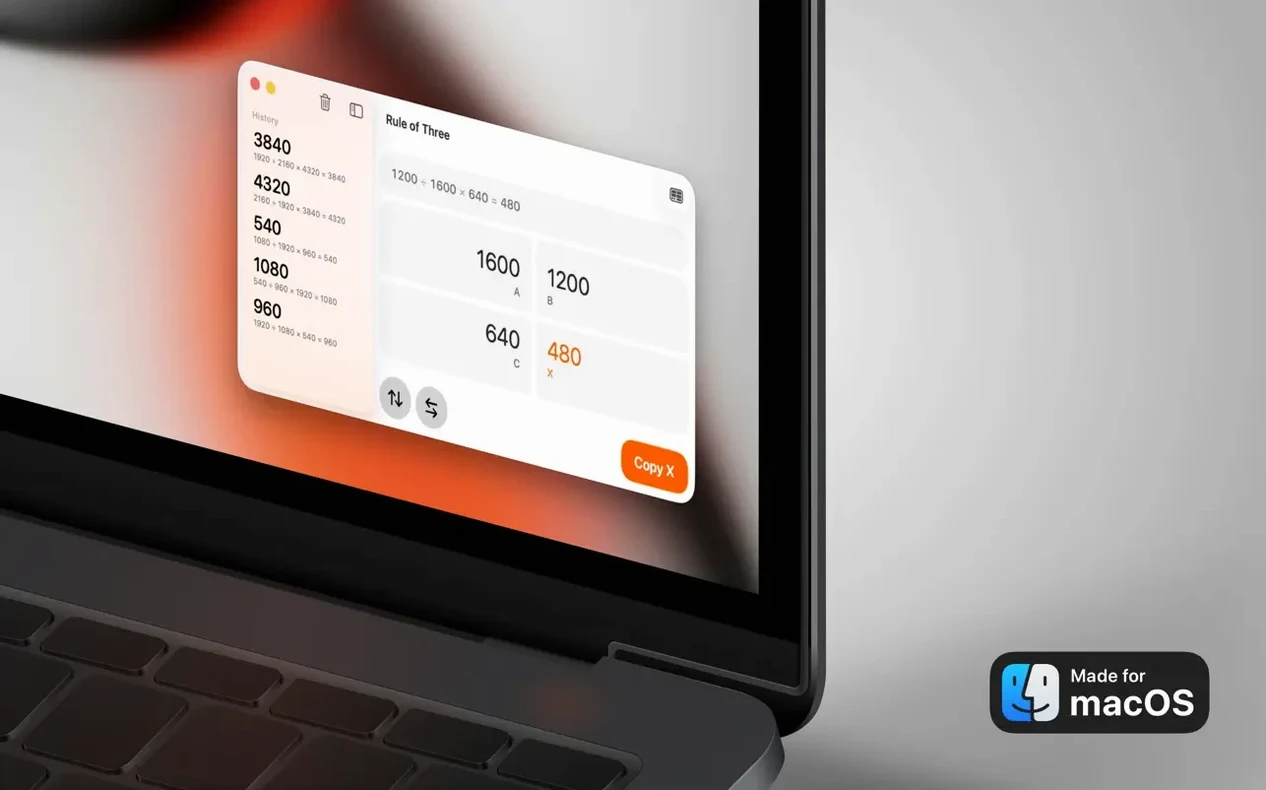
If you have ever nudged a crop overlay in Lightroom or set a frame guide in Final Cut Pro, Aspect Ratio works like that — but as a standalone calculator for your desktop. Version 3.7 keeps everything the same on the surface and fixes a display issue underneath.
- Dark and Light Mode now display correctly, matching the rest of macOS.
- Convert one ratio to another while preserving proportions — useful when resizing for YouTube, TikTok or Instagram.
- Comparison mode overlays two ratios visually so you can see the fit before cropping.
- Calculate an aspect ratio directly from width and height values.
- Support for popular formats stays unchanged, covering screen, image and video sizes.
- Interface languages remain English, German, Spanish, Italian and French.
The app still targets the same people: photographers checking print crops, video makers adapting deliverables, and developers calculating screen layouts. Running on macOS 15.6 or later with Apple Silicon and Intel support, it does one job without scope creep.
What the version fixed in daily use
Version 3.7 addressed one persistent annoyance — the display glitch where Dark and Light Mode did not render correctly. In practice, that meant switching between modes left the interface half-stuck in the wrong palette. If you work late with Dark Mode on, the app now follows without looking broken. A small fix, but it keeps the tool invisible when you are mid-task.
Type 1920×1080 and see every matching ratio instantly
- You open a client brief that asks for a deliverable at 9:16 for vertical social cuts.
- Aspect Ratio opens to a clean window. You type 1920 and 1080 into the width and height fields — the app instantly shows 16:9 as the current ratio.
- Switch to conversion mode. You enter 9:16 as the target. The app calculates the matching width for your 1080 height: 607.5 pixels. You now know the exact crop dimensions before touching your timeline.
- You compare both ratios visually using the overlay slider. The 16:9 frame sits inside the 9:16 frame, and you see immediately how much headroom you lose at the top and bottom.
- You copy the numbers into your editing app's project settings. Session done in under three minutes.
For a mac aspect ratio check on your own screen — say, verifying the exact aspect ratio macbook pro display you are designing for — you type the pixel dimensions once and read the simplified ratio. No spreadsheet, no mental arithmetic.
- Dark and Light Mode display corrected.
- macOS 15.6 or later
- Apple Silicon or Intel 64-bit







Comments 0
Sign in or create an account to add a comment.
No comments yet. They go up after moderation.