

Clip Studio Paint — Mac download
Download (403 MB) Earlier builds
Ticked
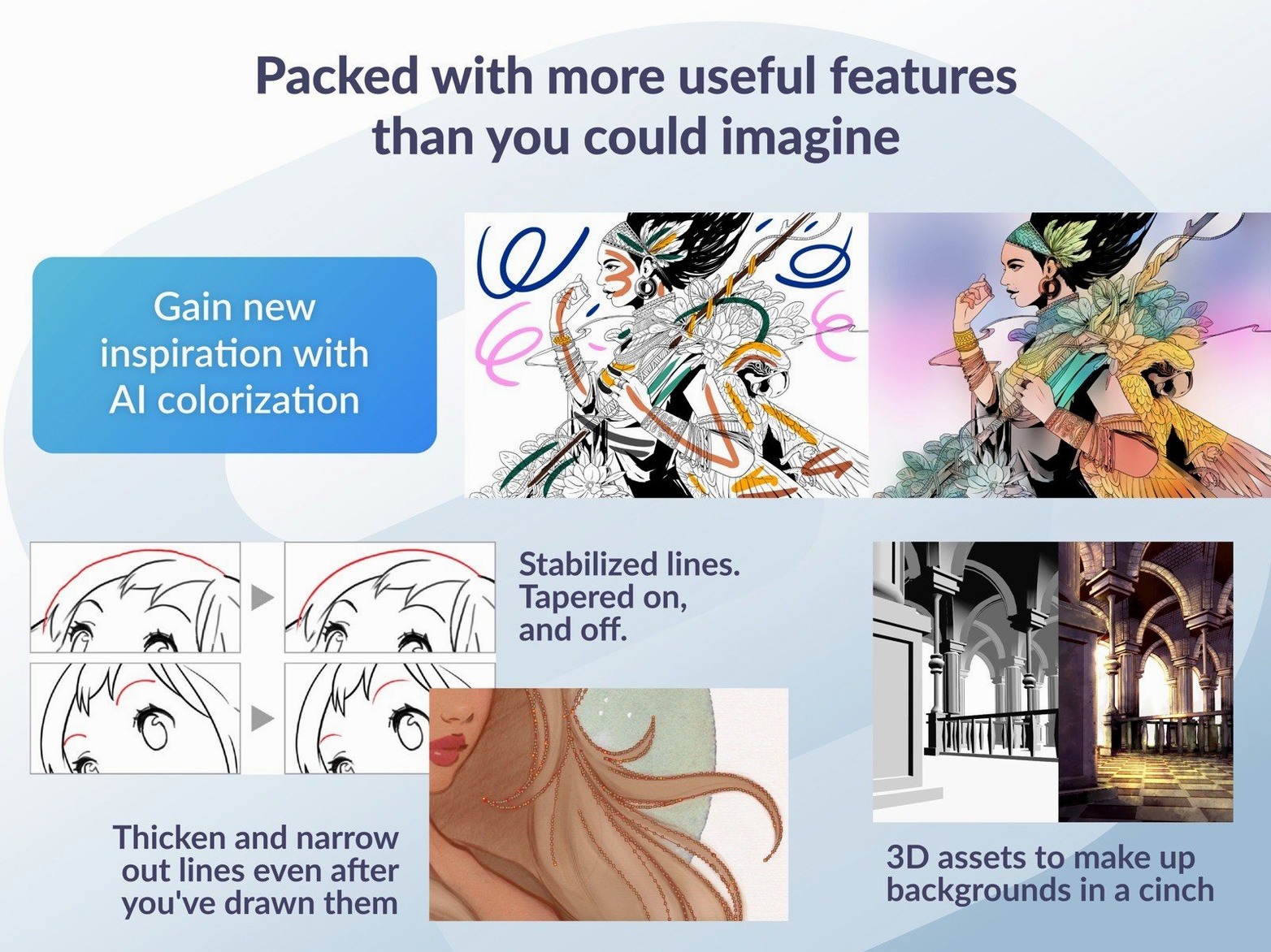
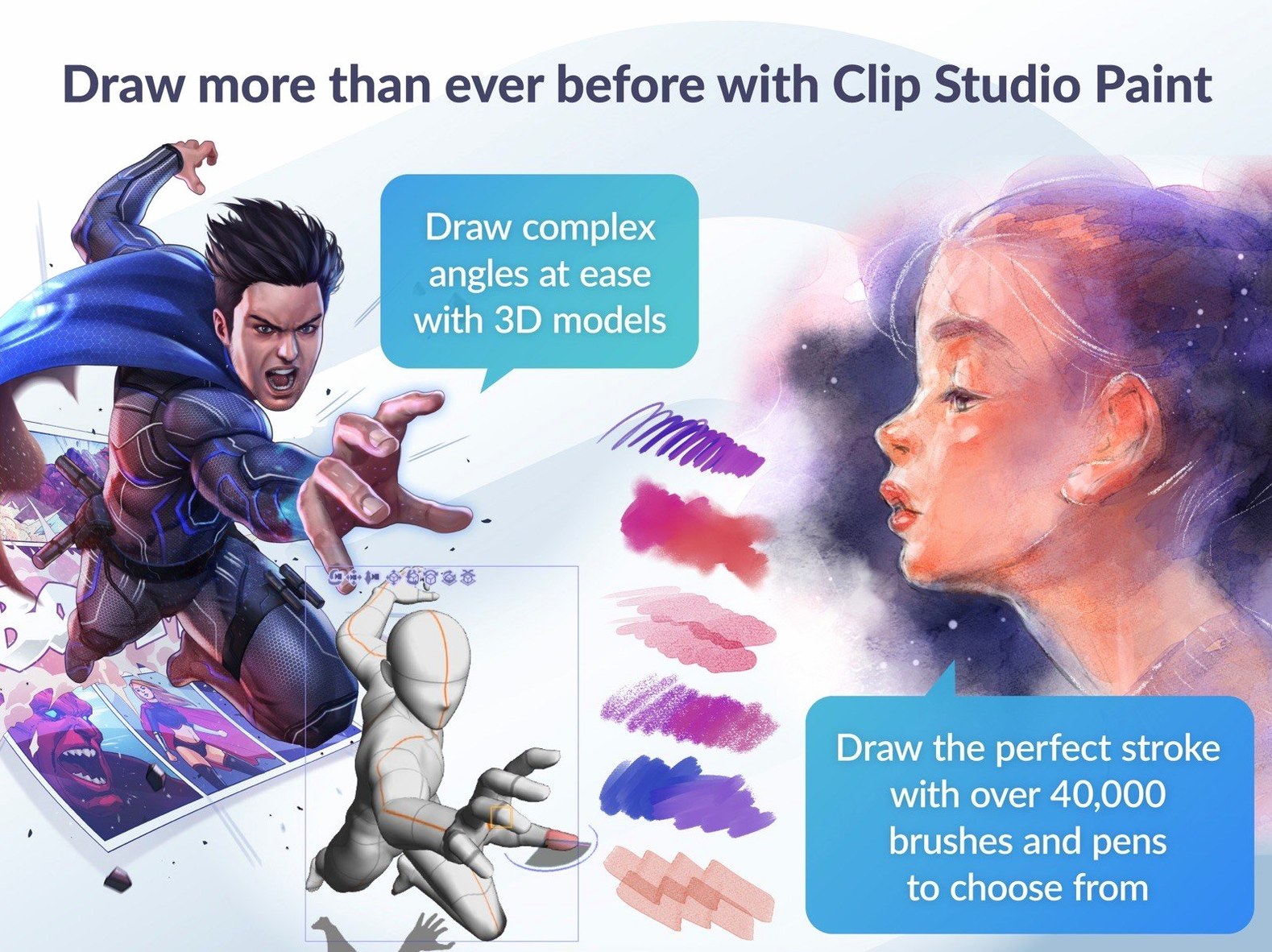
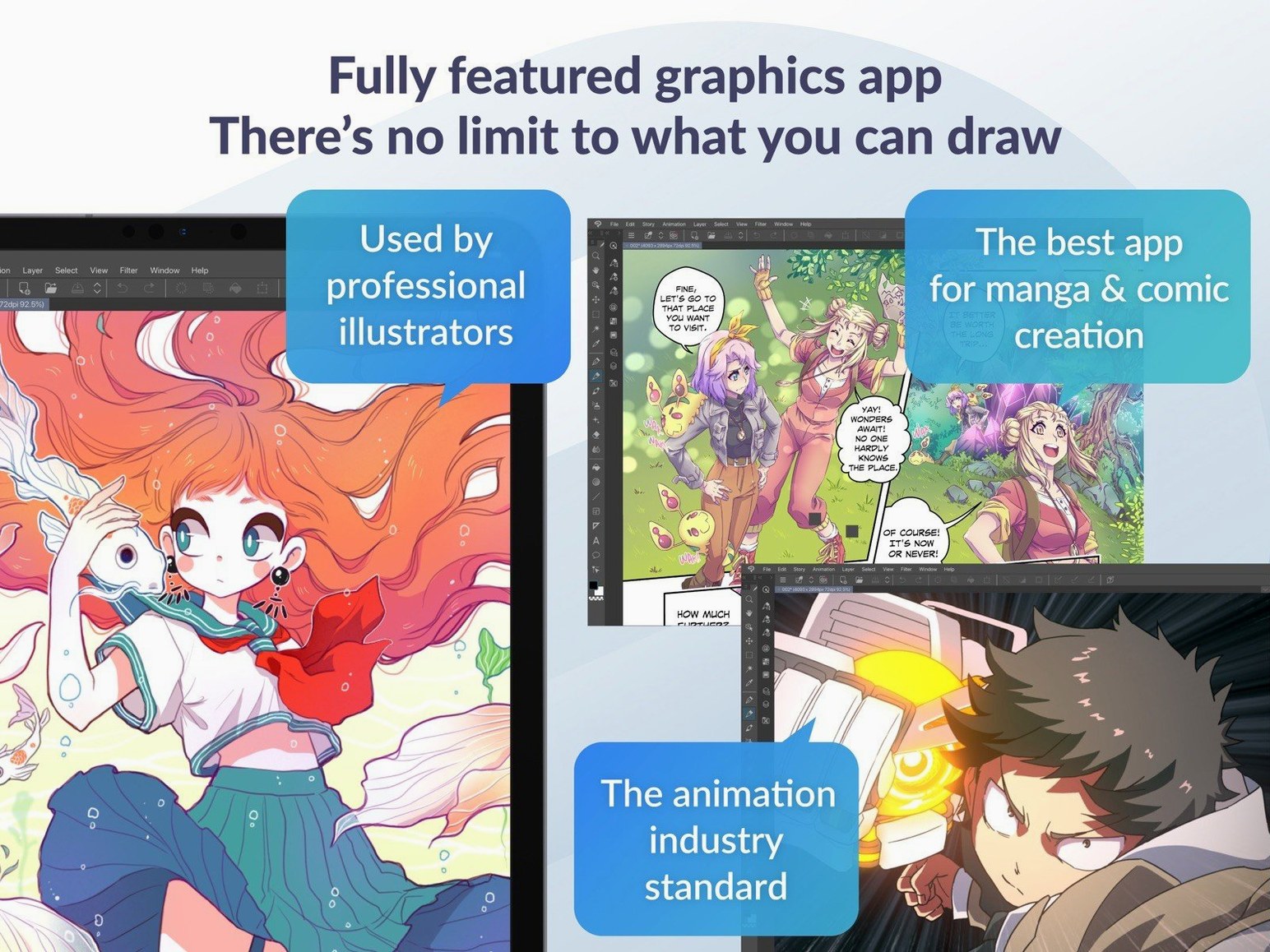
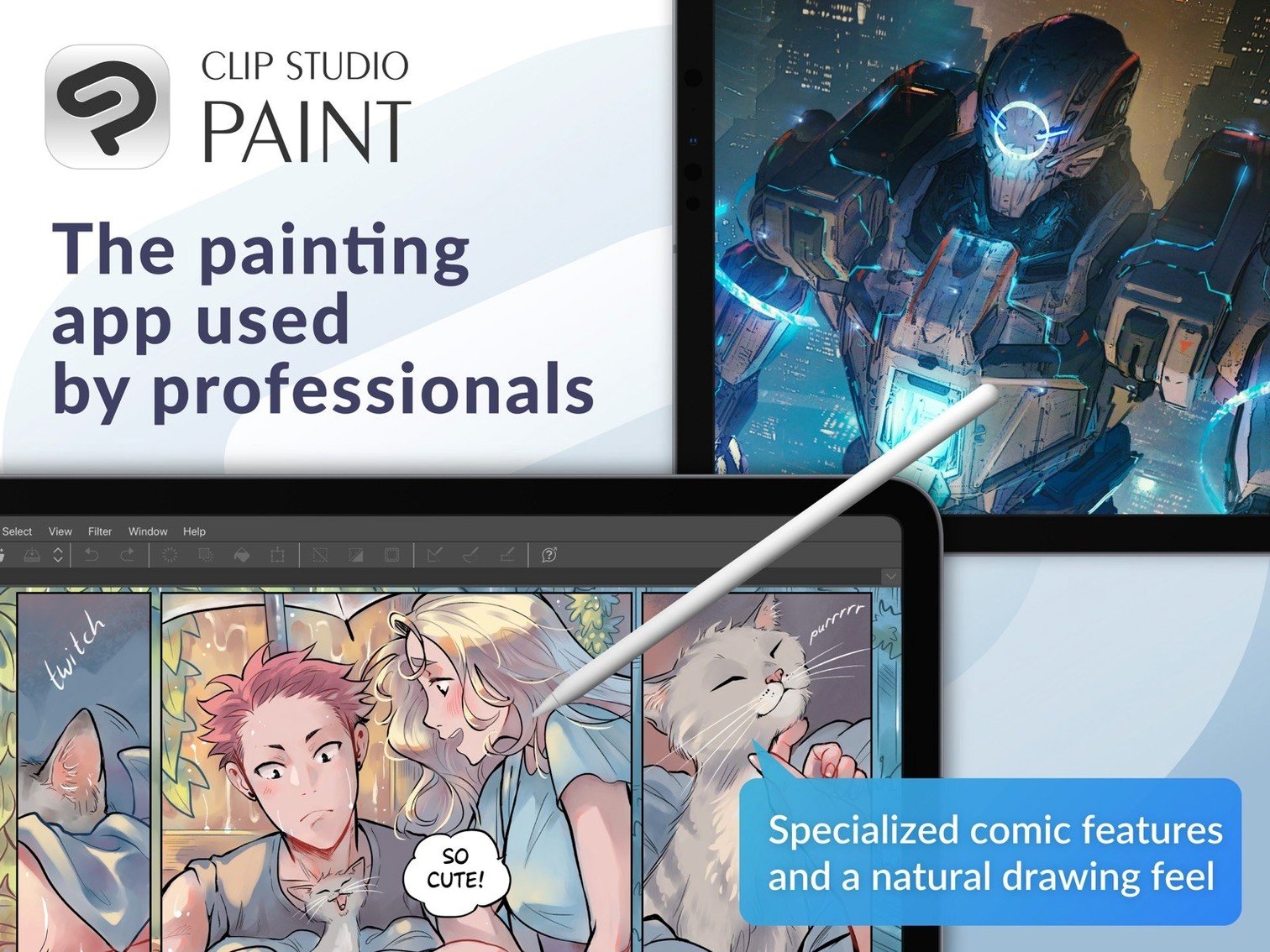
If you know Manga Studio, Clip Studio Paint is its direct successor — and it reads your old Manga Studio 4 EX and Debut files without a fuss. The drawing engine feels familiar but quicker, especially on Apple Silicon.
Here’s one task it handles well: pencilling a comic page. Drop a 3D figure onto the canvas, pose the joints, then lower the layer opacity. Create a vector layer on top and start inking with the G-pen — pressure sensitivity from a tablet gives the line weight variation you expect. The light table function helps if you’re working from rough scanned sketches underneath.
For animation, switch the timeline to frame-by-frame mode and turn on onion skin. You see your previous and next frames as faint overlays, so spacing stays consistent. The 4.1.4 update tidied up a bug where cels could linger after resizing clips or changing the timeline frame rate.
Quick Look support got better in macOS 15 too — .clip files now preview properly in Finder, which saves a few clicks when you’re scanning a folder of pages.
Auto-build a palette from any reference photo
- Quick colour set from any image. Open a reference photo, then go to Edit > Register color from layer. Clip Studio builds a palette from the image automatically. Good for matching comic covers or environment studies.
- Hold Shift with any brush. Shift-constrain draws perfectly straight lines without switching tools. Works with pencils, pens, erasers — useful for panel borders or speed lines.
- Tab key hides all palettes. One keystroke and the canvas fills the screen. Same key brings everything back. I missed this for the first three days.
- Middle-click drag rotates the canvas. No need to use the navigation panel. Combined with a tablet's touch ring, it makes inking at odd angles a single motion.
- Vector eraser has three modes. Tap the eraser icon on a vector layer and choose: erase up to intersection, erase whole line, or erase touched area. The middle option deletes an entire stroke with one swipe — fast cleanup when pencils get messy.
- Auto actions palette. You can record a sequence — say, flatten, resize to 1200 px wide, export PNG — and bind it to a shortcut. Batch export becomes one click.
First-days setup tips
- Calibrate your tablet pressure immediately. Clip Studio's pen pressure curve lives in File > Pen Pressure Settings. The default is soft; most illustrators dial it firmer to avoid feather-light strokes.
- Set a backup folder. Preferences > File > Backup settings. Turn on auto-backup at 5-minute intervals and point it at a folder outside your main work directory. The app is stable, but power cuts happen.
- Pin often-used brushes to the Quick Access panel. Drag any brush or tool onto the narrow vertical bar above the layer stack. Four or five brushes in reach saves constant palette-flipping while you ink.
- Switch the colour wheel to HSV. The default colour space works, but HSV sliders in the colour circle panel give faster control over value and saturation for shading passes — fewer trips to the adjustment layers.
- Test onion skin tint colours. The defaults are pale blue and red, but a lot of people change them to green/magenta for better contrast against greyscale line art. It's a small tweak that makes a real difference when you're animating.
Silky 60 fps zoom on 600 dpi canvases
On Apple Silicon it launches cold in under five seconds. Canvas zooming and rotation stay at 60 fps with a 600 dpi A4 page and a dozen vector layers — on Intel machines you might feel a slight hitch when rotating large 3D backgrounds, but it rarely stutters on an M-series Mac.
Memory usage sits around 1.2 GB with a typical comic page open. Heavy 3D scenes push that higher, though the 8 GB recommendation feels honest — you can run it alongside a browser and a reference app without swapping.
The 4.1.4 fix for the Running color force-close was a relief. Before that, certain blending setups could crash the app silently; since the update, I haven't seen a single unexpected quit during long inking sessions. Export reliability improved too — PSD files now show correct thumbnails in Finder on macOS 15, which was a persistent annoyance in earlier builds.
If you're searching for a Clip Studio Paint cracked Mac build or a Clip Studio Paint torrent, you'll quickly notice that this version — labelled 4.1.4 fix by Antibiotics — is one of the more common Clip Studio torrent results floating around. Some packs bundle a separate Gold Clip Mac torrent with extra materials, but the Standard Clip Mac torrent covers everything most illustrators need.
- Simplified Chinese added as a display language — interface now covers seven languages.
- Quick Look previewing of .clip files improved for macOS 15.
- Fixed an issue where cels or keyframes could remain after deleting resized clips or changing the timeline frame rate.
- Changed 3D material drag-and-drop behaviour when a 3D layer sits outside a frame folder.
- Several other macOS, animation and export fixes applied.
- macOS 14 or later
- Intel or Apple Silicon Mac
- 2 GB memory (8 GB or more recommended)
- OpenGL 3.3 compatible GPU
- Tablet and stylus with pen pressure sensitivity supported
- Internet connection required for some functions and licence verification
Questions the team asks
PRO handles standard drawing, comics and frame-by-frame animation. EX adds professional story creation tools for multi-page projects and longer timelines.






Comments 0
Sign in or create an account to add a comment.
No comments yet. They go up after moderation.