
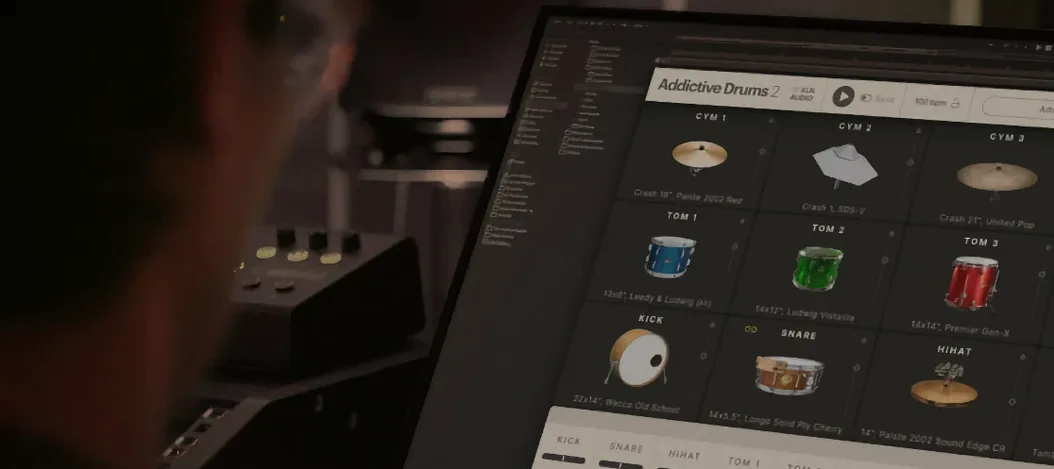
Addictive Drums 2 — Mac download
Download (14.5 GB) Earlier builds
Ticked
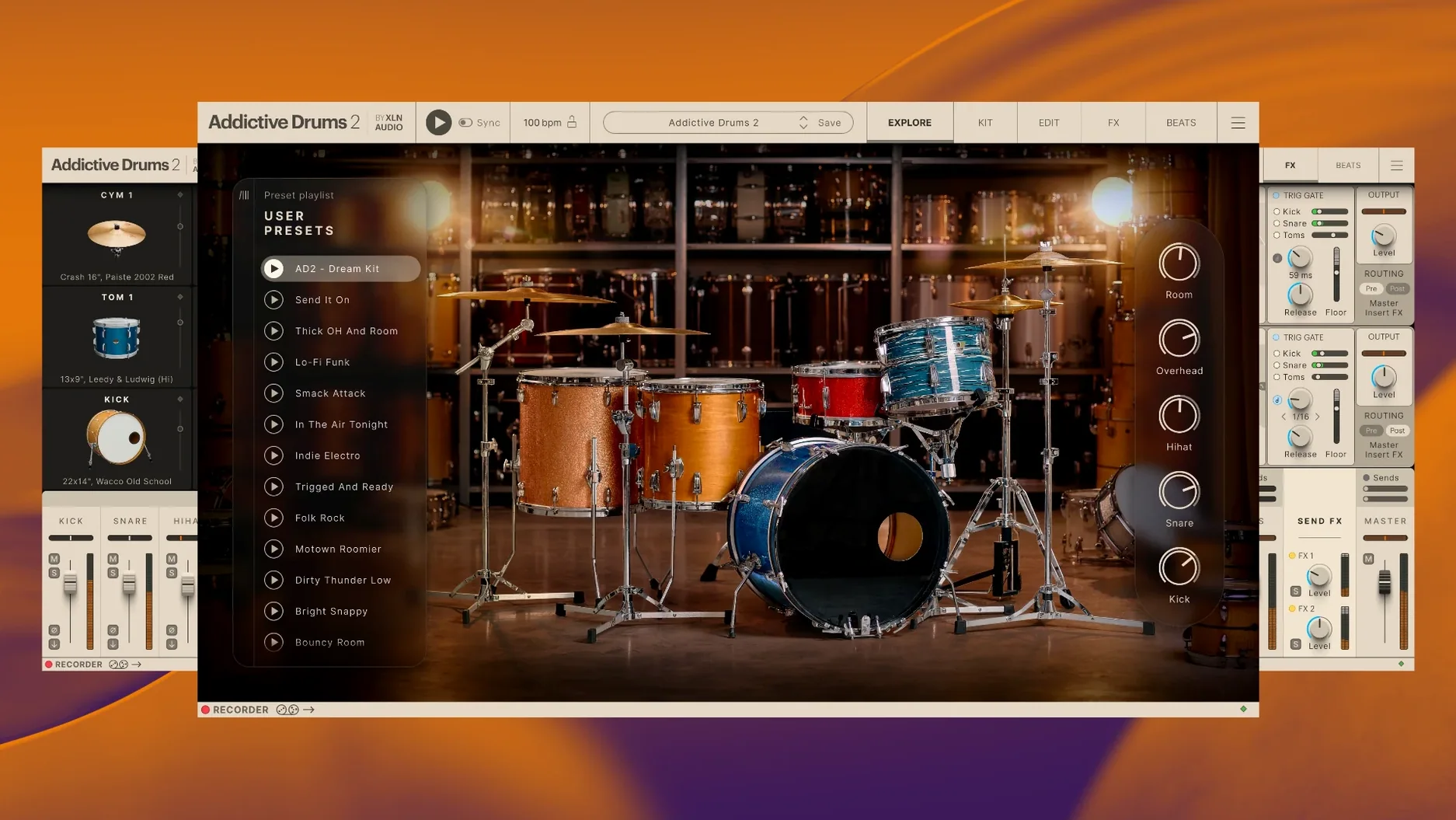
You map out a verse in your DAW, drop Addictive Drums 2 onto a track, and pull up a kit from the Complete Collection.
64-bit only, Apple Silicon native, English interface
Formats — VST, AU, AAX (64-bit only)
Architecture — ARM and x86 64-bit
Hosts — Any DAW that loads 64-bit plugins
macOS — 10.13 or higher
Interface — English
What the Complete Collection includes
The package bundles Addictive Drums 2 with every expansion released for it. That means all ADpaks (the drum kits), all MIDIpaks (the grooves and beats), and all Kitpiece Paks (individual drums and cymbals). One installation gives you the full catalogue.
Sound
The engine plays back multi-sampled drums recorded in professional studios. Each kit brings its own room, mic setup and mixing preset. You can swap individual kit pieces between ADpaks, tune them, and process them with the built-in effects. The MIDIpaks provide genre-specific beats that drag straight into your arrangement.
Native Apple Silicon keeps 128-sample sessions steady
- Apple Silicon runs natively now. The plugin opens faster and CPU meters sit lower on M-series Macs. Sessions that used to spike at 128 samples now hold steady.
- Resizable interface. You can drag the window to fit your screen layout — helpful when you have the mixer and kit view open side by side on a laptop.
- Kit piece search narrowed. Typing "maple snare" in the browser actually filters by shell material, not just kit name. Less scrolling through long lists.
- MIDI drag-and-drop got snappier. Dragging a groove from the Beat Browser into Logic or Ableton no longer hesitates on larger kits.
- Preset loading remembers your last folder. Small thing, but it saves three clicks every time you audition sounds across ADpaks.
Redirect the sound library to an external SSD early
Plugin doesn't show up in the DAW
Nearly always a 64-bit mismatch. Check that your DAW is running in 64-bit mode — Logic does this by default, but Ableton Live and Reaper let you choose. On Apple Silicon, confirm the DAW itself isn't opening under Rosetta if you want the native ARM build.
Still missing? Clear the plugin cache and rescan. In Logic, that means trashing ~/Library/Caches/AudioUnitCache.
Cymbal bleed sounds phasey
The overhead and room channels can shift slightly when you load an older ADpak into the 2.9.1 engine. Open the kit mixer, solo the overheads, and nudge the room fader down 2–3 dB. The phase button next to each channel strip usually fixes it outright.
Split archive won't extract
The download comes in parts — .zip.001, .zip.002, and so on. Archive Utility stumbles on these. Use Keka or The Unarchiver, set to extract the first part only. Keep all parts in one folder; the tool chains them automatically.
Kit loads with missing samples
This happens when an ADpak's content folder got moved after installation. Open the Addictive Drums 2 standalone app, go to Settings > Sound Libraries, and point each ADpak to its folder. One rescan picks up everything.
Standalone app talks straight to CoreAudio for e-kit practice
Addictive Drums 2 runs as a plugin inside any 64-bit host — Logic Pro, Ableton Live, Cubase, Reaper, Studio One, Bitwig. It also ships a standalone app that talks directly to CoreAudio, so you can practise with a kit without opening a DAW.
MIDI routing works two ways. You can trigger the kits from an electronic drum kit over USB, or feed the built-in grooves into a separate MIDI track and edit the notes there. The standalone app shows up in Audio MIDI Setup as a destination, which means you can record its output into another Mac app via a virtual bus like BlackHole or Soundflower.
The plug-in's multi-out mode sends kick, snare, hats, toms and cymbals to separate mixer channels in your DAW. Addictive Drums 2 shows up as a multi-output instrument — assign channels in the kit's internal mixer, then pick them up on aux tracks for individual EQ and compression.
macOS features that work well with it:
- Spaces. Keep the Addictive Drums 2 window on a second desktop and swipe to it when tweaking sounds.
- IAC Driver. Route MIDI from a notation app into Addictive Drums 2 to hear scored drum parts with realistic samples.
- Audio Unit presets. Save a kit-plus-mixer state as an .aupreset and recall it across Logic projects without rebuilding the channel strip.
Move the Complete Collection folder to a fast USB 3 SSD
- Point the library to an external drive. The Complete Collection is large. Move the sound library folder to an SSD, then redirect it in Settings > Sound Libraries. Loading times stay quick if the drive connects over USB 3 or Thunderbolt.
- Build three go-to kits. One dry and punchy (Fairfax Vol 1 works here), one roomy and ambient (Black Velvet), one tight and modern (United Pop). Save each as a preset. When a project starts, you audition these first instead of browsing 130 kit pieces.
- Map the hi-hat pedal. If you use an e-kit, open the Mapping page and calibrate the hi-hat controller. The closed-to-open transition is the difference between a believable part and a machine-gun mess.
- Set your default MIDI map. Addictive Drums 2 defaults to the General MIDI drum map. Roland kits, Yamaha kits, and the built-in grooves sometimes use different note assignments. Pick your map on the Beats page and save it as the default template.
- Test multi-out routing early. Even a quick project with kick on channel 3, snare on 4, and overheads on 5–6 teaches you how your DAW handles multi-output instruments. Learn this before a deadline.
- macOS 10.13 or higher
- 64-bit host (ARM or Intel)
- VST, AU or AAX plugin format
Questions the team asks
Yes. Version 2.9.1 supports both ARM and x86 64-bit architectures, so it runs natively on Apple Silicon Macs.
It includes Addictive Drums 2 plus all released ADpaks, MIDIpaks and Kitpiece Paks — the full expansion catalogue.



Comments 0
Sign in or create an account to add a comment.
No comments yet. They go up after moderation.