
Addictive Keys — Mac download
Ticked
Runs on Intel and Apple Silicon via VST, VST3, AU and AAX
Addictive Keys runs on Intel and Apple Silicon Macs. You need macOS 10.13 or later. The plugin loads as VST, VST3, AU and AAX in your DAW.
Which pianos you get and whether the plugin is ARM-native
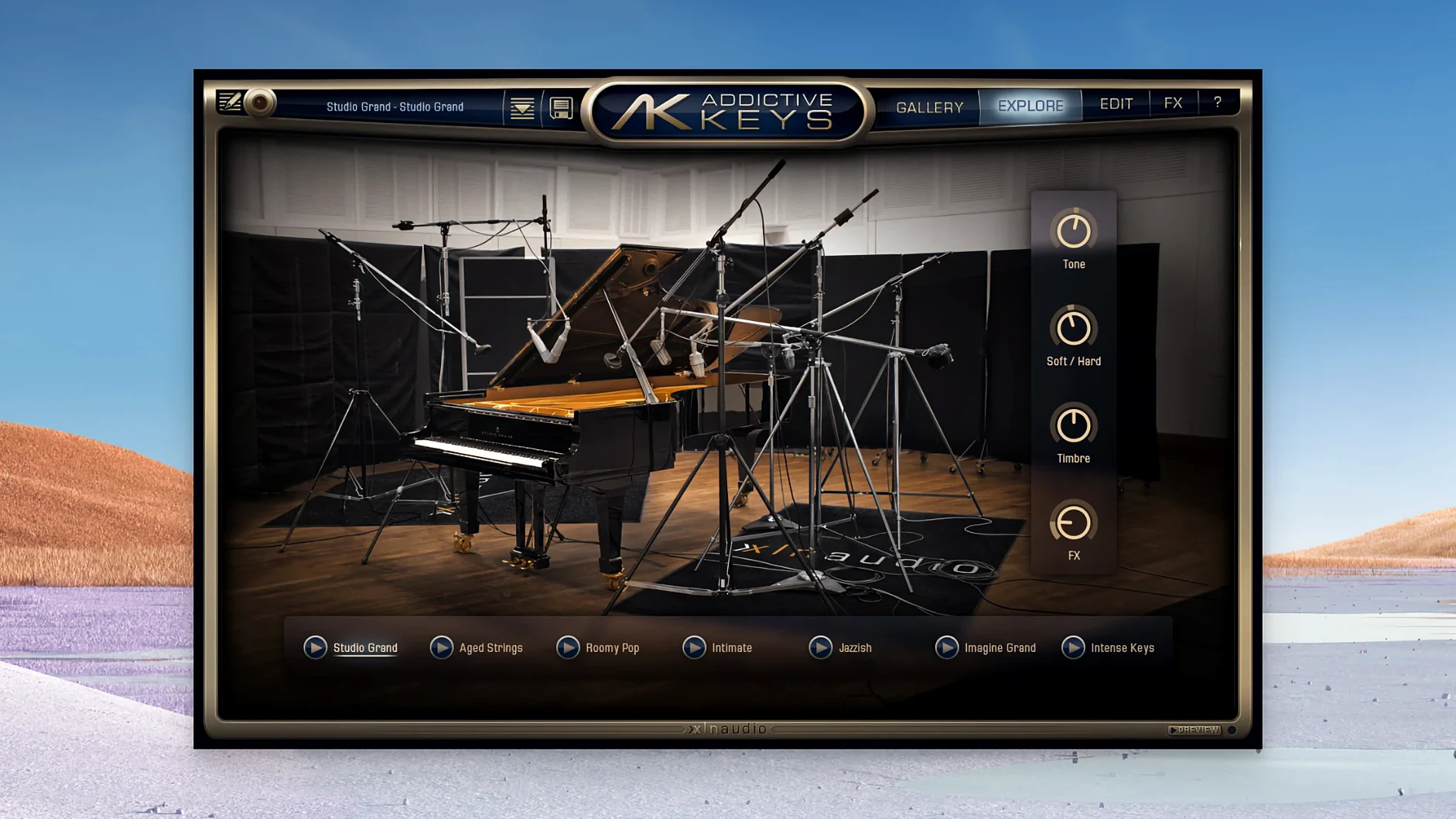
- Which pianos do I actually get? The core instruments: a Yamaha U3 upright (Modern Upright) and a CP-80 electric grand (Electric Grand). Both were recorded through a mix of modern and vintage gear.
- Is it ARM-native? Yes. The Mac installer covers x86 64-bit and ARM architectures in one package.
- What can I do straight away? Browse production-ready presets. The manual notes fast loading times, so you can audition sounds quickly.
A quick workflow: laying down a verse piano part
Open your DAW and create an instrument track. Load Addictive Keys as an AU or VST3 plugin. Pick the Modern Upright — it sits neatly in a busy mix without swallowing the low end.
- Browse to the Clean preset category. Select Upright Studio. It gives you a balanced, close-miked tone.
- Set your DAW tempo. Play a simple four-chord progression in the C3–C5 range. Don't quantise yet.
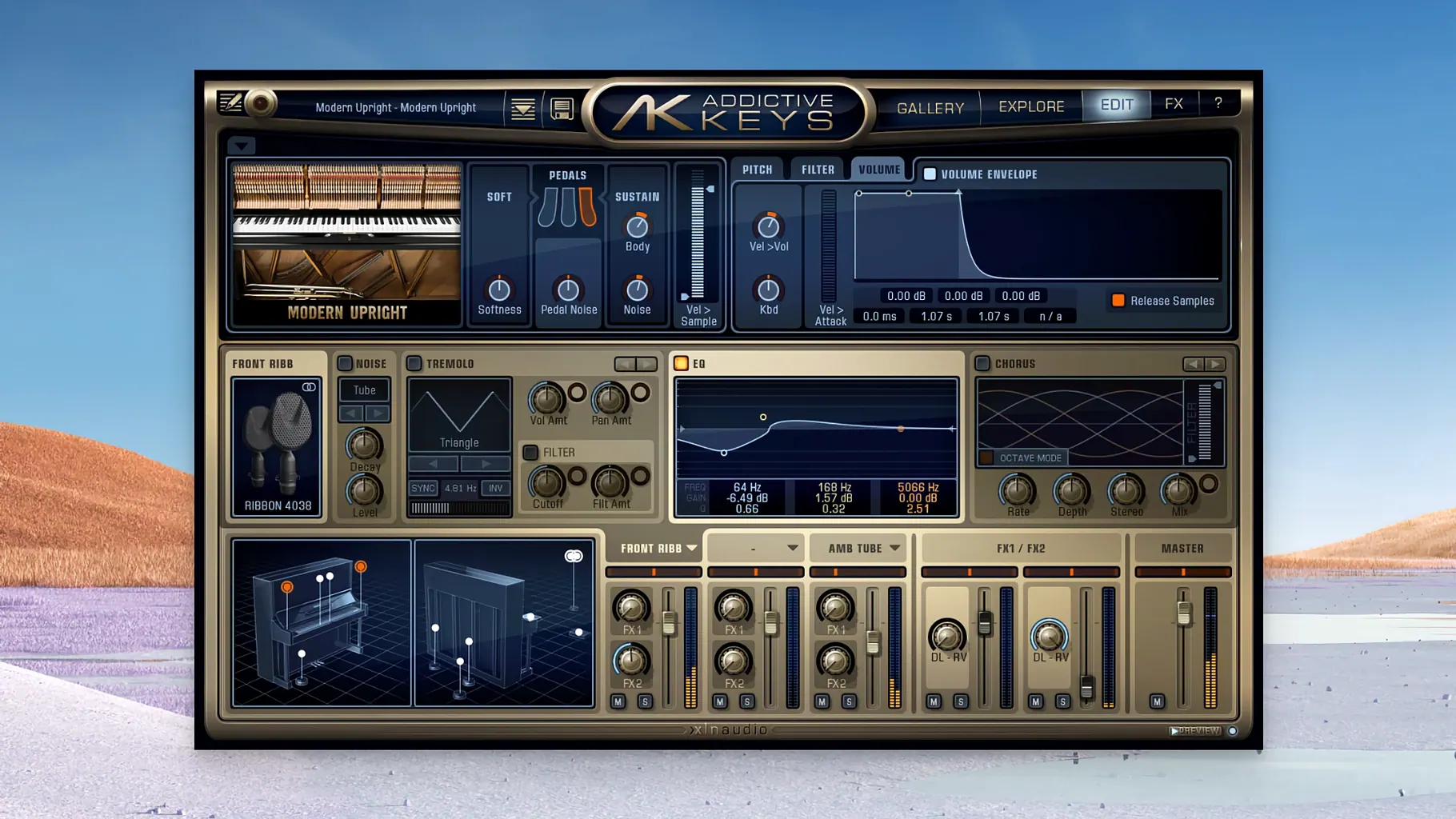
- Open the Mic tab. Mute the Room mic. Keep Close and Side mics at unity gain. This tightens the transient without the wash.
- Dial the built-in EQ: roll off below 80 Hz with a gentle shelf. Boost 2.5 kHz by 1.5 dB for finger attack.
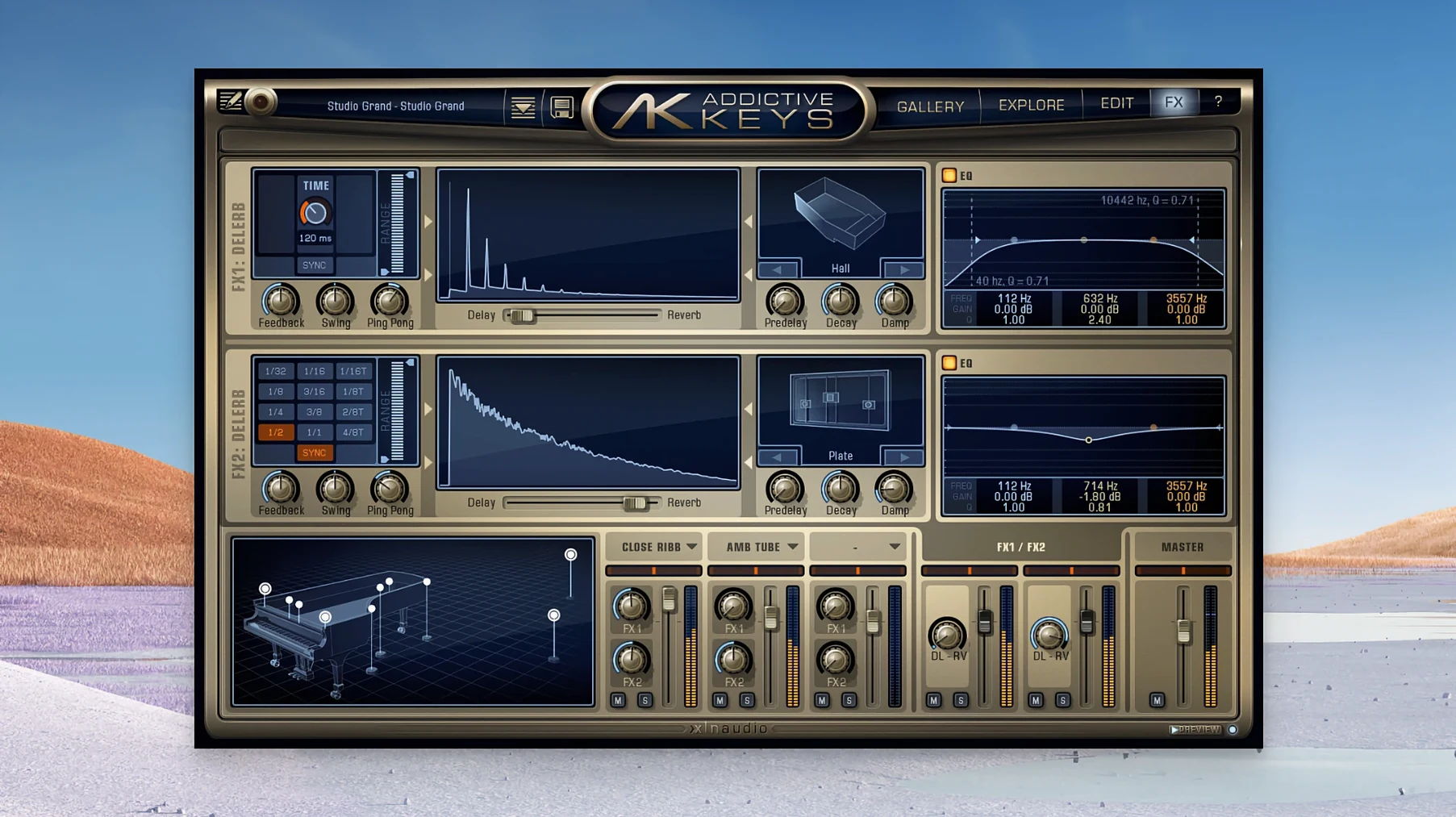
- Add a touch of plate reverb from the FX section — 12% wet. Short decay, around 1.2 seconds.
- Record your take. Quantise to 70% strength, not 100%. The human feel stays.
That is a verse bed in under three minutes. Bounce in place and move on.
Switch to Soft curve for semi-weighted keys, raise polyphony from 64
- Velocity curve. Open the settings panel. The default curve works for weighted controllers; switch to Soft if you play on semi-weighted or synth-action keys. Your dynamics will feel more natural.
- Polyphony. The default is 64 voices. Raise it to 96 if you use the sustain pedal heavily. Modern Macs handle this without clicks.
- Sample rate. Match it to your project. The plugin follows the host, but check the audio settings anyway — mismatched rates cause thin, phasey highs.
- FX routing. By default, reverb and delay are post-insert. In the FX tab, drag the order so compression hits before the time-based effects. Tighter tails, less mud.
- MIDI learn. Right-click the Timbre knob and assign it to your mod wheel. Riding timbre during a take gives you expressive swells without opening the plugin window.
One producer, one session
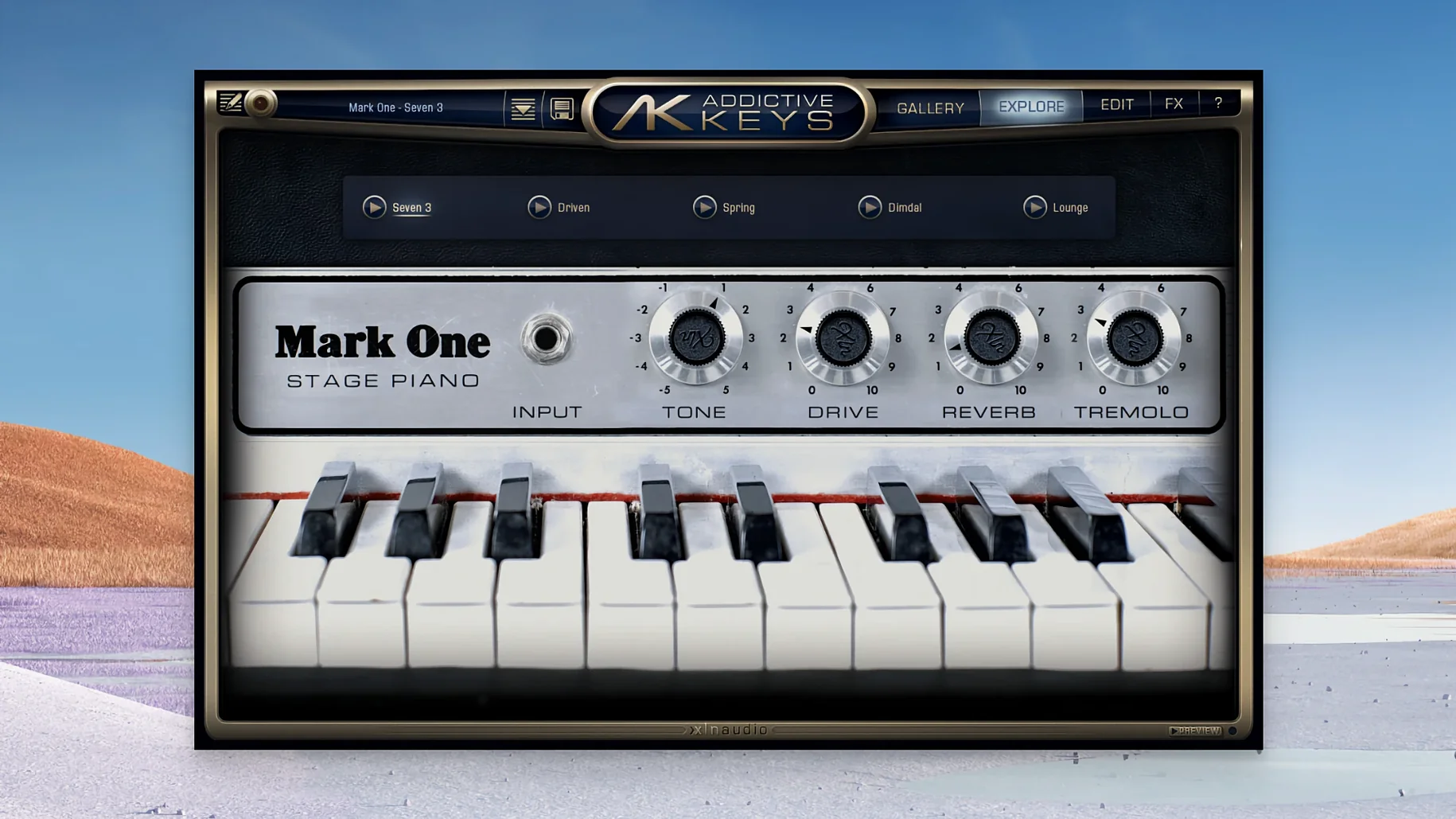
An electronic music producer in Sheffield is building a lo-fi house track. She needs a Rhodes that sits under a dusty drum loop and a vocal sample. She loads the Mark One instrument.
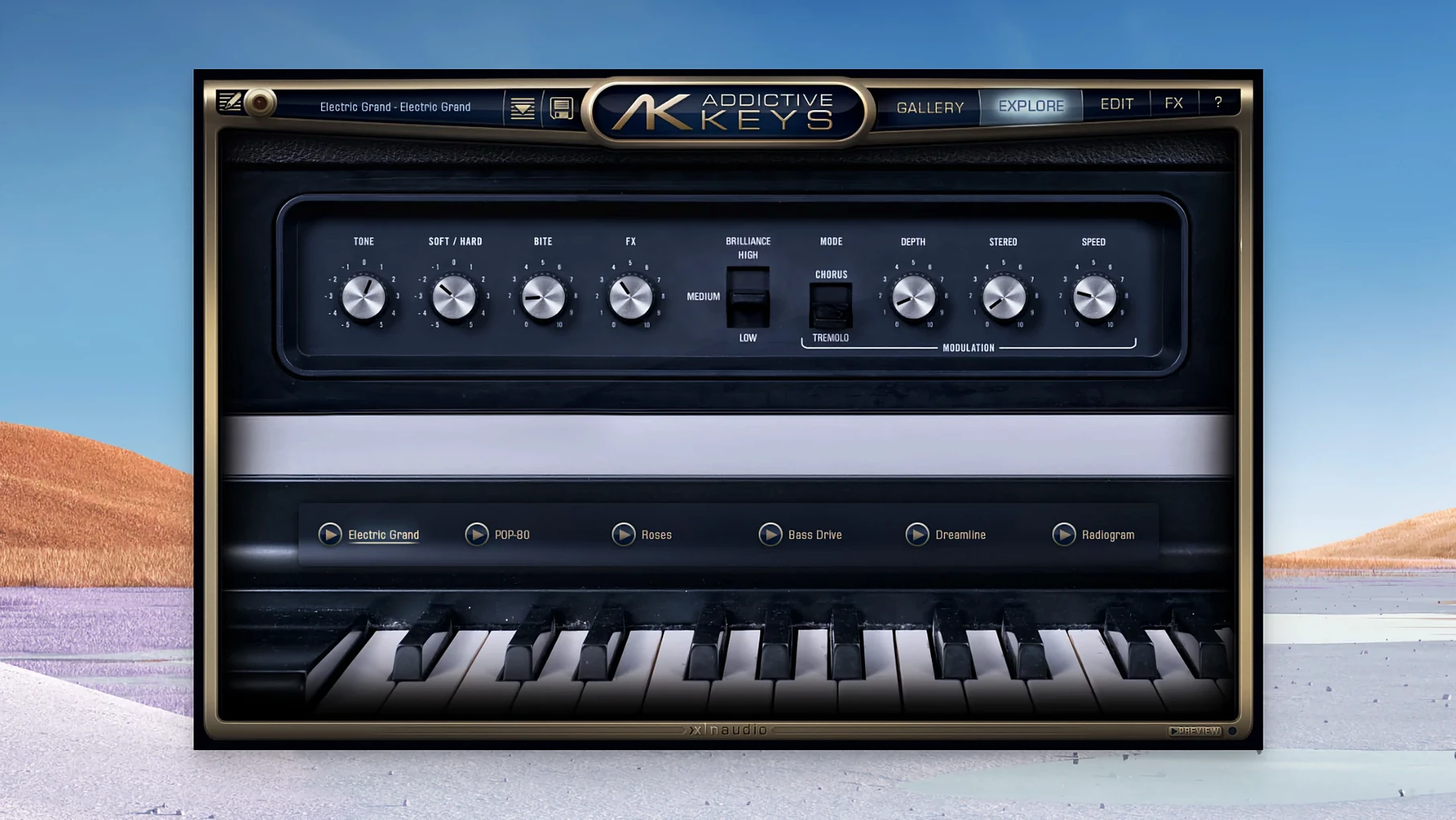
The Warm & Wobbly preset is close, but the stereo image is too wide. In the Mic tab, she narrows the pan spread to 40% and boosts the DI signal by 3 dB — that raw, direct tone cuts through. She dials the Tremolo to 4.2 Hz and syncs it to the project tempo. A slow, pulsing movement locks the keys into the groove.
On the master channel she adds a tape saturation plugin, but the Mark One already has a hint of drive from the onboard preamp emulation. She backs off the external saturation, saves the preset as “Sheff Lofi Mk1”, and drags the MIDI clip into the arrangement. The part fits first time. No additional EQ, no reverb. The preset travels with the session, ready for the next track. That is the point of a plugin you trust — load, tweak once, commit.
- macOS 10.13 or later
- Intel or Apple Silicon Mac
Questions the team asks
It supports VST, VST3, AU and AAX formats.
The Modern Upright is based on a Yamaha U3 upright piano, and the Electric Grand is based on a CP-80 electric grand piano.
Yes, the Mac version supports both ARM and x86 64-bit architectures.





Comments 0
Sign in or create an account to add a comment.
No comments yet. They go up after moderation.