
Arturia Augmented Grand Piano — Mac download
Download (2.6 GB) Earlier builds
Ticked
It runs on any Mac with macOS 11.0 or later, on both Intel and Apple Silicon processors.
Formats — VST, AU, AAX
Hosts — any DAW that loads VST, AU or AAX instruments, including Logic Pro, Ableton Live, Cubase, Pro Tools, and Studio One
Architecture — universal binary; native Apple Silicon support
Sound engine — a blend of multi-sampled grand piano recordings and a synthesis layer. The two sources can be mixed freely. The sampled side gives you realistic hammer, string and body resonance. The synth side adds textures, harmonics and movement.
Presets — over 300, covering familiar concert tones, felted timbres, and abstract pads. Each preset loads a combination of samples and synthesis parameters.
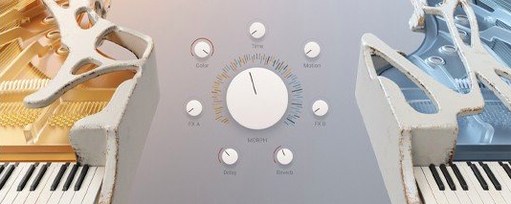
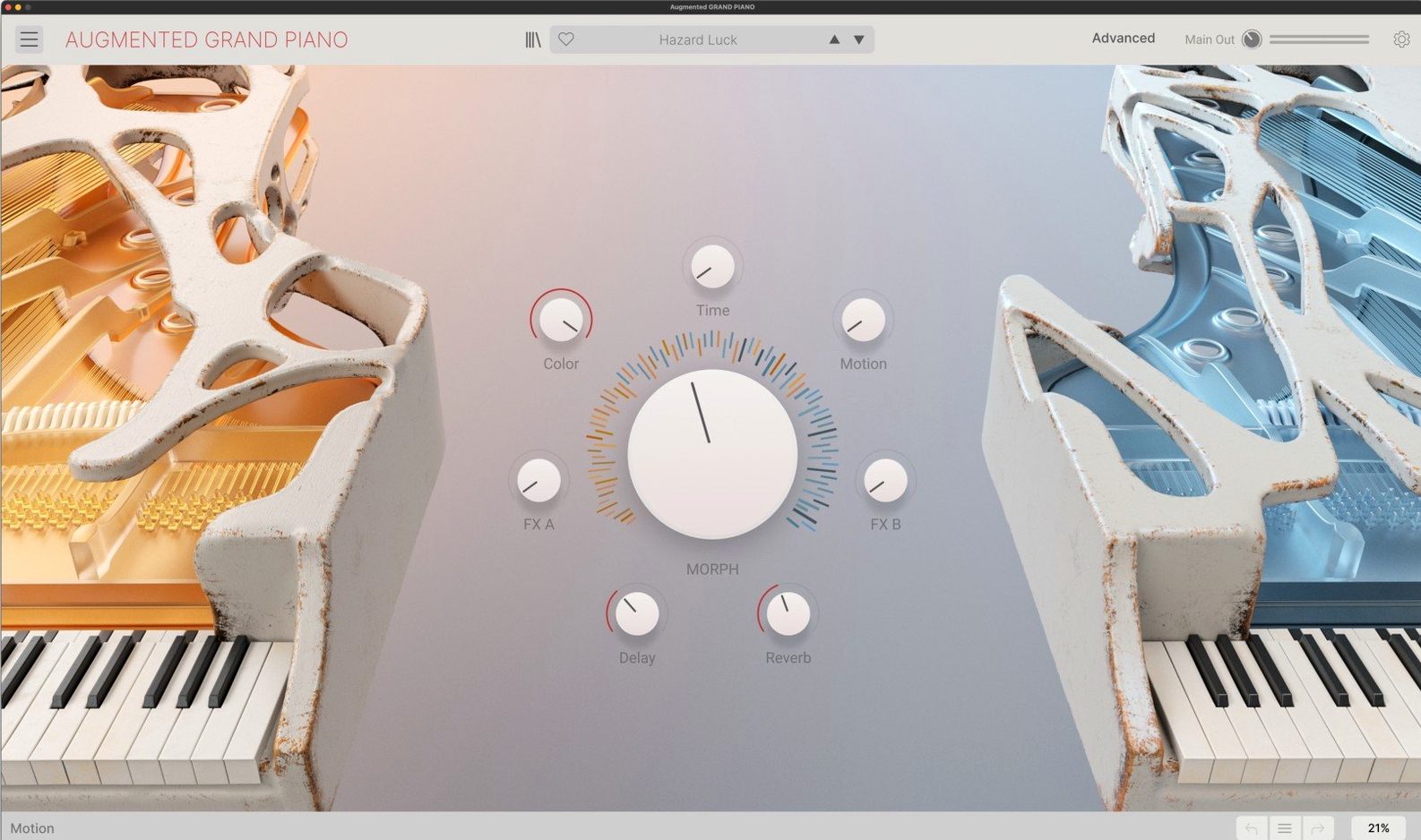
Controls — the main panel keeps key parameters visible. An expanded panel opens deeper editing for the synth engine, modulation, and effects.
Playability — responds to velocity and aftertouch. A smart arpeggiator is built in.
Good for — contemporary composition, cinematic scoring, game soundscapes, library music, and DAW production where you need both recognisable piano and transformed, textural sounds.
Step-by-step from loading the plugin to your first layered piano patch
- Open your DAW, add a new instrument track, and load Augmented Grand Piano as a VST or AU instrument.
- Browse presets by category. Pick one close to the tone you need — a clean concert patch or a felted texture.
- Play a few chords. Check how the sound responds to velocity. Adjust the touch curve in the main panel if the keyboard feels too heavy or light.
- Use the Morph slider to move between the two layers. Pull it left for more acoustic body; push it right for the synth layer to take over.
- Lock in a blend that works. Then open the expanded panel and tweak the modulation routing. Assign an LFO to the filter cutoff for subtle movement.
- Set the smart arpeggiator to a pattern that fits the tempo. Drop the rate to dotted eighths for a scoring cue, then record the MIDI output.
- Add a touch of aftertouch vibrato on sustained notes. Ride the mod wheel during the final pass to open the synth layer in the chorus.
A film composer's quick cue
A composer working on a psychological thriller needs a piano that feels familiar but unsettling. They load a felted preset, pull the Morph control 30% towards the synth layer, and engage the arpeggiator at a slow triplet rate. The sampled body gives the cue weight; the synthesis layer introduces a glassy harmonic that shifts under aftertouch pressure. In under ten minutes the cue is printed and placed against a scene of slow camera push-ins. No external effects needed — the macro controls handle the tone shaping in context.
- Version 2.0.2 (build 6369) — current release listed in official downloads
- macOS 11.0 or later
- Intel or Apple Silicon processor
- VST, AU, or AAX-compatible host
Questions the team asks
It's a software instrument that combines sampled grand piano with a synthesis engine, designed for modern composers and producers who need both familiar and abstract piano tones.
Over 300 presets, ranging from natural concert piano to processed cinematic and sound-design patches.


Comments 0
Sign in or create an account to add a comment.
No comments yet. They go up after moderation.