
Arturia Augmented STRINGS — Mac download
Download (4.9 GB) Earlier builds
Ticked
Check host and format compatibility
Augmented STRINGS loads in any 64-bit DAW that supports VST, AAX or Audio Unit plug-ins. It also runs standalone, so you can play without opening a session first. Works on macOS 11 and up, on both Intel and Apple Silicon Macs.
Load a patch and map the Morph control
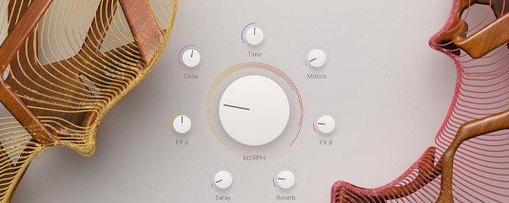
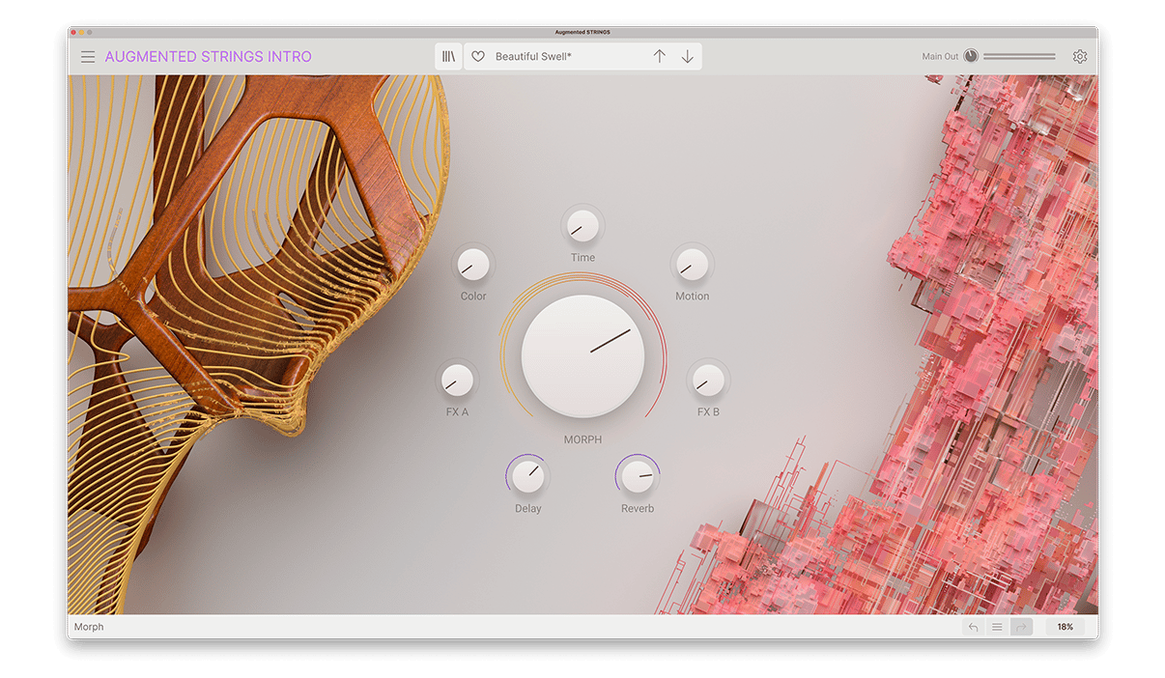
The centre of every patch is a crossfade between sample layers and synth layers. Assign up to eight custom destinations to the Morph macro and move between them in real time — string section to granular pad, or bowed attack to wavetable sustain.
Shape an articulation sequence
Pick from over 60 articulations across solo and ensemble performances. Use dynamic sequencing to switch between playing styles without loading a new patch. Four synthesis types sit behind the samples, so you can push each articulation far beyond its acoustic source.
Right-click a macro knob for instant MIDI assignment
- Right-click a macro knob to assign it to a MIDI controller in one step, without opening the MIDI learn panel.
- Shift-drag any fader for fine adjustments. The value moves in smaller increments, handy when dialling in a morph range.
- Double-click a parameter name to reset it to its saved value. No hunting for a reset button.
- The layer solo buttons (A and B) sit in the centre panel. Click either to audition one layer in isolation — useful when a patch sounds muddy and you need to pinpoint which source is causing it.
- Patch browsing responds to arrow keys. Tap down to move through a category without touching the mouse during a session.
Split the synth and sample layers with separate bus processing
Augmented STRINGS drops into any plug-in chain that accepts VST, AAX or Audio Unit instruments. In a DAW, route its output to a bus and treat the synth layer with a separate reverb while the sample layer stays dry — two characters from one performance.
Because it runs standalone, you can leave the DAW closed and use it with a lightweight host or a MIDI routing utility. Send notes from a notation app, capture the audio with a system-wide recorder, and build a string sketch before the arrangement stage.
macOS integration is straightforward. The plug-in reports its parameter names to Logic Pro’s Smart Controls and Automation lanes. If you use a DAW that supports Audio Unit v3, the instrument appears alongside other AU instruments without extra configuration.
- macOS 11 or later
- Intel or Apple Silicon Mac
- 64-bit DAW for plug-in use
Questions the team asks
It runs as a VST, AAX and Audio Unit plug-in, plus a standalone application.


Comments 0
Sign in or create an account to add a comment.
No comments yet. They go up after moderation.