
Arturia Analog Lab V — Mac download
Download (2 GB) Earlier builds
Ticked
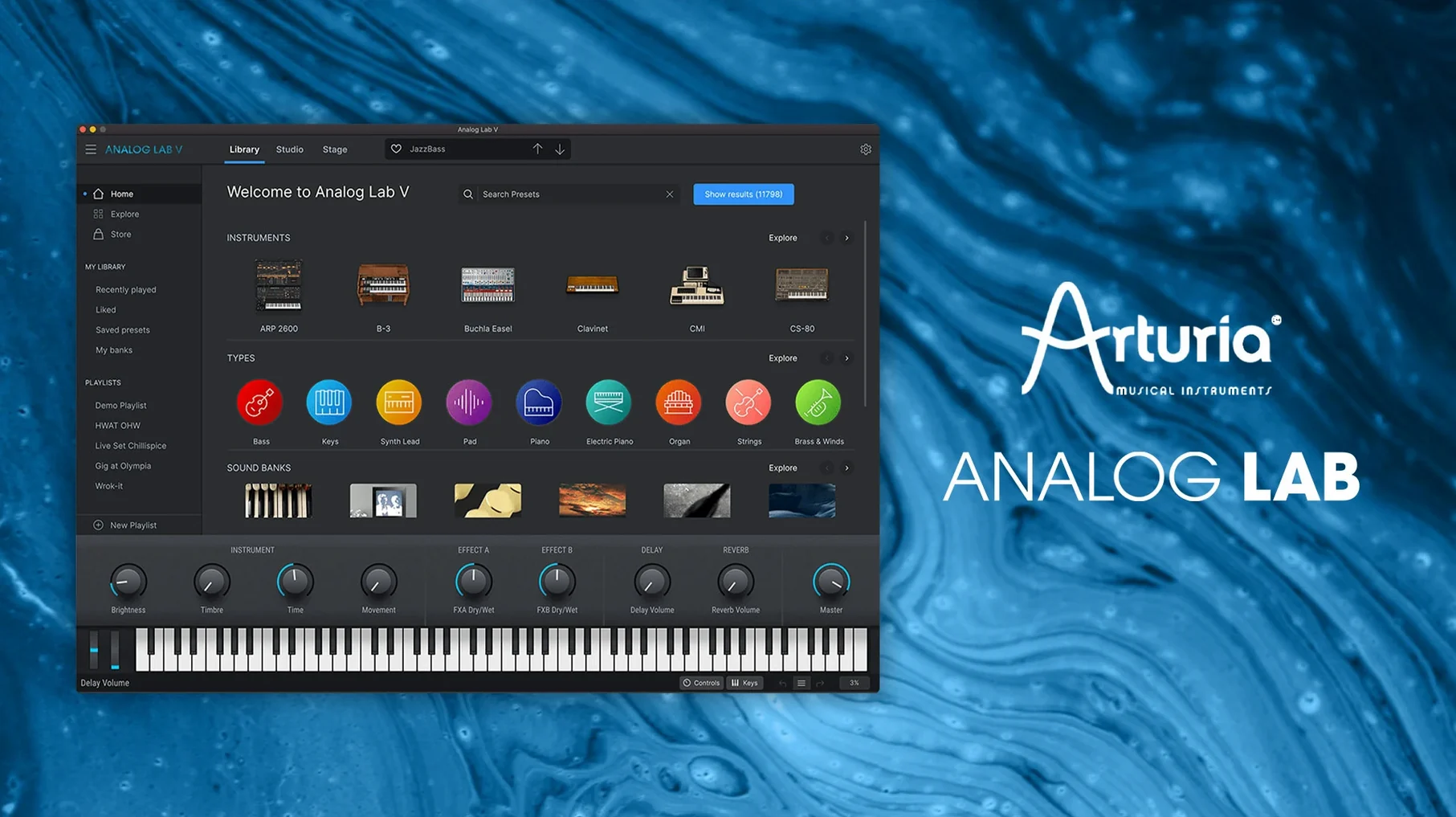
Runs natively on Intel and Apple Silicon from macOS 11 upward
Analog Lab V runs on macOS 11 or later. It works on both Intel and Apple Silicon Macs.
Browse 2000-plus presets across standalone, AU, AAX, VST2, and VST3
- Producers who want a fast way to browse classic synth and keyboard sounds without building patches from scratch.
- Anyone who needs a single plugin that loads as a standalone app, Audio Units, AAX, VST2, or VST3.
- Quick preset discovery — the intelligent filter narrows searches by instrument type, style, and timbre.
Macro-only preset browsing without full access to the underlying synth engines
- Analog Lab V gives you presets, not full editing of the underlying instruments. Deep sound design stays in the full Arturia V Collection.
- The product is now called Analog Lab Pro on the Arturia site, though the software and plugins still show “Analog Lab V.”
- Vintage and modern presets are included, so expect a wide tonal range from one interface.
Stage keyboardists who turn a Mac into a live instrument with the standalone app
Not every producer needs a preset browser with 2000-plus sounds. A few types of user get more mileage from Analog Lab V than others.
Keyboard players who double as producers. The standalone app turns a Mac into a stage-ready instrument. MIDI mapping is immediate. A controller plugged in on Tuesday works the same way on Wednesday’s session. No DAW required.
Track composers under time pressure. When a brief says “80s synthwave” by tomorrow, scrolling through raw oscillator settings wastes minutes. The intelligent filter cuts straight to Juno-style basses, brassy stabs, or soft pads. A producer picks a mood, not a waveform.
Live performers with a laptop rig. Stability matters more than deep editing. Analog Lab V loads sets of presets fast and switches between them without glitching. A single plugin covers piano, strings, leads, and bass — less to go wrong mid-show.
Producers testing the Arturia ecosystem. Someone curious about the V Collection often starts here. The plugin shows what the engines can sound like. If a preset needs tweaking beyond the macro controls, that same preset opens for full editing when a V Collection license is present.
On-screen knobs control layered macros, not single synth parameters
- Assuming every knob is a synth parameter. The on-screen controls are macros. They change multiple underlying settings at once. Turning a filter knob does not always map to a single filter cutoff — it might shift resonance, envelope amount, and drive together. Expect surprises.
- Ignoring the preset star ratings. Favouriting sounds early saves hours later. A new user browses for thirty minutes, finds a perfect pad, then loses it in the next session because nothing was starred. Build a shortlist from day one.
- Treating it as a stripped-down V Collection. The plugin is a browser and player, not a limited editor pretending to be a full synth. Beginners sometimes hunt for an oscillator section that is not there. Learn the macros, then decide if the full instrument is worth adding later.
- Skipping MIDI controller setup. The default mappings work with Arturia KeyLab controllers out of the box. Other controllers need manual assignment. A first session with an unassigned keyboard feels flat — four knobs and a mod wheel doing nothing. Spend ten minutes mapping the four macro knobs and the filter cutoff to your hardware.
Designing cold metallic sci-fi textures inside Logic Pro
A sound designer on a short film grabs a coffee and opens Logic Pro. The director asked for “cold, metallic textures” for a sci-fi transition scene. The brief arrived an hour ago.
She opens Analog Lab V on an instrument track and types metal into the search bar. The intelligent filter returns thirty-two presets spread across FM bells, ring-modulated organs, and clangorous pads. She stars six candidates in under two minutes.
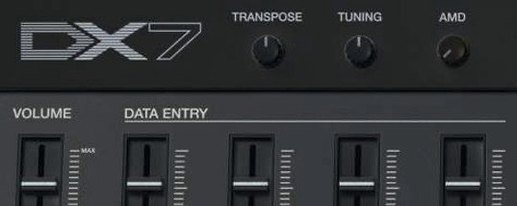
The third preset — a percussive mallet sound from a DX-style engine — sits too high in the mix. She pulls the Colour macro down, darkening the transient and adding a low-mid boost. The Brightness knob softens the attack. Two macro moves, no sound-design rabbit hole.
She prints the track, copies it, pitches the copy down an octave, and reverses the audio. The layered result sounds like frozen machinery. The director approves it before lunch. The session file stays clean — one plugin, zero extra instruments, recallable in seconds.
Questions before installing
Any MIDI keyboard works; KeyLab controllers unlock on-hardware preset browsing
Yes. Any MIDI keyboard works. The macro controls map to standard CC messages. Arturia KeyLab controllers give tighter integration — preset browsing from the hardware and pre-mapped knobs — but the plugin functions fully with generic controllers, a mouse, and a QWERTY keyboard.
Will it break existing projects that use the older Analog Lab 4?
Projects referencing Analog Lab 4 presets may need manual migration. The plugin name changed, and some preset paths shifted between versions. Opening an old session might trigger a “plugin not found” warning. Bounce stems from version 4 projects before switching over, or keep the older plugin installed alongside version 5.
Is the standalone app lighter on CPU than the plugin?
Roughly the same. The standalone app uses the same audio engine as the AU, VST, and AAX versions. CPU load depends on the preset — a complex pad with multiple layers and effects can push any format. The standalone mode simply removes the DAW’s overhead from the equation.
Can I add my own samples?
No. Analog Lab V browses and plays presets created in Arturia instruments. It does not load user samples or third-party sound libraries. For custom sample playback, a separate sampler plugin is needed alongside it.
Does it receive the same preset updates as Analog Lab Pro?
Yes. The preset library is shared. When Arturia adds new sound banks — or when a V Collection instrument update introduces new presets — they appear in Analog Lab V’s browser after installation, provided the license covers them.
Version 5.12.6
- Compatibility added for MiniFreak V 5.
- Compatibility added for AstroLab 2.0.
- Update handling improved.
- Device connection stability increased.
- File transfer reliability improved.
- Install this version of Analog Lab before updating AstroLab.
- macOS 11 or later
- Apple Silicon or Intel 64-bit
Questions the team asks
Yes, it runs standalone and as an Audio Units, AAX, VST2, or VST3 instrument plug-in.


Comments 0
Sign in or create an account to add a comment.
No comments yet. They go up after moderation.