
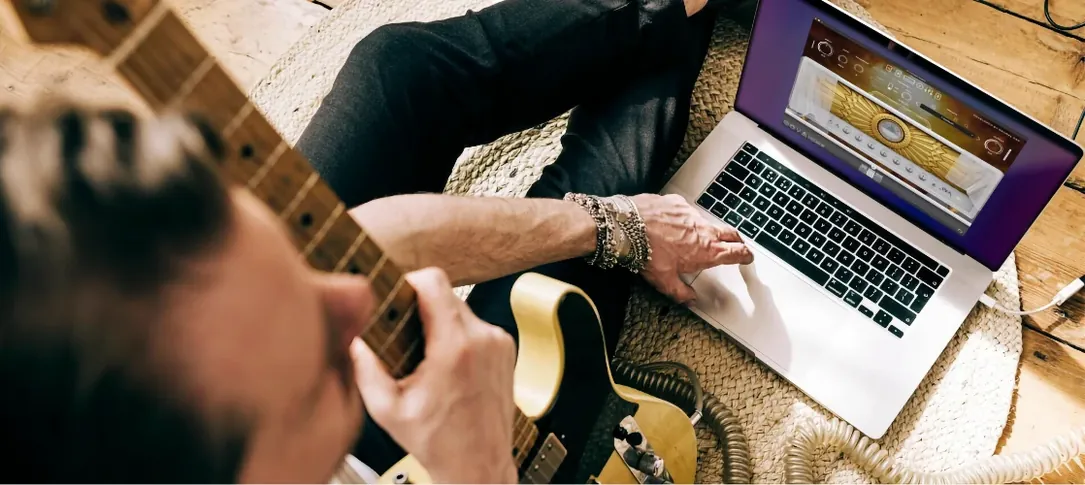
Neural DSP Archetype Cory Wong X — Mac download
Ticked
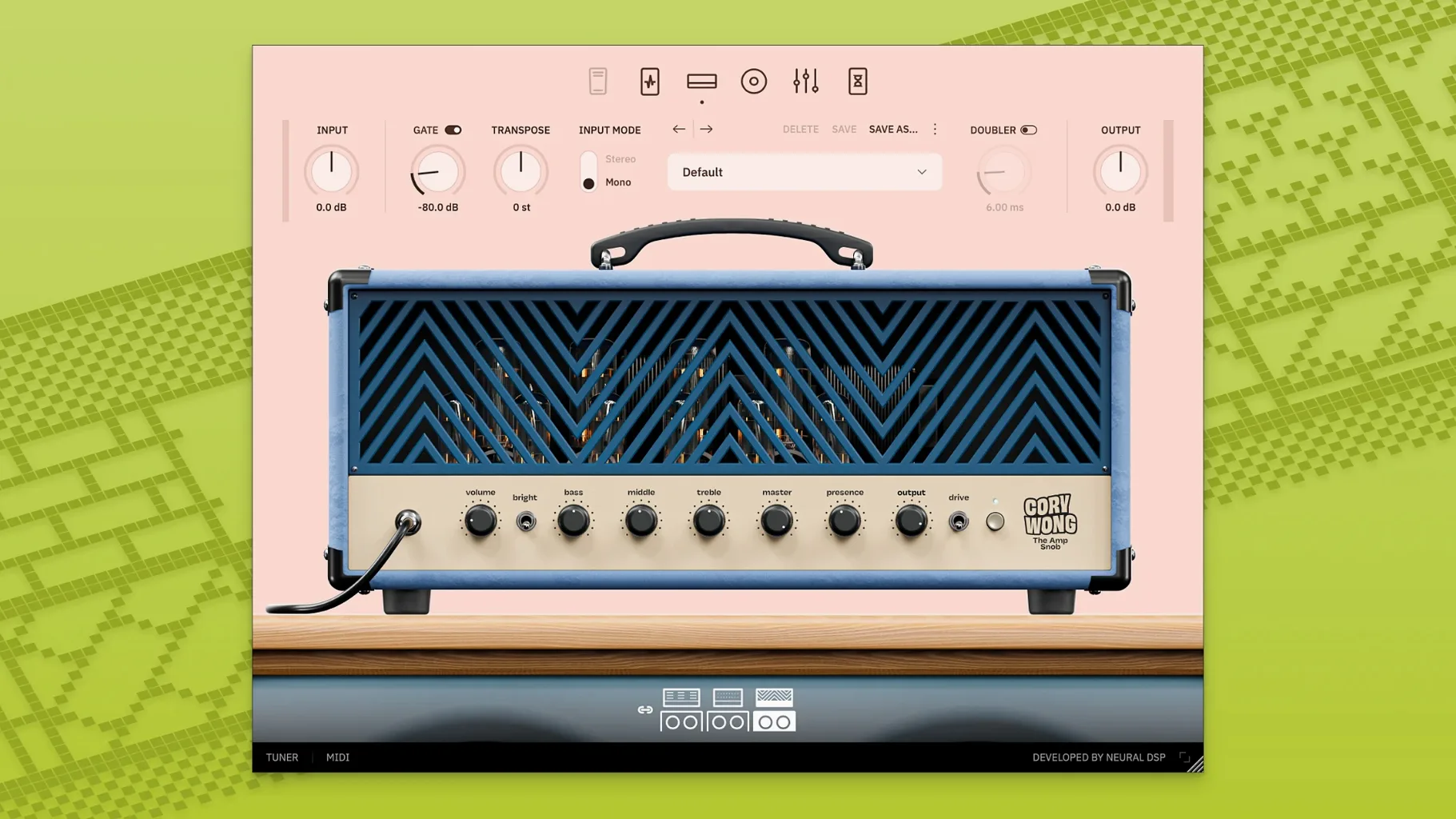
You've tracked a tight, palm-muted verse part that sits right. Now the chorus needs a percussive, clean funk stab — strums that snap without breaking up. A basic channel strip won't shape it fast enough. That's where you pull up Archetype Cory Wong X on the insert.
Which tracks does it suit best?
Mono or stereo guitar tracks that need a clean, present tone. It works on direct-recorded DI signals, giving you an amp and cab sound without mic bleed. The D.I. Funk Console model is the go-to for Nile Rodgers-style rhythm parts.
Can it sit on a bus?
Yes. Place it on a guitar bus to add a cohesive cab simulation and room reverb to multiple takes. The new room reverbs in the X version glue layered parts together cleanly. Add the doubler effect on a send for instant width without phasing.
What jobs does it handle quickly?
Dialling in a tight wah, transposing a part without re-tracking, or adding a timed delay. The 9-band graphic EQ lets you carve space fast. For a quick master bus check in the standalone app, use the built-in metronome to test timing before you bounce.
Which post effects shape the tail of a sound?
The 80s adds a modulated chorus wash. Delay-y-y keeps repeats musical. The Wash pushes the signal into a long, ambient reverb tail — useful for turning a dry DI into a pad-like texture on a backing track.
Drag the mic dot for instant cab voicing
- Drag the mic position dot in the cab section instead of menu-diving. It moves the virtual mic instantly across the speaker cone, so you hear the tonal shift in real time.
- Hold Alt (or Option) and click any knob to reset it to its default value. Useful after a long tweak session when you've lost your reference.
- The tuner mutes the signal only when you click the mute icon. Tap the tuner display itself and you can tune while the DI signal still passes through — handy for quick adjustments during a tracking session.
- You can import custom impulse responses by dropping .wav files straight onto the cab section. The plugin loads them without opening a file dialog.
Match input level before the clean amps clip
Open the global settings cog before you start a session. Three changes make the most difference early on:
- Set the input level to match your interface. The plugin's clean amps respond best when gain staging is correct — too hot and the D.I. Funk Console loses its percussive snap.
- Switch the cab section to "Raw" mode if you're sending the guitar into a separate room reverb on a bus. It strips the baked-in room sound and avoids a muddy double-verb.
- Set the doubler to a stereo width around 30% as a starting point. The default can feel extreme on tight double-tracked parts.
- Added new room reverbs
- Added global features
- Redesigned user interface
- Added 133 new presets
- macOS 10.13 or later
- Intel and Apple Silicon supported
Questions the team asks
It includes three models: D.I. Funk Console, The Clean Machine, and The Amp Snob.




Comments 0
Sign in or create an account to add a comment.
No comments yet. They go up after moderation.