
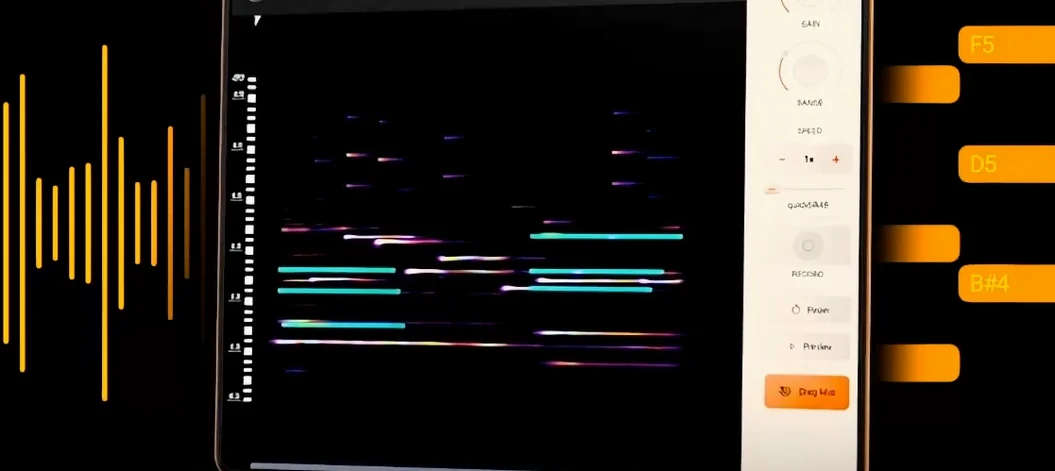
noteGRABBER — Mac download
Ticked
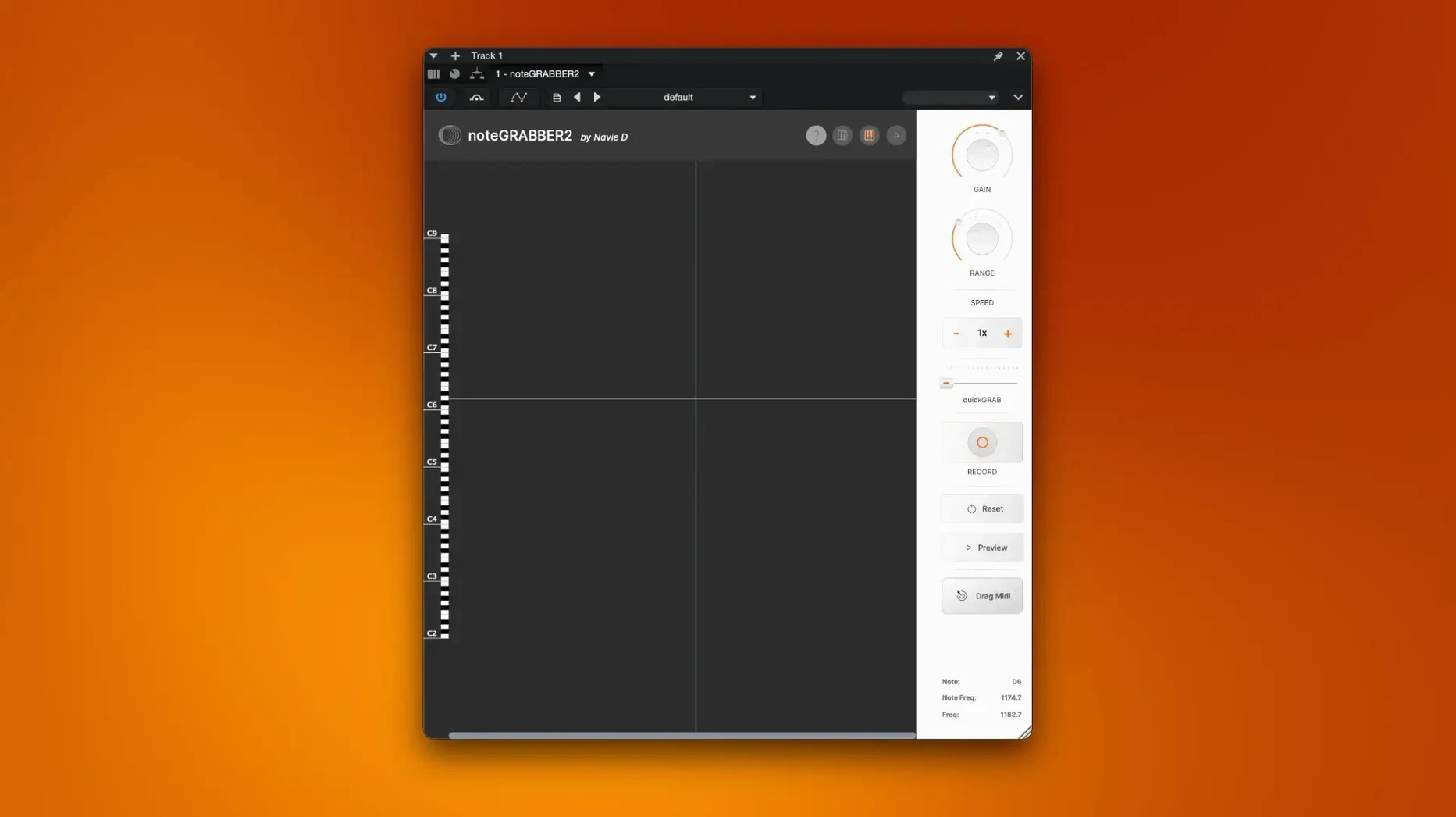
Sensitivity control
Start here. Drag it left to ignore quiet ghost notes and room noise. Push it right and even the faintest string pluck gets picked up. It sets the floor for what noteGRABBER treats as a musical event.
Minimum note length
Short percussive hits slip through at low values. Raise it to filter out blips and keep only sustained notes. This is where you separate a stab from a pad.
Pitch bend capture
Toggle this on when the sample has slides or vibrato. The MIDI output carries the movement. Leave it off for straight, quantised notes that sit tight in a beat.
Drag-and-drop MIDI
The analysed notes appear in the plugin window. Grab them. Drop them onto a MIDI track. No routing, no real-time bounce. Just the data, placed where you need it.
noteGRABBER turns a dusty vinyl phrase or a field-recording fragment into something you can edit note-by-note. It is quick enough to keep a session moving and precise enough to catch what your ears picked out.
Three tools, three ways to turn audio into MIDI
Three sample-to-MIDI tools show up in most plugin folders. They work differently.
noteGRABBER vs Ableton Live's Audio-to-MIDI
Live's built-in converter covers harmony, melody and drums. It does the job inside a DAW you already own. But it only works in Ableton. noteGRABBER loads as a plugin in any host. The sensitivity slider here gives finer control over what gets picked up — Live's converter feels binary by comparison. For a quick chord grab inside a Live set, stay native. For dragging MIDI into Logic or FL Studio, noteGRABBER wins.
noteGRABBER vs Melodyne
Melodyne goes deep. It edits pitch, timing and formants note-by-note. It also costs a lot and takes time to learn. noteGRABBER does one thing: audio in, MIDI out. No editing window, no blobs. If you only need the note data to feed a different instrument, Melodyne is overkill. noteGRABBER gets you there in three clicks.
noteGRABBER vs Waves Tune Real-Time
Waves Tune is a pitch corrector that happens to output MIDI. It tracks monophonic sources well but chokes on chords. noteGRABBER handles polyphonic material — old jazz samples, piano loops, stacked pads. Different tool for a different job. If you are pulling notes from a full mix, grab the Navie D plugin.
Drag a dusty soul loop, grab the Rhodes line
You drag a dusty soul loop from your library onto an audio track. The phrase has a Rhodes line you want to double with a soft synth.
- Load noteGRABBER as an insert on the audio track.
- Hit play and watch the detection window. A few ghost notes flicker where the vinyl crackle sits.
- Push the sensitivity slider right until those disappear. Seven clean notes remain.
- Shorten the minimum note length to catch a quick grace note near the end of the phrase.
- Toggle pitch bend capture off — this line is straight, no slides.
- Click the MIDI block in the plugin window and drag it onto a new instrument track.
- Drop a Wurlitzer plugin on that track. The MIDI plays back, doubled under the original sample.
Total time: under a minute. You nudge a few velocities, shift one late note back an eighth, and keep building. The loop still carries the original grit, but now a cleaner layer sits underneath — same notes, different texture.
Users searching for notegrabber free download or a notegrabber torrent often want to test that exact workflow before committing. The plugin fits a specific gap: fast extraction, no DAW lock-in, no manual transcription.
- macOS 10.12 or later
- Intel or Apple Silicon Mac
Questions the team asks
Yes. It analyses multiple notes at once, which makes it useful for grabbing chords from sampled audio.
It needs macOS 10.12 or later and runs on both Intel and Apple Silicon Macs.









Comments 0
Sign in or create an account to add a comment.
No comments yet. They go up after moderation.