

Output Portal — Mac download
Download (319 MB) Earlier builds
Ticked
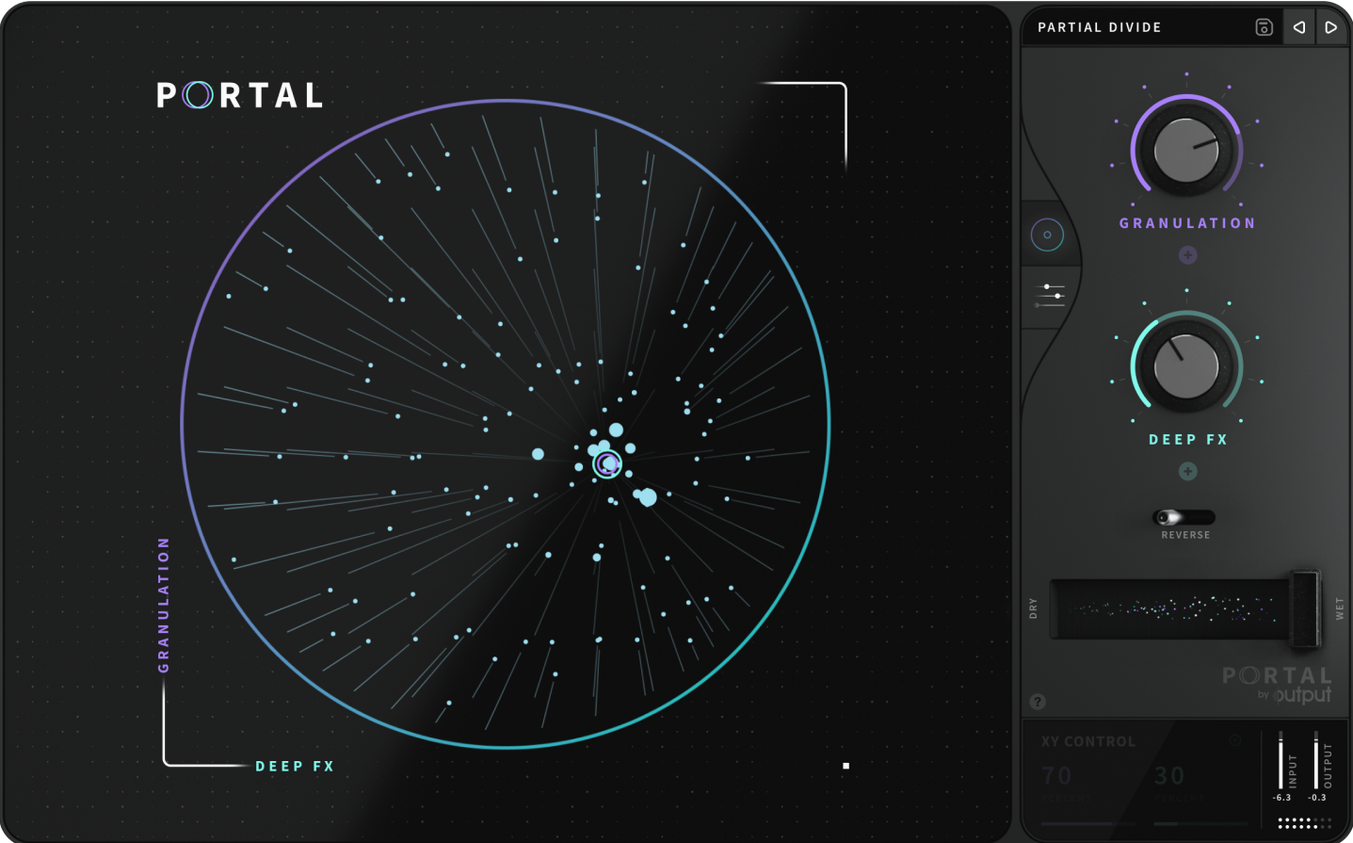
Two grains. That's the minimum number Portal can stack at any one time. It's a small detail, but it tells you this isn't a cloud-of-dust reverb masquerading as a granular tool. It's a surgical device for stretching and reshaping audio input.
Controls that matter
- Grain size and shape. Pull a snare hit into a slow-motion smear. Tighten it back to a flutter.
- Tempo sync or free run. Lock the grain engine to the host tempo, or let it drift unsynchronised.
- Envelope variation. Dial in natural, humanised movement across grain envelopes so nothing repeats exactly.
- Re-synthesis engine. Portal leans toward the original input. Sounds stay recognisable, not washed out.
Re-synthesis turns any source into glassy pads and splintered rhythms
As an effects plugin—not an instrument—Portal processes what you feed it. Run a vocal through it for glassy, time-stretched pads. Send a synth stab through unsynchronised grains and it splinters into a rhythm of its own. The re-synthesis keeps things anchored; you stretch a sound without losing its core.
Drenching everything in wet hides the dry source underneath
- Drenching everything in wet signal. Pull the mix knob back. Portal shines when the dry source still has presence underneath.
- Ignoring grain envelope shape. A sharp attack on each grain creates clicks. Soften the front edge on sustained material—voices, pads, strings—unless you want percussive artefacts.
- Forgetting tempo sync decisions. Leaving sync on for an ambient soundscape wastes the drift potential. Switching it off for a drum loop loses the grid. Decide early.
- Feeding it overly busy input. Portal works best with clear, single-line material. A full mix shoved through it turns to mush. Process individual stems.
- Not locking pitch to scale. Free pitch shifting sounds messy on tonal sources. Engage the scale lock and pick a key before you judge the result.
Bounce and nudge the processed track when dry/wet phasing appears
- Phasing when blending dry and wet. Some hosts introduce latency that misaligns the signals. Bounce the processed track and nudge it by ear, or use a sample-accurate delay on the dry channel to compensate.
- CPU spikes during grain-heavy passages. Lower the maximum grain count. Two grains often sound more deliberate than twelve. Freeze or bounce tracks once you're happy.
- Grains cutting off mid-tail. This happens when the input stops before the grain buffer empties. Extend the source region by a bar, or print a longer tail before you process.
- Re-synthesis sounding too close to the dry signal. Push the grain size further from the source duration. Counter-intuitive: smaller grains can sound less like the original because they isolate transient fragments.
Workflow: turning a guitar loop into a pad bed
- Record a clean four-bar guitar arpeggio. No heavy reverb, no delay—Portal adds its own space.
- Insert Portal on the track and set the mix to 50% as a starting point.
- Switch tempo sync off. Drag grain size until the arpeggio notes blur into a sustained wash—around 200 ms works for most tempos.
- Soften the grain envelope attack to 40% to avoid pick-attack clicks. Lengthen the release to 70% for smooth tails.
- Engage pitch scale lock and set it to the key of your arpeggio. Shift pitch up seven semitones for a glassy shimmer layer.
- Add subtle envelope variation (15–20%) so each grain decays slightly differently. This stops the pad from sounding static.
- Roll off the low end with an EQ after Portal—grain stretching can introduce mud below 200 Hz on guitar material.
- Blend the processed signal behind the dry arpeggio. The wet channel becomes a harmonic bed; the dry keeps the performance articulate.
- macOS (Intel and Apple Silicon supported)
- Host DAW supporting VST or AU formats
- Interface language: English
Questions the team asks
Yes. You can synchronise the granular engine to your host DAW's tempo or run it fully unsynchronised for freeform textures.







Comments 0
Sign in or create an account to add a comment.
No comments yet. They go up after moderation.