
Plugin Alliance Brainworx Bundle — Mac download
Download (2.1 GB) Earlier builds
Ticked
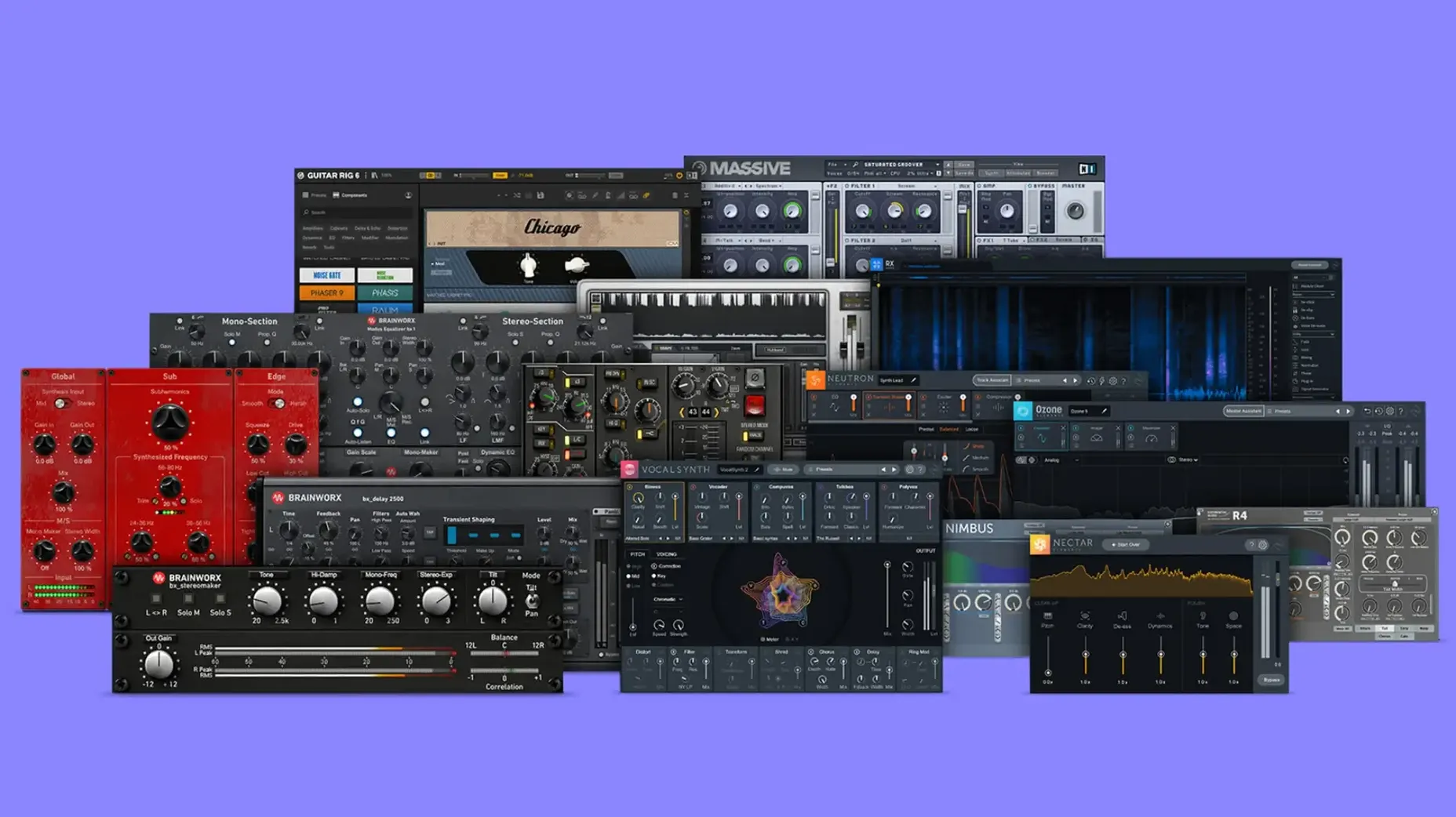
Useful for engineers who reach for a console emulation not for colour, but for behaviour. The kind of user who thinks in gain staging and parallel compression from the first rough balance.
1. Set the console stage
bx_2098 EQ goes on instrument groups first. Its filters are about shape, not sparkle. Four bands, tight Q — it moves air without pulling the image apart. High-pass on guitars, a narrow cut on the bass, done.
2. Add weight, not fizz
bx_bassdude handles the low end. Amp modelling that respects the DI. It thickens a thin synth bass or gives a real bass track authority without turning it into a rock preset. Blend the dry signal — good.
3. Glue the bus
bx_glue on the mix bus. An SSL-style compressor that bites fast and releases musically. Bring the threshold down until the kick ducks a decibel, then back off. The mix tightens; it doesn't shrink.
4. Print with character
bx_townhouse Buss Compressor on the print track. Slower, thicker, more forgiving than the glue. It rounds transients in a way that suits a dense chorus. Drive it gently — it's a finishing tool, not a fix.
Apple Silicon runs natively, no Rosetta needed
Does the bundle work on Apple Silicon Macs without Rosetta? Yes. Every plugin runs natively on ARM and Intel 64-bit. No translation layer, no CPU spikes from a wrapper you forget is there.
Which formats do the plugins use? VST, VST3, AU, and AAX. Your DAW is covered — Logic, Ableton, Cubase, Pro Tools. Pick your format during the standard install.
Will older sessions break after updating? Plugin Alliance uses consistent plugin IDs. Opening a mix from two versions ago, the bx_console SSL 4000 E recalls its settings. Still, export a preset before a major update. Habit, not paranoia.
Does the bundle demand an iLok? No. Machine-based activation. No dongle to lose on a session run.
Clinical channel behaviour instead of baked-in room sound
Against Waves Abbey Road Collection, the Brainworx bundle leans more clinical. Waves models specific desks and rooms with a baked-in sonic signature. Brainworx gives you the channel behaviour — TMT tolerance modelling, gain staging — without forcing the room sound. If you already have a colour box you love, Brainworx slots in before it.
Compared to Universal Audio's native UAD plugins, the gap is narrower than it used to be. UA's emulations are lush, but they lock you into their ecosystem thinking. The Brainworx bundle is self-contained. No console app required. bx_masterdesk Pro does in one window what takes three UAD inserts — EQ, compression, M/S widening, limiting. Fast for a mastering chain you need to recall next week.
Against IK Multimedia T-RackS 5 MAX, Brainworx is less of a grab bag. T-RackS gives you forty-odd processors, many you'll never open. This bundle gives you ten, each with a job. bx_rockrack V3 for amp tone, bx_digital V3 for mid-side surgery, bx_console AMEK 200 for that desk's specific headroom curve. Fewer plugins, deeper integration.
Assign manual TMT channel numbers per instance
In bx_console SSL 4000 E, switch TMT channel mode from random to manual. Assign a different channel number to each instance in your session. The subtle variance in gain staging and EQ curves stacks across a mix. By track 24, the stereo field breathes more like a real desk — something a single-channel snapshot cannot do.
In bx_masterdesk Pro, unhook the compressor threshold from the auto-gain makeup. The default link keeps the level steady while you dial in compression, which sounds helpful but masks what the compressor is actually doing. Unlink it, set the threshold, then bring makeup gain up manually. You hear the grab and release honestly.
In bx_digital V3, engage the mono-maker below 120 Hz on the master bus. Narrow the low end without collapsing the image. Adjust the frequency to match your kick fundamental. A small change that tightens the subs before they hit a limiter.
These four aren't the whole bundle, just the ones you'll lean on daily. A set for engineers who build a session like a checklist.
- macOS 11 or later
- Apple Silicon and 64-bit Intel Macs supported
- English interface





Comments 0
Sign in or create an account to add a comment.
No comments yet. They go up after moderation.