
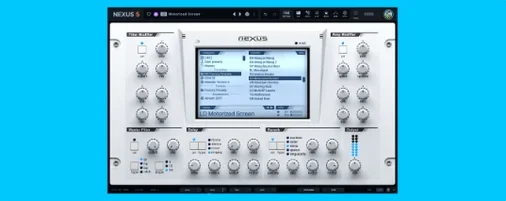
reFX Nexus — Mac download
Download (72 MB) Earlier builds
Ticked
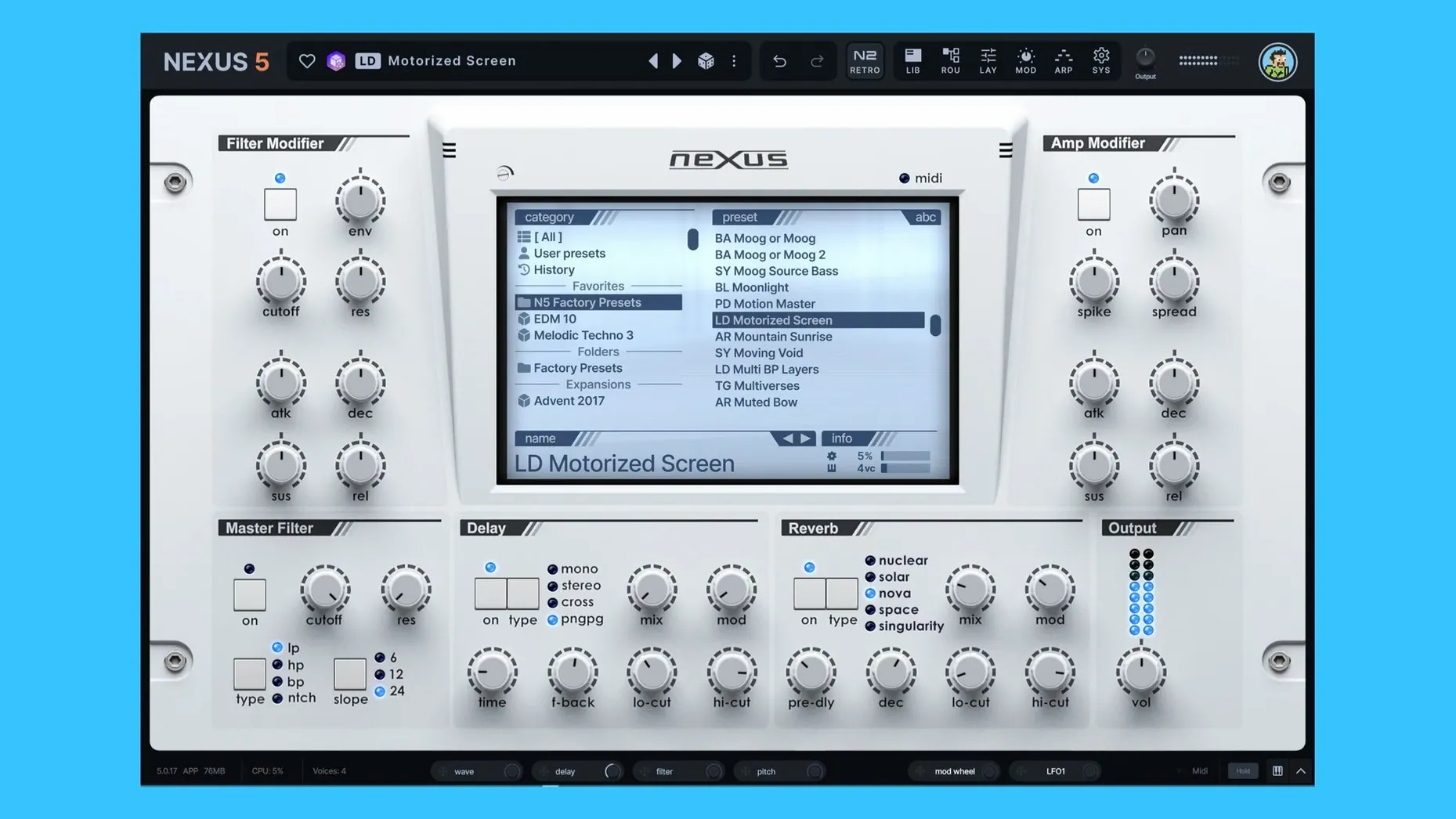
Up to 16 unison voices. That is the ceiling in version 5.5.12, and it changes how thick a single patch can get before you touch the effects section. The instrument remains sample-based: it imports samples, multisamples, and sample packs, then lets you edit, slice, loop, and crossfade audio files directly inside the plugin.
Compatibility comes first on this one. Nexus 5 runs on macOS 10.15 and later, on both Intel and Apple Silicon. Existing NEXUS projects and libraries still load, so old sessions do not break. reFX Cloud handles products, expansions, and updates from one place, and custom expansions can be built from your own material.
The current update adds a Clipper effect, a keyzone trigger for the Ducker, two oscillator wrap modes, and a BPM readout with override on the SYS page. A skin editor is also new.
After the formats and hosts check out, the sound is what justifies the install. Built-in effects cover the usual chain, and the unison overhaul gives single patches a wider stereo spread without stacking instances. For preset work and custom sample kits, it is a compact setup: one plugin, your own samples, and a project that still opens next year.
Beatmakers using custom one-shots and slices
Beatmakers loading custom drum kits and one-shots see the quickest return. The slice and loop tools keep sample management inside one window, so there is less bouncing between the DAW and an external editor.
Sound designers who build expansions get the full routing matrix, four oscillator types, and the modulation section in a single plugin. Custom sample loading with virtual analog, wavetable, granular, and FM oscillators means a patch can start from a field recording and end up as a morphing pad without leaving Nexus.
Session musicians and producers revisiting old projects benefit from the library compatibility. Existing NEXUS projects open as expected, and the BPM readout on the SYS page helps when a session has no tempo map.
Thickening a pluck for the drop with layers
- Open a project with a basic chord progression on a piano track. Insert Nexus on a new instrument channel.
- Browse to a factory pluck preset. Hold a chord — it works but feels thin for the drop. Open the unison section and push voices to 8. The stereo field widens immediately.
- Drop a kick sample onto a second Nexus instance. Use the slice editor to trim the transient. Set a short loop point on the tail for sustain.
- Go back to the pluck instance. Route an LFO to oscillator phase minimum via the modulation matrix. The attack softens without touching the amp envelope.
- Add the new Clipper effect on the drum bus instance. Drive it until the kick punches through a dense mix, then back off slightly.
- Check the SYS page. The BPM readout matches the host. Override it to half-time for a breakdown section later.
- Save the pluck as a custom preset. The mod depth rings show active routings at a glance, so you know what is moving before you recall it next week.
Unison voice counts that spike the CPU
- Ignoring the unison overhaul's CPU cost. 16 voices per note on a polyphonic patch can spike even an M-series chip. Start at 4 voices and add only what the arrangement needs.
- Skipping the modulation depth rings. These show active modulation visually. When a patch behaves unexpectedly, check which destinations have movement assigned before deleting layers.
- Overusing the Clipper on individual channels. It works best on busses or the master. Clipping every instance before the channel fader leaves no headroom for the mix stage.
- Loading samples without setting loop points. A sustained sound without a crossfade loop will click at the end. The built-in editor handles this, but it is not automatic.
- Forgetting the arp-to-seq pattern copy. When an arpeggio pattern works, pasting it into the sequencer saves rebuilding the rhythm by hand. This feature sits quietly and gets overlooked.
- Treating it as a rompler only. Custom routings, custom samples, and custom expansions mean you can build entirely new instruments. Sticking to factory presets leaves most of the plugin unused.
What's new in 5.5.21
- Skin Editor now supports styling for dialogue windows — background, title bar, text and buttons are all customisable.
- Right-click a skin in the browser to open its file directly via the context menu.
- Colour names in the Skin Editor display cleanly, without internal prefixes.
- The Impulse oscilloscope now matches the colour scheme used by other effect displays.
- Fixed loading, saving and thumbnail previews for skins with dots in the filename.
- Knob colours now save correctly when switching from a light skin back to the default.
- The oscilloscope layout in the Impulse import window is fixed.
- Dialogue text updates properly when you change skins while a window is open.
- Double-pressing Save As no longer reopens the window.
- macOS 10.15 or later
- Apple Silicon and Intel 64-bit




Comments 0
Sign in or create an account to add a comment.
No comments yet. They go up after moderation.